
Zavedení
This manual provides detailed instructions for the installation, operation, and maintenance of your AXAGON ADSA-ST USB 3.0 Docking Station. This device is designed to connect 2.5" and 3.5" SATA SSDs and HDDs to your computer via a USB 3.0 interface, offering fast data transfer speeds.
Před použitím produktu si prosím pečlivě přečtěte tento návod, abyste zajistili jeho správnou funkčnost a předešli poškození.
Obsah balení
Ověřte, zda jsou v balení přítomny všechny komponenty:
- AXAGON ADSA-ST Docking Station
- USB 3.0 Type-A to Micro-B cable
- Napájecí adaptér
- Uživatelská příručka (tento dokument)

Image: The AXAGON ADSA-ST Docking Station shown alongside its retail packaging, illustrating the product and its box.
Klíčové vlastnosti
- Supports 2.5" and 3.5" SATA I/II/III SSDs and HDDs.
- USB 3.0 (USB 3.2 Gen 1) interface with up to 5 Gbps transfer speed.
- SATA 6G (SATA III) support.
- UASP (USB Attached SCSI Protocol) support for enhanced performance.
- TRIM support for SSDs.
- HDD Auto Spindown function.
- LED indication for power and activity.
- Compact design with aluminum body.

Obrázek: A view of the AXAGON ADSA-ST Docking Station highlighting its 5 Gbps USB 3.2 Gen 1 speed and compact size.
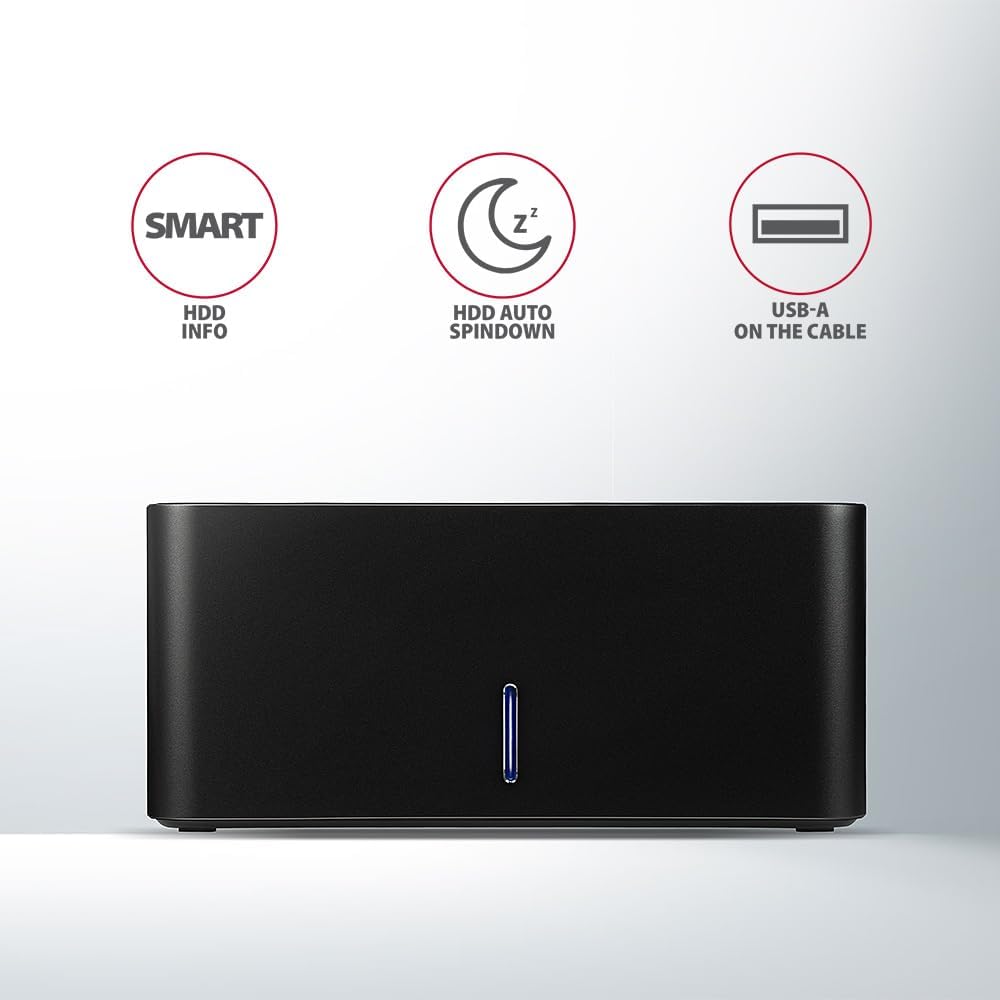
Image: The docking station from the front, indicating features like SMART HDD info, automatic HDD spindown, and USB-A connectivity.
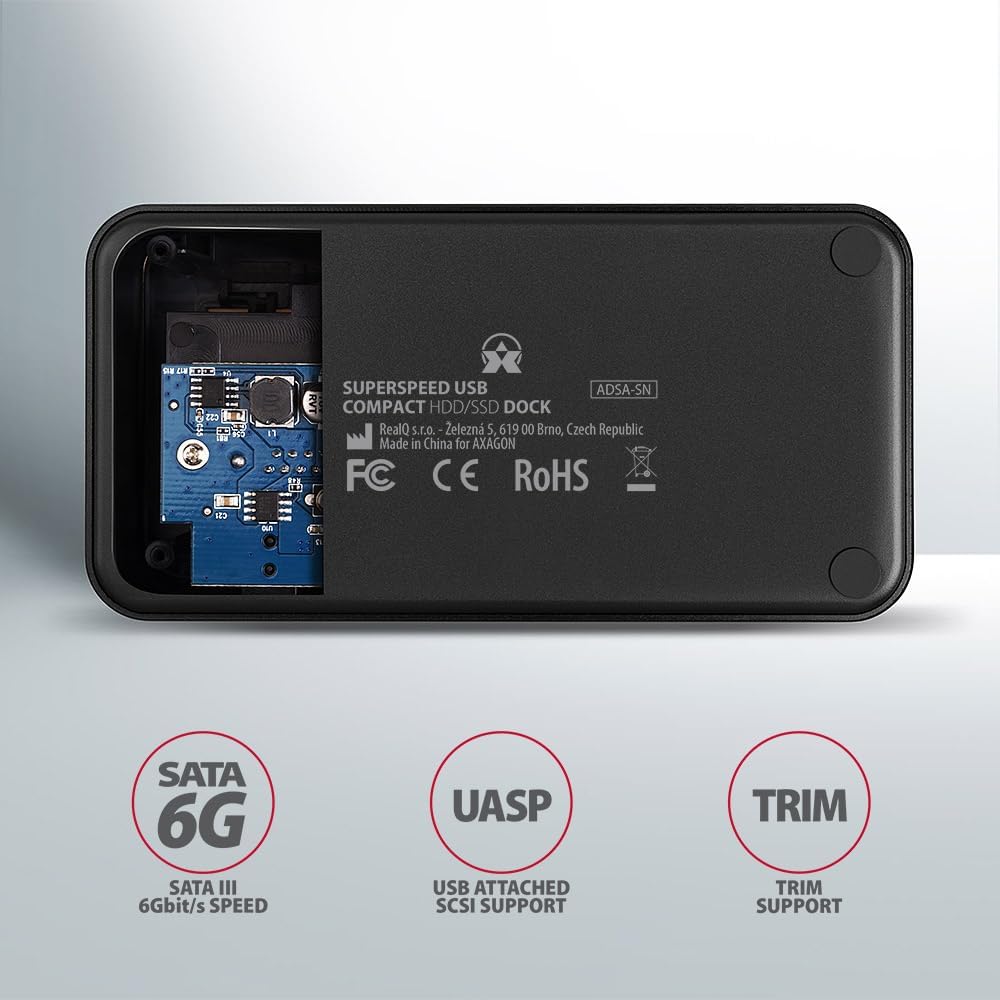
Image: The underside of the docking station, showing internal components and highlighting SATA 6G, UASP, and TRIM support.
Pokyny pro nastavení
- Připojte napájecí adaptér: Plug the included power adapter into the DC IN port on the back of the docking station and then into a power outlet.
- Připojení k počítači: Connect the USB 3.0 cable from the docking station's Micro-B port to an available USB 3.0 (or higher) port on your computer.
- Insert HDD/SSD:
- For 2.5" SSD/HDD: Gently slide the 2.5" drive into the slot until it connects firmly with the SATA connector.
- For 3.5" HDD: Gently slide the 3.5" drive into the slot until it connects firmly with the SATA connector.
Ensure the drive is inserted correctly with the SATA connector facing the correct direction. Do not force the drive.

Image: A 2.5-inch SSD being inserted into the docking station, demonstrating compatibility with smaller drives.
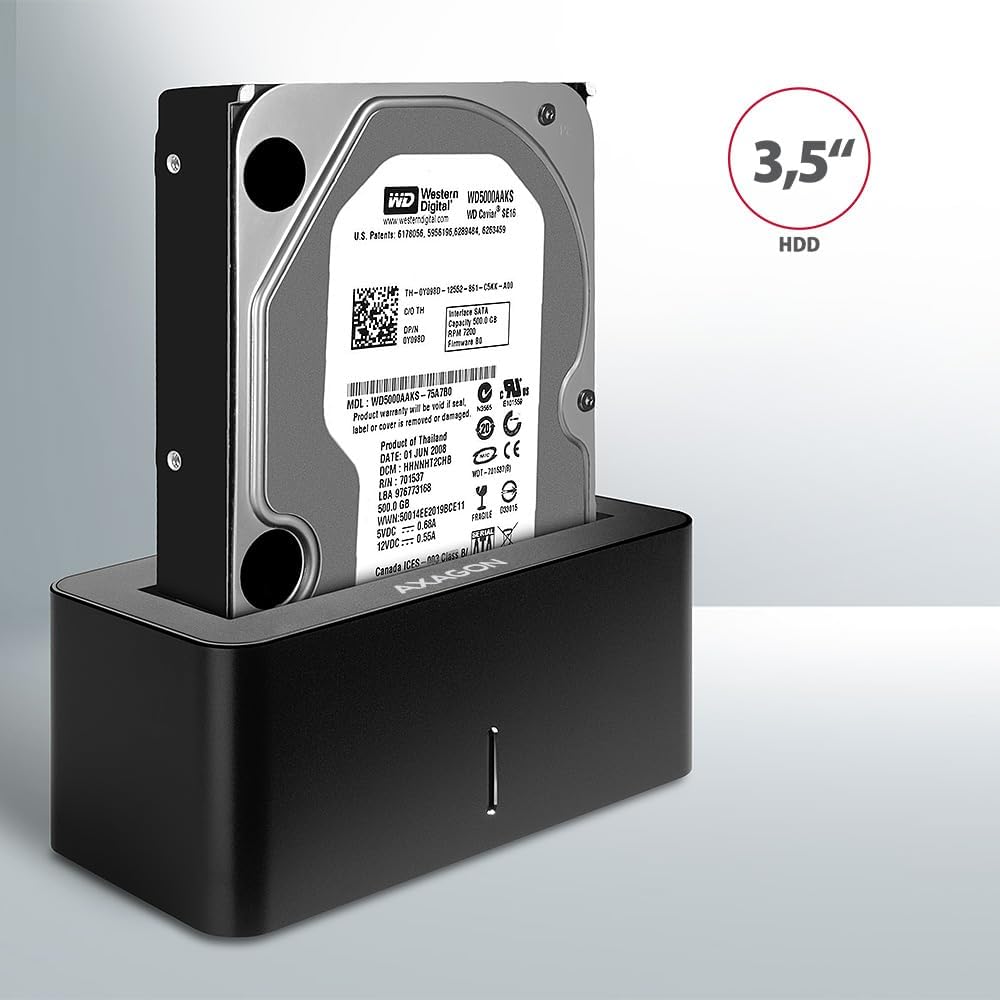
Image: A 3.5-inch HDD being inserted into the docking station, demonstrating compatibility with larger drives.
- Zapnutí: Press the power button located on the back of the docking station. The LED indicator on the front will illuminate.
Image: The rear panel of the docking station, showing the power button, USB Micro-B port, and power input for connection.
Návod k obsluze
Drive Recognition
Once powered on and connected, your operating system should automatically detect the inserted drive. If it's a new drive, you may need to initialize and format it through Disk Management (Windows) or Disk Utility (macOS) before it appears in File Průzkumník/Vyhledávač.
LED indikátor
The LED indicator on the front of the docking station provides status information:
- Svítí modře: Power on, drive idle.
- Blikající modře: Drive activity (reading or writing data).
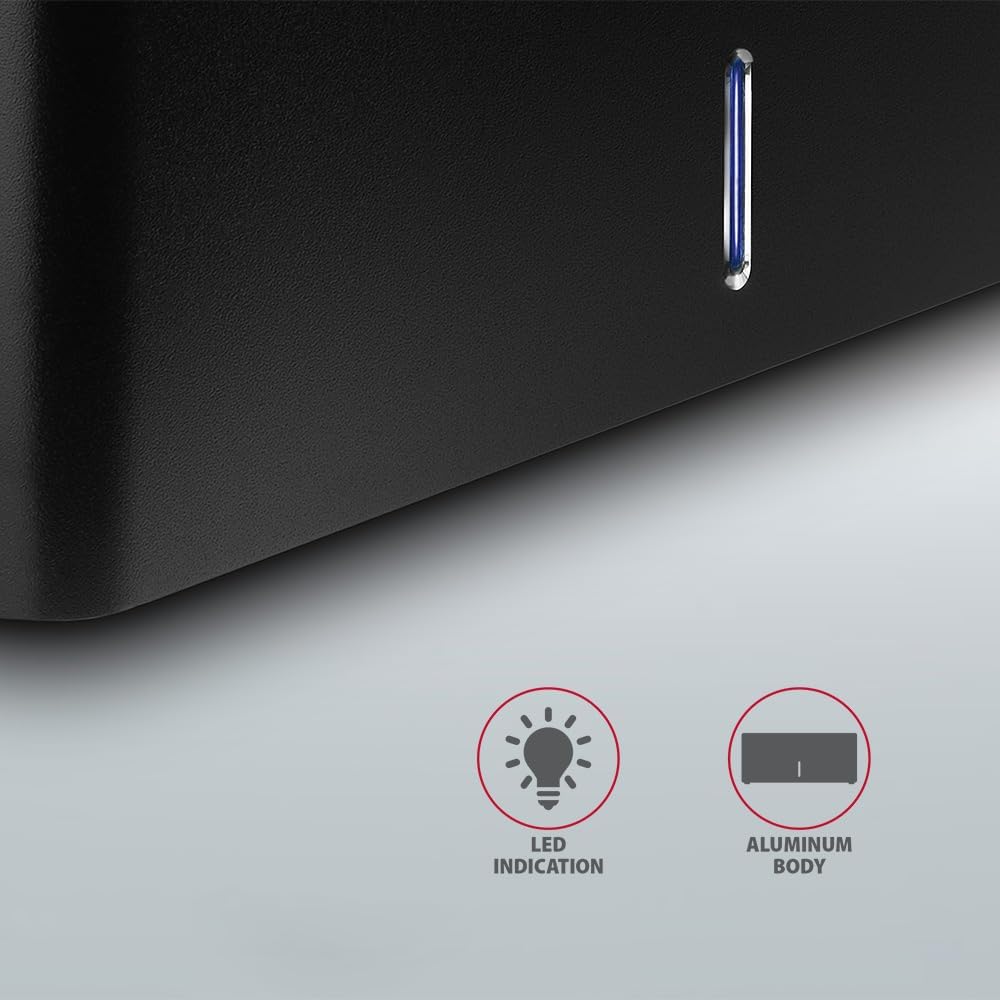
Obrázek: Detailní záběr view of the docking station's front panel, highlighting the LED indicator light.
Removing a Drive
Before removing a drive, always safely eject it from your operating system to prevent data corruption. After ejection, gently pull the drive straight out of the docking station slot.
Automatické snižování otáček pevného disku
The docking station supports automatic spindown of the HDD when it is idle for a certain period, conserving power and extending drive lifespan. This feature is managed by the operating system or the drive itself.
Údržba
- Udržujte dokovací stanici čistou a bez prachu. K čištění používejte měkký, suchý hadřík.
- Nevystavujte zařízení extrémním teplotám, vlhkosti nebo přímému slunečnímu záření.
- Nepokoušejte se zařízení rozebírat ani opravovat sami. Obraťte se na kvalifikovaný servisní personál.
- Během provozu zajistěte dostatečné větrání v okolí dokovací stanice.
Odstraňování problémů
- Disk nebyl detekován:
- Ujistěte se, že je napájecí adaptér bezpečně připojen a dokovací stanice je zapnutá.
- Verify the USB cable is properly connected to both the docking station and the computer.
- Zkuste jiný port USB na počítači.
- Ensure the HDD/SSD is fully seated in the docking station's slot.
- Check Disk Management (Windows) or Disk Utility (macOS) to see if the drive is recognized but uninitialized/unformatted.
- Test with a different HDD/SSD to rule out a drive issue.
- Pomalé přenosové rychlosti:
- Ensure the docking station is connected to a USB 3.0 (or higher) port on your computer. USB 2.0 ports will limit speeds.
- Ověřte, zda máte aktuální operační systém a ovladače.
- The actual speed depends on the drive's performance and your computer's USB controller.
- Drive disconnects randomly:
- Zkontrolujte všechna připojení kabelů.
- Ujistěte se, že napájecí adaptér poskytuje stabilní napájení.
- Disable USB power saving features in your computer's operating system settings.
Technické specifikace
| Funkce | Detail |
|---|---|
| Značka | AXAGON |
| Číslo modelu | ADSA-SN |
| Hardwarová platforma | PC |
| Kompatibilní zařízení | Notebook, stolní počítač |
| Kompatibilita disku | 2.5" / 3.5" SATA I/II/III SSD/HDD |
| Rozhraní | USB 3.0 (USB 3.2 Gen 1) |
| Rychlost přenosu dat | Up to 5 Gbps (USB 3.0), 6 Gbps (SATA III) |
| Celkový počet portů USB | 1 (Micro-B) |
| Počet Drive Bays | 1 |
| Barva | Černý |
| Hmotnost položky | 2.2 libry (přibližně 1 kg) |
| Rozměry balení | 3.94 x 0.79 x 0.39 palců (přibližně 10 x 2 x 1 cm) |
| Datum první dostupnosti | 30. března 2021 |
Záruka a podpora
Informace o záruce a technickou podporu získáte od oficiálního prodejce AXAGON. webnebo se obraťte na místního distributora. Uschovejte si doklad o koupi pro případ reklamace.