
1. Konec produktuview
The NETVUE Sentry 2 is a 1080P outdoor security camera designed to provide comprehensive surveillance for your home. It features advanced functionalities such as 360° pan and 110° tilt for wide area coverage, real-time motion and human detection, two-way audio communication, and enhanced night vision capabilities. Its IP66 weatherproof rating ensures reliable performance in various outdoor conditions.
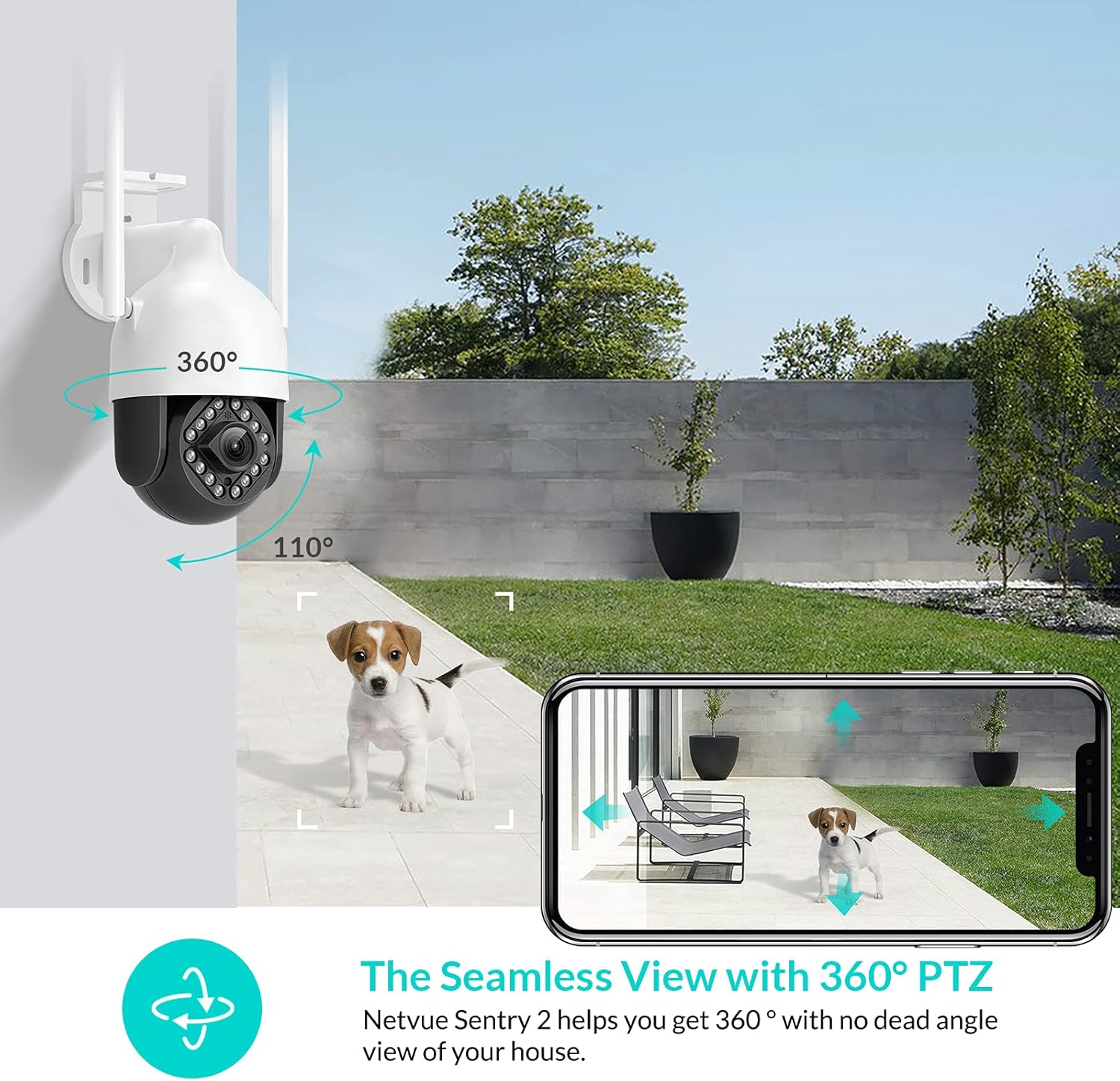
Image: NETVUE Sentry 2 Outdoor Security Camera showcasing its 360° pan and 110° tilt view.
2. Co je v krabici
Upon unboxing your NETVUE Sentry 2 camera, please verify that all components are present:
- NETVUE Sentry 2 Outdoor Security Camera
- Napájecí adaptér
- Montážní konzola
- Montážní šrouby a nástěnné hmoždinky
- Waterproof Kit for Cable Connections
- Uživatelská příručka (tento dokument)
For a visual guide on the product and its components, please refer to the official product video below:
Video: Official Netvue Outdoor Security Camera Sentry 2 overview, including unboxing and installation steps.
3. Nastavení a instalace
3.1 Zapnutí
- Připojte napájecí adaptér k napájecímu vstupu fotoaparátu.
- Zapojte napájecí adaptér do standardní elektrické zásuvky.
- Wait for the camera to power on and initiate its self-test.
3.2 Stažení aplikace a vytvoření účtu
- Download the official NETVUE app from your device's app store (iOS or Android).
- Otevřete aplikaci a vytvořte si nový účet, nebo se přihlaste, pokud již nějaký máte.
3.3 Wi-Fi připojení
The NETVUE Sentry 2 camera supports 2.4GHz Wi-Fi networks. Ensure your mobile device is connected to a 2.4GHz Wi-Fi network during the setup process.
- In the NETVUE app, tap 'Add Device' and select your camera model.
- Postupujte podle pokynů na obrazovce a připojte kameru k síti Wi-Fi. Obvykle se jedná o naskenování QR kódu vygenerovaného aplikací pomocí objektivu fotoaparátu.

Image: NETVUE Sentry 2 camera demonstrating stable Wi-Fi connection in distance.
3.4 Fyzická instalace
Vyberte vhodné venkovní místo pro montáž kamery a zajistěte, aby měla jasný výhled. view and is within Wi-Fi range. The camera is IP66 weatherproof, suitable for various outdoor conditions.
- Use the mounting bracket as a template to mark drill holes on the desired surface.
- Vyvrtejte otvory a vložte do nich hmoždinky.
- Připevněte montážní držák k povrchu pomocí dodaných šroubů.
- Připevněte kameru k montážnímu držáku.
- Ensure all cable connections are properly sealed using the waterproof kit to prevent water ingress.
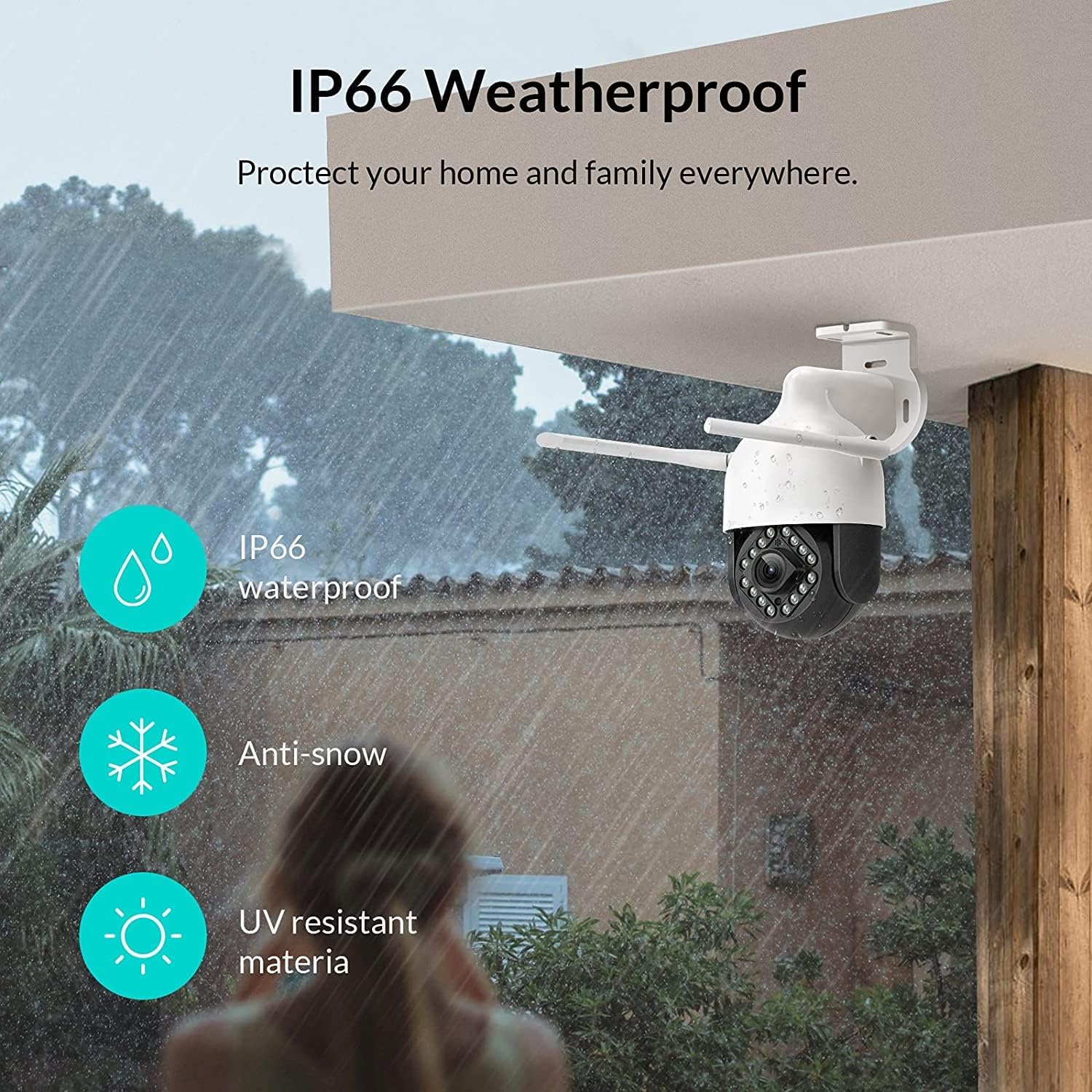
Image: NETVUE Sentry 2 camera highlighting its IP66 weatherproof features against rain and snow.
4. Ovládání fotoaparátu
4.1 Živě View a ovládání otáčení/náklonu
Access the live video feed from your camera through the NETVUE app. You can remotely control the camera's pan (horizontal) and tilt (vertical) movements to adjust the viewúhel nastavení podle potřeby.
4.2 Motion and Human Detection
The camera is equipped with motion and human detection capabilities. When motion or a human figure is detected, you will receive immediate notifications on your mobile device.

Image: Real-time motion detection alert displayed on a smartphone from the NETVUE Sentry 2 camera.

Image: Motion and human detection alert from the NETVUE Sentry 2 camera, showing a person at the front door.
4.3 Obousměrný zvuk
Utilize the two-way audio feature to communicate with individuals near the camera. This is useful for interacting with visitors or deterring unwanted guests.

Image: Two-way audio feature of the NETVUE Sentry 2 camera, allowing communication with a delivery person.
4.4 Noční vidění
The NETVUE Sentry 2 camera is equipped with 16 infrared lights for super night vision, providing clear video footage even in low-light or complete darkness.

Image: Close-up of the NETVUE Sentry 2 camera's 16 infrared lights for super night vision.
5. Údržba
5.1 Čištění fotoaparátu
Periodically clean the camera lens and housing to ensure optimal performance. Use a soft, damp hadříkem setřete prach a nečistoty. Nepoužívejte agresivní chemikálie ani abrazivní materiály, které by mohly poškodit čočku nebo povrchovou úpravu.
5.2 aktualizací firmwaru
Regularly check the NETVUE app for available firmware updates. Keeping your camera's firmware up-to-date ensures you have the latest features, security enhancements, and bug fixes.
5.3 Správa úložiště
The camera supports local storage via a microSD card (not included) and cloud storage options. If using a microSD card, ensure it is properly formatted and regularly check its status within the app to prevent recording issues.
6. Řešení problémů
6.1 Problémy s připojením k Wi-Fi
- Ensure 2.4GHz Wi-Fi: The camera only supports 2.4GHz Wi-Fi. Confirm your router is broadcasting a 2.4GHz signal and your phone is connected to it during setup.
- Síla signálu: Verify the camera is installed within a strong Wi-Fi signal range. Relocate the camera or use a Wi-Fi extender if necessary.
- Nastavení routeru: Zkontrolujte nastavení routeru, zda neexistují nějaká omezení, která by mohla bránit připojení nových zařízení.
6.2 SD Card Not Detected or Recording
- Znovu vložte SD kartu: Power off the camera, remove the microSD card, and reinsert it firmly. Power the camera back on.
- Formátovat SD kartu: Format the SD card through the NETVUE app. If issues persist, try a different, high-quality microSD card.
- Zkontrolujte nastavení aplikace: Ensure recording settings are correctly configured in the NETVUE app.
6.3 No Motion Alerts
- Povolit upozornění: Confirm motion detection and notification alerts are enabled in the NETVUE app settings.
- Upravit citlivost: Adjust the motion detection sensitivity to an appropriate level.
- Check Schedule: Ensure motion detection is not disabled during specific times via a schedule.
6.4 Obecné otázky
- Restartujte kameru: Disconnect the power adapter, wait 10 seconds, and reconnect it to restart the camera.
- Aktualizace aplikace: Ensure your NETVUE app is updated to the latest version.
7. Specifikace
| Kompatibilní zařízení | Video monitor |
| Zdroj napájení | AC/DC |
| Protokol připojení | Wi-Fi |
| Typ ovladače | Duhovka |
| Typ montáže | Držák na zeď |
| Rozlišení záznamu videa | 1080p |
| Počet položek | 1 |
| Počet kanálů | 1 |
| Technologie bezdrátové komunikace | Wi-Fi |
| Jsou vyžadovány baterie? | Žádný |
| Technologie nízkého osvětlení | Noční barva |
| Typ upozornění | Pouze pohyb |
| Typ světelného zdroje | Infračervený |
| Formát záznamu videa | MPEG-4 |
| Počet jednotek | 1.0 Počet |
| Hodnocení mezinárodní ochrany | IP66 |
| Rozměry balení | 11.3 x 6.1 x 5.91 palce |
| Hmotnost položky | 2.12 libry |
| Doporučená použití pro produkt | Venkovní zabezpečení |
| Vnitřní/venkovní použití | Venkovní |
8. Záruka a podpora
For warranty information and technical support, please refer to the official NETVUE website or contact NETVUE customer service directly. Keep your purchase receipt for warranty claims.