
1. Úvod
Thank you for choosing the SXFJF TWS Wireless Bluetooth Earbuds. This manual provides essential information for setting up, operating, and maintaining your earbuds to ensure optimal performance and longevity. Please read this manual thoroughly before use.
2. Obsah balení
Ověřte, zda jsou v balení přítomny všechny níže uvedené položky:
- 2 x bezdrátová sluchátka do uší (levá a pravá)
- 1 x nabíjecí pouzdro
- 1 x nabíjecí kabel typu C
- 1 x Uživatelská příručka
3. Konec produktuview
The SXFJF TWS Wireless Bluetooth Earbuds feature an in-ear design with a compact charging case. They are equipped with Bluetooth V5.0 for stable connectivity, a built-in microphone for HD calls, and IPX7 waterproofing. The charging case provides extended battery life for on-the-go use.

Image: The earbuds securely placed within their charging case, ready for use or charging.
4. Nastavení
4.1 Nabíjení nabíjecího pouzdra
Before first use, fully charge the charging case. Connect the provided Type-C charging cable to the charging port on the case and a USB power source. The indicator lights on the case will show the charging status. A full charge typically takes approximately 30 minutes for the case.
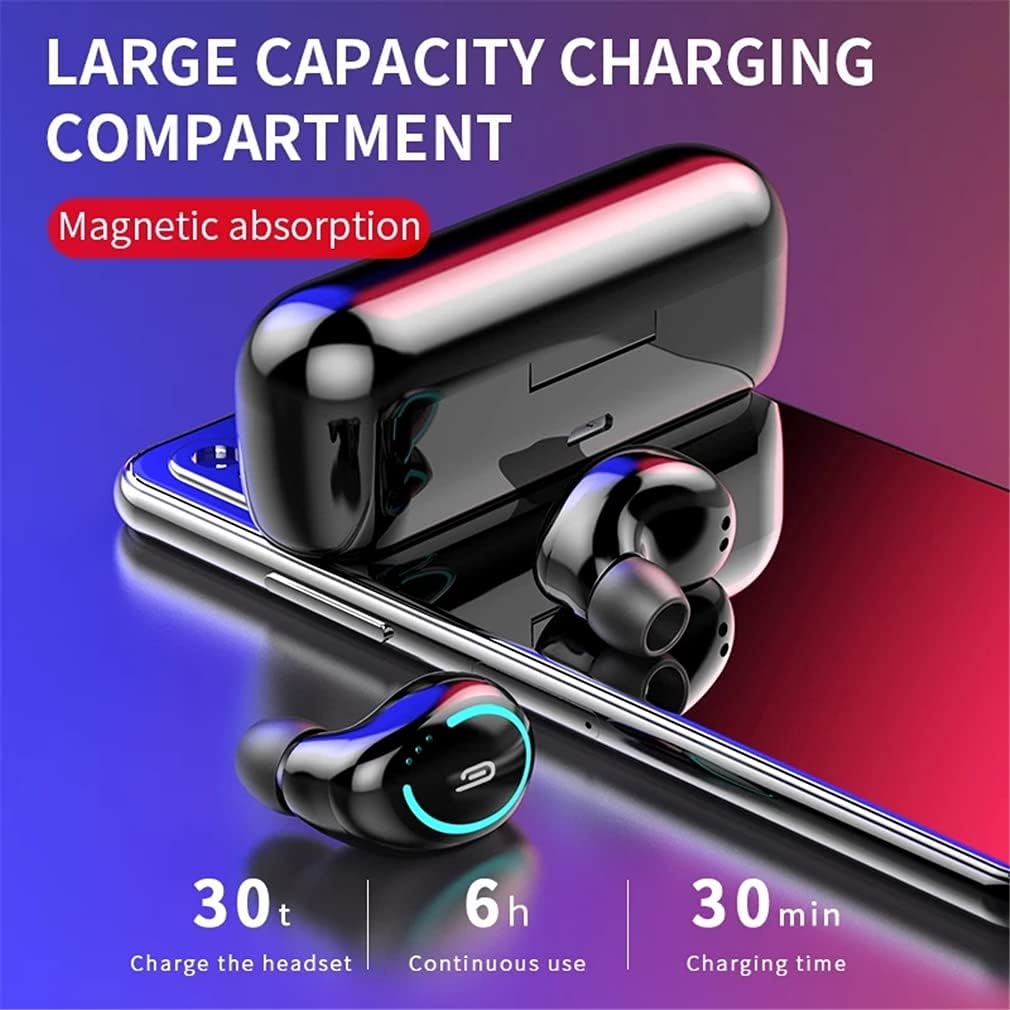
Image: The charging case with earbuds, highlighting its capacity and charging capabilities. The image indicates 30 minutes for charging the case, 6 hours of continuous use for earbuds, and 30 charges for the headset from the case.
4.2 Nabíjení sluchátek
Place the earbuds into the charging case. Ensure they are correctly seated in their respective slots. The earbuds will automatically begin charging. A full charge for the earbuds takes approximately 1 hour.
4.3 Zapnutí/vypnutí
- Zapnutí: Po vyjmutí z nabíjecího pouzdra se sluchátka automaticky zapnou.
- Vypnout: Vložte sluchátka zpět do nabíjecího pouzdra, aby se automaticky vypnula a začala nabíjet.
4.4 Párování Bluetooth
- Vyjměte obě sluchátka z nabíjecího pouzdra. Automaticky se zapnou a přejdou do režimu párování.
- Na svém zařízení (chytrém telefonu, tabletu atd.) povolte Bluetooth.
- Hledat available Bluetooth devices and select "TWS Earphone" (or similar name) from the list.
- Po připojení uslyšíte potvrzovací výzvu a kontrolky sluchátek se změní.
Po počátečním spárování se sluchátka po vyjmutí z nabíjecího pouzdra automaticky připojí k poslednímu spárovanému zařízení.

Image: An earbud being placed into the charging case, demonstrating the automatic pairing feature and magnetic absorption for secure placement.
5. Návod k obsluze
5.1 Základní ovládací prvky
The earbuds feature touch controls for various functions. Specific touch patterns may vary slightly; refer to the quick start guide for detailed diagrams if available. Common controls include:
- Přehrát/pozastavit: Jediným klepnutím na jedno sluchátko.
- Další skladba: Dvakrát klepněte na pravé sluchátko.
- Předchozí skladba: Dvakrát klepněte na levé sluchátko.
- Přijmout/ukončit hovor: Během příchozího hovoru klepněte jedním klepnutím na kterékoli sluchátko.
- Odmítnout hovor: Během příchozího hovoru stiskněte a podržte kterékoli ze sluchátek po dobu 2 sekund.
- Aktivovat Voice Assistant: Trojitě klepněte na kterékoli sluchátko.
5.2 Použití jednoho sluchátka
Either earbud can be used independently. Simply remove one earbud from the charging case, and it will automatically connect to your device. The other earbud can remain in the case or be used later for stereo mode.
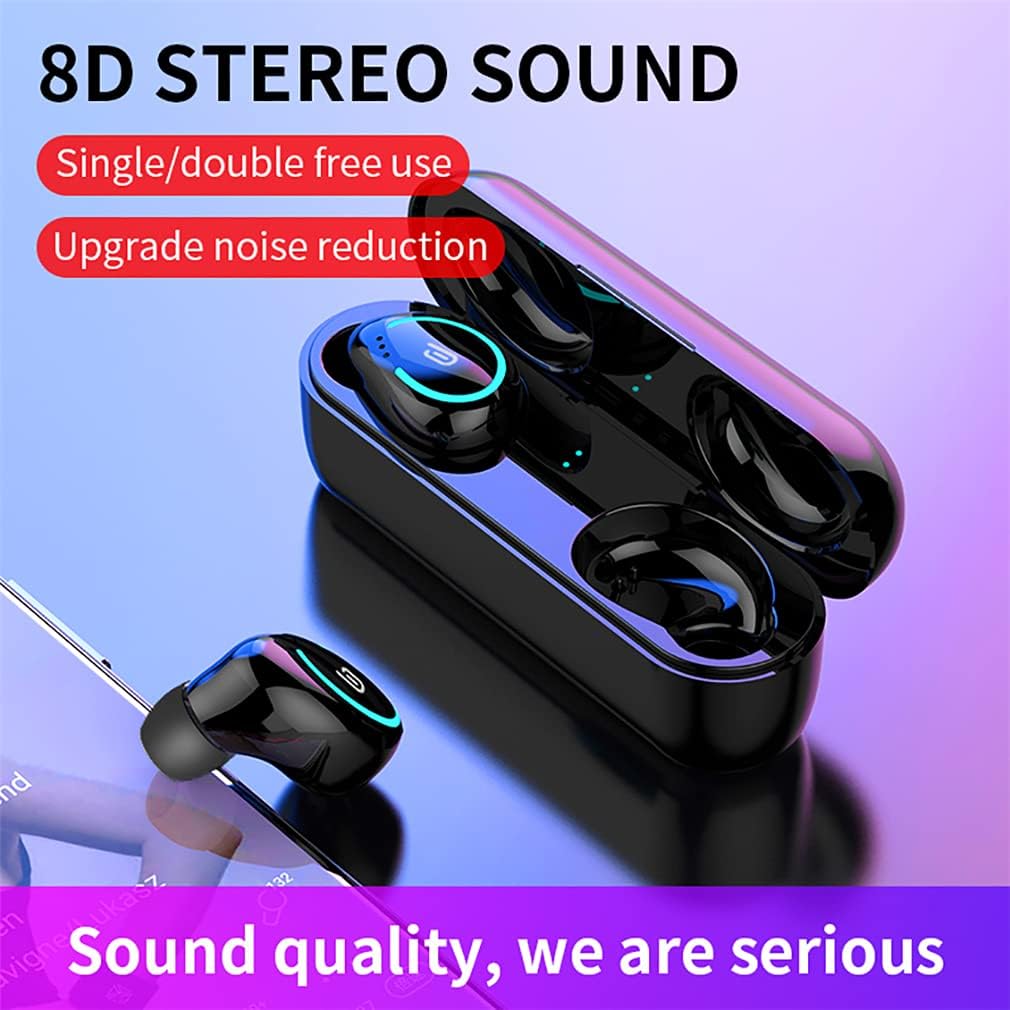
Image: The earbuds and charging case displayed alongside a smartphone, emphasizing the 8D stereo sound quality and the flexibility of using earbuds individually or as a pair.
6. Údržba
6.1 Čištění
Pravidelně čistěte sluchátka a nabíjecí pouzdro, abyste zachovali optimální výkon a hygienu. Používejte měkký, suchý hadřík, který nepouští vlákna. V případě odolných nečistot lehceampOtřete hadřík vodou nebo jemným, neabrazivním čisticím prostředkem. Zabraňte vniknutí vlhkosti do otvorů.
6.2 Skladování
When not in use, store the earbuds in their charging case to protect them from dust, dirt, and physical damage. Store the charging case and earbuds in a cool, dry place, away from extreme temperatures and direct sunlight.
6.3 Vodotěsnost (IPX7)
The earbuds are rated IPX7 waterproof, meaning they can withstand immersion in water up to 1 meter for 30 minutes. This makes them suitable for workouts and light rain. However, they are not designed for swimming or prolonged submersion. Ensure the earbuds are dry before placing them back into the charging case to prevent damage.

Obrázek: Detailní záběr view of an earbud with water droplets, highlighting its IPX7 waterproof and sweatproof capabilities.
7. Řešení problémů
Pokud máte problémy se sluchátky, vyzkoušejte následující řešení:
- Sluchátka se nespárují: Ensure both earbuds are fully charged. Place them back in the case, then remove them simultaneously to re-enter pairing mode. Clear previous Bluetooth connections on your device.
- Z jednoho sluchátka žádný zvuk: Ensure both earbuds are charged. Try resetting the earbuds by placing them in the case, closing it, and then reopening.
- Sluchátka se nenabíjejí: Check if the charging cable is securely connected to both the case and the power source. Ensure the earbuds are correctly seated in the charging case. Clean the charging contacts on both the earbuds and the case.
- Špatná kvalita zvuku: Ensure the earbuds are properly seated in your ears. Try different ear tip sizes for a better seal. Check your device's volume settings.
- Výpadky připojení: Ensure your device is within the 10-meter operating range. Avoid obstacles between your device and the earbuds.
8. Specifikace
| Funkce | Specifikace |
|---|---|
| Název produktu | Sports Games Earbuds |
| Verze Bluetooth | V5.0 |
| Materiál produktu | ABS plast |
| Podporované protokoly | HSP1.2, HFP1.6, A2DP1.3, AVRCP1.5 |
| Citlivost | ≥90 dB |
| Pracovní frekvence | 20-20 kHz |
| Pracovní svtage (Headset) | 5V / 50mA |
| Pracovní svtage (Charging Box) | 5V / 1.5A |
| Doba nabíjení sluchátek | 1 hodina |
| Nabíjecí pouzdro Doba nabíjení | Cca. 30 minut |
| Working Hours (Single Charge) | 3–6 hodin (v závislosti na používání) |
| Celková doba přehrávání (s nabíjecím pouzdrem) | Až 30 hodin |
| Pohotovostní doba | 480 hodiny |
| Pracovní vzdálenost | 10 metrů |
| Kapacita baterie pro jedno sluchátko | 50 XNUMX mAh |
| Kapacita baterie nabíjecího boxu | 400 XNUMX mAh |
| Earbud Charges from Case | 2-3krát |
| Hodnocení voděodolnosti | IPX7 |
| Další funkce | Mikrofon součástí balení, potlačení hluku |
9. Záruka a podpora
For warranty information and customer support, please refer to the documentation provided at the time of purchase or contact the manufacturer directly through their official webnebo kanály zákaznického servisu. Uschovejte si doklad o koupi pro případ reklamace.