
Zavedení
This manual provides detailed instructions for the operation and maintenance of your TOZO G1 Wireless Gaming Earbuds. Please read thoroughly before use to ensure optimal performance and longevity of your device.
Co je v krabici
- Bezdrátová sluchátka TOZO G1
- Bezdrátové nabíjecí pouzdro
- Eartips (multiple sizes for comfortable fit)
- Nabíjecí kabel USB A až USB C
- Uživatelská příručka (tento dokument)
Nastavení
1. Nabíjení sluchátek a pouzdra
Před prvním použitím sluchátka a nabíjecí pouzdro plně nabijte, abyste zajistili maximální výdrž baterie.
Image: The TOZO G1 charging case connected via a USB-C cable, indicating charging status with an illuminated logo.
- Connect the USB A to USB C charging cable to the charging port on the case.
- Connect the other end to a compatible USB power source.
- The LED indicator on the case will show the charging status. A full charge provides up to 6 hours of playback for the earbuds and an additional 30 hours with the charging case.
2. Párování s vaším zařízením
Follow these steps to pair your earbuds with a Bluetooth-enabled device.
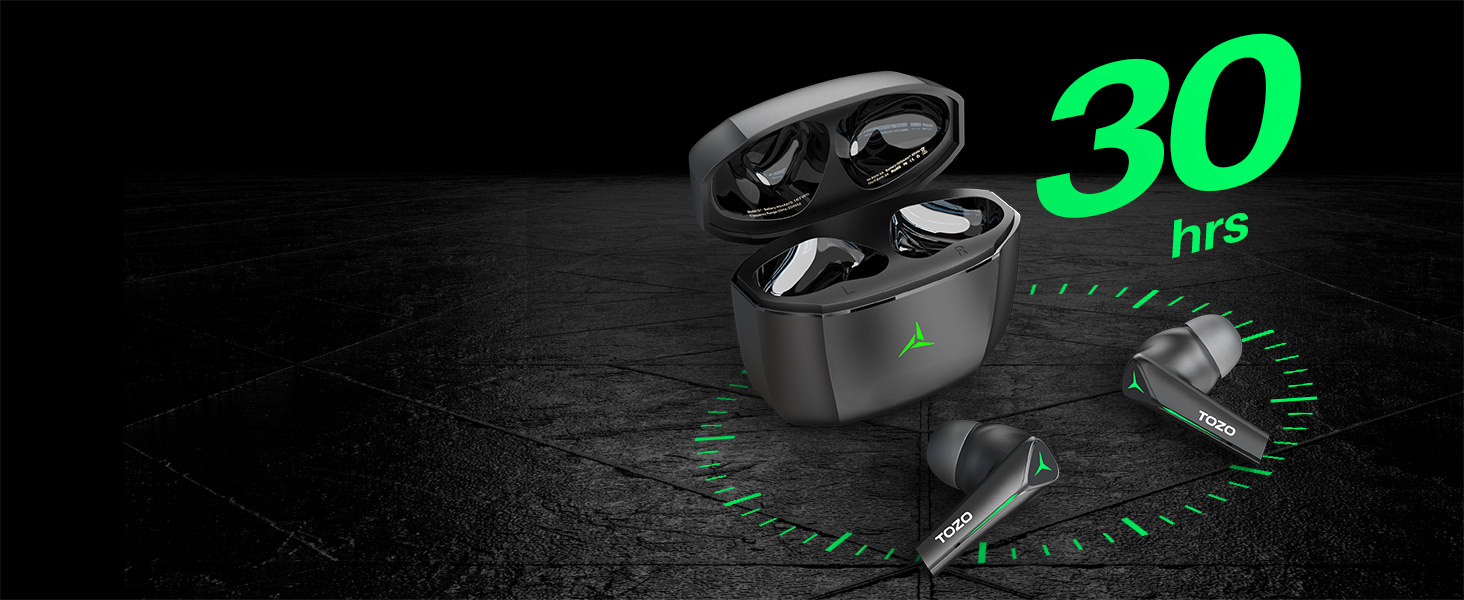
Image: TOZO G1 earbuds shown next to a smartphone displaying Bluetooth pairing options, with the earbuds emitting a green light.
- Otevřete nabíjecí pouzdro. Sluchátka se automaticky přepnou do režimu párování (signalizováno blikajícími LED diodami).
- On your device (smartphone, tablet, laptop, gaming console), enable Bluetooth.
- Hledat "TOZO G1" in the list of available devices and select it to connect.
- Once connected, the earbud LED lights will turn off or show a steady light.
Návod k obsluze
1. Game & Music Dual Mode
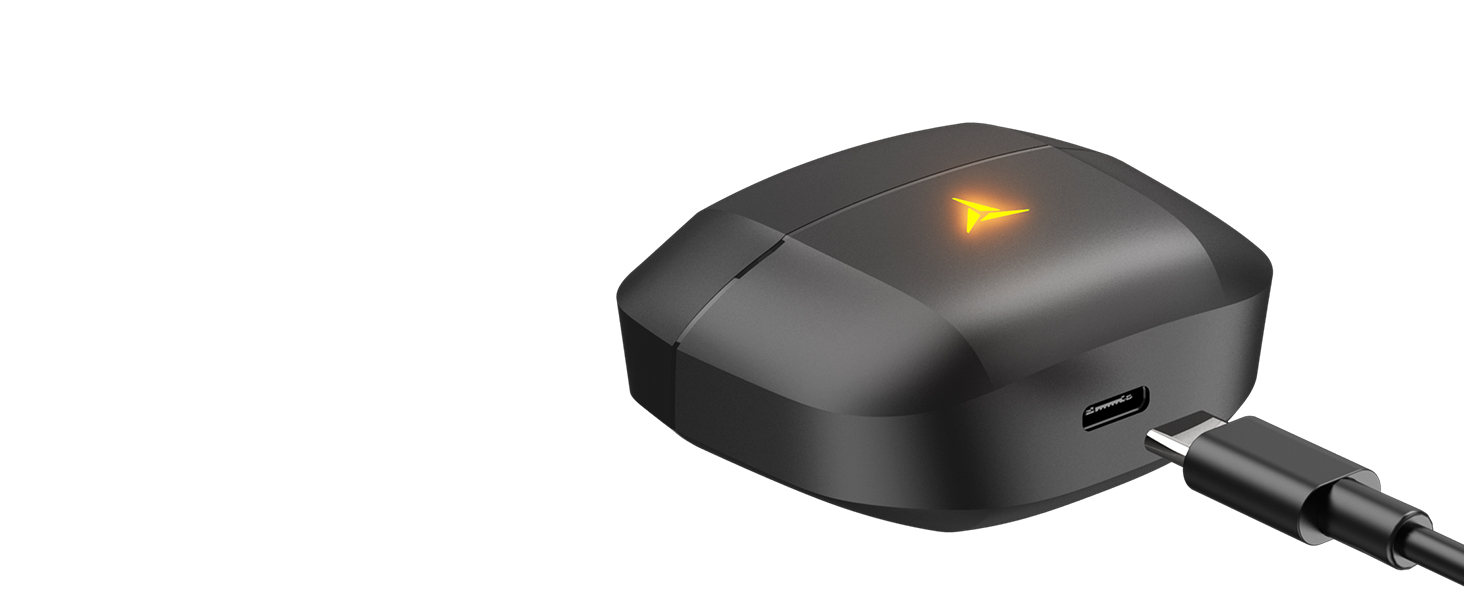
Image: A split image showing the TOZO G1 earbuds in "Game Mode" with a gaming scene and "Music Mode" with a person playing guitar, highlighting the dual functionality.
The TOZO G1 earbuds feature a dual mode for optimized audio performance:
- Herní režim: Provides 45ms ultra-low latency for synchronized audio and video, enhancing gaming with accurate sound detection (footsteps, gunfire).
- Hudební režim: Delivers high-fidelity sound with powerful bass (16Hz-20kHz), mellow midrange, and clear treble for an immersive listening experience.
2. Inteligentní dotykové ovládání

Image: A diagram illustrating the touch control functions for the left and right TOZO G1 earbuds, including play/pause, track skipping, volume control, call management, and voice assistant/game mode activation.
Control your earbuds with simple touch gestures:
| Akce | Levé sluchátko | Pravé sluchátko |
|---|---|---|
| Přehrát/Pozastavit | Single Tap (X1) | Single Tap (X1) |
| Předchozí / následující skladba | Double Tap (X2) - Previous | Double Tap (X2) - Next |
| Přijmout/zavěsit hovor | Single Tap (X1) | Single Tap (X1) |
| Odmítnout hovor | Podržte 2 sekundy | Podržte 2 sekundy |
| Snížení / zvýšení hlasitosti | Hold for 2 seconds - Volume Down | Hold for 2 seconds - Volume Up |
| Voice Assistant/Game Mode | Triple Tap (X3) - Voice Assistant | Triple Tap (X3) - Game Mode |
Údržba
- Pravidelně čistěte sluchátka a nabíjecí pouzdro měkkým, suchým hadříkem.
- Avoid exposing the earbuds to extreme temperatures or liquids. While waterproof, prolonged submersion is not recommended.
- Store in the charging case when not in use to protect and keep them charged.
Odstraňování problémů
- Sluchátka se nespárují:
- Ensure both earbuds are in the charging case and the case is open. Check your device's Bluetooth settings and try reconnecting. If issues persist, reset the earbuds (refer to the full user manual for specific reset instructions).
- Žádný zvuk nebo nízká hlasitost:
- Check the volume levels on both your device and the earbuds. Ensure earbuds are properly seated in your ears. Verify the earbuds are connected to the correct device.
- Problémy s nabíjením:
- Ujistěte se, že je nabíjecí kabel bezpečně připojen k pouzdru i ke zdroji napájení. Zkuste jiný kabel USB-C nebo napájecí adaptér. Vyčistěte nabíjecí kontakty na sluchátkách a uvnitř pouzdra.
Specifikace
| Funkce | Detail |
|---|---|
| Název modelu | G1 |
| Technologie připojení | Bezdrátové připojení (Bluetooth 5.3) |
| Zvuková latence | 45 milisekund (herní režim) |
| Výdrž baterie (sluchátka) | Až 6 hodin |
| Celková doba přehrávání (s nabíjecím pouzdrem) | Až 30 hodin |
| Úroveň odolnosti proti vodě | Vodotěsný (IPX5) |
| Kontrolní metoda | Dotek |
| Zahrnuté komponenty | TOZO G1 Wireless Earbuds, Wireless Charging Case, Eartips, USB A to USB C Charging Cable, User Manual |
Oficiální video produktu
Video: Oficiální video s produktemasing the TOZO G1 Wireless Gaming Earbuds and their features.
Záruka a podpora
TOZO products come with a standard manufacturer's warranty. For detailed warranty information, product support, or to contact customer service, please visit the official TOZO webwebu nebo se podívejte na záruční list, který je součástí balení produktu.
Oficiální Webmísto: www.tozostore.com