
1. Úvod
The Phanteks T30-120 fan is engineered for superior cooling performance in various computing environments. This fan features a robust Liquid Crystal Polymer (LCP) construction and offers flexible fan profiles to suit different operational needs, from silent computing to extreme performance. This manual provides essential information for the proper installation, operation, and maintenance of your T30-120 fan.

Image 1: Phanteks T30-120 Fan overview.
2. Vlastnosti produktu
- Reinforced Liquid Crystal Polymer (LCP) Material: Both the fan blades and frame are constructed from LCP, providing exceptional rigidity and durability. This material allows for tighter tolerances and enhanced performance.
- Versatile Fan Profiles: An integrated switch allows users to select between three distinct fan profiles: Hybrid, Performance, and Advanced, catering to silent, balanced, or extreme cooling requirements.
- Optimized Acoustic Performance: Designed to deliver efficient airflow with a lower frequency range, contributing to a quieter operation.
- Tloušťka 30 mm: The fan's 30mm thickness, compared to standard 25mm fans, allows for a larger blade surface area, resulting in enhanced airflow and static pressure.
- Dual Vapo Bearing: Ensures silent and durable operation.
- 3-Phase Motor: Provides smooth and stable fan operation.
- Magnetic Levitation Plate: A contactless stabilizer for improved longevity and reduced friction.

Image 2: Illustration of Liquid Crystal Polymer (LCP) construction for enhanced rigidity and durability.

Image 3: Diagram detailing the PWM profile switch and its three modes: Hybrid, Performance, and Advanced.
3. Obsah balení
Ověřte, zda jsou v balení přítomny všechny komponenty:
- 1x Phanteks T30-120 Fan
- 4x Fan Mounting Screws (M3, typically 36mm or 39mm length to accommodate 30mm thickness)
- 1x 500mm Extension Cable
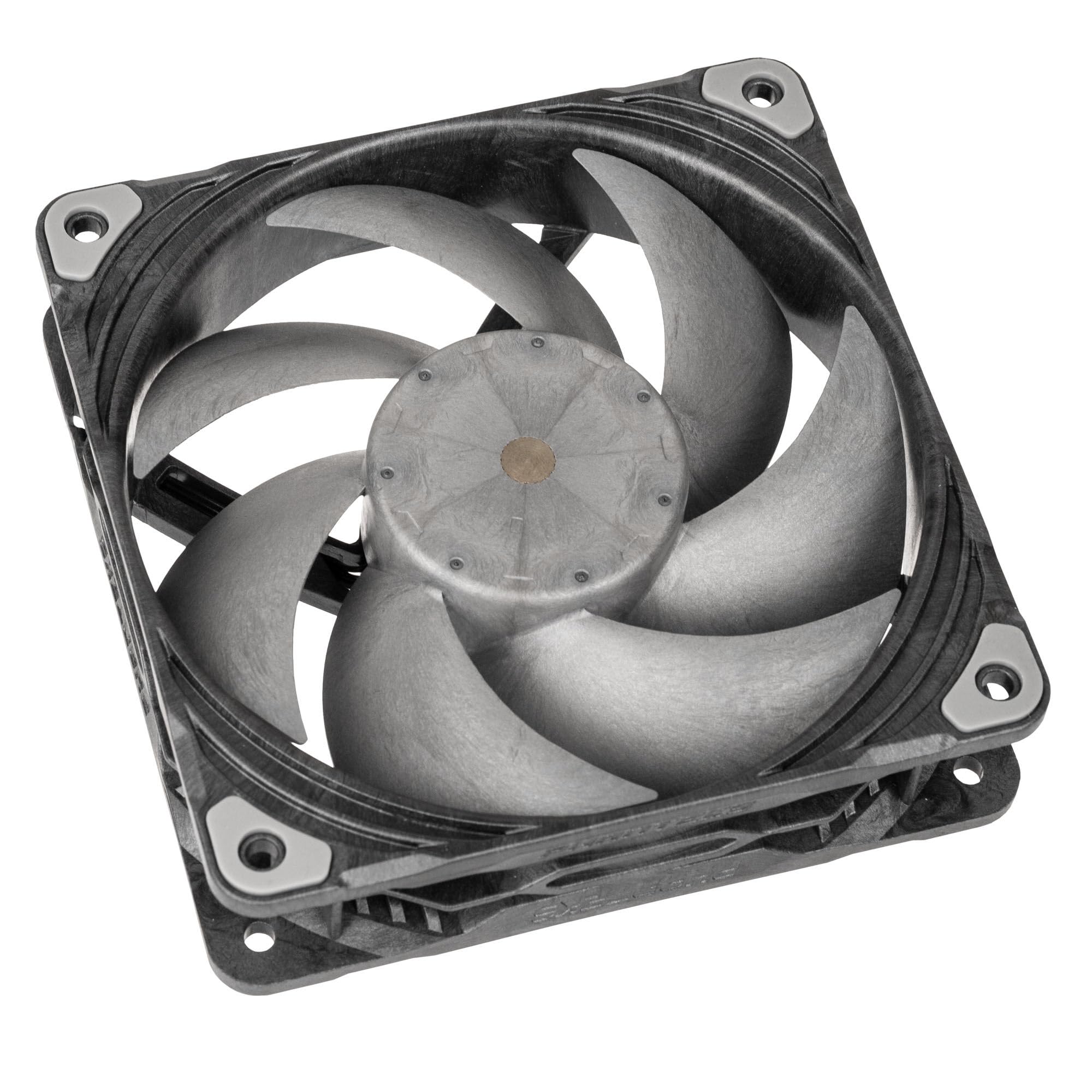
Image 4: Phanteks T30-120 Single Fan.
4. Instalace
Follow these steps to install your Phanteks T30-120 fan:
- Připravte si systém: Power off your computer and disconnect it from the power source. Open your PC case to access the fan mounting locations.
- Zkontrolujte vůli: The T30-120 fan has a 30mm thickness, which is 5mm thicker than standard 25mm fans. Ensure sufficient clearance in your desired mounting location (e.g., case fan mounts, radiator mounts) to avoid interference with other components.
- Montáž ventilátoru: Position the fan in the desired location. Use the provided mounting screws to secure the fan to the case or radiator. Ensure the fan is oriented correctly for optimal airflow (intake or exhaust).
- Připojte napájení: Connect the fan's 4-pin PWM connector to an available 4-pin fan header on your motherboard or fan controller. If the cable length is insufficient, use the provided 500mm extension cable.
- Set Fan Profile: Locate the small switch on the side of the fan frame. This switch allows you to select one of three fan profiles: Hybrid, Performance, or Advanced. Refer to Section 5 for details on each mode. Set the desired profile before closing your case.
- Zavření pouzdra a zapnutí: Once the fan is securely mounted and connected, close your PC case, reconnect the power, and power on your system.
5. Provoz
The Phanteks T30-120 fan features a PWM profile switch that allows you to select between three operational modes:
- Hybrid Mode (Up to 1200 RPM): Designed for ultimate silence. In this mode, the fan can stop completely (0 RPM) when the PWM signal is below 50%, providing passive cooling for minimal noise.
- Performance Mode (Up to 2000 RPM): Recommended for a balanced operation between cooling performance and noise levels. This mode offers efficient cooling suitable for most general computing and gaming scenarios.
- Advanced Mode (Up to 3000 RPM): Provides extreme cooling performance for demanding tasks and high-heat environments. This mode maximizes airflow and static pressure at higher RPMs.
Adjust the fan profile switch on the fan frame to select your preferred mode. The fan speed within each mode will then be controlled by the PWM signal from your motherboard or fan controller.
Video 1: Official product video demonstrating the features and performance of the Phanteks T30-120 fan, including its LCP construction, 30mm thickness, and various operating modes.
6. Údržba
Pravidelná údržba zajišťuje optimální výkon a dlouhou životnost vašeho ventilátoru:
- Odstranění prachu: Periodically clean dust from the fan blades and frame using compressed air or a soft brush. Ensure the fan is powered off and disconnected before cleaning.
- Inspekce: Check for any obstructions around the fan blades or unusual wear on the cables.
- Vyhněte se tekutinám: Do not use liquid cleaners directly on the fan.
7. Řešení problémů
If you encounter issues with your Phanteks T30-120 fan, refer to the following common troubleshooting steps:
- Ventilátor se netočí:
- Ujistěte se, že je 4pinový PWM konektor bezpečně zapojený do základní desky nebo řadiče ventilátoru.
- Check your motherboard's BIOS/UEFI settings or fan control software to ensure the fan header is enabled and receiving a sufficient PWM signal.
- In Hybrid Mode, the fan may stop at low PWM signals (below 50%). This is normal operation for silent performance. Increase the PWM signal or switch to Performance/Advanced mode if continuous spinning is desired.
- Nadměrný hluk:
- Verify the fan is securely mounted and not vibrating against the case or other components.
- Check for any cables or debris obstructing the fan blades.
- Ensure the fan profile switch is set to a lower RPM mode (e.g., Hybrid or Performance) if noise is a concern. Advanced Mode operates at higher RPMs and will naturally produce more sound.
- Slabý chladicí výkon:
- Confirm the fan is oriented correctly for desired airflow (intake or exhaust).
- Ensure the fan profile switch is set to a higher RPM mode (e.g., Performance or Advanced) for increased cooling.
- Clean any dust accumulation on the fan blades or radiator fins.
- Problémy s fyzickou zdatností:
- The T30-120 fan is 30mm thick. If it does not fit, verify your case or radiator has adequate clearance for this dimension.
8. Specifikace
| Funkce | Specifikace |
|---|---|
| Číslo modelu | PH-F120T30_BG |
| Velikost ventilátoru | 120 mm x 120 mm x 30 mm |
| Konektor ventilátoru | 4-Pin PWM (Daisy-Chain) |
| Délka kabelu | 130mm (Fan), 500mm (Extension Cable) |
| Jmenovitý objemtage | DC 12V |
| Provozní svtage Dosah | DC 10.2-13.2V |
| Max. Proud | 0.36A |
| Maximální výkon | 4.32W |
| Maximální rychlost otáčení | 3000 RPM (Advanced Mode) |
| Typ ložiska | Dual Vapo Bearing |
| Materiál | Liquid Crystal Polymer (LCP) |
| MTTF (průměrná doba do poruchy) | 150,000 hodin |
| Typ izolace | UL třída A |
| Zpomalení hoření | UL-94V-0 |
9. Záruka a podpora
Phanteks stands behind the quality of its products. The T30-120 fan comes with a 6-letá záruka od data nákupu, která se vztahuje na výrobní vady a vady materiálu vzniklé při běžném používání.

Image 5: Phanteks 6-year warranty information.
For technical support, warranty claims, or further assistance, please visit the official Phanteks webnebo se obraťte na jejich zákaznický servis. Uschovejte si doklad o koupi pro ověření záruky.


