
FLEXISPOT EC5
Uživatelská příručka k elektrickému stolu FLEXISPOT EC5 Classic
Model: EC5
Zavedení
This manual provides essential instructions for the assembly, operation, maintenance, and troubleshooting of your FLEXISPOT EC5 Classic Electric Standing Desk. Please read this manual thoroughly before assembly and use to ensure safe and efficient operation.

Image: The FLEXISPOT EC5 Classic Electric Standing Desk, featuring a bamboo desktop and white frame, set up in a home office environment.
Bezpečnostní informace
Důležitá bezpečnostní upozornění:
- This desk has a maximum weight limit of 287 pounds (130.18 kg). Do not exceed this limit.
- Assembly is required. Improper assembly may lead to stability issues and potential injury.
- Always ensure the desk is fully assembled and all screws are tightened before use.
- This product is not intended for use by children. Keep children away from the desk, especially during height adjustments.
- To prevent tipping, especially when the desk is at its maximum height, always secure the desk to a wall using appropriate anchoring hardware (not included).
- Nedodržení těchto bezpečnostních pokynů může vést ke zranění nebo poškození produktu.
Nastavení a montáž
The FLEXISPOT EC5 Classic desk requires assembly. Follow these general guidelines for a smooth setup process. Refer to the detailed assembly instructions provided in your product packaging for specific steps and diagrams.
Požadované nástroje:
- Šroubovák s křížovou hlavou
- Allen wrenches (usually included with hardware)
- Power drill with appropriate bits (optional, but recommended for efficiency)
Montážní tipy:
- Rozbalení: Carefully unpack all components and verify against the parts list in your instruction manual. Keep packaging materials for potential returns or future transport.
- Pracovní oblast: Assemble the desk on a soft, clean, and raised surface if possible to protect the desktop and ease the process.
- Zarovnání rámu: Ensure the desk frame is perfectly square during the initial assembly steps. Misalignment can cause issues with screw holes and overall stability.
- Utahovací šrouby: Hand-tighten screws initially, then fully tighten all screws once the frame is aligned and components are in place. Avoid over-tightening.
- Správa kabelů: After assembly, route all power and control cables neatly and secure them to the underside of the table using the provided clips or ties. This prevents snagging and ensures a clean appearance.
- Initial Power Test: Before flipping the desk upright, plug in the unit and perform a quick test of the height adjustment mechanism to ensure all connections are secure and functional.

Image: The FLEXISPOT EC5 Classic desk integrated into a modern office setup, showcasinjeho funkčnost.
Návod k obsluze
Your FLEXISPOT EC5 Classic Electric Standing Desk features a dual-motor system for smooth and quiet height adjustments, controlled by an intelligent keypad.
Nastavení výšky:
- The desk can be adjusted from a minimum height of 24.4 inches (62 cm) to a maximum height of 50 inches (127 cm).
- Použijte Up (▲) a Dolů (▼) buttons on the intelligent keypad to manually adjust the desk height.
- The dual motors operate quietly, typically generating less than 45dB of sound, ensuring minimal disturbance.

Image: Illustration demonstrating the 3-stage height adjustable frame of the FLEXISPOT EC5 Classic desk.
Intelligent Keypad Functions:

Obrázek: Podrobný view of the intelligent keypad, showing the LED display and buttons for height adjustment and memory presets.
- LED zobrazovací panel: Zobrazuje aktuální výšku stolu v palcích nebo centimetrech.
- Předvolby paměti (1, 2, 3, 4): The keypad features four memorizable height settings.
- Nastavte stůl do požadované výšky pomocí tlačítek Nahoru/Dolů.
- Stiskněte tlačítko „M“ button (if present, or a similar memory set button) followed by the desired number button (1, 2, 3, or 4) to save the current height.
- Pro vyvolání uložené výšky jednoduše stiskněte příslušné číselné tlačítko.
Protikolizní systém:
The desk is equipped with an anti-collision system designed to detect obstacles during height adjustment. If an obstruction is detected, the desk will automatically stop and slightly reverse direction to prevent damage or injury.

Image: A visual representation of the anti-collision system, showing the desk stopping and reversing upon encountering an obstacle.
Údržba
Proper maintenance ensures the longevity and optimal performance of your FLEXISPOT EC5 Classic Electric Standing Desk.
- Čištění: Otřete povrch stolu a rám suchým hadříkem. Na odolné skvrny použijte lehceamp cloth with a mild, non-abrasive cleaner, then dry immediately. Avoid harsh chemicals.
- Inspekce: Pravidelně kontrolujte všechny šrouby a spoje, zda jsou pevně utažené. V případě potřeby je dotáhněte.
- Správa kabelů: Ensure cables remain securely fastened and are not pinched or damaged.
Odstraňování problémů
If you encounter issues with your FLEXISPOT EC5 Classic Electric Standing Desk, refer to the following common problems and solutions. For more complex issues, please contact customer support.
| Problém | Možná příčina | Řešení |
|---|---|---|
| Stůl se nehýbe ani nereaguje na ovládací prvky. | Power cable disconnected, control box error, motor cable disconnected. |
|
| Stůl se pohybuje nerovnoměrně nebo vydává neobvyklé zvuky. | Uneven load, loose connections, motor issue. |
|
| Protikolizní systém se často spouští. | Obstruction, sensitivity setting. |
|
Specifikace
| Funkce | Detail |
|---|---|
| Model | EC5 Classic |
| Značka | FLEXISPOT |
| Design stolu | Počítačový stůl |
| Rozměry produktu | 120.7D x 59.9W x 59.9H Centimetres (48" x 24" desktop) |
| Rozsah nastavení výšky | 24.4" až 50" (62 cm až 127 cm) |
| Typ motoru | Dual Motor, 3-Stage Nohy |
| Úroveň hluku | Méně než 45 dB |
| Maximální nosnost | 287 lb (130.18 kg) |
| Materiál pro stolní počítače | Bamboo (FSC Certified) |
| Materiál rámu | Ocel |
| Barva | White Frame + Rectangular Top (Bamboo) |
| Montáž Vyžadována | Ano |
| Pokyny pro péči | Otřete suchým hadříkem |
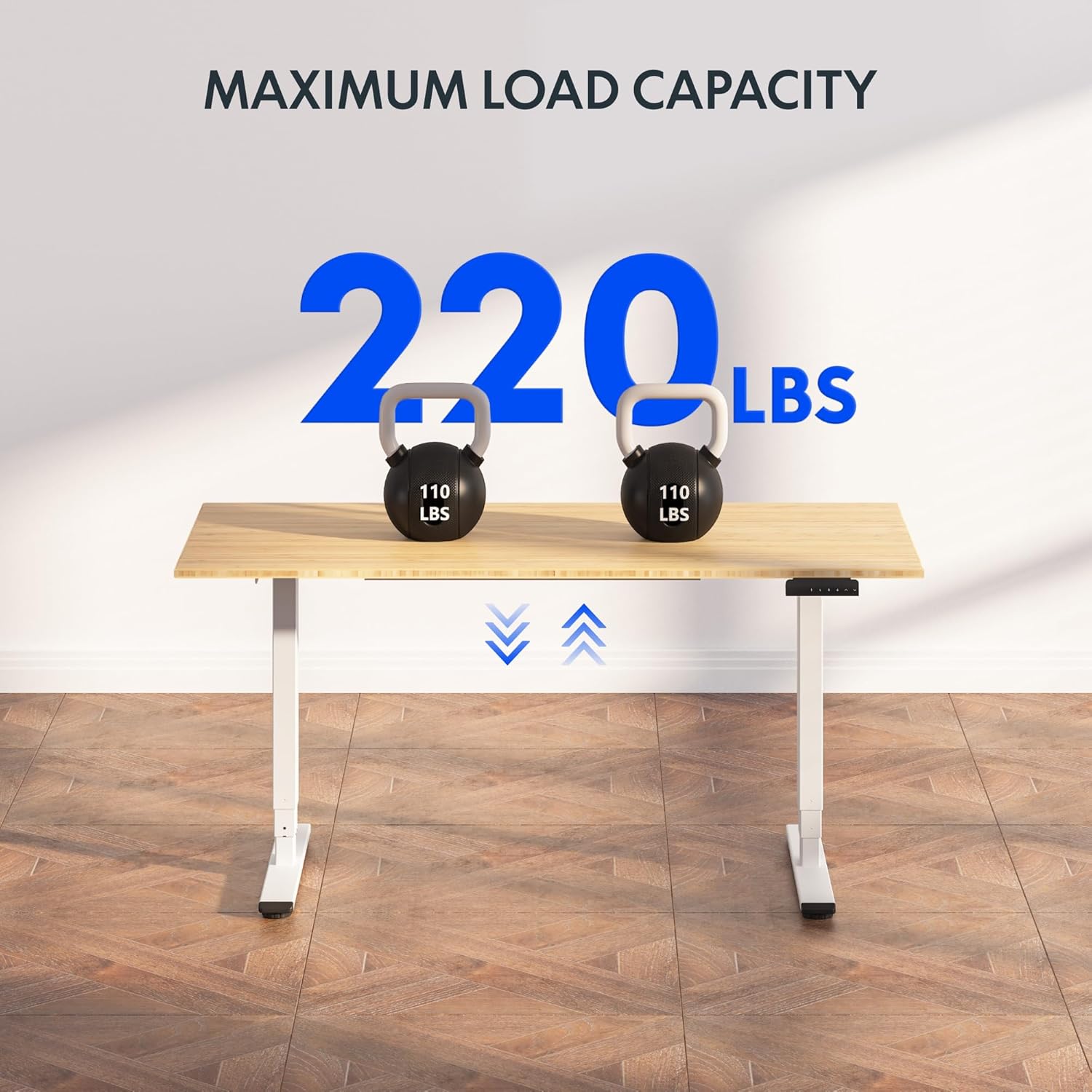
Image: The FLEXISPOT EC5 Classic desk demonstrating its maximum load capacity with two 110 lbs kettlebells.
Informace o záruce
FLEXISPOT products are designed for durability and performance. While specific warranty details may vary, FLEXISPOT generally offers a comprehensive warranty on its standing desk frames and motors. Please refer to the warranty card included with your product or visit the official FLEXISPOT website for the most current and detailed warranty information applicable to your EC5 Classic model.
Uschovejte si doklad o koupi pro záruční reklamaci.
Zákaznická podpora
For further assistance, technical support, or to inquire about parts, please contact FLEXISPOT customer service.
- Online podpora: Visit the official FLEXISPOT webweb s nejčastějšími dotazy, články podpory a kontaktními formuláři.
- Značková prodejna: Můžete také navštívit Obchod FLEXISPOT na Amazonu pro informace o produktech a podporu.
Ask a question about this manual
Ask about setup, troubleshooting, compatibility, parts, safety, or missing instructions. Manuals+ will review the question and use this page’s manual context to help answer it.