
1. Úvod
Děkuji za nákupasing the AUKEY PC-LM3 Webcam. This manual provides detailed instructions for setting up, operating, and maintaining your webcam. Please read this manual thoroughly before use and retain it for future reference.
2. Bezpečnostní informace
- Udržujte webcam away from water, moisture, and extreme temperatures.
- Nepokoušejte se zařízení rozebírat ani opravovat sami. Veškerý servis svěřte kvalifikovanému personálu.
- Zabraňte pádu nebo vystavení webcam to strong impacts.
- Clean the lens with a soft, dry cloth. Do not use liquid cleaners.
3. Obsah balení
Zkontrolujte prosím, zda jsou v balení přítomny všechny položky:
- AUKEY PC-LM3 Webvačka
- Uživatelská příručka
- USB kabel (integrovaný)
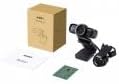
Image 1: Contents of the AUKEY PC-LM3 Webcam package, showing the webcam, manual, and packaging.
4. Konec produktuview
The AUKEY PC-LM3 is a 1080p USB 2.0 webcam designed for high-quality video communication and recording. It features a CMOS sensor and 5x optical zoom capability, providing clear and detailed visuals.
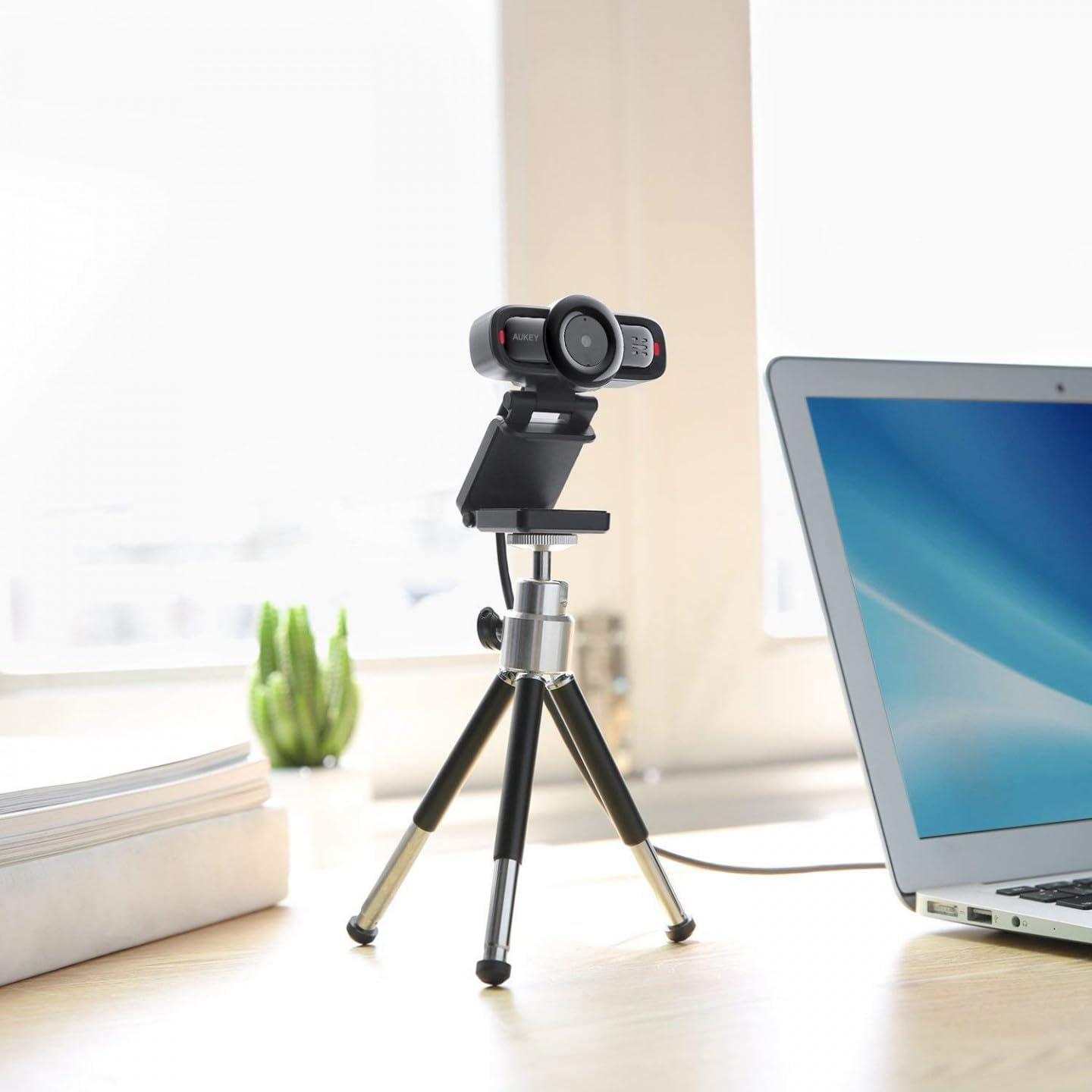
Image 2: AUKEY PC-LM3 Webcam in use, demonstrating its compact design and mounting flexibility on a tripod.
Klíčové vlastnosti:
- Full HD 1080p video recording
- CMOS sensor for clear images
- USB 2.0 connectivity for universal compatibility
- 5x optical zoom for detailed framing
- Integrated microphone for audio capture
- Adjustable clip for versatile mounting options
5. Nastavení
5.1 Placing the Webvačka
- Na monitoru: Unfold the clip and place the webcam on top of your monitor or laptop screen. Adjust the clip to secure it firmly.
- Na stativu: The webcam features a standard tripod thread. Mount it onto a compatible tripod for more flexible positioning.
- Na rovném povrchu: Fold the clip to form a stable stand and place the webcam on a desk or other flat surface.
5.2 Připojení k počítači
- Zapojte USB konektor na webcam into an available USB 2.0 or 3.0 port on your computer.
- Váš počítač by měl automaticky detekovat a nainstalovat potřebné ovladače. Tento proces může chvíli trvat.
- Po instalaci, webcam will be ready for use with video conferencing software or recording applications.
Poznámka: No additional software or drivers are typically required for Windows, macOS, or Linux operating systems.
6. Obsluha Webvačka
6.1 Používání se softwarem pro videokonference
To use the AUKEY PC-LM3 webcam with applications like Zoom, Skype, Microsoft Teams, or Google Meet:
- Otevřete preferovanou aplikaci pro videokonference.
- Přejděte do nastavení nebo předvoleb aplikace (obvykle se nacházejí v části „Zvuk a video“ nebo „Zařízení“).
- Select "AUKEY PC-LM3" as your video input device.
- Select "AUKEY PC-LM3 Microphone" (or similar) as your audio input device, if applicable.
- Adjust any video settings such as resolution or brightness within the application if available.
6.2 Nahrávání videa
To record video using the webcam, use your computer's built-in camera application (e.g., Camera app on Windows, Photo Booth on macOS) or third-party recording software. Ensure the AUKEY PC-LM3 is selected as the video source.
6.3 Optical Zoom
The webcam features 5x optical zoom. This function is typically controlled via software. Check your video conferencing or recording application for zoom controls. If not available, third-party webcam control software may offer this functionality.
7. Údržba
7.1 Čištění Webvačka
- Zajistěte webcam is disconnected from your computer before cleaning.
- Use a soft, lint-free cloth to gently wipe the lens and body of the webvačka.
- For stubborn smudges on the lens, slightly dampen the cloth with water or a lens cleaning solution, then wipe gently. Avoid excessive moisture.
- Nepoužívejte agresivní chemikálie, abrazivní čisticí prostředky ani rozpouštědla.
7.2 Skladování
Pokud nepoužíváte, uložte webcam in a cool, dry place, away from direct sunlight and dust. Consider using a privacy cover (if included or purchased separately) to protect the lens and ensure privacy.
8. Řešení problémů
| Problém | Řešení |
|---|---|
| WebPočítač nedetekoval kameru. |
|
| Žádný video výstup. |
|
| Špatná kvalita videa. |
|
9. Specifikace
| Funkce | Detail |
|---|---|
| Model | PC-LM3 |
| Rozlišení videa | 1920 x 1080 pixelů (1080p) |
| technologie Sensor | CMOS |
| Konektivita | USB 2.0 |
| Optický zoom | 5x |
| Formát záznamu videa | MP4, AVI |
| Podporovaný formát zvuku | AAC, MP3 |
| Rozměry (D x Š x V) | 7.7 x 7.2 x 4.6 cm |
| Hmotnost | 130 gramů |
| Barva | Černý |
10. Záruka a zákaznická podpora
AUKEY products are covered by a limited warranty from the date of purchase. For specific warranty terms and conditions, please refer to the warranty card included with your product or visit the official AUKEY webmísto.
If you encounter any issues or have questions regarding your AUKEY PC-LM3 Webcam, please contact AUKEY customer support for assistance. Contact information can typically be found on the official AUKEY webna webu nebo na záručním listu.