
1. Konec produktuview
The REXING HS01 is a 1080p wireless smart home security camera system designed for both indoor and outdoor use. It features a rechargeable battery, solar panel charging capability, two-way intercom, motion activation, infrared night vision, and cloud storage options. The camera connects to your home WiFi network and is managed via a mobile application.
Klíčové vlastnosti:
- 1080p Full HD video: Records clear video with a 120-degree wide-angle lens.
- Bezdrátové a dobíjecí: Operates wirelessly with a 6000mAh rechargeable battery.
- Solární napájení: Can be continuously charged by the included solar panel.
- Obousměrný interkom: Allows for real-time communication via the mobile app.
- Vodotěsný design: IP65 rated for outdoor weather resistance.
- Detekce pohybu: PIR motion sensor with adjustable sensitivity up to 33ft.
- Infračervené noční vidění: Provides clear visibility up to 33ft in low light conditions.
- Cloudové úložiště: Offers free 3-day cloud storage with options for extended plans.
- Ovládání mobilní aplikace: Manage and monitor the camera from your smartphone.
2. Obsah balení
Zkontrolujte prosím balení, zda neobsahuje následující položky:
- Bezpečnostní kamera REXING HS01
- Solární panel
- Montážní držák a šrouby
- USB nabíjecí kabel
- Uživatelská příručka
3. Průvodce nastavením
3.1 Počáteční nabíjení
Before first use, fully charge the camera's internal 6000mAh battery using the provided USB cable. Connect the cable to the camera's charging port and a standard USB power adapter (not included). The charging indicator will show the charging status.
3.2 Instalace aplikace
Stáhněte si Rexing Home application from your smartphone's app store (available on iOS and Android). Hledat "Rexing Home" and install the application.
3.3 Wi-Fi připojení
- Open the Rexing Home app and create an account or log in.
- Chcete-li přidat nové zařízení, postupujte podle pokynů v aplikaci.
- Ujistěte se, že je váš chytrý telefon připojen k Síť Wi-Fi 2.4 GHz. The HS01 camera does not support 5GHz Wi-Fi.
- Po zobrazení výzvy naskenujte QR kód zobrazený na telefonu objektivem fotoaparátu.
- Počkejte, až se kamera připojí k vaší Wi-Fi síti. Úspěšné připojení potvrdí hlasový pokyn.
3.4 Montáž kamery a solárního panelu
The REXING HS01 camera and solar panel can be mounted indoors or outdoors. Choose a location that provides the desired viewing angle and ensures the solar panel receives ampPro optimální nabíjení vystavujte přímému slunečnímu záření po celý den.

Image: The REXING HS01 camera with its solar panel mounted on an exterior wall, highlighting its 100% wireless and solar-powered operation. The camera is designed for outdoor use and is weatherproof.
- Pomocí dodaného montážního držáku a šroubů bezpečně připevněte kameru ke zdi nebo požadovanému povrchu.
- Mount the solar panel in a location that receives maximum direct sunlight. Connect the solar panel cable to the camera's charging port.
- Upravte úhel kamery tak, aby pokrýval požadovanou oblast sledování.
4. Návod k obsluze
4.1 Živě View and Remote Playback
Once connected, open the Rexing Home app to access the live video feed from your camera. You can view foo v reálném časetage from anywhere with an internet connection. The app also allows you to review nahrané video footage stored in the cloud.

Obrázek: Obrazovka chytrého telefonu zobrazující živý přenos view from the REXING HS01 camera, with icons for remote playback and indicating motion alerts. This demonstrates complete control from the Rexing Home App.
4.2 Obousměrná zvuková komunikace
The HS01 camera features a built-in microphone and speaker, enabling two-way audio communication. From the live view in the Rexing Home app, you can speak to individuals near the camera and hear their responses.
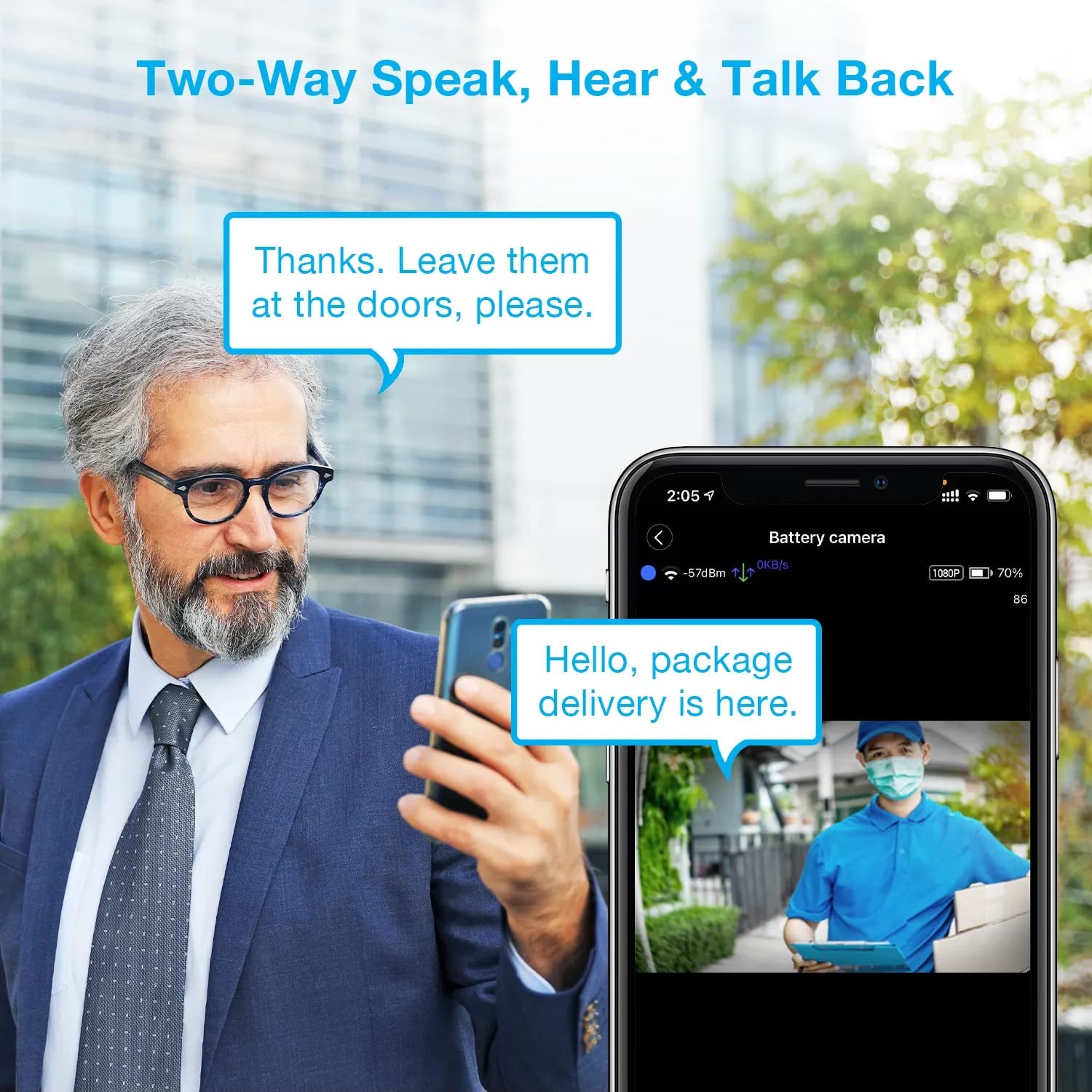
Image: A man using his smartphone to communicate with a delivery person visible on his screen, demonstrating the two-way speak and talk-back functionality of the REXING HS01 camera.
4.3 Detekce pohybu a upozornění
The camera utilizes a PIR (Passive Infrared) motion sensor to detect movement. When motion is detected, the camera will begin recording and send instant notifications to your smartphone via the Rexing Home app.
- Nastavení citlivosti: You can adjust the PIR motion sensitivity settings within the app, with options up to 33ft.
- Nastavení oznámení: Customize alert preferences in the app to receive notifications for every detected motion.
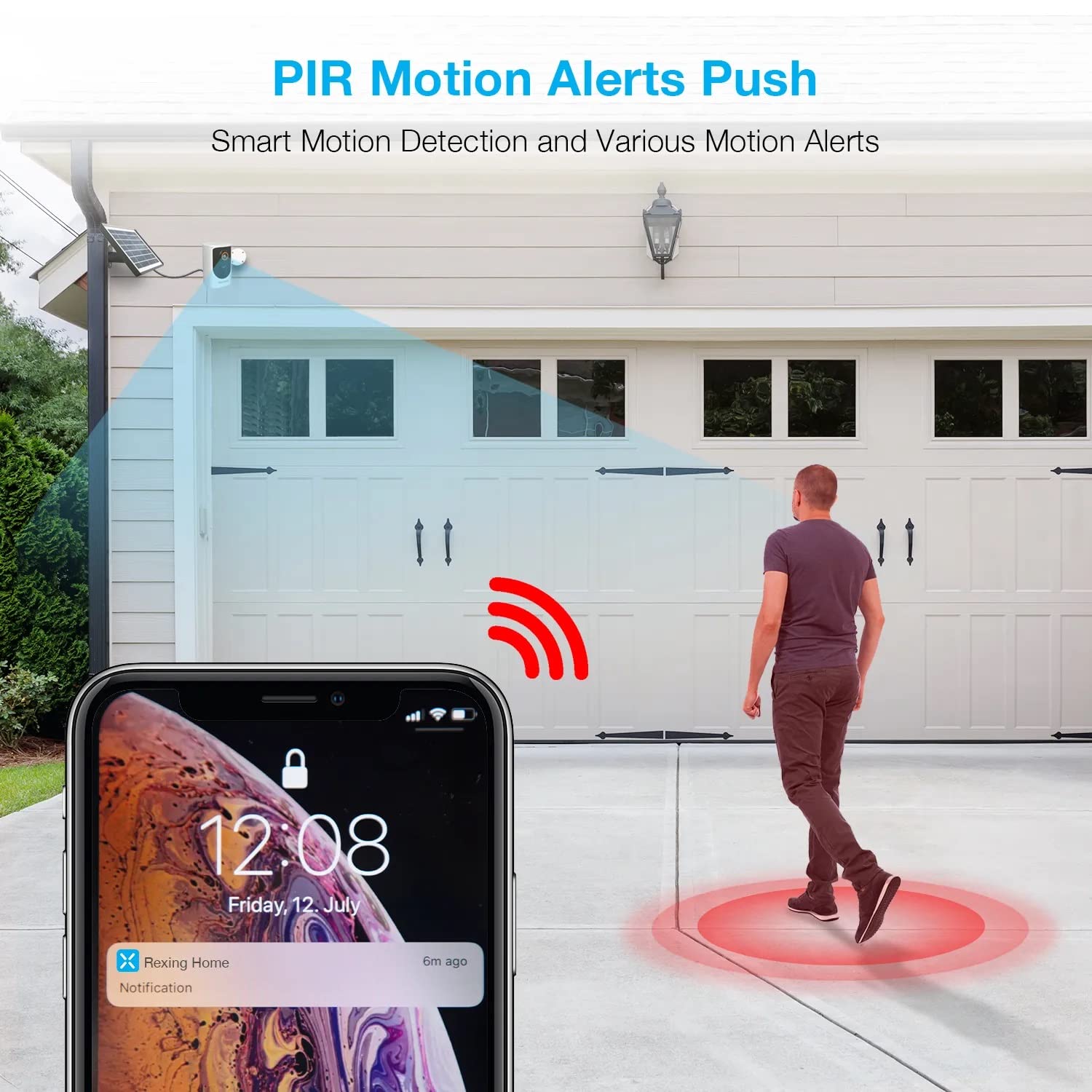
Image: A smartphone screen showing a notification from the Rexing Home app indicating a motion alert, with a visual representation of a person walking into the camera's detection zone.
4.4 Noční vidění
The HS01 camera is equipped with 8 built-in 850nm Infrared LEDs and enhanced CMOS imaging sensors, providing clear night vision up to 33ft. The night vision mode activates automatically in low-light conditions.
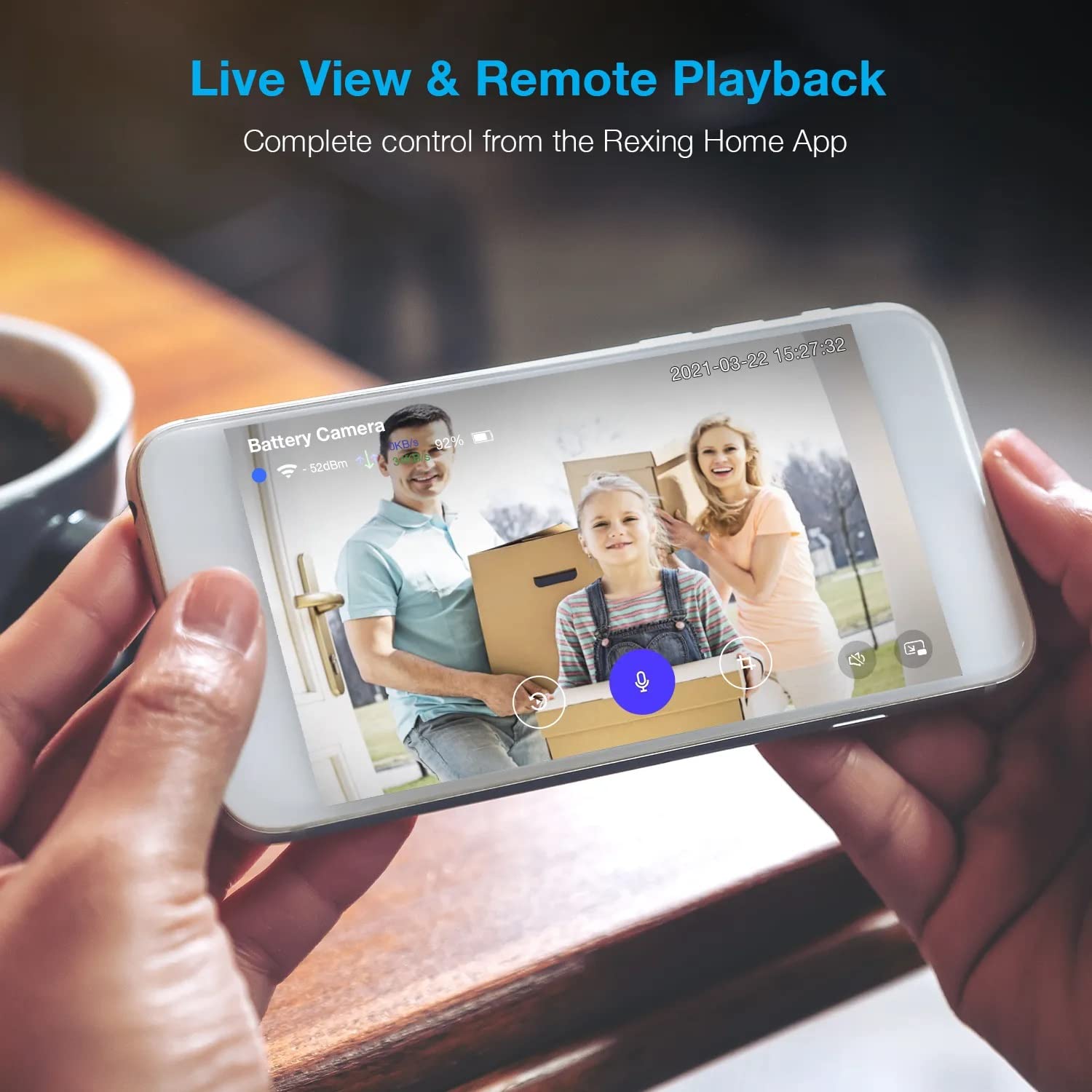
Image: A smartphone displaying a split screen, with one side showing a daytime view of a house in full color and the other side showing the same house in enhanced infrared night vision, demonstrating the camera's 1080p HD and night vision capabilities.
4.5 Cloudové úložiště
The camera offers secure cloud storage for recorded video footage. You can access the past 3 days of video recordings for free. Extended cloud storage plans are available for purchase through the Rexing Home app.
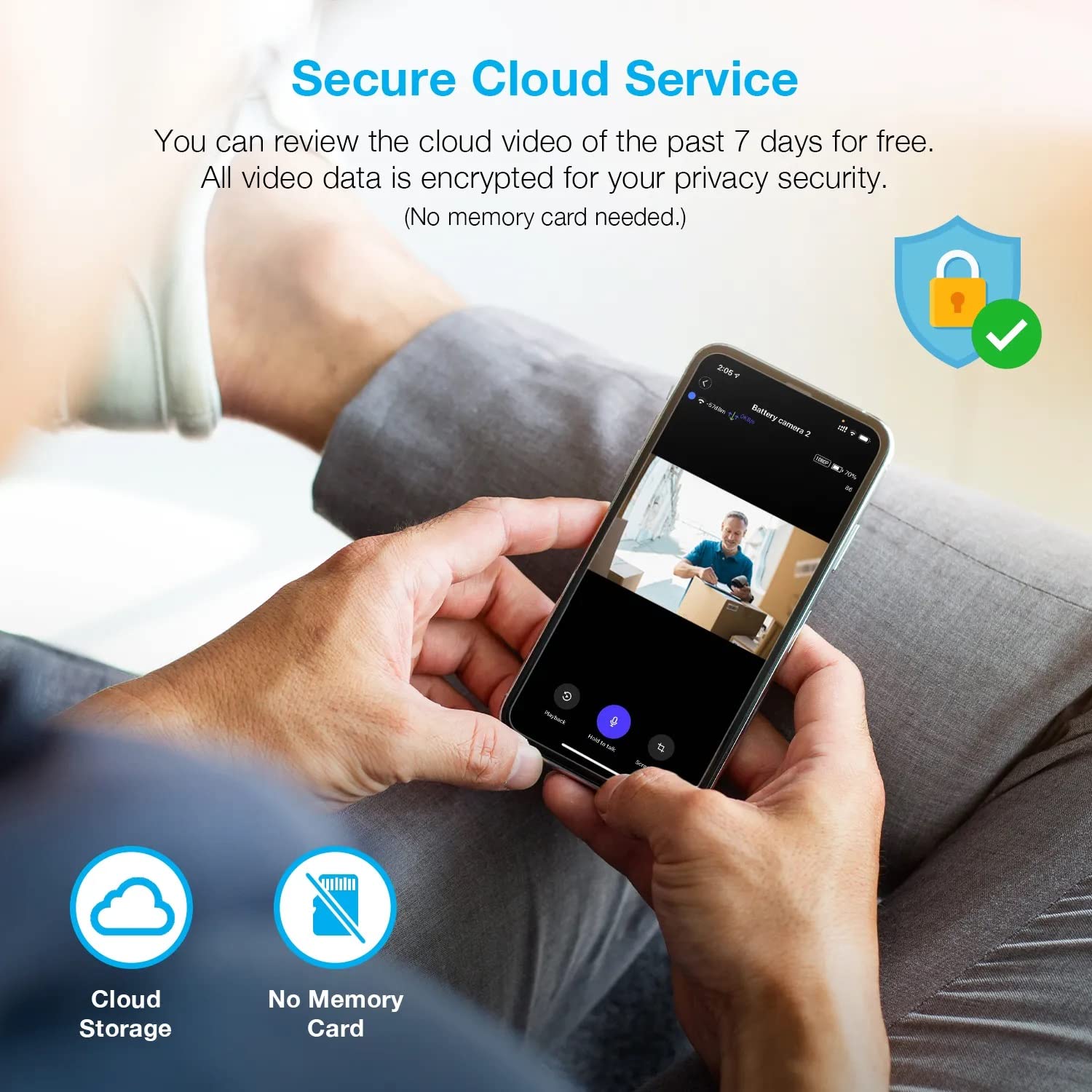
Obrázek: Osoba viewing recorded camera footage on a smartphone, accompanied by icons for cloud storage and indicating that no memory card is needed, highlighting the secure cloud service feature.
5. Údržba
5.1 Správa baterie
The HS01 camera is powered by a 6000mAh rechargeable battery. For continuous operation, ensure the solar panel is positioned to receive adequate direct sunlight. If the camera is used in an area with limited sunlight, periodic manual charging via the USB cable may be required.
5.2 Čištění
To maintain optimal performance, periodically clean the camera lens and the solar panel surface with a soft, damp hadříkem. Nepoužívejte abrazivní čisticí prostředky nebo rozpouštědla, která by mohla poškodit povrch.
6. Řešení problémů
- Fotoaparát se nepřipojuje k Wi-Fi:
- Ujistěte se, že vaše Wi-Fi síť je 2.4 GHz. Kamera nepodporuje sítě 5 GHz.
- Zkontrolujte sílu signálu Wi-Fi v místě, kde se kamera nachází.
- Ověřte, zda je heslo k Wi-Fi zadané v aplikaci správné.
- Restartujte router a kameru.
- Špatná kvalita videa:
- Ensure a strong Wi-Fi signal. Weak signals can affect streaming quality.
- Clean the camera lens if it appears dirty or smudged.
- Detekce pohybu nefunguje nebo je příliš citlivá:
- Adjust the PIR motion sensitivity settings in the Rexing Home app.
- Ujistěte se, že v záběru kamery nejsou žádné překážky. view nebo PIR senzor.
- Check the camera's battery level. Low battery can affect sensor performance.
- Battery not holding charge or solar panel not working:
- Ujistěte se, že solární panel je umístěn tak, aby byl několik hodin denně vystaven přímému slunečnímu záření.
- Clean the solar panel surface to remove any dirt or debris.
- Ověřte, zda je kabel solárního panelu bezpečně připojen ke kameře.
- If issues persist, try charging the camera directly via USB.
- No audio or poor two-way audio:
- Check the volume settings on your smartphone and in the Rexing Home app.
- Ensure your phone's microphone is enabled for the app.
- Verify a stable internet connection for both the camera and your smartphone.
7. Specifikace
| Funkce | Specifikace |
|---|---|
| Číslo modelu | HS01 |
| Rozlišení videa | 1080p Full HD |
| Pole View | 120 stupňů |
| Rozsah nočního vidění | 33 stop |
| Kapacita baterie | 6000 XNUMX mAh |
| Konektivita | Bezdrátové připojení (Wi-Fi 2.4 GHz) |
| Hodnocení voděodolnosti | IP65 |
| Kompatibilní zařízení | Smartphone (Amazon Alexa, Google Assistant) |
| Rozměry položky | 8.5 x 7.25 x 3.75 palce |
| Hmotnost položky | 1 libra |
| Zdroj napájení | Dobíjecí baterie, solární panel |
8. Záruka a podpora
8.1 Informace o záruce
For detailed warranty information regarding your REXING HS01 Smart Home Security Camera System, please refer to the warranty card included with your product or visit the official REXING webZáruční podmínky se mohou lišit v závislosti na regionu a prodejci.
8.2 Zákaznická podpora
If you encounter any issues or have questions about your REXING HS01 camera, please contact REXING customer support. You can typically find support contact information on the official REXING website or within the Rexing Home mobile application.
For the latest updates, FAQs, and additional resources, please visit the official REXING webmísto: www.rexingusa.com.