
Zavedení
This manual provides detailed instructions for the setup, operation, and maintenance of your Arducam 5MP Wide Angle USB Camera, Model UB0233. Please read this manual thoroughly before using the product to ensure proper functionality and longevity.
Konec produktuview
The Arducam 5MP Wide Angle USB Camera (Model UB0233) is a compact, UVC-compliant camera featuring a 5MP OV5648 CMOS sensor and a 95-degree horizontal view angle M12 lens with an IR-cut filter. It is designed for various applications including video surveillance, live streaming, videoconferencing, and dashcams.

Image: The Arducam 5MP Wide Angle USB Camera, showing its compact design and lens.
Co je v krabici
- Arducam 5MP Wide Angle USB Camera (Model UB0233)
- USB kabel (1 m)
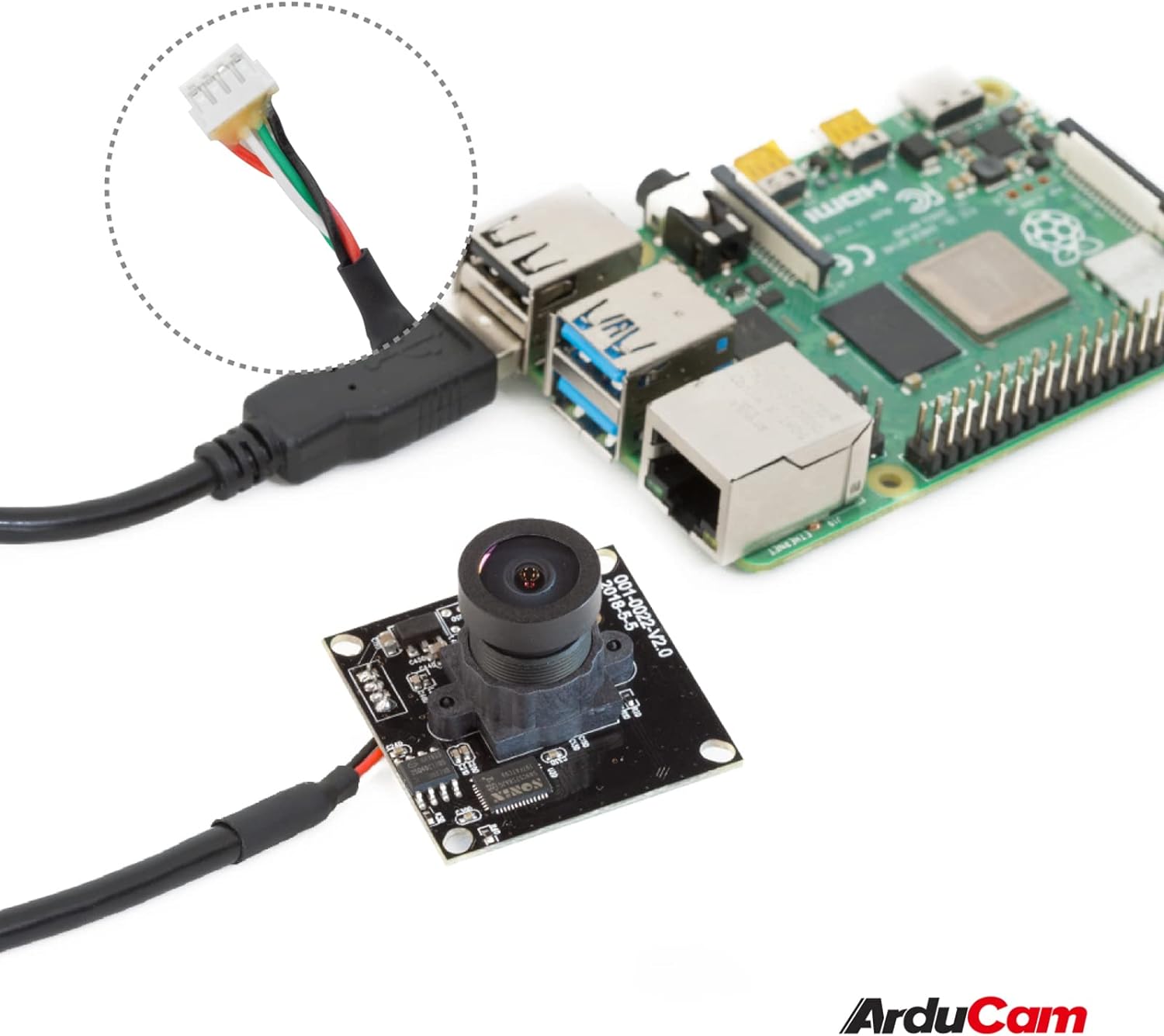
Image: The Arducam USB camera with its included USB cable, shown connected to a Raspberry Pi for illustration.
Pokyny pro nastavení
- Připojte kameru: Insert the USB cable into the camera's USB port and then connect the other end to a compatible device (PC, laptop, Android device, or Raspberry Pi).
- Instalace ovladače: The camera is UVC-compliant, meaning it is plug-and-play. No additional drivers are required for Windows, Linux, or Mac operating systems. The system should automatically detect and install the necessary drivers.
- Ověřit připojení: After connecting, check your device's system settings or camera application to ensure the camera is recognized and functioning.
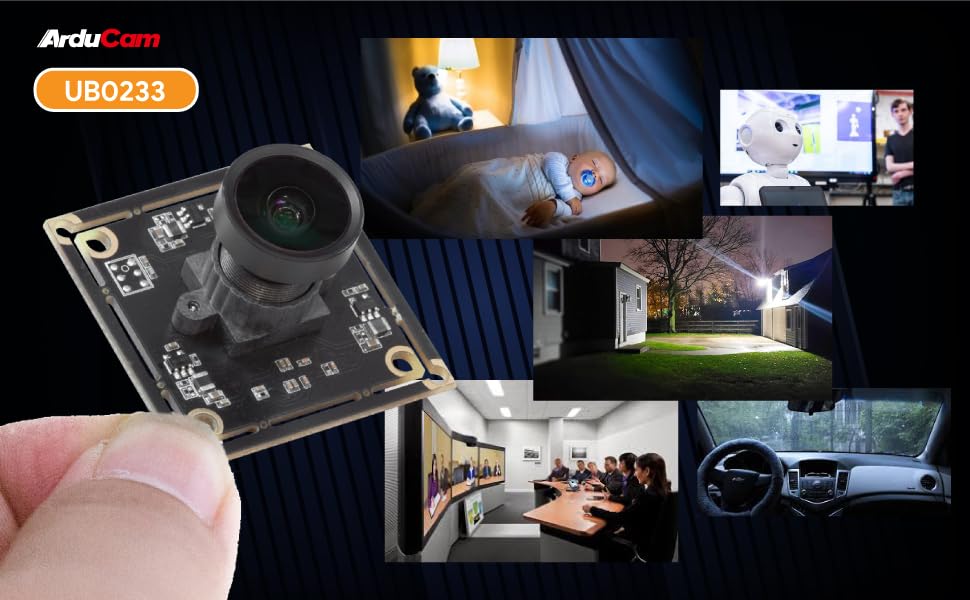
Image: Diagram illustrating the Arducam USB camera's compatibility with various operating systems including Windows, Mac, and Linux, and devices like PCs, laptops, and Raspberry Pi.
Návod k obsluze
Základní operace
Once connected and recognized by your device, the Arducam 5MP USB Camera can be used with any standard camera application or software that supports UVC devices. This includes common video conferencing software, surveillance applications, and custom vision projects.
Nastavení zaostření
The camera features a manual focus lens. To adjust the focus, gently rotate the lens barrel until the image appears clear and sharp. This allows for precise focus depending on your application's distance requirements.
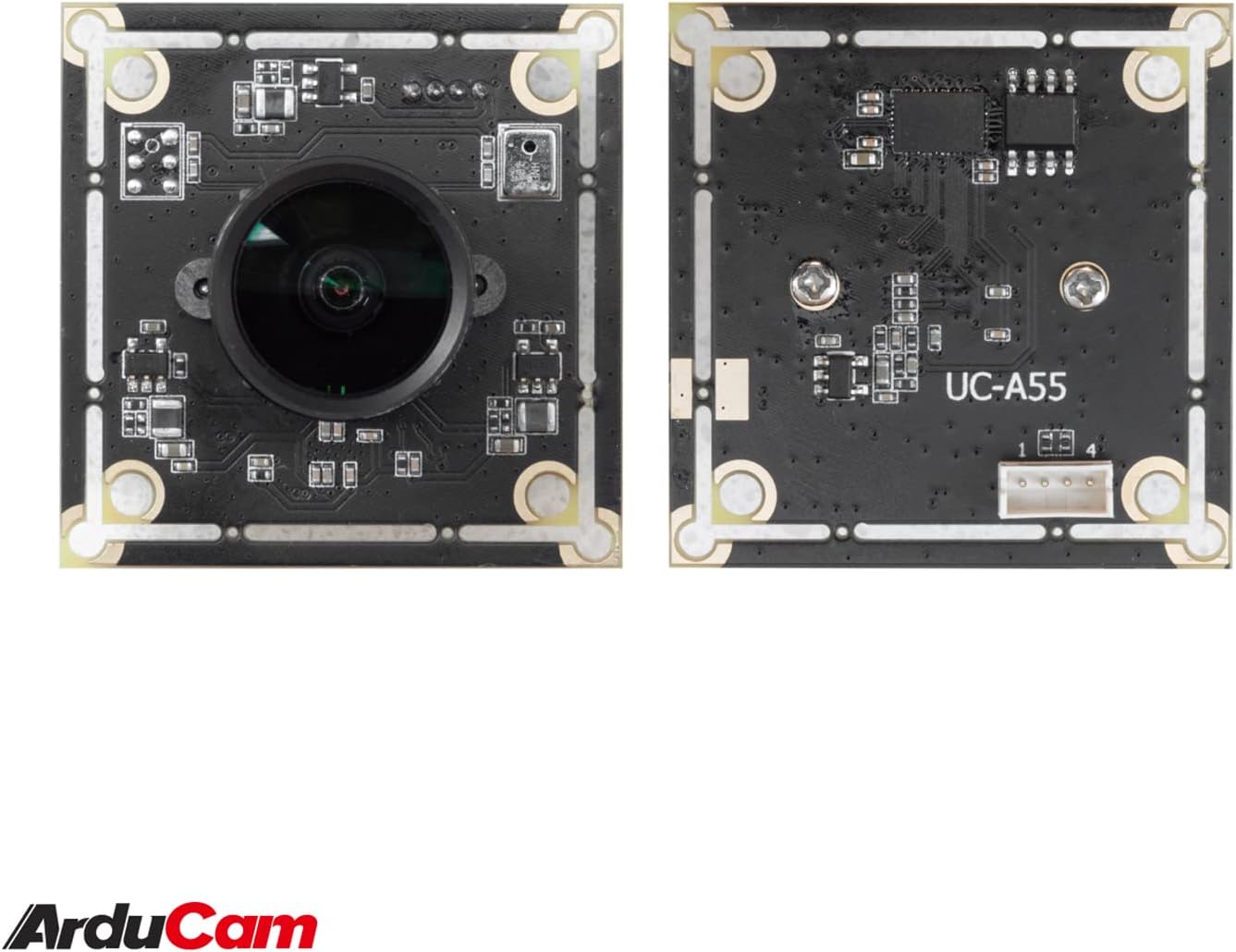
Image: The compact Arducam 5MP USB Camera being held, demonstrating its small form factor suitable for various integrations.
Frame Rates and Resolutions
The camera supports various frame rates and resolutions:
- MJPG:
- 15fps@2592*1944 / 2048*1536 / 1600*1200
- 30fps@1920*1080 / 1280*960 / 1280*720 / 1024*768 / 800*600 / 640*360 / 640*480
- YUY2:
- 2fps@2592*1944 / 2048*1536
- 5fps@1920*1080
- 7.5fps@1600*1200 / 1280*960
- 10fps@1280*720 / 1024*768
- 20fps@800*600
- 30fps@640*360 / 640*480
Aplikace
This camera is suitable for a variety of applications, including:
- Video surveillance systems
- Živé vysílání
- Videokonference
- Dashcam functionality
- Other vision applications requiring a wide field of view and high resolution
Video: An official video demonstrating the Arducam 5MP Wide Angle USB Camera's various applications, including live streaming, home surveillance, and meetings.
Údržba
- Čištění: K čištění objektivu a těla fotoaparátu používejte měkký, suchý hadřík. Nepoužívejte agresivní chemikálie ani abrazivní materiály.
- Skladování: Pokud fotoaparát nepoužíváte, skladujte jej na chladném a suchém místě mimo dosah přímého slunečního záření a extrémních teplot.
- Zacházení: Handle the camera with care to prevent damage to the lens or circuit board.
Odstraňování problémů
- Camera not detected by the device:
- Ensure the USB cable is securely connected to both the camera and the device.
- Try connecting the camera to a different USB port on your device.
- Test the camera on another computer or compatible device to rule out a device-specific issue.
- Restartujte počítač nebo zařízení.
- Obraz je rozmazaný nebo nezaostřený:
- Gently rotate the lens barrel to adjust the manual focus until the image is clear.
- Ujistěte se, že objektiv je čistý a bez prachu nebo šmouh.
- Low frame rate or video lag:
- Ensure your device meets the minimum system requirements for the desired resolution and frame rate.
- Zavřete ostatní aplikace, které by mohly spotřebovávat systémové prostředky.
- Try a different USB port, preferably a USB 2.0 port for optimal compatibility.
Specifikace
| Funkce | Detail |
|---|---|
| Značka | Arducam |
| Číslo modelu | UB0233 |
| Technologie fotosenzoru | CMOS |
| Efektivní rozlišení | 5 MP |
| Rozlišení záznamu videa | Up to 1944p (MJPG) |
| Typ objektivu | Široký úhel |
| Viewúhel | 95 stupňů |
| Typ zaměření | Manuální ostření |
| Technologie připojení | USB 2.0 |
| Kompatibilita operačního systému | Windows 7/8/10, Linux, Mac |
| Speciální funkce | Výkon při slabém osvětlení |
| Hmotnost položky | 0.06 kg |
| Rozměry položky (D x Š x V) | 1.26"H x 1.26"Š x 1.26"V |
| Vestavěná média | USB kabel |
| Maximální ohnisková vzdálenost | 32 milimetru |
| Minimální ohnisková vzdálenost | 6 milimetru |
| Maximální clona | 4 f_stop |
| Minimální clona | 4 milimetru |
| Poměr stran obrazu | 1.33:1 |
| Nastavení vyvážení bílé | Auto |
| Typ řízení expozice | Manuál |

Obrázek: Podrobný view of the Arducam 5MP USB Camera with its physical dimensions (32mm x 28mm) indicated.
Informace o záruce
The Arducam 5MP Wide Angle USB Camera (Model UB0233) comes with a Záruka 6 měsíců from the date of purchase. This warranty covers manufacturing defects and malfunctions under normal use. Please retain your proof of purchase for warranty claims. For detailed warranty terms and conditions, please refer to the official Arducam webwebu nebo kontaktujte zákaznickou podporu.
Zákaznická podpora
For technical assistance, troubleshooting, or further inquiries regarding your Arducam 5MP Wide Angle USB Camera, please visit the official Arducam webnebo kontaktujte jejich tým zákaznické podpory.
- Online zdroje: www.arducam.com
- Značková prodejna: Arducam Amazon Store