
AT&T 06535
AT&T USB-C Wall Charger Instruction Manual
Model: 06535
Značka: AT&T
1. Úvod
This manual provides essential information for the safe and efficient use of your AT&T USB-C Wall Charger. Designed for fast charging, this power adapter features foldable prongs for travel convenience and is compatible with a wide range of USB-C devices, including iPhones, iPads, Samsung Galaxy, and Google Pixel phones.
Klíčové vlastnosti:
- Výkonný výstup: USB-C power delivery provides up to 80% faster charging compared to standard chargers, ideal for rapidly charging phones, tablets, and other USB-C devices.
- Univerzální kompatibilita: Works seamlessly with compatible iPhone, iPad, Samsung Galaxy, Google Pixel, and other USB-C enabled devices, delivering optimal charging speeds.
- Design připravený na cesty: Compact form factor with foldable prongs makes this charger ideal for travel, weighing only 0.14 pounds for ultimate portability.
- Pokročilá ochrana: Built-in safeguards prevent over-voltage, over-current, and overheating, ensuring safe, reliable charging for all your devices.
- Zajištěná kvalita: Backed by a 1-year limited warranty, providing peace of mind while the durable construction ensures long-lasting performance.
2. Nastavení a připojení
Follow these steps to set up and connect your AT&T USB-C Wall Charger:
- Rozložte hroty: Jemně vytáhněte skládací kontakty z těla nabíječky, dokud nezacvaknou na místo.
- Připojení kabelu USB-C: Insert one end of your USB-C charging cable (not included, unless specified by product packaging) into the USB-C port on the charger. Ensure it is fully inserted.
- Zapojte do zásuvky ve zdi: Zapojte kolíky nabíječky do standardní zásuvky ve zdi.
- Připojit k zařízení: Connect the other end of the USB-C charging cable to your compatible device (e.g., smartphone, tablet). Your device should indicate that it is charging.

Image: The AT&T USB-C Wall Charger in white, showing its compact design and extended foldable prongs.
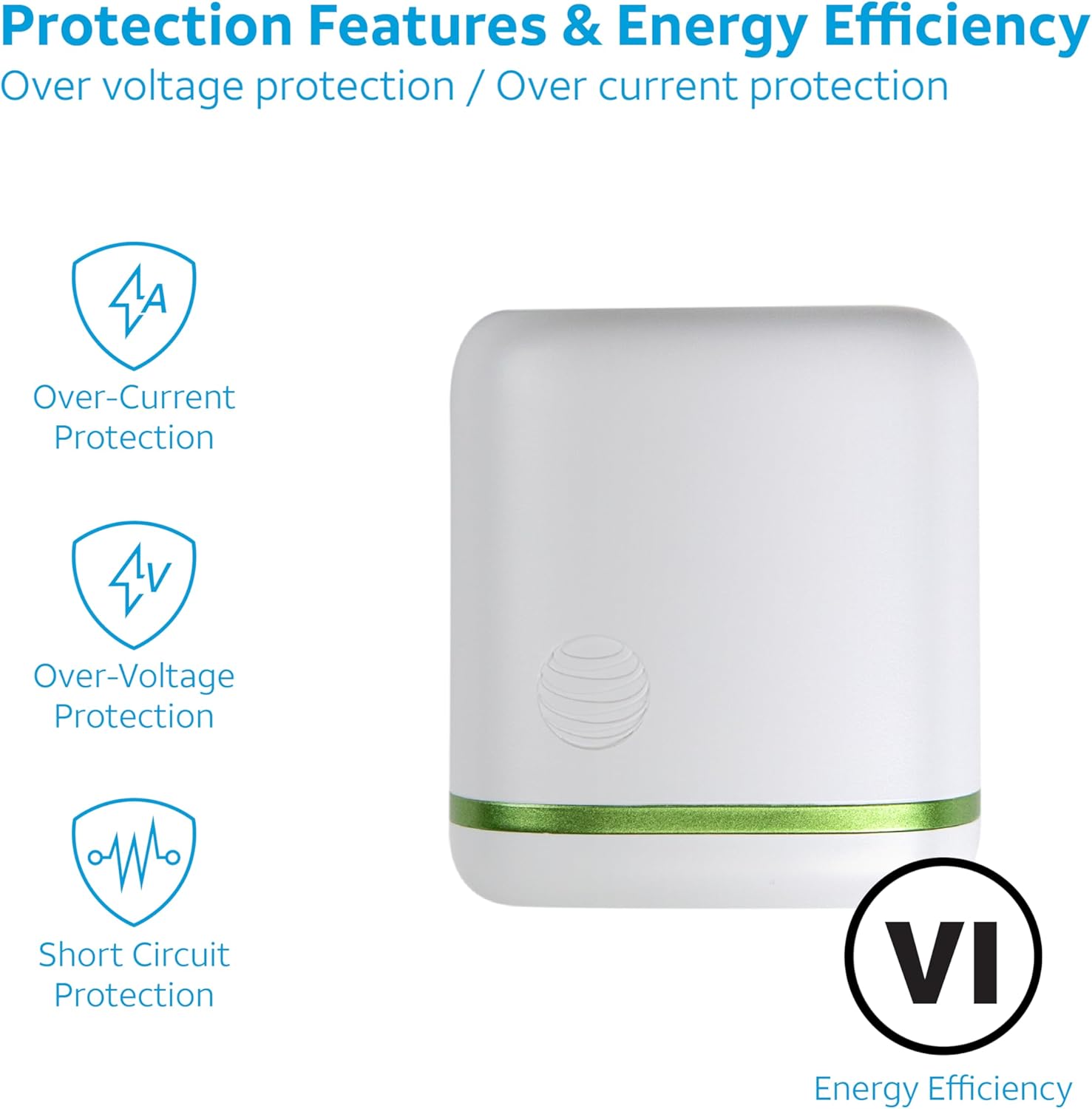
Image: A close-up of the AT&T USB-C Wall Charger, highlighting its foldable prongs for easy storage and travel.
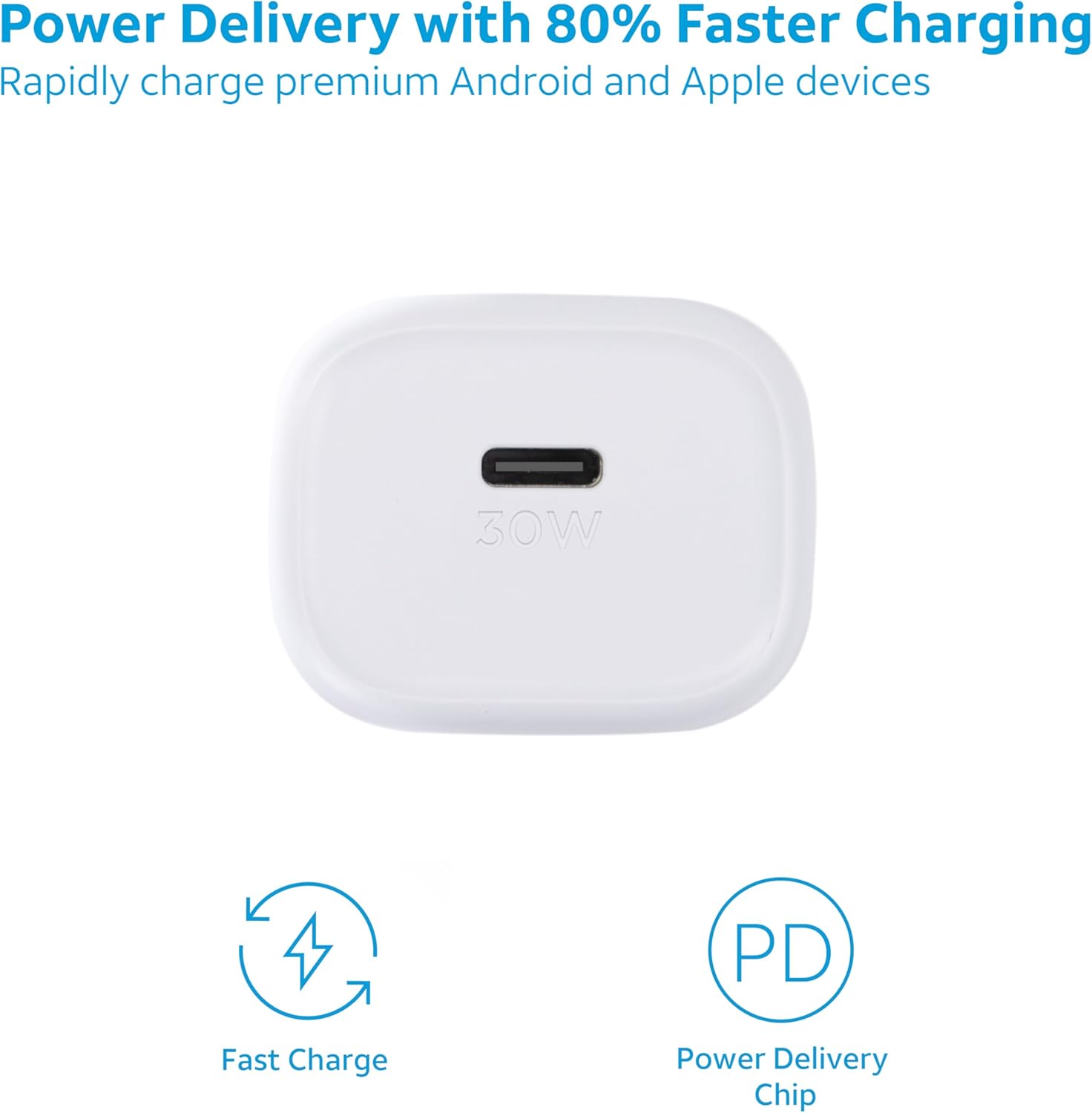
Obrázek: Přední strana view of the AT&T USB-C Wall Charger, clearly showing the 30W USB-C charging port.
3. Návod k obsluze
This charger is designed for optimal performance and fast charging. Once connected, the charger automatically detects your device's power requirements and delivers the fastest possible charge safely.
Možnost rychlého nabíjení:
The USB-C Power Delivery (PD) technology allows for significantly faster charging speeds compared to conventional chargers. For best results, use a high-quality USB-C to USB-C or USB-C to Lightning cable that supports Power Delivery.

Image: A visual representation of the charger's fast charging capabilities and integrated Power Delivery chip.

Image: An illustration demonstrating the charger's universal compatibility with various devices like phones, tablets, and smartwatches.
Bezpečnostní funkce:
The charger incorporates multiple protection features to ensure safe operation:
- Voltage ochrana
- Nadproudová ochrana
- Ochrana proti přehřátí
- Ochrana proti zkratu

Image: A graphic detailing the charger's built-in safety mechanisms, including protection against over-current, over-voltage, and short circuits, along with its energy efficiency rating.
4. Údržba
Pro zajištění dlouhé životnosti a optimálního výkonu vaší nabíječky dodržujte tyto pokyny pro údržbu:
- Uchovávejte nabíječku suchou. Nevystavujte ji vlhkosti ani kapalinám.
- Clean the charger with a soft, dry cloth. Avoid using harsh chemicals or abrasive materials.
- Pokud nabíječku nepoužíváte, skladujte ji na chladném a suchém místě.
- Zabraňte pádu na zem nebo vystavení nabíječky silným nárazům.
- Ensure the foldable prongs are fully retracted when storing or traveling to prevent damage.
5. Řešení problémů
If you encounter issues with your AT&T USB-C Wall Charger, refer to the following common problems and solutions:
| Problém | Možná příčina | Řešení |
|---|---|---|
| Zařízení se nenabíjí. | Volné připojení, vadný kabel, problém se zásuvkou, nekompatibilní zařízení. | Ensure cable is securely connected to both charger and device. Try a different USB-C cable. Test the outlet with another device. Verify device compatibility. |
| Pomalé nabíjení. | Cable not supporting Power Delivery, device not supporting fast charging, background apps. | Use a USB-C cable rated for Power Delivery. Ensure your device supports fast charging. Close unnecessary background applications on your device. |
| Charger is hot. | Normální provoz, nadměrné zatížení, špatné větrání. | A slight warmth is normal during fast charging. Ensure the charger is in a well-ventilated area and not covered. If excessively hot, disconnect immediately and contact support. |
6. Specifikace
| Funkce | Detail |
|---|---|
| Číslo modelu | 06535 |
| Značka | AT&T |
| Barva | 30W Bílá |
| Technologie připojení | USB |
| Typ konektoru | USB typ C |
| Kompatibilní zařízení | Cellular Phones (Apple iPhone, Samsung Galaxy, Google Pixel) |
| Speciální funkce | Rychlé nabíjení |
| Hmotnost položky | 2.08 unce |
| Rozměry balení | 4.13 x 2.99 x 1.65 palce |
| Výrobce | AT&T |
| Země původu | Čína |
| První k dispozici | 25. července 2023 |
7. Záruka a podpora
Your AT&T USB-C Wall Charger is backed by a 1letá omezená záruka. Tato záruka se vztahuje na vady materiálu a zpracování při běžném používání.
For warranty claims, technical support, or any inquiries regarding your product, please contact AT&T customer support through their official channels or visit their webvíce informací.
Video: An official product video from AT&T Accessories showcasing the AT&T Fast Wall Chargers, highlighting their features and benefits.
Ask a question about this manual
Ask about setup, troubleshooting, compatibility, parts, safety, or missing instructions. Manuals+ will review the question and use this page’s manual context to help answer it.