
1. Úvod a konecview
The Atomos Shinobi 7" 4K HDMI/SDI Monitor is a versatile field monitor designed for professional video production. It features a 7-inch 4K HDMI HDR display with 2200 nits brightness, ensuring visibility even in daylight conditions. The monitor supports 1920 x 1200 resolution with a 16:10 aspect ratio. It includes HDMI 2.0 for 4K DCI p60 input and 3G 2K DCI p60 construction. The AtomOS operating system and AtomHDR technology provide advanced monitoring tools such as Waveform, RGB, Histogram, Analysis Mode, multi-scope view, and 3D LUT support for both monitoring and loop out. Camera control is available with compatible cameras via optional cables.
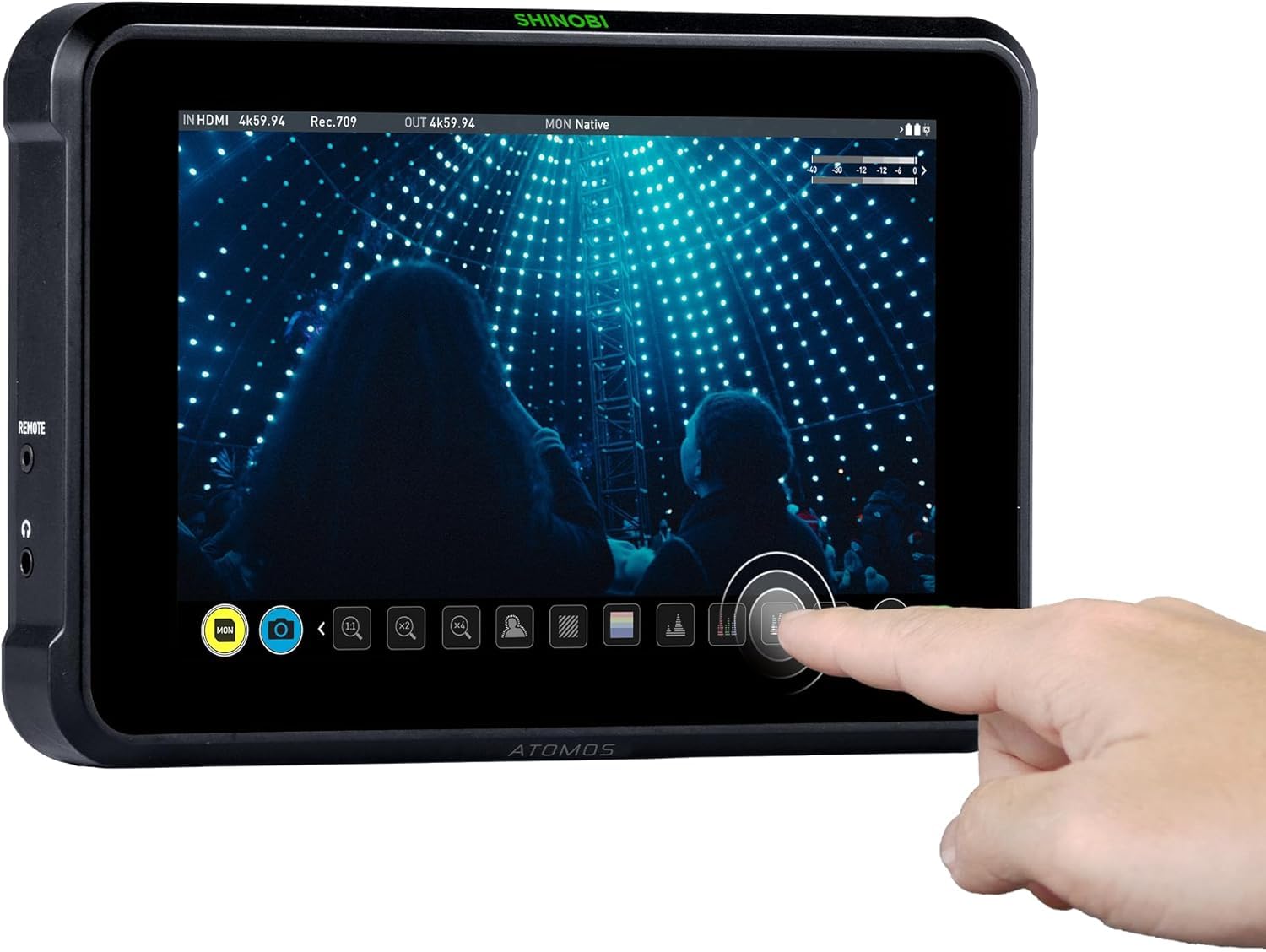
Obrázek 1: Přední strana view of the Atomos Shinobi 7" monitor displaying a video feed with various monitoring tools.
Klíčové vlastnosti:
- 2200 Nits HDR / Daylight viewable display for clear visibility in various lighting conditions.
- HDMI 2.0 support for 4Kp60 and 3G-SDI support up to 2Kp60 for broad camera compatibility.
- Bi-directional HDMI SDI signal cross conversion for flexible signal routing.
- Dual NPF battery slots for extended, continuous power during shoots.
- 3D LUT support with Preview and Loop out for accurate color representation and external display.
2. Nastavení
2.1 Napájení monitoru
The Shinobi 7 can be powered using either NPF batteries or an external DC power source. The dual NPF battery slots allow for hot-swapping, ensuring uninterrupted operation. Connect the DC power adapter to the 6.2V-16.8V DC input port located on the rear of the monitor.

Obrázek 2: Zadní view of the Atomos Shinobi 7" monitor, highlighting the dual NPF battery slots and power input.
2.2 Připojení k fotoaparátu
Connect your camera's HDMI or SDI output to the corresponding input port on the Shinobi 7. The monitor supports HDMI 2.0 for 4Kp60 and 3G-SDI for 2Kp60. Ensure the cables are securely connected to prevent signal loss.
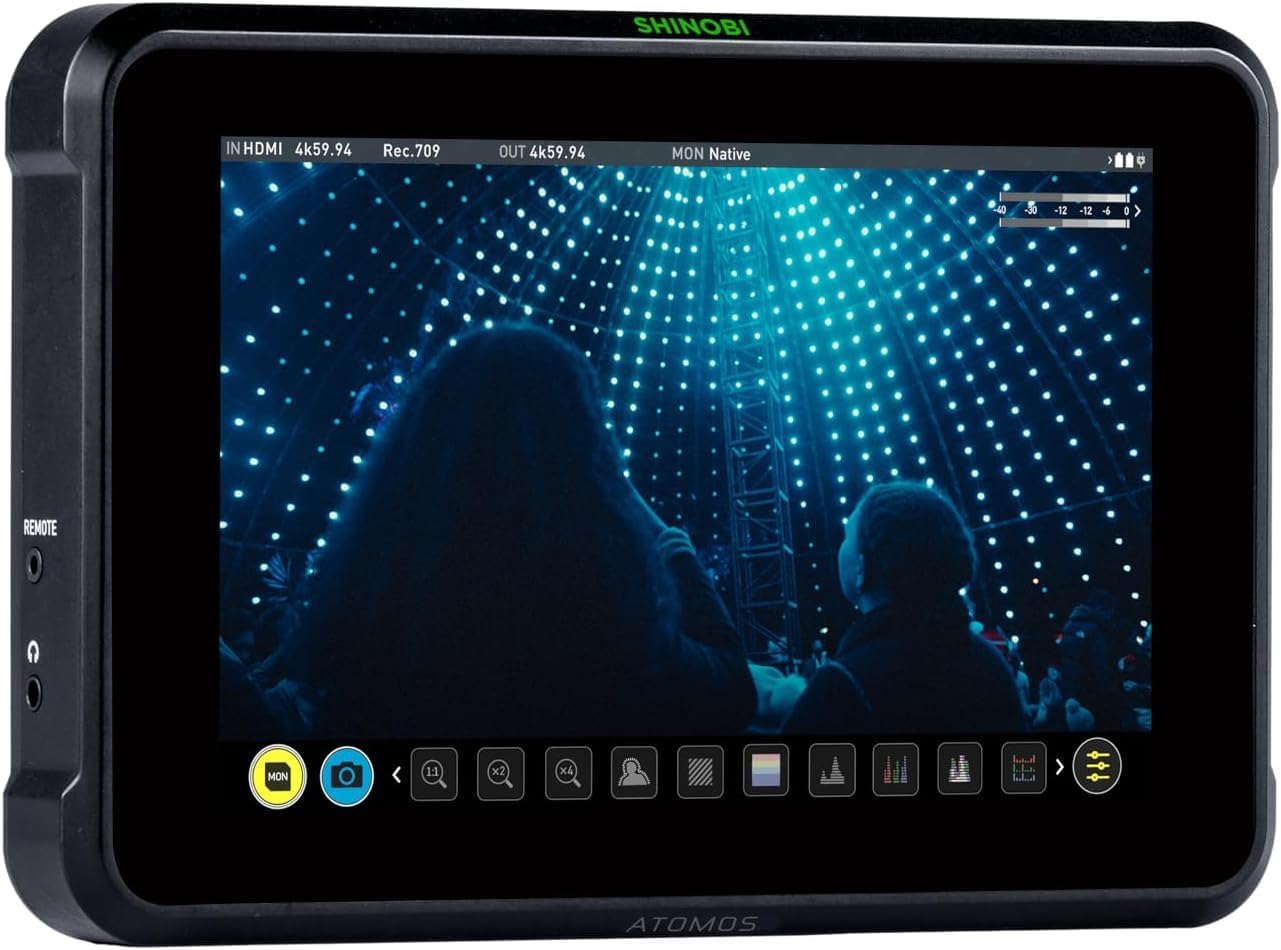
Obrázek 3: Strana view of the Atomos Shinobi 7" monitor, showing HDMI and SDI ports for camera connection.
2.3 Montáž monitoru
The Shinobi 7 features standard 1/4"-20 mounting points for attaching to camera rigs, arms, or stands. Ensure the monitor is securely mounted to prevent accidental drops or damage.
3. Obsluha monitoru
3.1 Základní obsluha
Press and hold the power button to turn the monitor on or off. The touchscreen interface allows for intuitive navigation through menus and settings. Swipe gestures and taps are used to access various monitoring tools and adjustments.
3.2 Monitorovací nástroje
The AtomOS operating system provides a suite of professional monitoring tools:
- Křivka: Zobrazuje úrovně jasu a chrominance vašeho video signálu.
- Průvod RGB: Shows the individual red, green, and blue channel levels.
- histogram: Vizualizuje tonální rozložení vašeho obrázku.
- Focus Peaking: Zvýrazňuje zaostřené oblasti pro přesné manuální ostření.
- Zebra: Indicates overexposed areas in your image.
- 3D LUT: Apply custom Look Up Tables for accurate color grading and preview.
- Režim analýzy: Combines multiple monitoring tools for comprehensive image analysis.
3.3 Ovládání kamery
With compatible cameras and optional control cables, the Shinobi 7 can provide direct camera control. This allows adjustment of settings such as white balance, shutter speed, aperture, and ISO directly from the monitor's touchscreen. Refer to the Atomos website for a list of supported cameras and required cables.
4. Údržba
4.1 Čištění monitoru
Use a soft, lint-free cloth to gently wipe the screen and body of the monitor. For stubborn smudges, a small amount of screen cleaning solution can be applied to the cloth (not directly to the screen). Avoid abrasive materials or harsh chemicals.
4.2 aktualizací firmwaru
Pravidelně kontrolujte Atomos website for firmware updates. Updates can improve performance, add new features, and resolve bugs. Follow the instructions provided by Atomos carefully when performing a firmware update.
5. Řešení problémů
5.1 Nezobrazuje se žádný signál
- Ensure all HDMI/SDI cables are securely connected to both the camera and the monitor.
- Verify that the camera's output settings match the monitor's input capabilities (e.g., resolution, frame rate).
- Check the monitor's input source selection to ensure the correct input (HDMI or SDI) is chosen.
5.2 Problémy s napájením
- Confirm NPF batteries are fully charged and correctly inserted.
- If using DC power, ensure the power adapter is functioning and connected to a live outlet.
- Zkontrolujte, zda tlačítko napájení správně funguje.
5.3 Přehřátí
The monitor is designed for high brightness, which can generate heat. Ensure adequate ventilation around the device. If the monitor becomes excessively hot, reduce screen brightness or allow it to cool down.
6. Specifikace
| Funkce | Specifikace |
|---|---|
| Velikost obrazovky | 7 palce |
| Rezoluce | 1920 x 1200 pixelů |
| Poměr stran | 16:10 |
| Jas obrázku | 2200 cd/m² (nitů) |
| Vstup/Výstup | HDMI 2.0 (4Kp60), 3G-SDI (2Kp60) |
| Vstup napájení | Dual NPF Battery Slots, 6.2V-16.8V DC |
| Rozměry produktu | 9.6 x 7.2 x 3.9 palce |
| Hmotnost položky | 0.005 unce |
| Číslo modelu | ATOMSHB002 |
7. Záruka a podpora
Podrobné informace o záruce a technickou podporu získáte na oficiálních stránkách společnosti Atomos. website or contact your local Atomos distributor. Keep your proof of purchase for warranty claims.