
1. Konec produktuview
The ELRO DV477W-M is an additional indoor monitor designed to expand your existing ELRO DV477W or DV477IP series video intercom system. This 7-inch color monitor allows for clear two-way communication with visitors at your door and provides convenient door opening functionality.
Klíčové vlastnosti:
- 7-inch (18 cm) color display for clear video.
- High-quality microphone and speaker for two-way audio communication.
- Door opening function for convenient access control.
- Modern design with brushed aluminum finish.
- Compatible with ELRO DV477W and DV477IP series video intercoms.
Obsah balení:
- ELRO DV477W-M 7-inch Indoor Monitor
- Montážní konzola
- 15m 4-wire Electrical Cable
- Napájecí adaptér
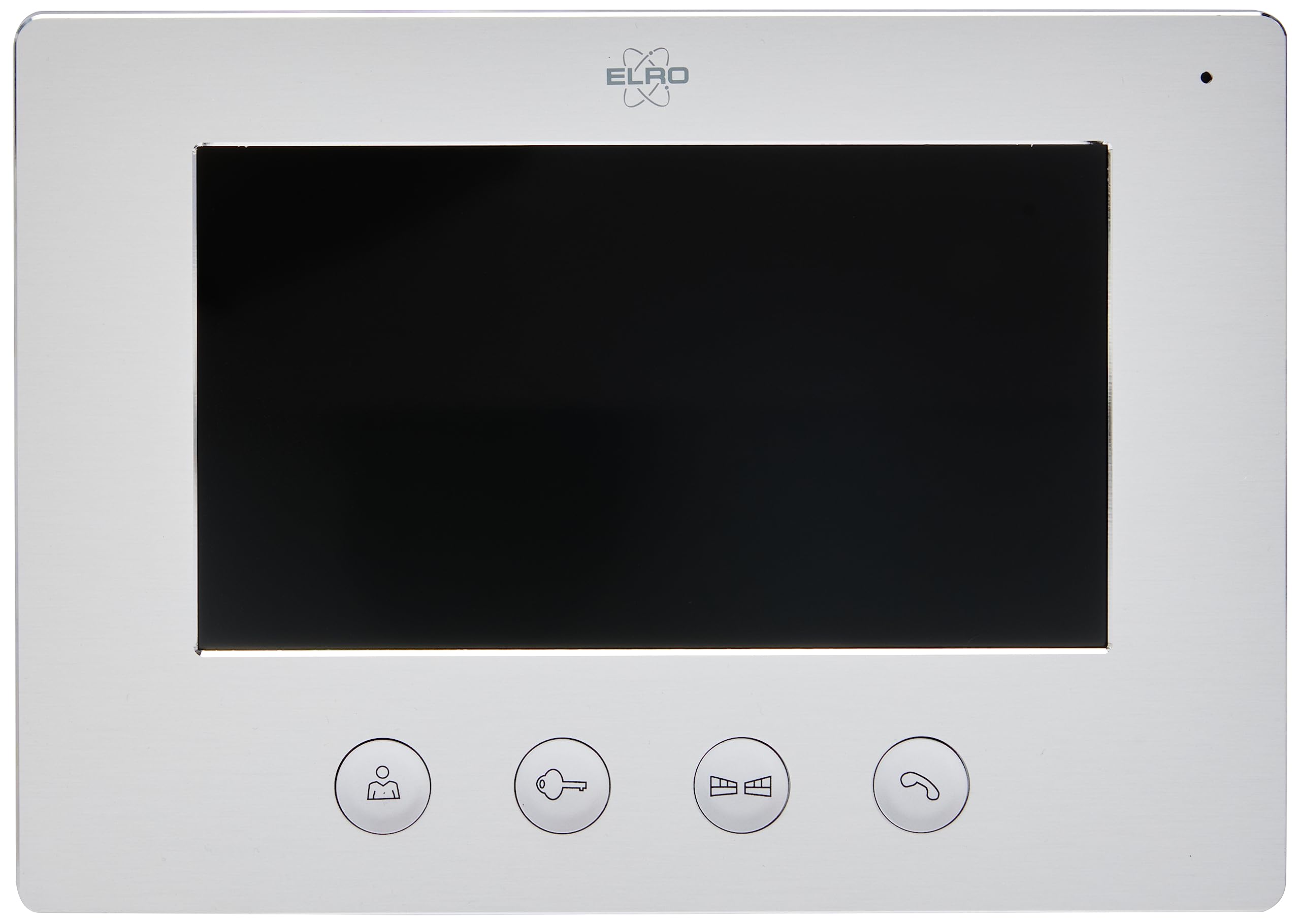
Image 1.1: The ELRO DV477W-M 7-inch indoor monitor, featuring a sleek design and control buttons.
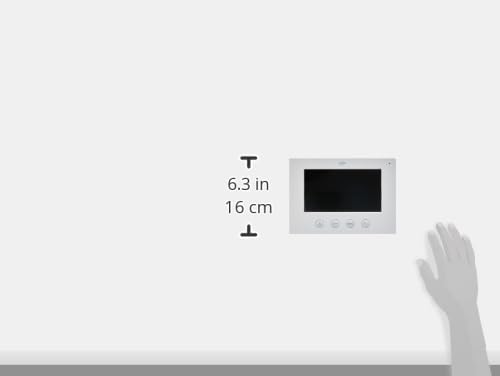
Image 1.2: Diagram showing the dimensions of the ELRO DV477W-M monitor, approximately 6.3 inches (16 cm) in height.
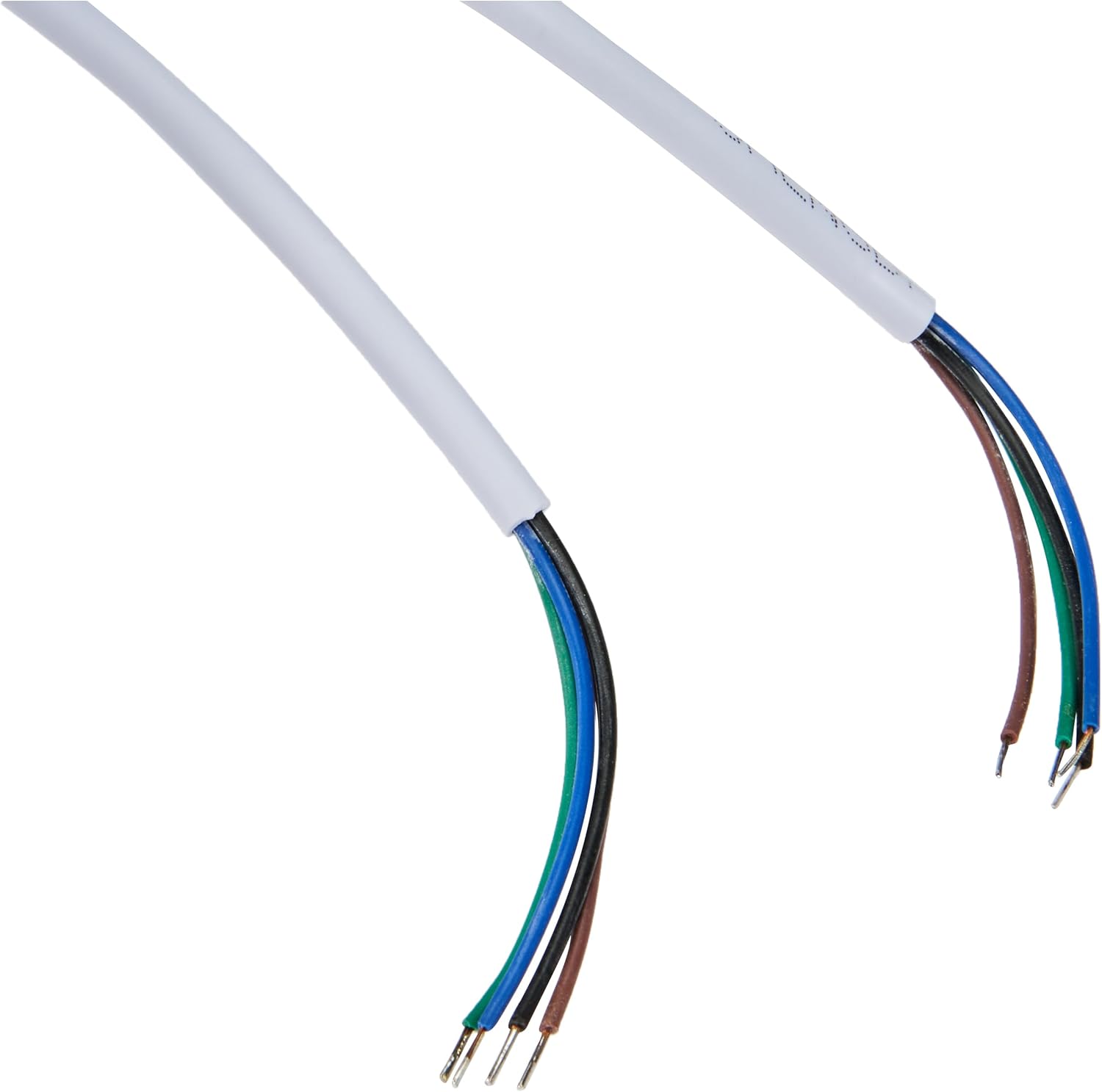
Image 1.3: The included 15-meter 4-wire electrical cable for connecting the monitor to the intercom system.
2. Nastavení a instalace
This section provides instructions for installing your ELRO DV477W-M additional indoor monitor. Ensure all power is disconnected from your existing intercom system before beginning installation.
2.1 Bezpečnostní opatření:
- Před instalací nebo údržbou vždy odpojte napájení.
- Pokud si nejste jisti postupem zapojení, poraďte se s kvalifikovaným elektrikářem.
- Do not expose the monitor to moisture or extreme temperatures.
2.2 Mounting the Monitor:
- Choose a suitable indoor location for the monitor, ensuring it is within reach of the 15m cable and a power outlet.
- Použijte dodaný montážní držák jako šablonu k označení bodů pro vrtání na zdi.
- V případě potřeby vyvrtejte otvory a vložte hmoždinky.
- Upevněte montážní držák ke stěně pomocí vhodných šroubů.
2.3 Připojení kabelů:
- Connect the 4-wire electrical cable from your existing ELRO DV477W or DV477IP outdoor unit/main monitor to the corresponding terminals on the back of the DV477W-M additional monitor. Ensure correct polarity for each wire (e.g., power, ground, audio, video). Refer to your main intercom system's manual for specific wiring diagrams.
- Připojte napájecí adaptér k napájecímu vstupu monitoru a poté jej zapojte do zásuvky ve zdi.
- Opatrně připevněte monitor k namontovanému držáku.
Poznámka: The 4-wire cable typically carries power, ground, audio, and video signals. Incorrect wiring can damage the device or prevent proper operation.
3. Návod k obsluze
Once installed and powered on, the ELRO DV477W-M monitor is ready for use. It functions as an extension of your main intercom system.
3.1 Příjem hovoru:
- When a visitor presses the doorbell button on the outdoor unit, the monitor will ring and display the visitor's image.
- Stiskněte tlačítko Odpověď button (usually indicated by a telephone icon) to initiate two-way audio communication.
- Chcete-li konverzaci ukončit, stiskněte tlačítko Ukončit hovor tlačítko.
3.2 Otevření dveří:
- Během hovoru nebo když viewing the visitor, press the Odemknutí dveří button (often depicted as a key or unlock icon) to activate the electronic door lock connected to your main intercom system.
- The door will unlock for a short period, allowing the visitor to enter.
3.3 Monitorování:
- Some systems allow you to manually activate the camera on the outdoor unit to view the entrance area without a visitor pressing the doorbell. Refer to your main intercom system's manual for this feature.
4. Údržba
Proper maintenance ensures the longevity and optimal performance of your ELRO DV477W-M monitor.
4.1 Čištění:
- Wipe the monitor screen and casinměkkým, suchým hadříkem, který nepouští vlákna.
- Pro odolné skvrny lehce otřeteamphadřík vodou. Nepoužívejte agresivní chemikálie, abrazivní čisticí prostředky ani rozpouštědla, protože by mohly poškodit povrchovou úpravu.
- Do not spray cleaning liquids directly onto the monitor.
4.2 Obecná péče:
- Keep the monitor away from direct sunlight, heat sources, and areas with high humidity.
- Ensure ventilation openings (if any) are not blocked.
- Zabraňte pádu monitoru na zem nebo jeho vystavení silným nárazům.
5. Řešení problémů
If you encounter issues with your ELRO DV477W-M monitor, refer to the following common problems and solutions.
| Problém | Možná příčina | Řešení |
|---|---|---|
| No image or sound on the monitor. |
|
|
| Image is distorted or unclear. |
|
|
| Během komunikace není slyšet žádný zvuk. |
|
|
| Door unlock function does not work. |
|
|
If these solutions do not resolve the issue, please contact ELRO customer support.
6. Specifikace
| Funkce | Detail |
|---|---|
| Číslo modelu | DV477W-M |
| Výrobce | ELRO |
| Velikost displeje | 7 palců (18 cm) |
| Rozměry produktu (D x Š x V) | 21.5 x 2.5 x 15 cm |
| Hmotnost | 386 gramů |
| Materiál | Hliník |
| Zahrnuté komponenty | Monitor, Mounting Bracket, 15m 4-wire Electrical Cable, Power Adapter |
| Jsou vyžadovány baterie | Žádný |
| Kompatibilita | ELRO DV477W and DV477IP series video intercom systems |
7. Záruka a podpora
ELRO products are designed for reliability and performance. For specific warranty information, please refer to the documentation included with your original ELRO video intercom system or visit the official ELRO webmísto.
If you require technical assistance, have questions about installation, or need to report a fault, please contact ELRO customer support. Contact details can typically be found on the ELRO webna webu nebo v obalu vašeho produktu.
Poznámka: Informace o dostupnosti náhradních dílů momentálně nejsou k dispozici.