
Zavedení
Thank you for choosing the MEDION MD 10319 Tower Fan. This manual provides essential information for the safe and efficient operation of your new fan. Please read these instructions carefully before use and keep them for future reference.
Důležité bezpečnostní pokyny
Při používání elektrických spotřebičů vždy dodržujte základní bezpečnostní opatření, abyste snížili riziko požáru, úrazu elektrickým proudem a zranění osob.
- Zajistěte napájení objtage odpovídá štítku s výkonem na ventilátoru.
- Neprovozujte ventilátor s poškozeným kabelem nebo zástrčkou. Pokud je kabel poškozen, musí být vyměněn výrobcem, jeho servisním zástupcem nebo podobně kvalifikovanou osobou, aby se předešlo nebezpečí.
- Chraňte ventilátor před vodou nebo jinými kapalinami. Neponořujte ventilátor do vody.
- Nevkládejte prsty ani cizí předměty do mřížky, když je ventilátor v provozu.
- Odpojte ventilátor ze zásuvky, když jej nepoužíváte, při přemisťování z jednoho místa na druhé a před čištěním.
- Tento spotřebič není určen pro použití osobami (včetně dětí) se sníženými fyzickými, smyslovými nebo duševními schopnostmi nebo nedostatečnými zkušenostmi a znalostmi, pokud na ně nedohlíží osoba odpovědná za jejich bezpečnost nebo jim nebyla poskytnuta instrukce ohledně používání spotřebiče.
- Děti by měly být pod dozorem, aby bylo zajištěno, že si se spotřebičem nebudou hrát.
- Umístěte ventilátor na stabilní, rovný povrch, aby se zabránilo jeho převrácení.
Obsah balení
Zkontrolujte prosím balení, zda obsahuje následující komponenty:
- MEDION MD 10319 Tower Fan
- Base (two halves)
- Pojistná matice
- 4 Mounting Screws for Base
- Remote Control (with 2 x AAA batteries)
- Návod k použití
Montáž a nastavení
Follow these steps to assemble your tower fan:
- Opatrně vyjměte všechny součásti z obalu.
- Assemble the two halves of the base by interlocking them.
- Align the assembled base with the bottom of the fan unit. Ensure the power cord passes through the designated slot in the base.
- Secure the base to the fan unit using the 4 mounting screws provided.
- Tighten the securing nut from underneath the base to firmly attach it to the fan body.
- Insert the 2 AAA batteries into the remote control, observing polarity.
- Umístěte ventilátor na pevný, rovný povrch.
- Zapojte napájecí kabel do vhodné elektrické zásuvky (220 V).
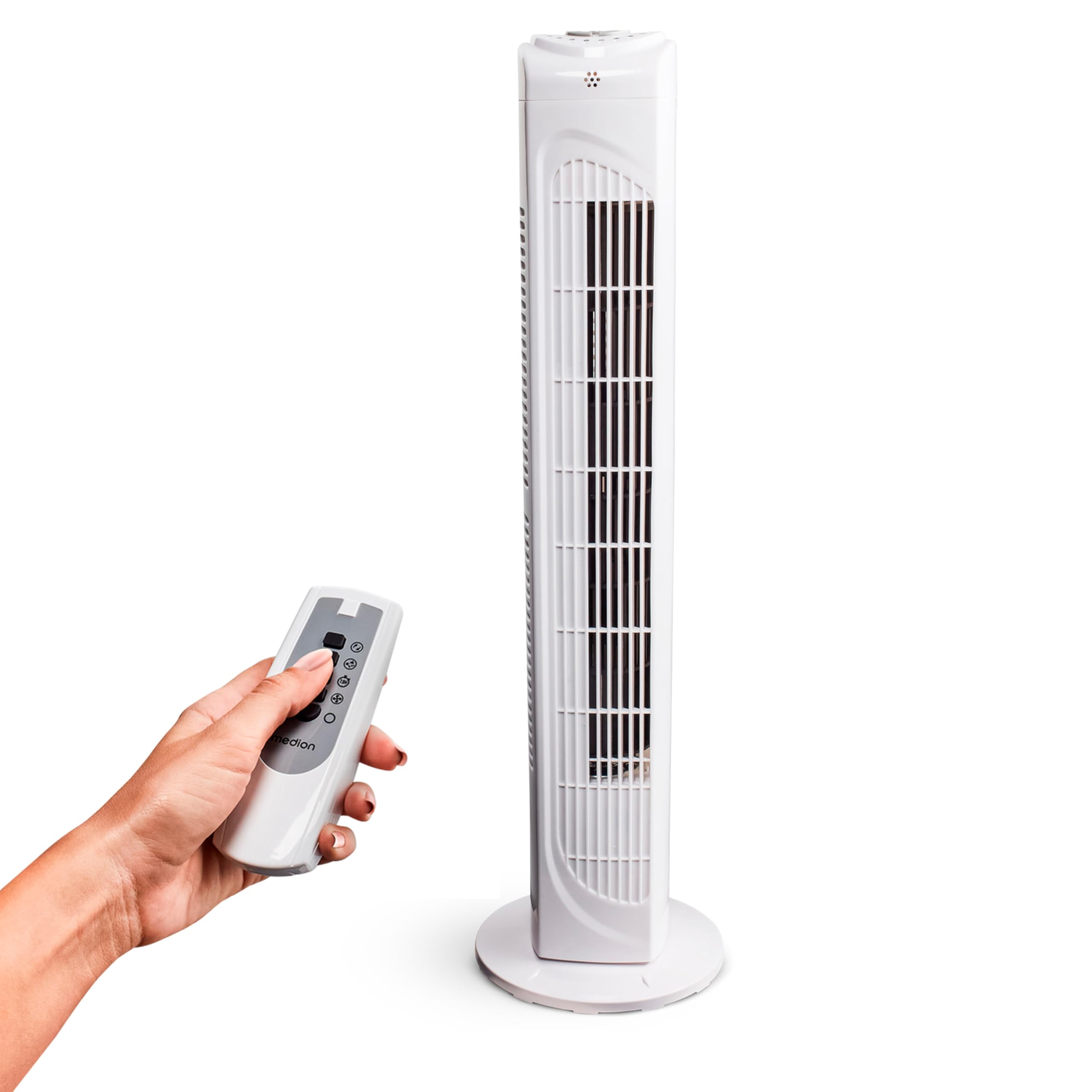
Image: The MEDION MD 10319 Tower Fan, fully assembled with its base, ready for use.

Image: A hand demonstrating the integrated carrying handle on top of the fan for easy portability.
Konec produktuview
Ovládací panel
The control panel is located on the top of the fan unit. It features buttons for power, speed, oscillation, and timer functions.

Obrázek: Podrobný view of the fan's top control panel, showing buttons for power, speed settings (3 levels), timer, and oscillation.
Dálkové ovládání
The included remote control allows you to operate all fan functions from a distance.
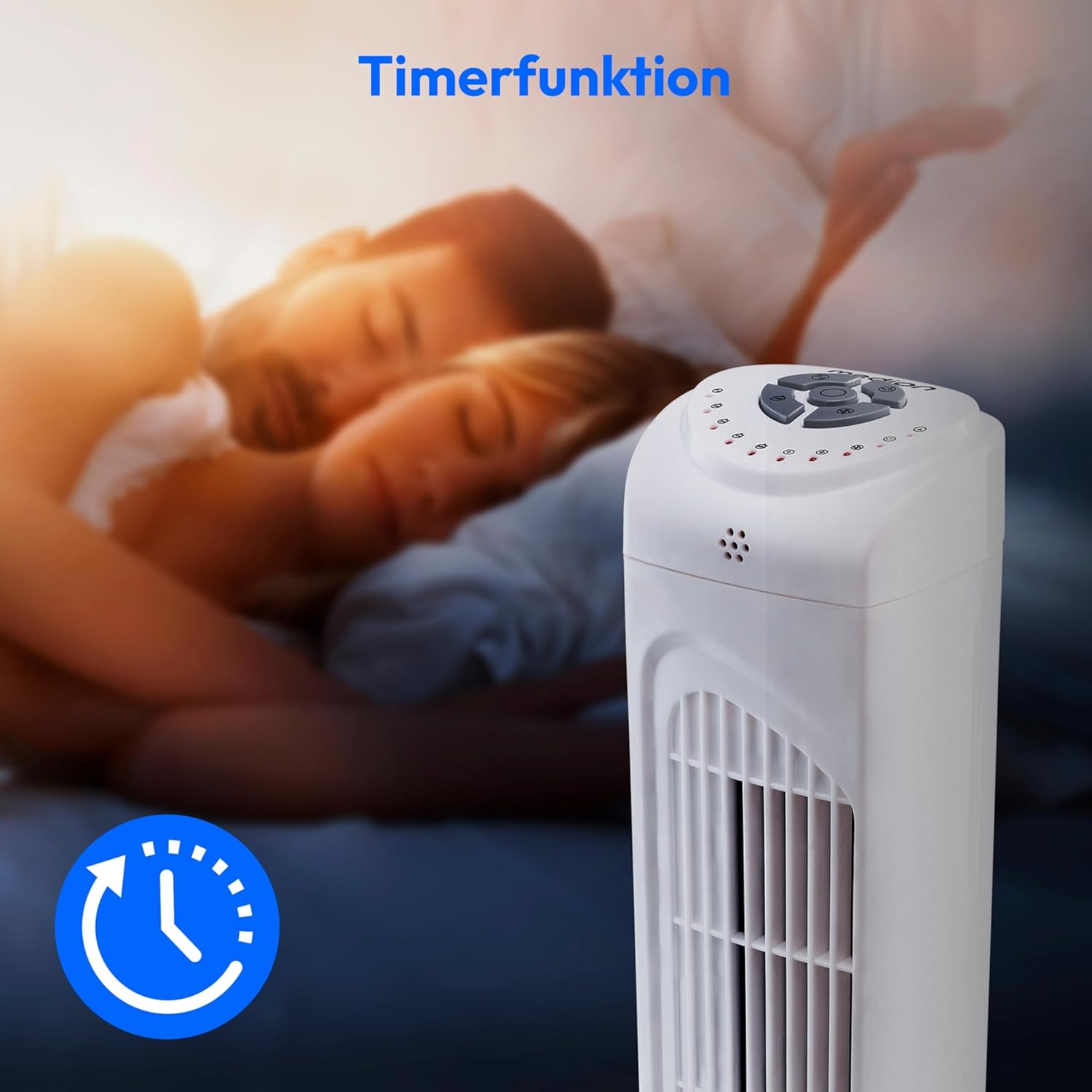
Image: A hand holding the remote control, which features buttons for power, speed, oscillation, and timer, mirroring the main control panel.
Návod k obsluze
Zapnutí/vypnutí
- Stiskněte tlačítko MOC button on the control panel or remote control to turn the fan ON.
- Stiskněte tlačítko MOC znovu stiskněte tlačítko pro vypnutí ventilátoru.
Nastavení rychlosti ventilátoru
The fan has 3 speed settings: Low, Medium, and High.
- Stiskněte tlačítko RYCHLOST button repeatedly to cycle through the speed settings.
- The current speed level will be indicated by LED lights on the control panel.
Oscilační funkce
The oscillation function allows the fan to rotate horizontally, distributing air over a wider area.
- Stiskněte tlačítko OSC button on the control panel or remote control to activate oscillation. The fan will rotate approximately 60 degrees.
- Stiskněte tlačítko OSC button again to stop oscillation. The fan will stop in its current position.

Image: The tower fan oscillating, indicated by blue arrows showing a 60-degree rotation for wider air distribution.
Funkce časovače
The timer function allows you to set the fan to automatically turn off after a specified period, up to 7.5 hours.
- Stiskněte tlačítko ČASOVAČ button repeatedly to set the desired operating time (e.g., 0.5h, 1h, 2h, 4h, up to 7.5h).
- The selected timer duration will be indicated by LED lights on the control panel.
- To cancel the timer, cycle through the settings until no timer LEDs are illuminated, or turn the fan off.

Image: The fan with a timer icon, illustrating its use for setting automatic shut-off, ideal for use during sleep.
Údržba
Regular cleaning will help maintain the performance and extend the lifespan of your fan.
- Před čištěním vždy odpojte ventilátor ze zásuvky.
- Použijte měkký, damp hadříkem otírejte vnější povrchy ventilátoru. Nepoužívejte abrazivní čisticí prostředky ani rozpouštědla.
- Pomocí vysavače s kartáčovým nástavcem jemně odstraňte prach z mřížek sání a výfuku vzduchu.
- Do not allow water to drip into the interior of the fan.
- Pokud ventilátor delší dobu nepoužíváte, skladujte jej na chladném a suchém místě.
Odstraňování problémů
If you encounter any issues with your MEDION MD 10319 Tower Fan, please refer to the following common problems and solutions:
| Problém | Možná příčina | Řešení |
|---|---|---|
| Ventilátor se nezapne. | Žádné napájení. Tlačítko napájení není stisknuto. | Zkontrolujte, zda je napájecí kabel bezpečně zapojený do funkční zásuvky. Press the POWER button on the fan or remote. |
| Dálkové ovládání nefunguje. | Baterie jsou vybité nebo nesprávně vložené. Překážka mezi dálkovým ovladačem a ventilátorem. | Replace batteries (2 x AAA) and ensure correct polarity. Remove any objects blocking the signal path. Ensure you are within range. |
| Ventilátor vydává neobvyklý zvuk. | Ventilátor není na rovném povrchu. Obstruction in the fan grille. | Umístěte ventilátor na stabilní, rovný povrch. Unplug the fan and carefully check for any foreign objects in the grilles. |
| Oscillation function is not working. | Oscillation button not activated. | Press the OSC button on the control panel or remote control. |
Specifikace
| Funkce | Detail |
|---|---|
| Značka | STŘEDNÍ |
| Název modelu | MD 10319 |
| Typ | Tower Fan / Floor Fan |
| Barva | Bílý |
| Zdroj napájení | Elektrický kabel |
| Wattage | 45 W |
| svtage | 220 voltů |
| Počet rychlostí | 3 |
| Speciální funkce | Oscillating, Timer Function |
| Úhel oscilace | 60° |
| Funkce časovače | Až 7.5 hodin |
| Kontrolní metoda | Dálkový ovladač, tlačítka na jednotce |
| Úroveň hluku | 50 decibelů |
| Rozměry produktu (D x Š x V) | 28 cm x 28 cm x 79 cm |
| Hmotnost položky | 2.5 kg |
| Materiál | Plast |
| Typ hlavního napájecího konektoru | CEE 7/7 (zásuvka Schuko) |

Image: The MEDION MD 10319 Tower Fan with its height (79 cm) and base width (28 cm) clearly indicated.
Záruka a podpora
Your MEDION MD 10319 Tower Fan comes with a manufacturer's warranty. Please refer to the warranty card included in your package for detailed terms and conditions, including the warranty period and coverage.
For technical support, service, or spare parts, please contact MEDION customer service. Contact information can typically be found on the MEDION official webna webu nebo v záruční dokumentaci.