
Zavedení
Thank you for choosing the VOYEE Wireless Controller for PlayStation 4. This manual provides detailed instructions on how to set up, operate, maintain, and troubleshoot your new controller. Please read this manual thoroughly before use to ensure optimal performance and longevity of your device.
Konec produktuview
Klíčové vlastnosti
- Bezdrátové připojení: Seamless connection to your PlayStation 4 console.
- Dual Vibration Feedback: Enhanced haptic feedback for immersive gaming.
- 6osý snímač pohybu: Integrated gyroscope and accelerometer for precise motion control.
- Multi-touch Touchpad: Interactive input for various game functions.
- Integrovaný reproduktor: Delivers additional sound effects directly from the controller.
- 3.5mm konektor pro sluchátka: Connect your headset for private audio and chat.
- Ergonomický design: Comfortable grip for extended gaming sessions.
- Fast Charging Port: Efficient charging for minimal downtime.
Komponenty řadiče
Familiarize yourself with the various buttons and features of your VOYEE Wireless Controller:
- Akční tlačítka: Triangle, Circle, Cross, Square.
- Směrový ovladač (D-Pad): Up, Down, Left, Right.
- Analogové páčky: Levá a pravá analogová páčka pro pohyb a ovládání kamery.
- Tlačítka L1/R1 a spouštěče L2/R2: Shoulder buttons and triggers.
- Tlačítko PS: Powers on the controller, accesses the PS Home screen.
- Tlačítko SDÍLET: Shares gameplay content.
- Tlačítko MOŽNOSTI: Zpřístupňuje herní menu a možnosti.
- Touchpad: Interactive surface for gestures and clicks.
- Světelná lišta: Indicates player number, health, and other game information.
- Micro-USB port: Pro nabíjení a kabelové připojení.
- EXT Port: Pro připojení příslušenství.
- Reproduktor: Built-in mono speaker.
- Jack pro sluchátka: 3.5mm port for headsets.

Obrázek 1: Přední strana view of the VOYEE Wireless Controller, highlighting its ergonomic design and button layout.

Obrázek 2: Detailní view of the SHARE, OPTIONS, and VOYEE buttons, along with the D-pad and R1 trigger.
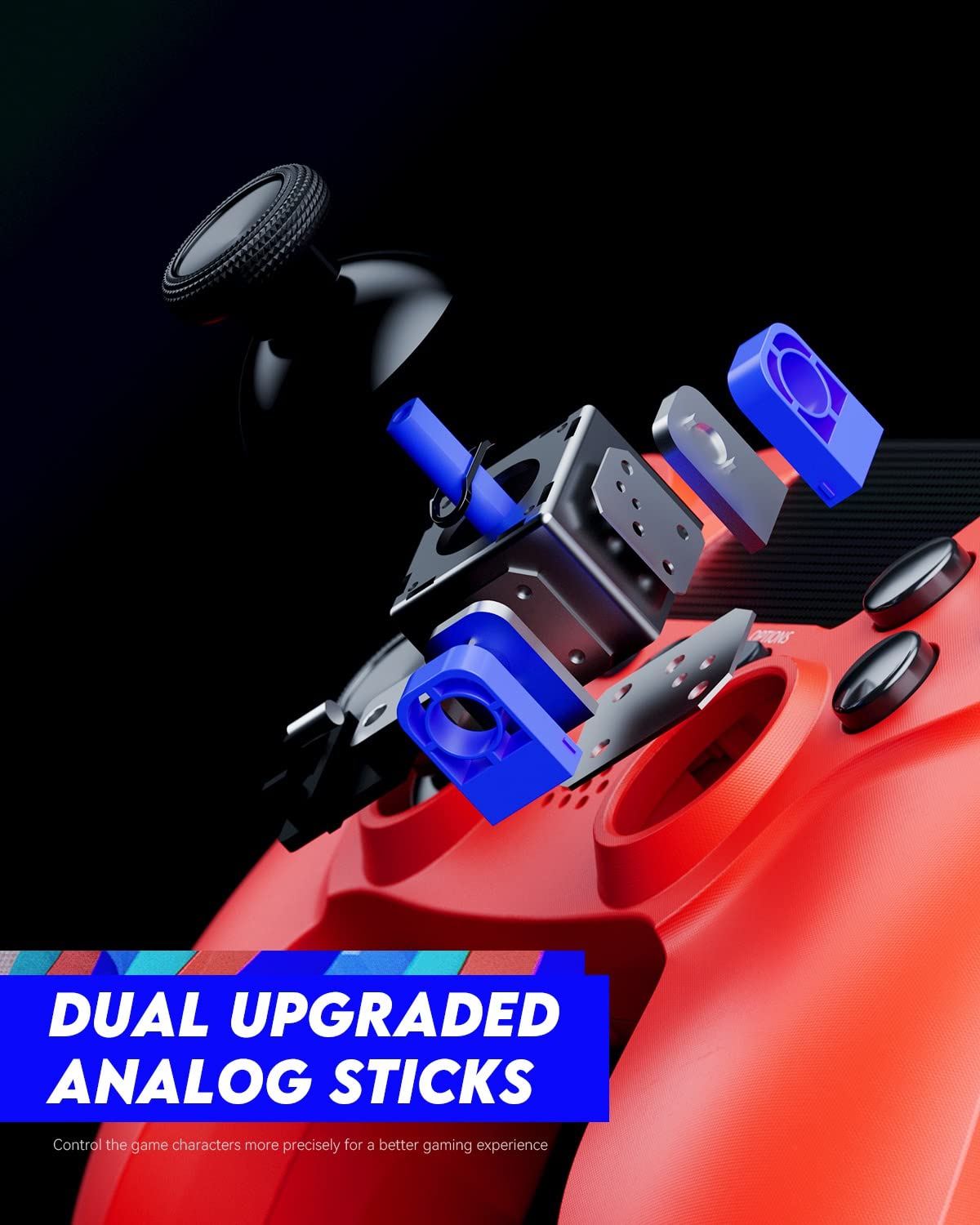
Figure 3: An exploded diagram illustrating the internal components of the dual analog sticks, emphasizing precision control.
Nastavení
Nabíjení ovladače
Before first use, fully charge the controller. The controller features an 800mAh battery for extended playtime.
- Connect the supplied USB cable to the Micro-USB port on the controller.
- Connect the other end of the USB cable to a USB port on your PlayStation 4 console (console must be powered on or in rest mode) or a compatible USB wall charger.
- Světelný pruh na ovladači bude během nabíjení pomalu oranžově blikat a po plném nabití zhasne.

Figure 4: The controller's light bar illuminates, indicating power or charging status.
Spárování s PlayStation 4
To use the controller wirelessly, it must be paired with your PlayStation 4 console.
- Ujistěte se, že je vaše konzole PlayStation 4 zapnutá.
- Connect the controller to the PS4 console using the USB cable.
- Stiskněte tlačítko Tlačítko PS on the controller. The controller will power on and automatically pair with the console.
- Po spárování můžete odpojit kabel USB a používat ovladač bezdrátově.
- To pair additional controllers, repeat these steps for each controller. The light bar will indicate the player number (Player 1: Blue, Player 2: Red, Player 3: Green, Player 4: Pink).
Návod k obsluze
Základní ovládací prvky
The VOYEE Wireless Controller functions similarly to the original PlayStation 4 controller. Refer to your game's instructions for specific button mappings.
- Analogové páčky: Use for character movement, camera control, and menu navigation.
- D-Pad: For precise directional input, often used in menus or fighting games.
- Akční tlačítka (trojúhelník, kruh, kříž, čtverec): Perform in-game actions such as jumping, attacking, or confirming selections.
- Tlačítka L1/R1: Často se používá pro rychlé akce nebo přepínání zbraní.
- Spouštěče L2/R2: Typically used for aiming, shooting, or acceleration/braking in driving games.
- Tlačítko PS: Press once to return to the PS Home screen. Press and hold to access the Quick Menu.
- Tlačítko SDÍLET: Press to open the Share menu, allowing you to take screenshots or record video clips.
- Tlačítko MOŽNOSTI: Press to pause games or access in-game options/menus.
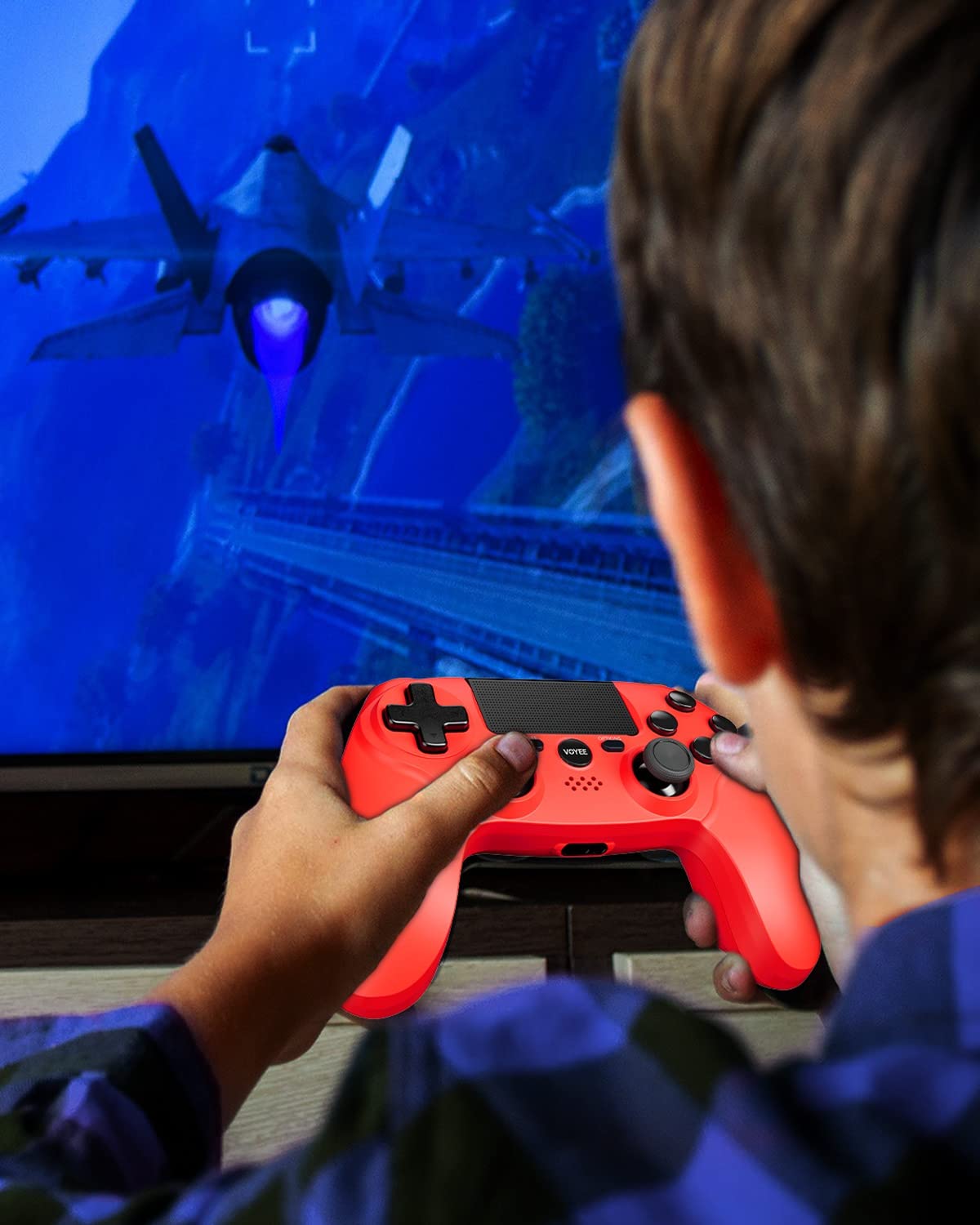
Figure 5: A user actively engaged in gameplay using the VOYEE Wireless Controller.
Používání speciálních funkcí
- Touchpad: Swipe, tap, or click the touchpad for various in-game interactions, depending on the game's design.
- Pohybový senzor: Tilt and move the controller to control certain game elements, such as steering in racing games or aiming in shooters.
- Vibrační zpětná vazba: The controller will vibrate to provide tactile feedback during gameplay, such as impacts, explosions, or specific in-game events.
- Sluchátkový jack: Plug any standard 3.5mm headset into the jack for game audio and voice chat. Adjust audio settings via the PS4 Quick Menu.

Figure 6: Two players using VOYEE Wireless Controllers for a shared gaming experience.
Údržba
Čištění
To keep your controller in optimal condition:
- Ovladač pravidelně otírejte měkkým, suchým hadříkem.
- Pro odolnou špínu lehceampOtřete hadřík vodou nebo jemným čisticím roztokem. Vyhněte se agresivním chemikáliím.
- Nedovolte, aby se do otvorů regulátoru dostaly kapaliny.
Skladování
When not in use, store the controller in a cool, dry place away from direct sunlight and extreme temperatures.
Péče o baterie
The controller contains a rechargeable lithium-ion battery. To maximize battery life:
- Vyhněte se častému úplnému vybíjení baterie.
- Charge the controller regularly, even if not in constant use.
- Do not expose the controller to temperatures above 60°C (140°F).
Odstraňování problémů
Problémy s připojením
- Ovladač se nepřipojuje: Ensure the controller is charged. Connect it to the PS4 with a USB cable and press the PS button to re-pair.
- Časté výpadky: Ensure there are no obstructions between the controller and the PS4. Move closer to the console. Other wireless devices might cause interference.
Problémy s nabíjením
- Ovladač se nenabíjí: Try a different USB cable or a different USB port on the PS4 or wall charger. Ensure the PS4 is powered on or in rest mode.
- Pomalé nabíjení: Use the original USB cable or a high-quality replacement. Ensure the power source provides sufficient current.
Button/Stick Unresponsiveness
- Tlačítka nebo analogové páčky nereagují: Reset the controller by inserting a small, pointed object (like a straightened paperclip) into the small hole on the back of the controller near the L2 button. Hold for 5 seconds. Then, re-pair the controller with the PS4.
- Drift in analog sticks: Perform a controller reset. If the issue persists, contact customer support.
Specifikace
| Značka | VOYEE |
| Kompatibilní zařízení | PlayStation 4 |
| Typ ovladače | Gamepad |
| Konektivita | Bezdrátový |
| Speciální funkce | Ergonomic, Headphone Jack, Rumble, Touchpad, 6-Axis Motion Sensor |
| Počet tlačítek | 16 |
| Kapacita baterie | 800 mAh (interní) |
| Rozměry položky (D x Š x V) | 6.61 x 4.53 x 2.95 palce |
Bezpečnostní informace
Dodržujte prosím následující bezpečnostní opatření:
- Do not expose the controller to extreme temperatures, direct sunlight, or high humidity.
- Zabraňte pádu ovladače na zem nebo jeho vystavení silným nárazům.
- Chraňte regulátor před vodou a jinými kapalinami.
- Do not attempt to disassemble or modify the controller. This may void your warranty and cause damage.
- Uchovávejte mimo dosah malých dětí.
Záruka a podpora
For warranty information or technical support, please refer to the documentation included with your purchase or contact VOYEE customer service through the retailer where the product was purchased. Please have your product model and purchase date available when contacting support.