
Zavedení
This user manual provides comprehensive instructions for the LogiLink PA0223 10000 mAh Power Bank. It covers product features, setup, operation, maintenance, troubleshooting, and technical specifications. Please read this manual carefully before using the device to ensure safe and optimal performance.
Bezpečnostní pokyny
- Nevystavujte powerbanku extrémním teplotám, přímému slunečnímu záření ani ohni.
- Neponořujte powerbanku do vody ani jiných tekutin.
- Vyvarujte se pádu nebo vystavení powerbanky silným nárazům.
- Nepokoušejte se powerbanku rozebírat, opravovat ani upravovat. Mohlo by dojít ke zrušení záruky a k ohrožení bezpečnosti.
- Uchovávejte mimo dosah dětí.
- Use only approved chargers and cables for charging the power bank and external devices.
- Pokud se powerbanka během používání nebo nabíjení zvětší, začne zapáchat nebo se zahřeje, okamžitě ji přestaňte používat.
Obsah balení
Balíček by měl obsahovat následující položky:
- 1 x LogiLink PA0223 10000 mAh Power Bank
- 1 x 2-in-1 USB Cable (USB-A to USB-C and Micro-USB)
- 1 x Uživatelská příručka

Image: LogiLink PA0223 Power Bank and its retail packaging, showing the included cable.
Konec produktuview
The LogiLink PA0223 is a portable power bank designed to charge mobile phones and tablets on the go. It features a compact and slim design with a 10000 mAh Li-polymer battery.
Klíčové vlastnosti:
- Kapacita: 10000 mAh (3.7V Li-polymer battery)
- Vstup: USB-C and Micro-USB (5V/2A, 10W max) for fast charging the power bank.
- výstup: 5V/2.4A (12W max) for charging external devices.
- Duální nabíjení: Možnost nabíjení dvou zařízení současně.
- Integrovaný kabel: Includes a 2-in-1 USB-A to USB-C and Micro-USB cable.
- LED indikátor: Zobrazuje aktuální stav baterie.
- Bezpečnostní ochrany: Built-in protection against overcurrent, overvoltage, overheating, and short circuit.

Obrázek: Nahoře view of the LogiLink PA0223 Power Bank, showing its textured surface and LED indicators.

Image: Diagram illustrating the power bank's protection features against overcurrent, overvoltage, overheating, and short circuit.
Nastavení
1. Nabíjení powerbanky
Before first use, fully charge the power bank. To charge the LogiLink PA0223 Power Bank:
- Connect the included 2-in-1 USB cable (USB-A end) to a USB wall adapter (not included) or a computer's USB port.
- Connect the Micro-USB or USB-C end of the 2-in-1 cable to the corresponding input port on the power bank.
- The LED indicators on the power bank will light up to show the charging progress. All LEDs will be solid when fully charged.

Image: The LogiLink PA0223 Power Bank being charged via its USB-C input port, connected to a laptop.
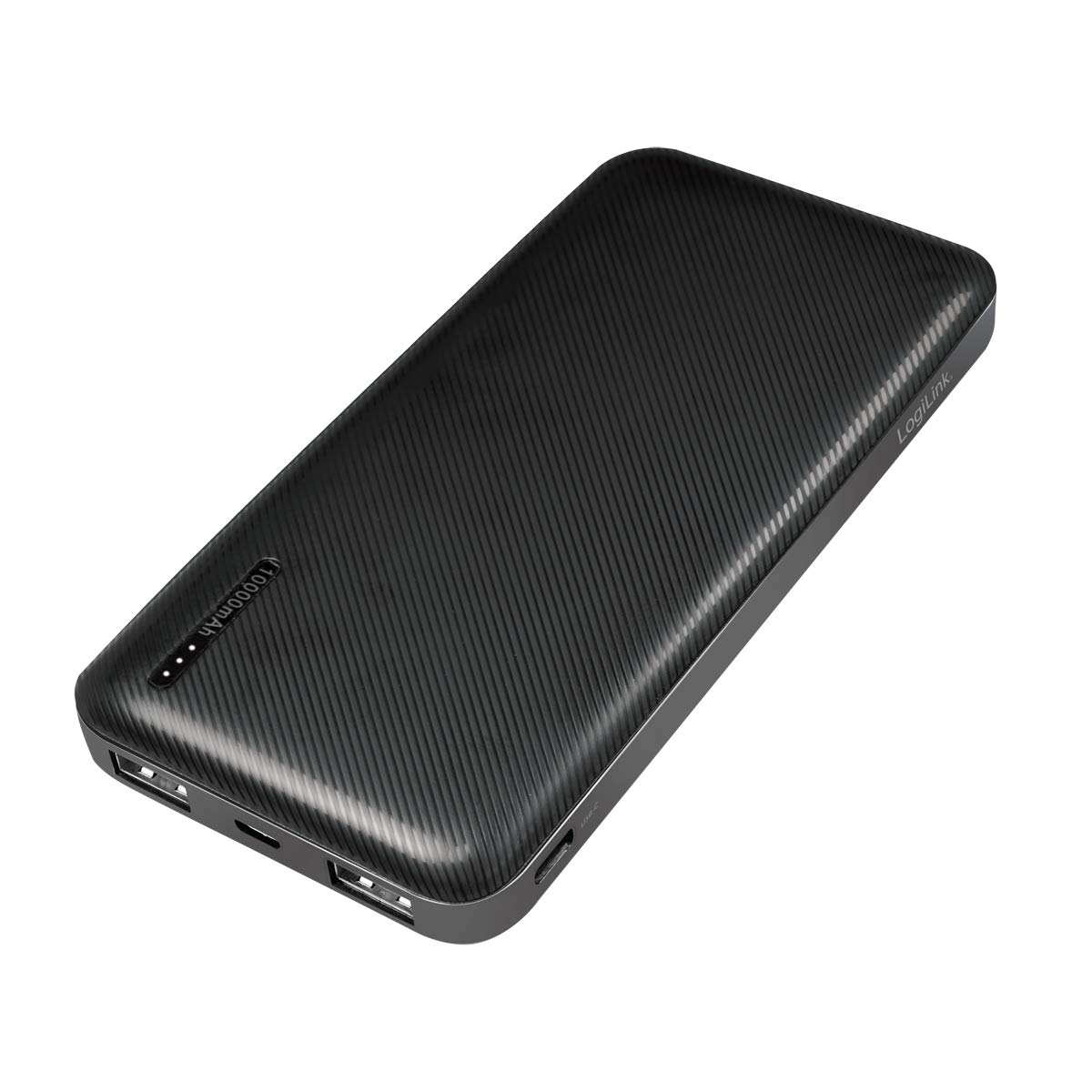
Image: The LogiLink PA0223 Power Bank being charged via its Micro-USB input port, connected to a laptop.
2. Kontrola stavu baterie
Press the power button once to check the remaining battery level. The LED indicators will light up, with each LED representing approximately 25% of the charge.
- • 1 LED diod: 0-25% nabití
- • 2 LED diody: 25-50% nabití
- • 3 LED diody: 50-75% nabití
- • 4 LED diody: 75-100% nabití
Návod k obsluze
Nabíjení externích zařízení
The LogiLink PA0223 Power Bank can charge mobile phones, tablets, and other USB-powered devices.
- Připojte nabíjecí kabel zařízení k jednomu z USB výstupních portů na powerbankě.
- Připojte druhý konec kabelu k zařízení.
- Powerbanka automaticky začne nabíjet vaše zařízení. Pokud ne, stiskněte jednou tlačítko napájení.
- You can charge up to two devices simultaneously using the available output ports.
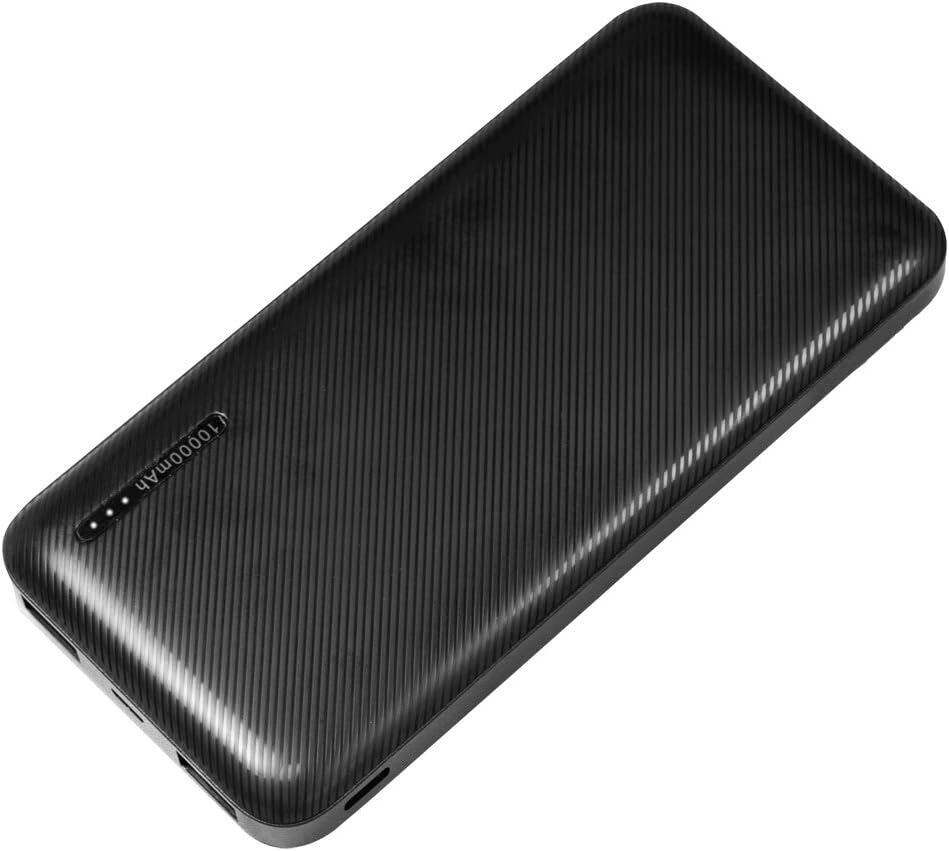
Image: The LogiLink PA0223 Power Bank simultaneously charging two smartphones via its USB output ports.

Image: The LogiLink PA0223 Power Bank charging a smartphone, highlighting its 10000 mAh capacity.
Using the 2-in-1 Cable
The included 2-in-1 cable features both USB-C and Micro-USB connectors, allowing compatibility with a wide range of devices.
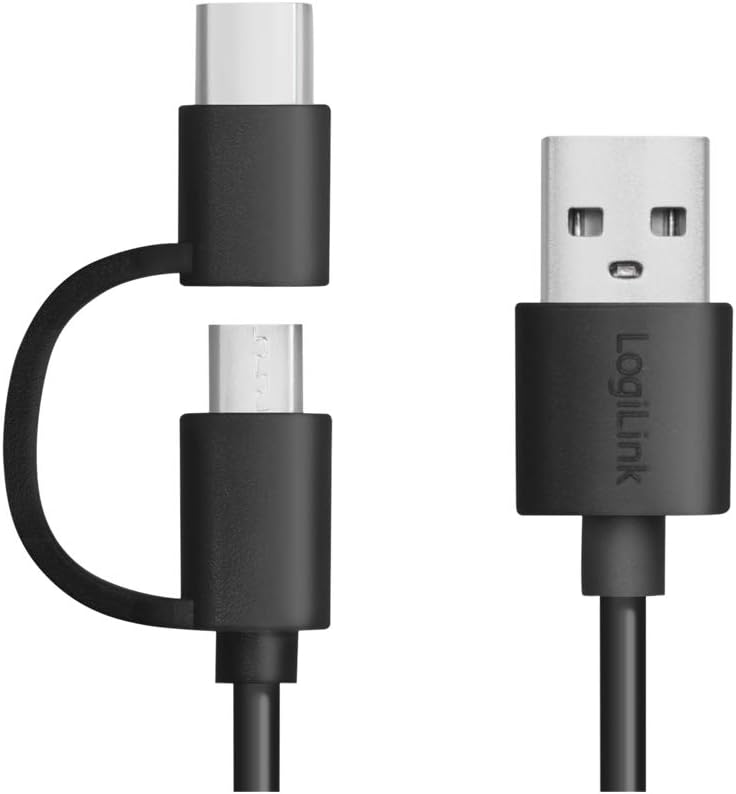
Obrázek: Detailní záběr view of the versatile 2-in-1 USB cable, showing its USB-A, USB-C, and Micro-USB connectors.
Údržba
- Clean the power bank with a soft, dry cloth. Do not use liquid cleaners.
- Powerbanku skladujte na chladném a suchém místě mimo dosah přímého slunečního záření a vlhkosti.
- If the power bank will not be used for an extended period, charge it to at least 50% every three months to prolong battery life.
Odstraňování problémů
| Problém | Možná příčina | Řešení |
|---|---|---|
| Power bank does not charge. | Charging cable is faulty or not properly connected. Charger is not working. | Check cable connections. Try a different USB cable or wall adapter. Ensure the power bank's input port is clean. |
| Device does not charge from power bank. | Power bank battery is depleted. Device cable is faulty or not properly connected. Device is incompatible. | Recharge the power bank. Check cable connections. Try a different charging cable. Ensure your device is compatible with USB charging. Press the power button on the power bank. |
| Pomalé nabíjení. | Low power input/output. Faulty cable. | Ensure you are using a 5V/2A (10W) or higher wall adapter to charge the power bank. Use a high-quality cable. |
| LED indikátory nefungují. | Power bank is off or faulty. | Press the power button to activate the LEDs. If still not working, the unit may be faulty. |
Specifikace
| Funkce | Detail |
|---|---|
| Číslo modelu | PA0223 |
| Typ baterie | Lithium-Polymer |
| Kapacita baterie | 10000 XNUMX mAh |
| Input (Micro-USB / USB-C) | 5V / 2A (10W max) |
| Výstup (USB-A) | 5V / 2.4A (12W max) |
| Počet výstupních portů | 2 |
| Rozměry (D x Š x V) | 14 x 6.8 x 1.6 cm |
| Hmotnost položky | 228 g |
| Barva | Černý |
| Přiložený kabel | 2-in-1 USB-A to USB-C and Micro-USB (30 cm) |
| Ochranné funkce | Nadproud, Overvoltage, Overheating, Short Circuit |
Záruka a podpora
For warranty information or technical support, please refer to the contact details provided by your retailer or visit the official LogiLink webwebu. Uschovejte si účtenku jako doklad o koupi.