
1. Úvod
The COMPUTHERM T-32 room thermostat is designed for controlling most boilers and air conditioners available in the EU. It can be easily connected to any gas boiler with a two-wire thermostatic connection point, and to all air conditioning systems or electrical appliances, whether they have a 24V or 230V control circuit.
This digital thermostat allows for more precise temperature measurement and adjustment compared to traditional thermostats. It helps reduce energy costs while maintaining comfort by regulating the connected appliance (e.g., a gas boiler or pump) based on the measured and set temperatures.
Klíčové vlastnosti:
- Přesná regulace teploty: Easily set desired temperature between 5°C and 30°C in 0.5°C increments.
- Constant Indoor Temperature: Switching sensitivity of ±0.2°C or 0.1°C ensures a uniform and stable room temperature.
- Všestranná kompatibilita: Suitable for boilers with a two-wire connection and various HVAC systems (24V or 230V).
- Režimy topení a chlazení: Supports both heating and cooling functions.
- Digitální displej: Provides clear and accurate temperature readings.
2. Nastavení a instalace
Důležité: Zařízení musí instalovat kompetentní osoba.
2.1 Obsah balení
Ověřte, zda jsou přítomny všechny komponenty:
- 1x COMPUTHERM T-32 Digital Room Thermostat
- 2x AAA baterie
- Montážní materiál (šrouby a hmoždinky)

Figure 1: Package contents including the thermostat, batteries, and mounting hardware.
2.2 Instalace baterie
- Carefully remove the back cover of the thermostat.
- Insert the two AAA batteries into the battery compartment, ensuring correct polarity (+/-).
- Nasaďte zadní kryt.
2.3 Montáž a zapojení
The thermostat is designed for wall mounting in a room. Choose a location away from direct sunlight, drafts, or heat sources that could affect temperature readings.
- Separate the front panel from the back plate.
- Označte si na zdi požadovanou montážní polohu.
- Vyvrtejte otvory a vložte do nich hmoždinky.
- Připevněte zadní desku ke zdi pomocí dodaných šroubů.
- Connect the two-wire control circuit from your boiler or HVAC system to the terminals on the back plate. Refer to the wiring diagram on the back of the thermostat for correct connections.
- Carefully reattach the front panel to the back plate.

Obrázek 2: Zadní view of the thermostat with wiring terminals and battery compartment details.
3. Provoz
3.1 Zobrazení nadview
The digital display shows the current room temperature and the set desired temperature. The thermostat features three control buttons below the display.

Obrázek 3: Přední strana view of the COMPUTHERM T-32 thermostat with its digital display and three control buttons.
3.2 Nastavení požadované teploty
Use the temperature control buttons (typically marked with up and down arrows or similar symbols) to adjust the desired temperature. Each press changes the temperature by 0.5°C within a range of 5°C to 30°C.
- Stiskněte tlačítko Šipka nahoru tlačítko pro zvýšení požadované teploty.
- Stiskněte tlačítko Šipka dolů tlačítko pro snížení požadované teploty.
The thermostat will automatically regulate the connected heating or cooling appliance to maintain the set temperature within its switching sensitivity of ±0.2°C.
3.3 Heating Mode Operation
In heating mode, if the measured room temperature falls below the set temperature minus the switching sensitivity (e.g., 22°C - 0.2°C = 21.8°C), the thermostat will activate the heating appliance. It will deactivate the heating when the room temperature rises above the set temperature plus the switching sensitivity (e.g., 22°C + 0.2°C = 22.2°C).
3.4 Cooling Mode Operation
In cooling mode, the operation is reversed. If the measured room temperature rises above the set temperature plus the switching sensitivity, the thermostat will activate the cooling appliance. It will deactivate cooling when the room temperature falls below the set temperature minus the switching sensitivity.
Note: After a temperature change using the thermostat's adjustment buttons, the switching sensitivity is temporarily not considered, allowing the thermostat to react to a difference of ±0.1°C for immediate response.
4. Údržba
- Čištění: Termostat otřete měkkým, suchým hadříkem. Nepoužívejte abrazivní čisticí prostředky ani rozpouštědla.
- Výměna baterie: Vyměňte baterie, když se na displeji zobrazí indikátor slabých baterií. Vždy používejte nové alkalické baterie typu AAA.
- Vyhněte se překážkám: Ensure no objects block the thermostat's ventilation slots or sensor, as this can affect temperature accuracy.
5. Řešení problémů
| Problém | Možná příčina | Řešení |
|---|---|---|
| Displej termostatu je prázdný. | Vybité nebo nesprávně vložené baterie. | Vyměňte baterie a dbejte na správnou polaritu. |
| Systém vytápění/chlazení nereaguje. | Nesprávné zapojení; vypnutí napájení systému; termostat v nesprávném režimu. | Check wiring connections (consult a professional); ensure system power is on; verify thermostat is set to appropriate mode (heating/cooling). |
| Nepřesný údaj o teplotě. | Thermostat located near heat source/draft; sensor obstructed. | Relocate thermostat if possible; ensure no obstructions around the sensor. |
| Temperature fluctuates too much. | High switching sensitivity setting (not applicable for T-32 as it's fixed). | The T-32 has a fixed sensitivity of ±0.2°C. Ensure proper placement and insulation of the room. |
6. Specifikace
- Model: T32
- Zdroj napájení: 2x AAA 1.5V Alkaline Batteries (included)
- Control Voltage: 24V AC nebo 230V AC
- Kapacita zatížení: 8 Amperes
- Rozsah měření teploty: 5 °C až 30 °C
- Rozsah nastavení teploty: 5 °C až 30 °C
- Krok nastavení teploty: 0.5 °C
- Přepínání citlivosti: ±0.2°C (or ±0.1°C after manual adjustment)
- Rozměry (D x Š x V): 8.5 x 8.5 x 2.8 cm
- Hmotnost: 160 gramů
- Konektivita: Kabelové
- Barva: Bílý


Figure 4: Dimensions of the COMPUTHERM T-32 thermostat.
7. Záruka
The COMPUTHERM T-32 Digital Room Thermostat comes with a 5letá záruka výrobcePro případné reklamace si prosím uschovejte doklad o koupi. Záruka se vztahuje na vady materiálu a zpracování při běžném používání.
8. Podpora
For further assistance or if you encounter issues not covered in this manual, please refer to the official COMPUTHERM website or contact your retailer. Always ensure that any electrical work is performed by a qualified professional.
Pro více informací můžete navštívit stránky výrobce webmísto: www.calorsol.de
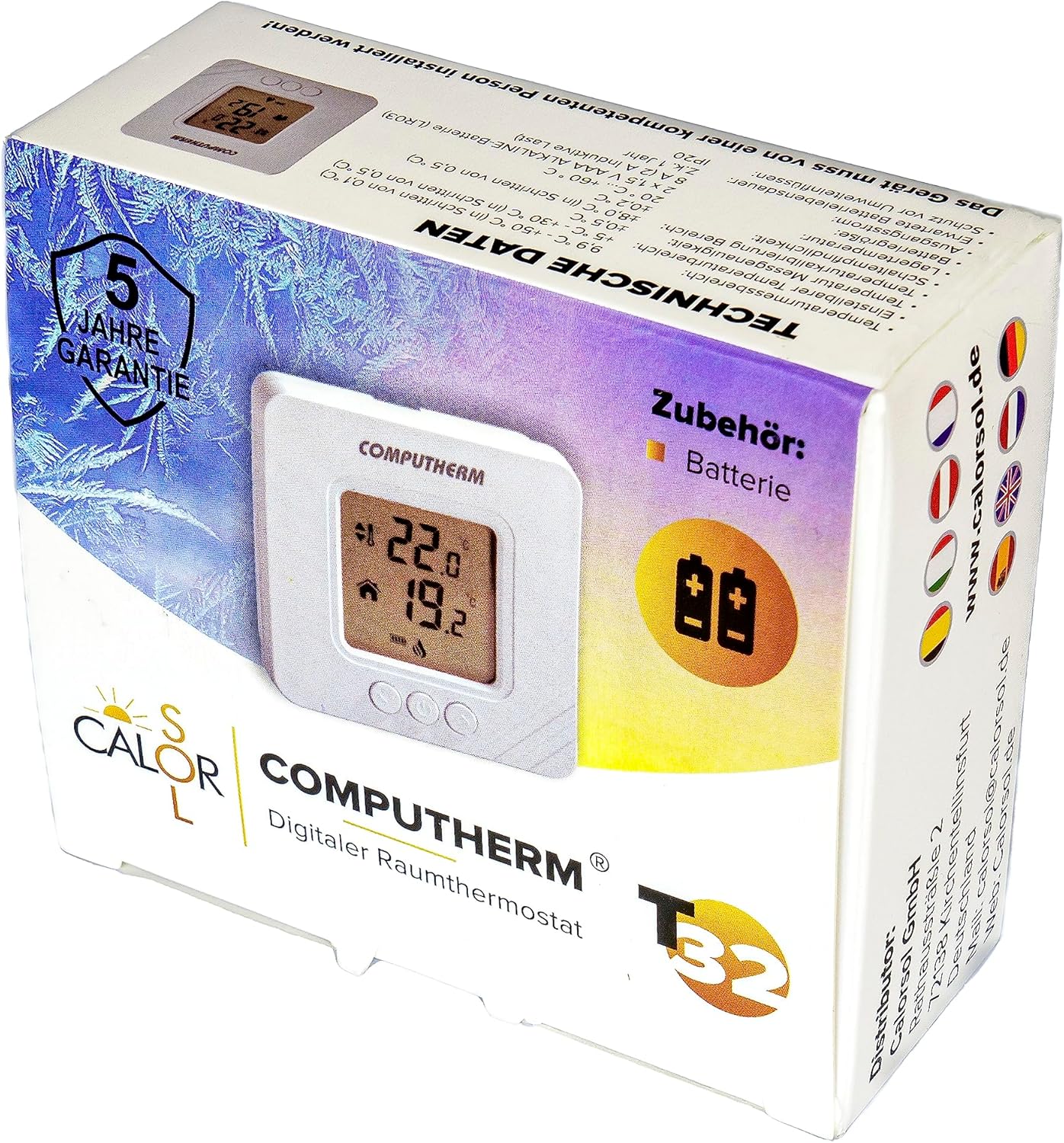
Figure 5: Product packaging displaying warranty information and technical data.