
1. Úvod
Thank you for choosing the iMoshion 20,000 mAh Fast Charging Power Bank. This device is designed to provide portable power for your electronic devices, ensuring you stay connected on the go. This manual provides essential information on how to safely and effectively use your power bank. Please read it thoroughly before use and retain it for future reference.
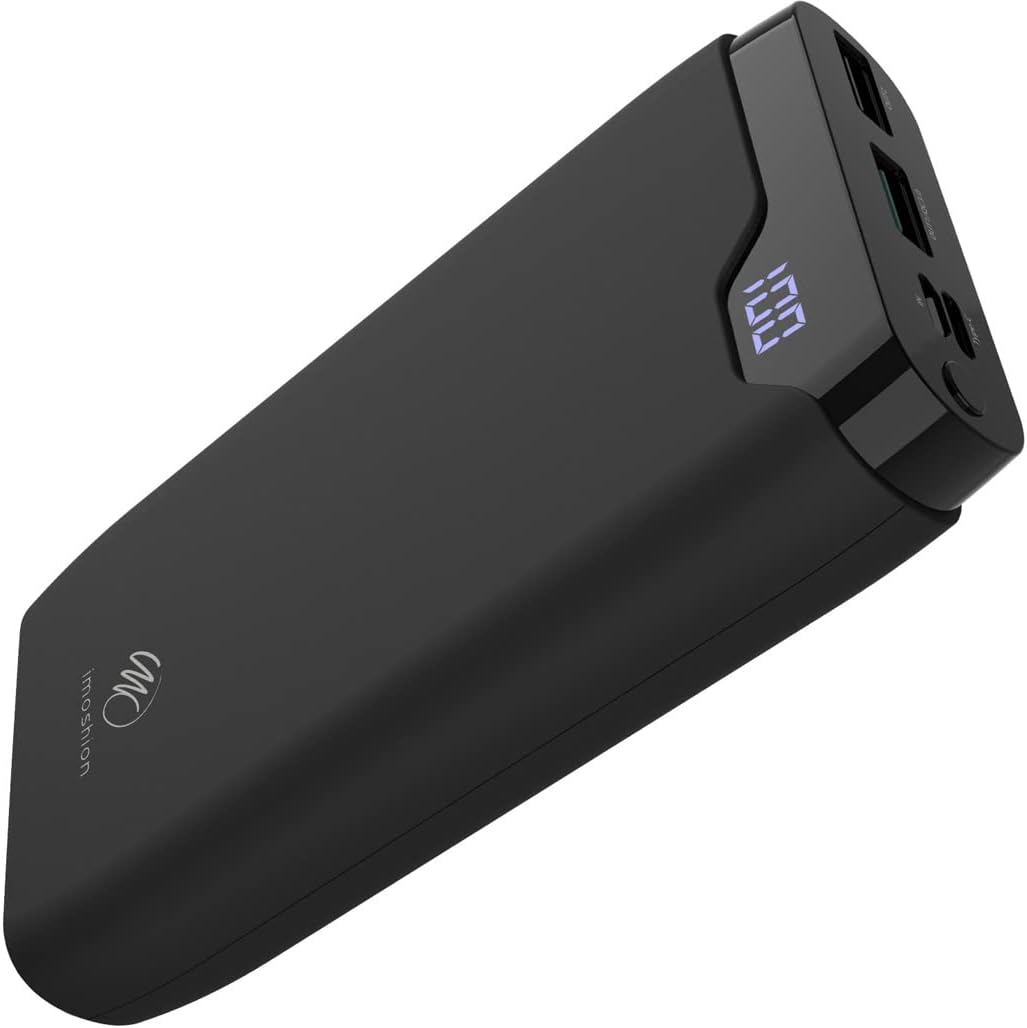
Image 1: The iMoshion 20,000 mAh Fast Charging Power Bank, showcasinjeho elegantní černý design a digitální displej.
2. Bezpečnostní pokyny
To ensure safe operation and prolong the lifespan of your power bank, please observe the following safety guidelines:
- Nevystavujte powerbanku extrémním teplotám (nad 45 °C nebo pod 0 °C), přímému slunečnímu záření ani vysoké vlhkosti.
- Avoid dropping, disassembling, or attempting to repair the device yourself. Unauthorized repairs can void the warranty and pose safety risks.
- Udržujte powerbanku mimo dosah vody a jiných tekutin.
- Nepoužívejte powerbanku, pokud je viditelně poškozená, nafouklá nebo z ní netěsní.
- Používejte pouze certifikované nabíjecí kabely a adaptéry.
- Uchovávejte mimo dosah dětí.
- Powerbanku zlikvidujte zodpovědně v souladu s místními předpisy. Nevyhazujte ji do domovního odpadu.
3. Konec produktuview a obsah balení
3.1 Obsah balení
- iMoshion 20,000 mAh Fast Charging Power Bank
- USB-A to USB-C Charging Cable (30 cm)
- Uživatelská příručka
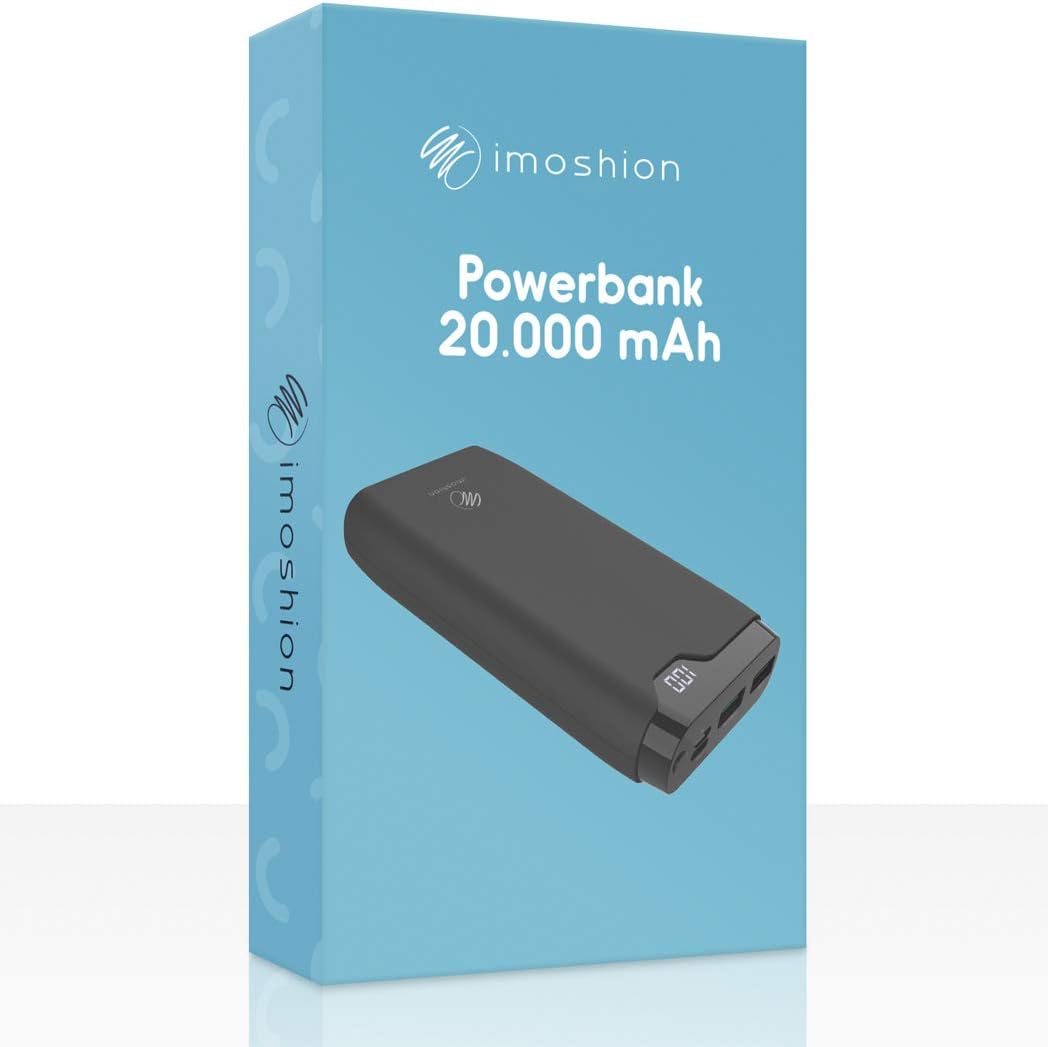
Image 2: The iMoshion Power Bank packaging, indicating the product and its capacity.
3.2 Power Bank Features
- Vysoká kapacita: 20 000 mAh pro nabití více zařízení.
- Rychlé nabíjení: Supports Quick Charge 3.0 and Power Delivery technologies.
- Více portů: USB-C (input/output), Micro-USB (input), 2x USB-A (output).
- Digitální displej: Zobrazuje zbývající procenta baterietage.
- Odolný design: Constructed from solid plastic.

Obrázek 3: Podrobný view of the power bank's ports, including Micro-USB (IN), Type-C (IN/OUT), USB-A QC 3.0 (OUT1), and USB-A (OUT2).
4. Nastavení: Nabíjení powerbanky
Before using your power bank to charge other devices, ensure it is fully charged.
- Připojte powerbanku: Use the provided USB-A to USB-C cable or a Micro-USB cable (not included) to connect the power bank's USB-C or Micro-USB input port to a USB wall charger (not included).
- Nabíjení monitoru: The digital LED display will show the current battery percentage. It will increase as the power bank charges.
- Indikace plného nabití: The display will show "100" when the power bank is fully charged.
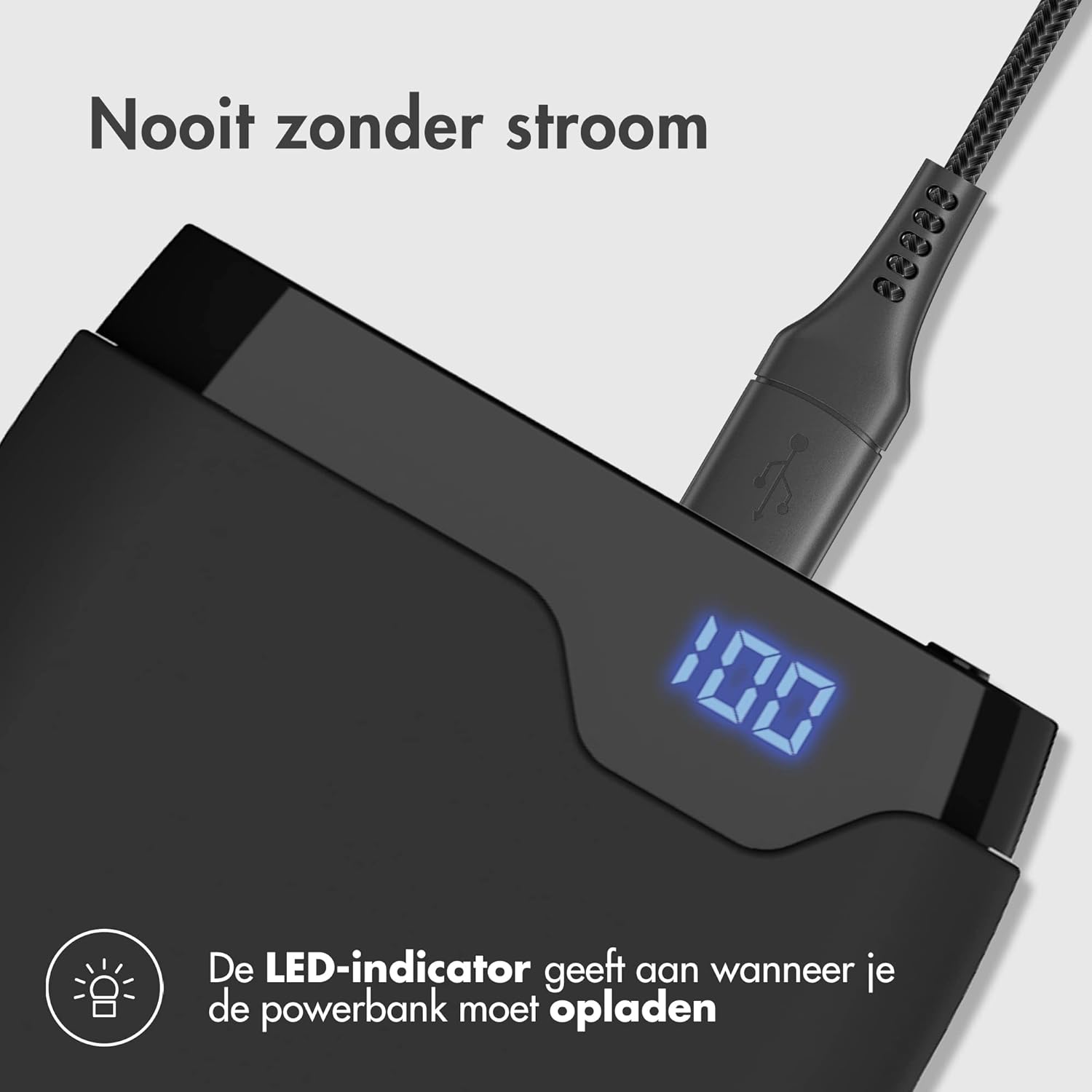
Image 4: The power bank connected to a charging cable, with its LED display indicating a full charge (100%).
5. Provoz: Nabíjení zařízení
The iMoshion power bank can charge various devices, including smartphones, tablets, and other USB-powered gadgets.
- Připojte své zařízení: Use your device's original charging cable or the provided USB-A to USB-C cable to connect your device to one of the power bank's output ports (USB-A or USB-C).
- Zahájení nabíjení: Powerbanka automaticky začne nabíjet vaše zařízení. Digitální displej zobrazí zbývající procenta baterie.tage powerbanky.
- Rychlé nabíjení: The USB-C port supports Power Delivery (PD) and one USB-A port supports Quick Charge 3.0 (QC 3.0) for compatible devices, allowing for faster charging speeds.
- Nabíjení více zařízení: The power bank can charge up to three devices simultaneously using its multiple output ports.

Image 5: The power bank demonstrating its fast charging capability, indicating a smartphone can be charged up to 50% in 30 minutes.
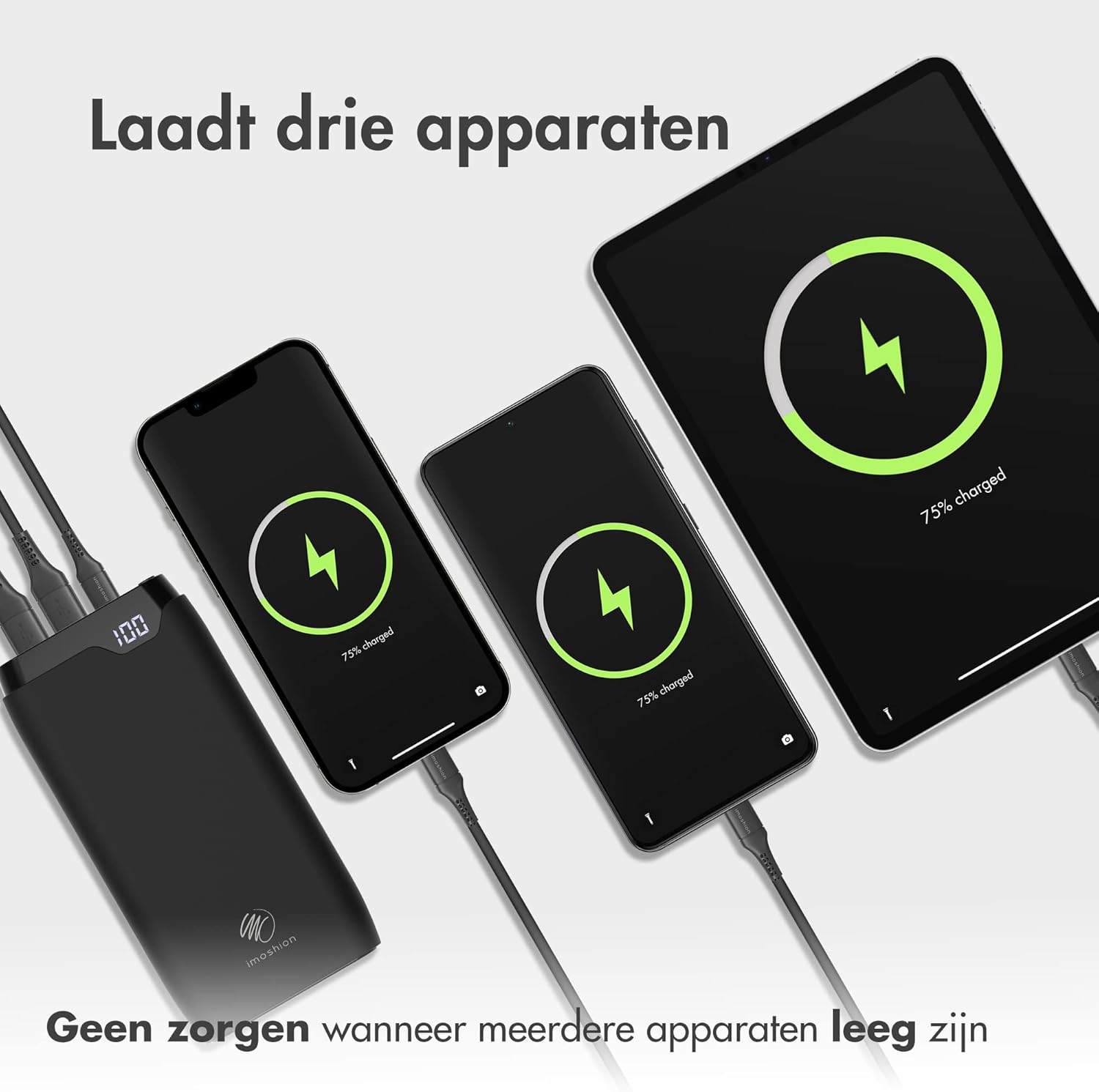
Image 6: The power bank connected and charging three different devices (two smartphones and a tablet) at the same time.
6. Údržba
- Čištění: Powerbanku otřete měkkým, suchým hadříkem. Nepoužívejte agresivní chemikálie ani abrazivní materiály.
- Skladování: Store the power bank in a cool, dry place when not in use. Avoid storing it in direct sunlight or extreme temperatures.
- Péče o baterie: For optimal battery health, fully charge the power bank at least once every three months, even if not in regular use.
7. Řešení problémů
- Powerbanka se nenabíjí: Ujistěte se, že je nabíjecí kabel bezpečně připojen k powerbankě i k síťovému adaptéru. Zkuste jiný kabel nebo adaptér.
- Zařízení se nenabíjí z powerbanky: Ensure the power bank has sufficient charge. Check if the charging cable is properly connected to both the power bank and your device. Try a different cable or output port.
- Pomalé nabíjení: Ensure your device and cable support fast charging if you expect accelerated speeds. Some devices may limit charging speed to protect battery health.
- LED displej nefunguje: If the power bank is charging or discharging, the display should be active. If it remains off, try charging the power bank or connecting a device to charge. If the issue persists, contact customer support.
8. Specifikace
| Funkce | Specifikace |
|---|---|
| Model | 20000mAh Power Bank (B08W5DS2RC) |
| Kapacita | 20,000 XNUMX mAh |
| Vstup (USB-C) | Power Delivery (PD) compatible |
| Vstup (Micro-USB) | Standard USB input |
| Výstup (USB-C) | Power Delivery (PD) compatible |
| Výstup (USB-A 1) | Quick Charge 3.0 (QC 3.0) compatible |
| Výstup (USB-A 2) | Standard USB output |
| Materiál | Solid Plastic |
| Barva | Černý |
9. Záruka a podpora
The iMoshion 20,000 mAh Fast Charging Power Bank comes with a standard manufacturer's warranty. For specific warranty terms and conditions, please refer to the product packaging or contact your retailer.
If you encounter any issues or have questions regarding your power bank, please contact iMoshion customer support through the retailer's platform or the official iMoshion webmísto pro pomoc.