
Zavedení
Thank you for choosing the Konix FFF Wired Controller. This controller is designed to enhance your gaming experience on Nintendo Switch, Switch 2, and PC, offering an ergonomic design, vibration feedback, and a convenient screenshot button. Please read this manual carefully before use to ensure proper setup and operation.

Figure 1: Konix FFF Wired Controller (White)
Klíčové vlastnosti
- Ergonomická rukojeť: Crafted with quality materials and anti-slip grips for comfortable extended gaming sessions, reducing hand fatigue.
- Kabelové připojení: Features a 3-meter cable, providing ample length for flexible gameplay without battery concerns.
- Funkce vibrací: Enhances immersion during gameplay with responsive vibration feedback.
- Tlačítko pro snímek obrazovky: Capture and share your in-game moments with a dedicated screenshot button, similar to official Nintendo Switch controllers.
- Kompatibilita s více platformami: Fully compatible with Nintendo Switch, Switch 2, and PC.

Figure 2: Controller features overview
Pokyny pro nastavení
Connecting to Nintendo Switch / Switch 2
- Enable Pro Controller Wired Communication:
Before connecting the controller for the first time, you must enable the "Pro Controller Wired Communication" option on your Nintendo Switch console.
- V nabídce HOME vyberte „Nastavení systému“.
- Scroll down the left-hand menu and select "Řídicí jednotky a senzory".
- Vybrat "Drátová komunikace Pro Controller" to enable this feature. (Select it again to disable if needed).
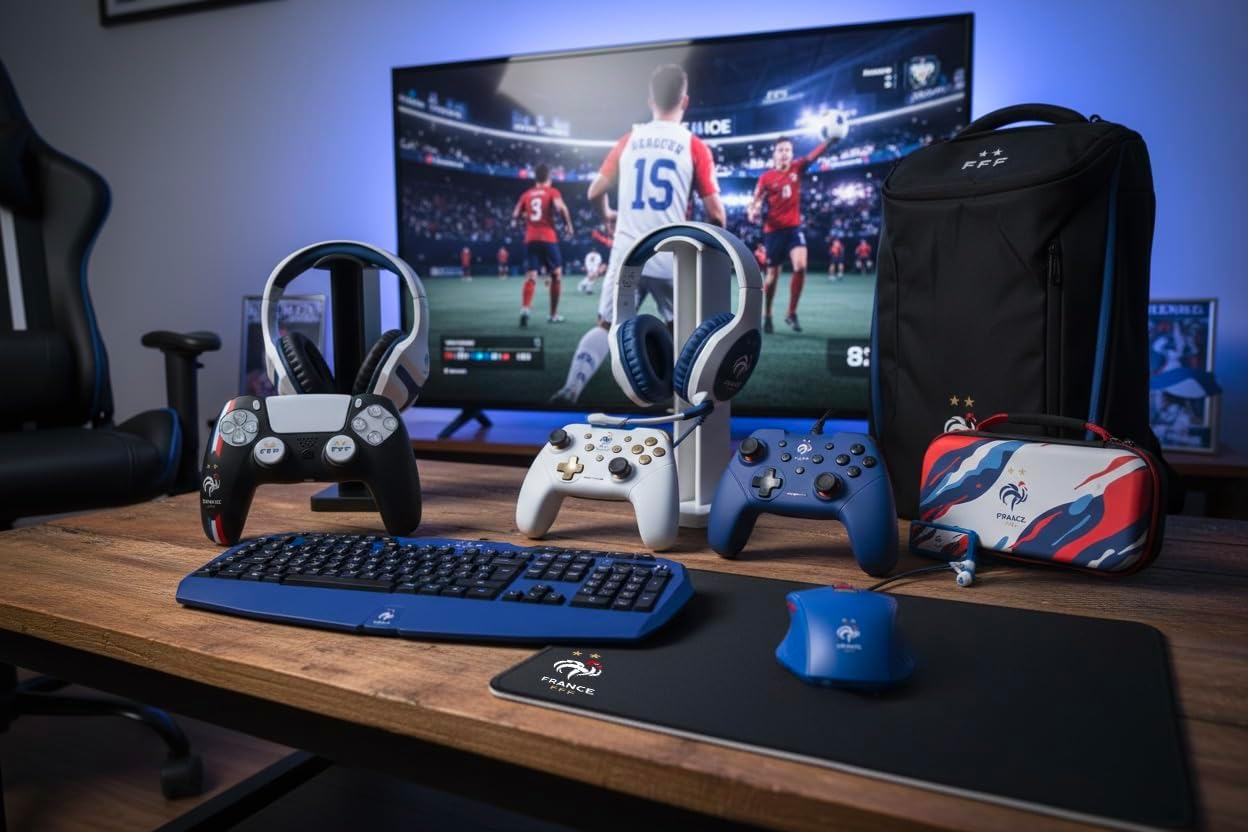
Figure 3: Enabling Pro Controller Wired Communication on Nintendo Switch
- Připojte ovladač:
Plug the USB-A end of the controller's cable into an available USB port on your Nintendo Switch dock. The controller will automatically connect and be ready for use.

Figure 4: USB cable connection point
Připojení k PC
- Plug and Play:
Connect the USB-A end of the controller's cable to an available USB port on your PC. The operating system should automatically detect and install the necessary drivers. The controller will then be ready for use with compatible PC games.
Návod k obsluze
The Konix FFF Wired Controller functions similarly to standard gamepads. Refer to your game's specific control scheme for button assignments.
Rozložení tlačítka
The controller features standard buttons including A/B/X/Y, directional pad, left and right analog sticks, L/R shoulder buttons, ZL/ZR triggers, Home button, Plus (+), Minus (-), and a dedicated Screenshot button.
Figure 5: Controller button layout (front view)
Using the Screenshot Button
- Stiskněte tlačítko Tlačítko obrazovky (located below the directional pad) during gameplay to capture an image of your screen.
- On Nintendo Switch, captured images can be accessed and managed from the Album on the HOME Menu.
Vibrační funkce
- The controller's vibration function provides tactile feedback during compatible games.
- Vibration intensity may be adjustable within individual game settings or console system settings.
Údržba
- Čištění: K čištění ovladače používejte měkký, suchý hadřík. Nepoužívejte abrazivní čisticí prostředky ani rozpouštědla.
- Skladování: Regulátor skladujte na chladném a suchém místě mimo dosah přímého slunečního záření a extrémních teplot.
- Péče o kabely: Vyhněte se ostrým ohybům nebo nadměrnému tahání za kabel, abyste předešli jeho poškození.
Odstraňování problémů
| Problém | Možná příčina / řešení |
|---|---|
| Controller not recognized by Nintendo Switch. |
|
| Ovladač nebyl počítačem rozpoznán. |
|
| Funkce vibrací nefunguje. |
|
| Tlačítka nereagují nebo se zasekávají. |
|
Specifikace
- Číslo modelu: 3328170282925
- Kompatibilita: Nintendo Switch, Nintendo Switch 2, PC
- Typ připojení: Kabelové USB
- Délka kabelu: 3 metrů
- Vlastnosti: Vibration function, Screenshot button, Ergonomic design
- Rozměry (D x Š x V): 7 x 21.5 x 17.5 cm
- Hmotnost: 390 gramů
- Doporučený věk: 3 roky a starší
Informace o záruce
Konix products are covered by a limited warranty against defects in materials and workmanship. For specific warranty terms and conditions, please refer to the documentation included with your purchase or visit the official Konix webUschovejte si doklad o koupi pro případ reklamace.
Zákaznická podpora
If you encounter any issues or have questions regarding your Konix FFF Wired Controller, please contact Konix customer support through their official webwebu nebo kontaktních informací uvedených na obalu produktu.
Pro více informací navštivte Konix Store on Amazon.