
Zavedení
Thank you for choosing the Arenti IN1 WiFi Pet Camera. This manual provides detailed instructions on how to set up, operate, and maintain your camera. Please read this manual thoroughly before use to ensure proper functionality and safety. Keep this manual for future reference.
Konec produktuview
The Arenti IN1 WiFi Pet Camera is designed to provide reliable indoor surveillance with advanced features for monitoring your pets, children, or home. It offers high-definition video, two-way audio, and smart detection capabilities.
Klíčové vlastnosti:
- 1080p Full HD video: Zachycuje jasné a detailní snímky jídlatage při 25 snímcích za sekundu.
- Vylepšené noční vidění: Provides clear images even in low-light conditions, ensuring 24/7 monitoring.
- AI Human & Sound Detection: Intelligently detects human movement and abnormal sounds, sending instant notifications to your smartphone.
- Obousměrný zvuk: Built-in microphone and speaker allow for seamless communication with your pets or family members.
- Režim soukromí: Offers features like one-touch sleep mode, geofencing, and off-timer settings to protect your privacy.
- Úložiště v cloudu a na SD kartě: Securely store recordings on AWS cloud service or a local SD card.
- Integrace chytré domácnosti: Kompatibilní s Alexou a Google Assistant pro hlasové ovládání.
- Arenti App Control: Manage all camera settings, monitor live view, and share access through the intuitive Arenti smartphone application.
Obsah balení:
- Arenti IN1 WiFi Pet Camera
- Napájecí adaptér
- USB kabel
- Mounting Kit (Screws, Wall Anchors)
- Uživatelská příručka
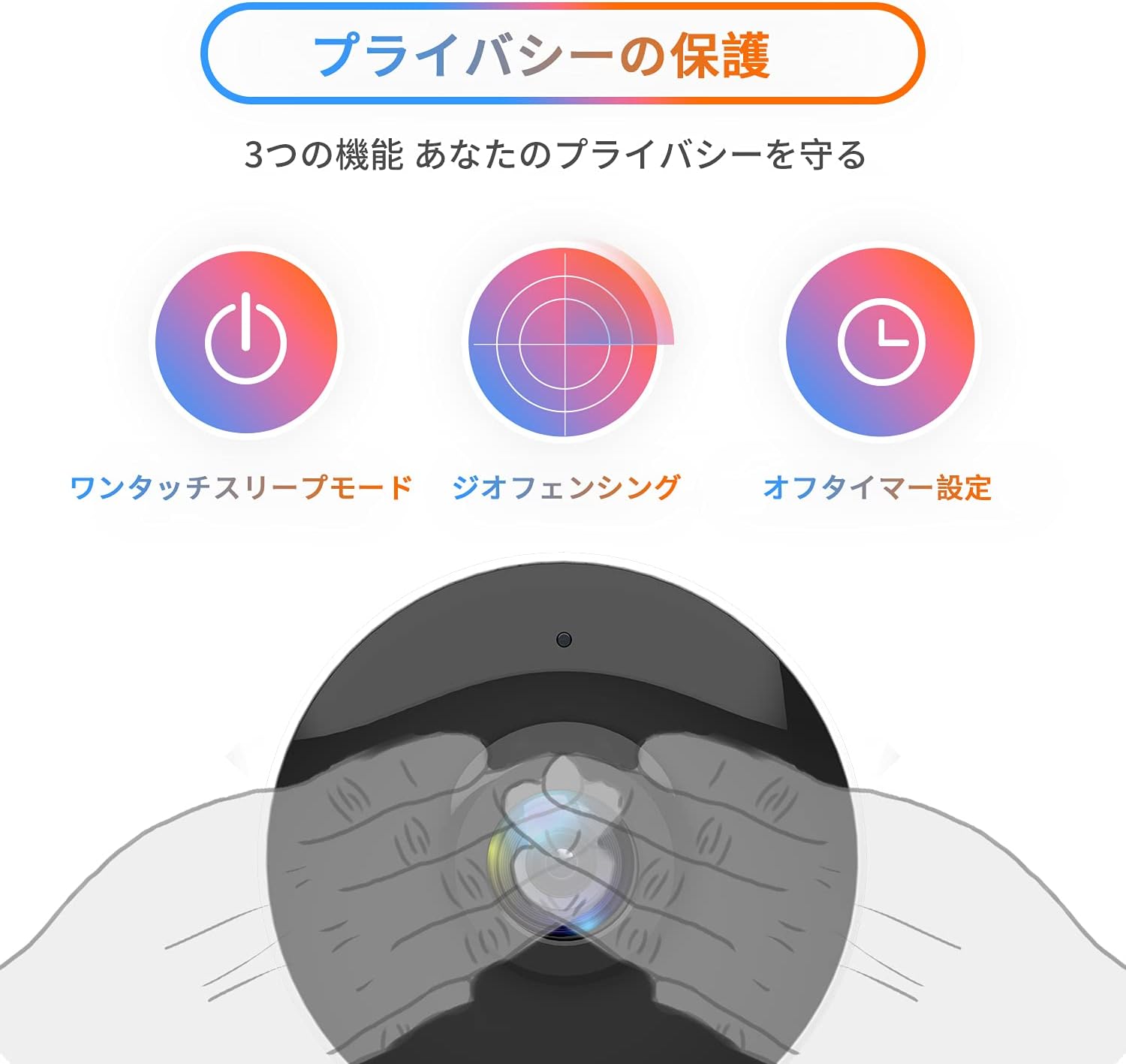
Image: The Arenti IN1 WiFi Pet Camera, a compact indoor camera with a white body and black lens, shown with its adjustable stand.
Průvodce nastavením
Follow these steps to set up your Arenti IN1 WiFi Pet Camera:
- Download the Arenti App: Hledat "Arenti" in the App Store (iOS) or Google Play Store (Android) and download the application.
- Vytvořit účet: Open the Arenti app and register for a new account or log in if you already have one.
- Zapnutí fotoaparátu: Připojte kameru k elektrické zásuvce pomocí dodaného kabelu USB a napájecího adaptéru. Rozsvítí se kontrolka kamery.
- Přidat zařízení: In the Arenti app, tap the "+" icon to add a new device. Select your camera model (IN1) from the list.
- Připojení k Wi-Fi: Follow the in-app instructions to connect your camera to your 2.4GHz Wi-Fi network. You may need to scan a QR code displayed on your phone with the camera lens.
- Umístění: Place the camera on a flat surface or mount it to a wall or ceiling using the included mounting kit. Ensure it has a clear view oblasti, kterou chcete monitorovat.


Image: A series of smartphone screenshots illustrating the process of downloading the Arenti app, adding a device, and viewživého vysílání.
Návod k obsluze
Žít View:
Otevřete aplikaci Arenti a vyberte fotoaparát, který chcete view the live feed. You can pinch to zoom and pan across the image.
Obousměrný zvuk:
Klepněte na ikonu mikrofonu v živém vysílání view to speak through the camera's speaker. Tap again to end. This allows you to communicate with anyone near the camera.

Image: A child smiling while a speech bubble indicates communication with a person via the Arenti camera, demonstrating the two-way audio feature.
Detekce pohybu a zvuku:
The camera uses AI to detect human movement and abnormal sounds. When an event is detected, you will receive a push notification on your smartphone. You can adjust the detection sensitivity and set specific detection zones within the app.

Image: An illustration highlighting the camera's features including night vision, human detection, motion/sound detection, privacy mode, and compatibility with Alexa voice control.
Noční vidění:
The camera automatically switches to night vision mode in low-light conditions, providing clear black and white images. This ensures continuous monitoring day and night.
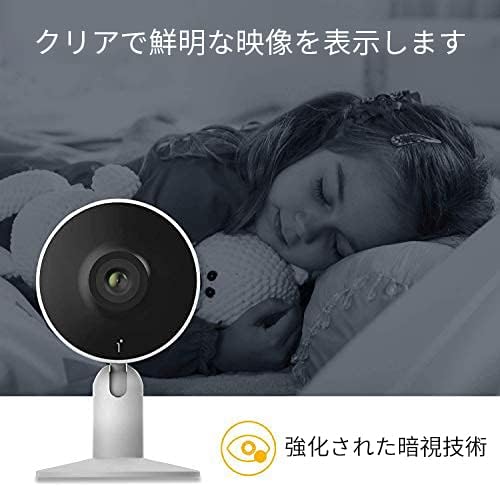
Image: A child sleeping peacefully in a dimly lit room, with the Arenti camera in the foreground, demonstrating its enhanced night vision capabilities for clear monitoring.
Režim soukromí:
Activate privacy mode through the app to temporarily disable recording and live view. Options include one-touch sleep mode, geofencing (automatically activating privacy when you are home), and setting an off-timer.

Image: Three icons illustrating privacy protection features: a power button for one-touch sleep mode, a radar for geofencing, and a clock for off-timer settings.
Nahrávání a ukládání:
The camera supports both cloud storage (via Arenti Cloud Service, powered by AWS) and local storage using a microSD card (up to 128GB, sold separately). You can review zaznamenané footage through the app's history timeline.
Integrace chytré domácnosti:
Connect your Arenti camera to Amazon Alexa or Google Assistant for convenient voice control. For example, you can say, "Alexa, show me the living room camera."
Video: Generál nadview video demonstrating the features and usage of the Arenti camera, including app interface and live monitoring.
Údržba
- Čištění: K čištění objektivu a těla fotoaparátu používejte měkký, suchý hadřík. Nepoužívejte agresivní chemikálie ani abrazivní materiály, které by mohly poškrábat povrch.
- Aktualizace firmwaru: Regularly check the Arenti app for available firmware updates. Keeping your camera's firmware up-to-date ensures optimal performance and security.
- Správa úložiště: If using a microSD card, periodically check its storage capacity and delete old recordings if necessary. For cloud storage, manage your subscription and data retention settings within the app.
- Cyklus napájení: Pokud se s fotoaparátem vyskytnou problémy, zkuste jej na několik sekund odpojit od zdroje napájení a poté jej znovu zapojit.
Odstraňování problémů
| Problém | Možná příčina | Řešení |
|---|---|---|
| Fotoaparát je offline | Žádné napájení, Wi-Fi odpojeno, slabý signál | Zkontrolujte připojení k napájení. Restartujte kameru a router. Ujistěte se, že je kamera v dosahu Wi-Fi. |
| Nelze se připojit k Wi-Fi | Incorrect password, 5GHz Wi-Fi, network issues | Verify Wi-Fi password. Ensure you are connecting to a 2.4GHz network. Try resetting the camera and repeating setup. |
| Žádná oznámení | App settings, phone settings, detection sensitivity | Check notification settings in the Arenti app and on your smartphone. Adjust motion/sound detection sensitivity. |
| Špatná kvalita videa | Low bandwidth, dirty lens | Ensure stable internet connection. Clean the camera lens with a soft cloth. |
| Nefunguje obousměrný zvuk | Microphone/speaker disabled, volume low | Check audio settings in the app. Ensure phone volume is up. |
Specifikace
| Funkce | Detail |
|---|---|
| Rozlišení videa | 1080p (Full HD) |
| Snímková frekvence | 25 snímků za sekundu |
| Konektivita | Wi-Fi (pouze 2.4 GHz) |
| Noční vidění | Ano |
| Zvuk | Obousměrný zvuk |
| Detekce | Motion Sensor, Sound Detection |
| Možnosti úložiště | Cloudové úložiště, karta MicroSD (až 128 GB) |
| Kompatibilní zařízení | Chytré telefony (iOS/Android) |
| Rozměry | 21.2 x 18.4 x 6.6 cm (velikost balení) |
| Hmotnost | 480 g (hmotnost balení) |
Záruka a podpora
Arenti products typically come with a limited warranty. For specific warranty details, please refer to the warranty card included with your product or visit the official Arenti website. If you encounter any issues or require technical assistance, please contact Arenti customer support through their official website or the Arenti app.