
MEE audio C11Z
MEE Audio C11Z 4K Ultra HD Webuživatelská příručka kamery
Model: C11Z | Brand: MEE audio
1. Úvod
This manual provides comprehensive instructions for the setup, operation, and maintenance of your MEE Audio C11Z 4K Ultra HD Webcam. Designed for high-quality video conferencing and streaming, this webcam features 4K resolution, active noise-canceling microphones, and automatic low-light correction.
2. Nastavení
2.1 Připojení Webvačka
- Connect the USB cable from the MEE Audio C11Z webcam to an available USB port on your computer (PC or Mac).
- The webcam is plug-and-play, meaning no additional drivers are typically required. Your operating system should automatically detect and install the necessary software.
- For optimal performance, ensure you are connecting to a USB 3.0 port if available.

Figure 1: Connecting the MEE Audio C11Z Webcam to a laptop.
2.2 Konfigurace softwaru
Once connected, launch your preferred video conferencing application (e.g., Zoom, Google Meet, Microsoft Teams, Skype). Navigate to the application's settings to select the MEE Audio C11Z as your primary camera and microphone.
Video 1: Official MEE Audio guide on setting up your USB camera for video conferencing.
3. Obsluha Webvačka
3.1 Klíčové vlastnosti
- Rozlišení 4K Ultra HD: Experience professional-quality video at up to 3840 x 2160 pixels, ensuring crisp and clear visuals for all your communications.
- 4x digitální zoom: A dedicated zoom button provides easy access to digital zoom, allowing you to focus on specific details or adjust your framing.
- Automatic Low Light Correction: The webcam automatically adjusts to low-light conditions, ensuring your video remains clear and bright even in dimly lit environments.
- 90-Degree Wide Angle Lens: Capture more of your surroundings with a 90-degree field of view, ideal for group conferences or showcasing a wider area.
- Built-in Stereo Microphones with ANC: Integrated stereo microphones with Active Noise Canceling technology effectively eliminate unwanted background noise, ensuring your voice is heard clearly.
- Removable Privacy Shutter: A physical privacy shutter and integrated privacy indicator light provide enhanced privacy and peace of mind when the camera is not in use.
- Integrated Mounting Clip: The versatile clip allows for secure mounting on laptops or monitors, offering 360-degree rotation for flexible positioning.
- Kompatibilita se stativem: The camera base features a standard 1/4"-20 thread, enabling easy attachment to tripods for more stable or specialized setups (tripod not included).
- Provoz typu „plug and play“: No additional software is required. The webcam works seamlessly with popular videoconferencing apps and is compatible with Windows, macOS, and ChromeOS.

Figure 2: The MEE Audio C11Z webcam delivers stunning 4K Ultra HD resolution for video calls.
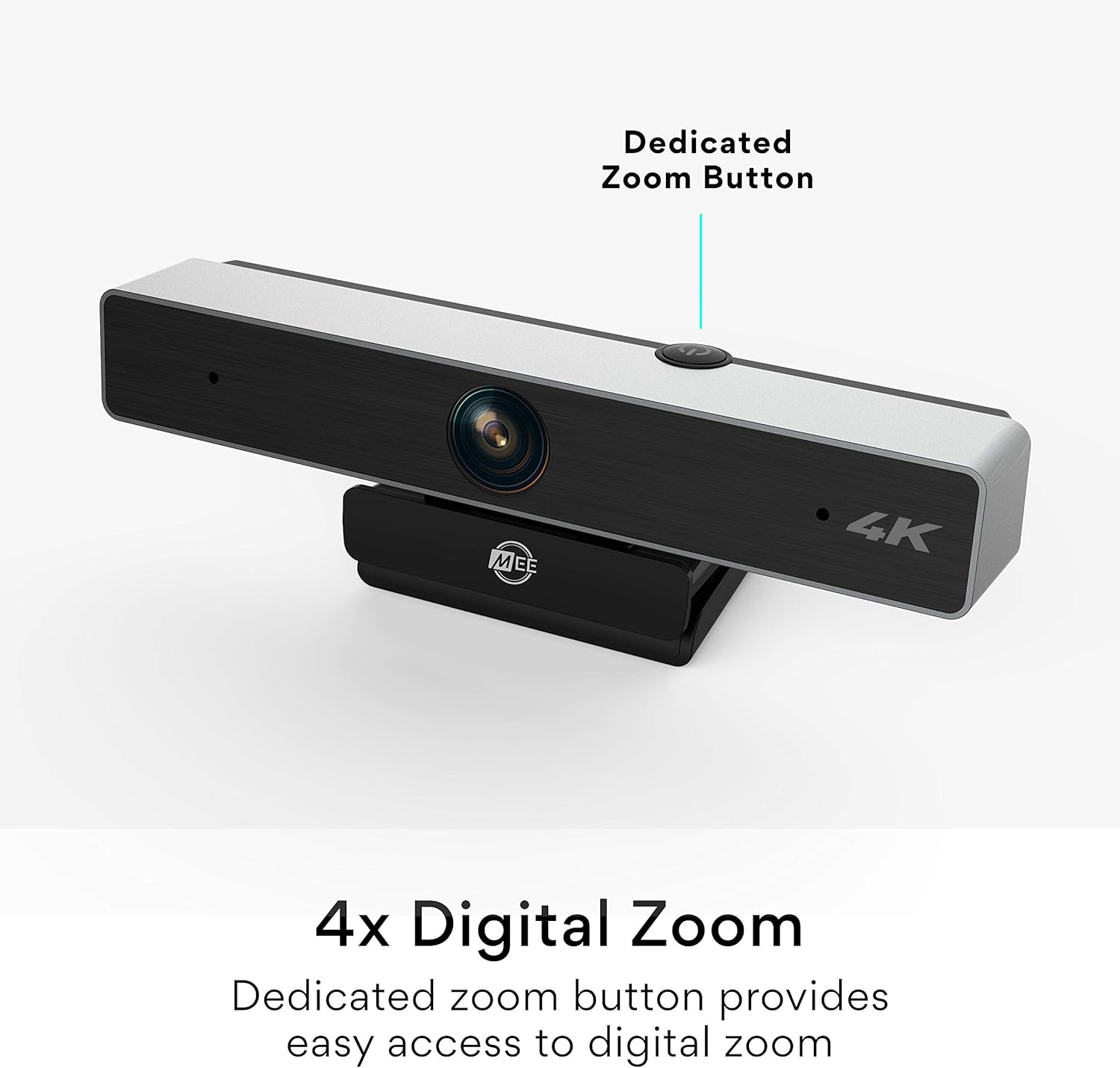
Figure 3: The dedicated zoom button on the MEE Audio C11Z webvačka.

Figure 4: Crystal-clear image quality with automatic low light correction.

Figure 5: The wide-angle lens provides a broad field of view.
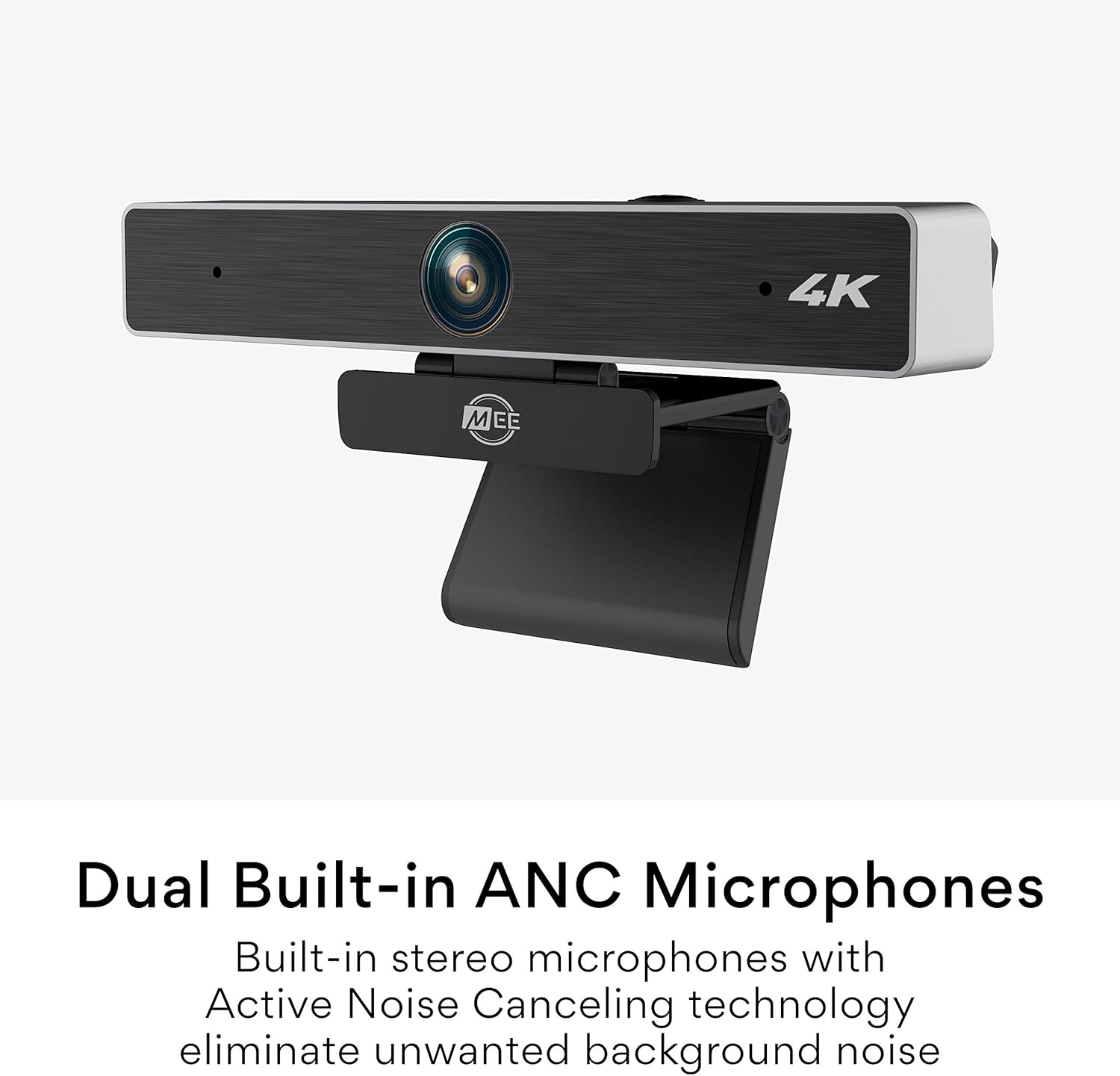
Figure 6: Dual built-in ANC microphones for clear audio.

Figure 7: The integrated mounting clip allows for secure and flexible placement.

Obrázek 8: webcam is tripod-compatible for versatile use.

Figure 9: Enjoy plug and play operation with no additional software needed.
4. Údržba
- Čištění: K čištění používejte měkký, suchý hadřík webcam lens and body. Avoid abrasive cleaners or solvents that could damage the surface.
- Skladování: Pokud nepoužíváte, uložte webcam in a cool, dry place, away from direct sunlight and extreme temperatures. Utilize the privacy shutter to protect the lens.
- Péče o kabely: Abyste předešli vnitřnímu poškození, neohýbejte ani nekruťte kabel USB.
5. Řešení problémů
- Žádné video/zvuk:
- Zajistěte webkamera je bezpečně připojena k portu USB.
- Check your video conferencing application's settings to confirm the MEE Audio C11Z is selected as the camera and microphone.
- Try connecting to a different USB port or another computer to rule out port or system issues.
- Restartujte počítač.
- Špatná kvalita obrazu:
- Ujistěte se, že objektiv je čistý a bez prachu nebo šmouh.
- Verify that your video conferencing application is set to the highest possible resolution (e.g., 4K or HD).
- Check lighting conditions. While the webcam has low-light correction, adequate ambient lighting will always yield better results.
- Problémy s mikrofonem:
- Confirm the MEE Audio C11Z microphone is selected in your application's audio settings.
- Upravte vstupní úroveň mikrofonu v nastavení systému nebo aplikace.
- Ensure no other applications are monopolizing the microphone.
6. Specifikace
| Značka | Zvuk MEE |
| Model | C11Z |
| Technologie fotosenzoru | CMOS |
| Rozlišení záznamu videa | 4K (3840 x 2160) |
| Maximální ohnisková vzdálenost | 30 milimetrů |
| Maximální clona | 2.8 f |
| Technologie připojení | USB |
| Pole View | 90 stupňů |
| Mikrofony | Built-in Stereo with Active Noise Canceling |
| Montáž | Integrated clip (360-degree rotation), 1/4"-20 tripod thread |
| Kompatibilita | Windows, macOS, ChromeOS |
7. Záruka a podpora
For warranty information and technical support, please refer to the official MEE audio webnebo se obraťte na jejich zákaznický servis. Uschovejte si doklad o koupi pro případ reklamace.
MEE audio Official Webmísto: www.meeaudio.com
Zákaznická podpora: Viz kontaktní sekci na oficiálních stránkách website for email or phone support.
Ask a question about this manual
Ask about setup, troubleshooting, compatibility, parts, safety, or missing instructions. Manuals+ will review the question and use this page’s manual context to help answer it.