
USHINING F200
Uživatelská příručka k rozkládacímu telefonu USHINING F200 GSM
Model: F200 | Brand: USHINING
1. Úvod
Welcome to the user manual for your new USHINING F200 GSM Flip Phone. This device is designed for ease of use, featuring large buttons, a clear display, and essential functions for communication. Please read this manual carefully to understand how to operate your phone safely and efficiently.
2. Obsah balení
Zaškrtněte prosím políčko u následujících položek:
- 1 x USHINING F200 Mobile Phone
- 1 x Headset
- 1x Micro USB nabíječka
- 1 x baterie 800 mAh
- 1 x SIM Card Adapter
- 1 x Uživatelská příručka

Image: Contents of the USHINING F200 package, including the phone, charger, headset, battery, SIM adapter, and user manual.
3. Telefonovatview
The USHINING F200 features a classic flip design, protecting the screen and keypad when closed. It is equipped with a clear 1.77-inch color display and large, easy-to-press buttons for straightforward navigation and dialing.
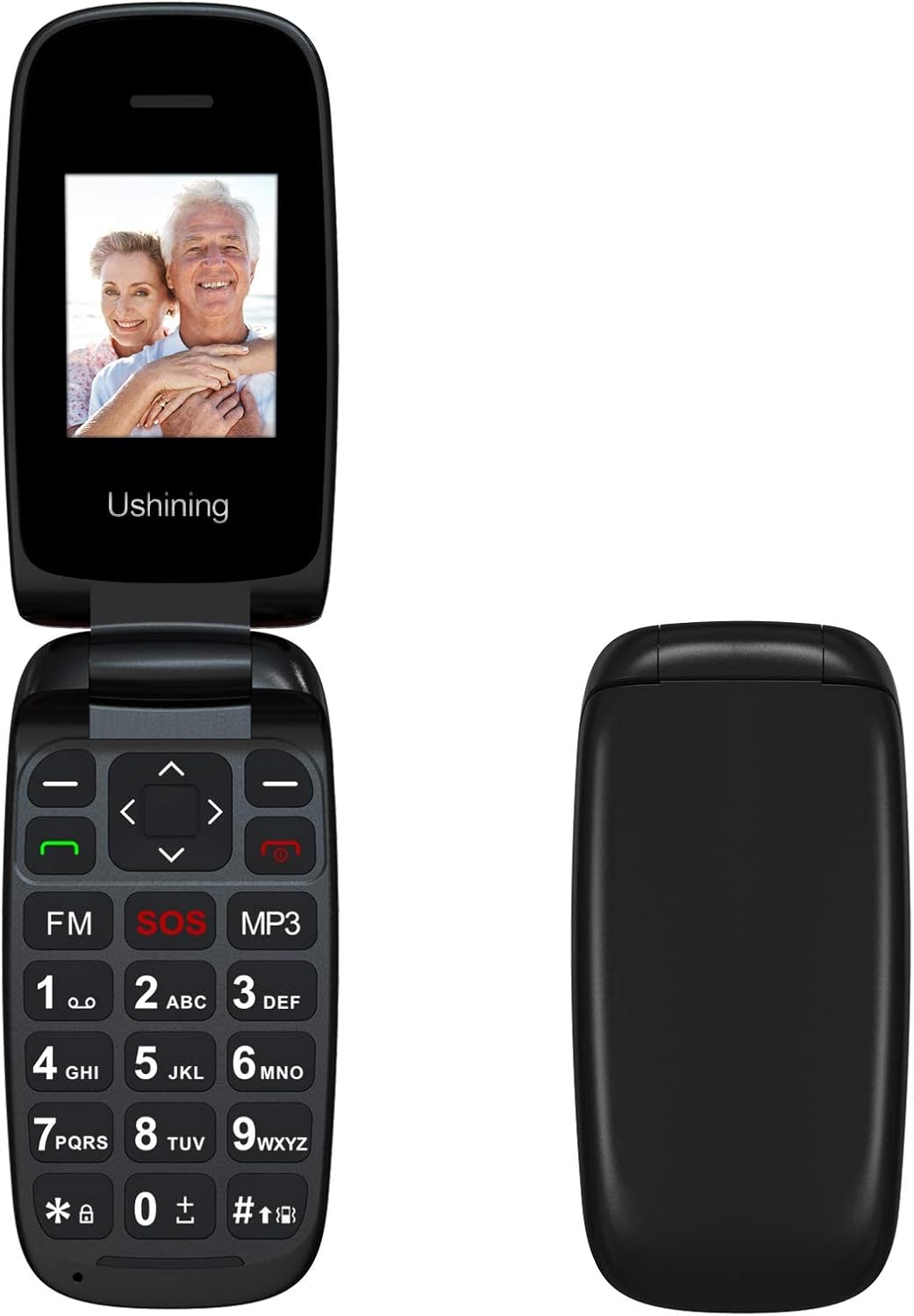
Obrázek: Přední strana view of the USHINING F200 flip phone in both open and closed positions, highlighting its compact design.

Obrázek: Úhlový view of the USHINING F200 flip phone, open to reveal the large keypad and the prominent red SOS button.
4. Nastavení
4.1. Vložení SIM karty (kart)
- Opatrně otevřete zadní kryt telefonu.
- Locate the SIM card slot(s). The phone supports dual SIM cards.
- Insert your SIM card(s) into the designated slot(s) with the gold contacts facing down, ensuring they are securely in place.
- If using a MicroSD card for expandable memory (up to 32GB), insert it into the dedicated memory card slot.

Image: The phone's screen displaying a prompt to insert the SIM card, indicating readiness for network connection.

Image: The USHINING F200 phone with its battery and two SIM cards, illustrating the components involved in initial setup.
4.2. Vložení baterie
- After inserting the SIM card(s), place the 800 mAh battery into its compartment, aligning the contacts.
- Nasaďte zpět zadní kryt a ujistěte se, že bezpečně zacvakne na místo.
4.3. Nabíjení telefonu
- Connect the micro USB charger to the charging port on the side or bottom of the phone.
- Zapojte nabíječku do elektrické zásuvky. Indikátor baterie na obrazovce bude zobrazovat stav nabíjení.
- Před prvním použitím nechte telefon plně nabít.
4.4. Zapnutí/vypnutí
- Zapnutí: Stiskněte a podržte červenou Ukončit hovor/Napájení dokud se obrazovka nerozsvítí.
- Vypnutí: Stiskněte a podržte červenou Ukončit hovor/Napájení tlačítko, dokud se nezobrazí možnosti vypnutí, a poté potvrďte.
5. Návod k obsluze
5.1 Základní funkce volání
- Uskutečnění hovoru: Enter the phone number using the keypad and press the green Volání tlačítko.
- Přijetí hovoru: When the phone rings, press the green Volání tlačítko.
- Ukončení hovoru: Stiskněte červenou Ukončit hovor tlačítko.
5.2. Odesílání SMS zpráv
- Přejděte na Zprávy menu.
- Vybrat Napište zprávu.
- Zadejte zprávu pomocí klávesnice.
- Enter the recipient's phone number or select from contacts, then send.
5.3. Funkce nouzového volání SOS
The SOS button is a critical safety feature. It allows you to quickly contact pre-set emergency numbers.
- Nastavení kontaktů SOS: Přejít na Nastavení > Nastavení SOS. Add up to 5 emergency contact numbers.
- Aktivace SOS: In an emergency, press and hold the red SOS button on the keypad for a few seconds. The phone will automatically call and send an SMS to your pre-set emergency contacts in sequence until one is answered.
5.4. Kontakty
- Přidání kontaktu: Přejít na Kontakty > Přidat nový kontakt. Enter the name and number.
- Rychlé vytáčení: Assign frequently called numbers to specific keys (e.g., 2-9) for quick dialing. Refer to the phone's menu for specific instructions on setting up speed dial.
5.5. Multimediální funkce
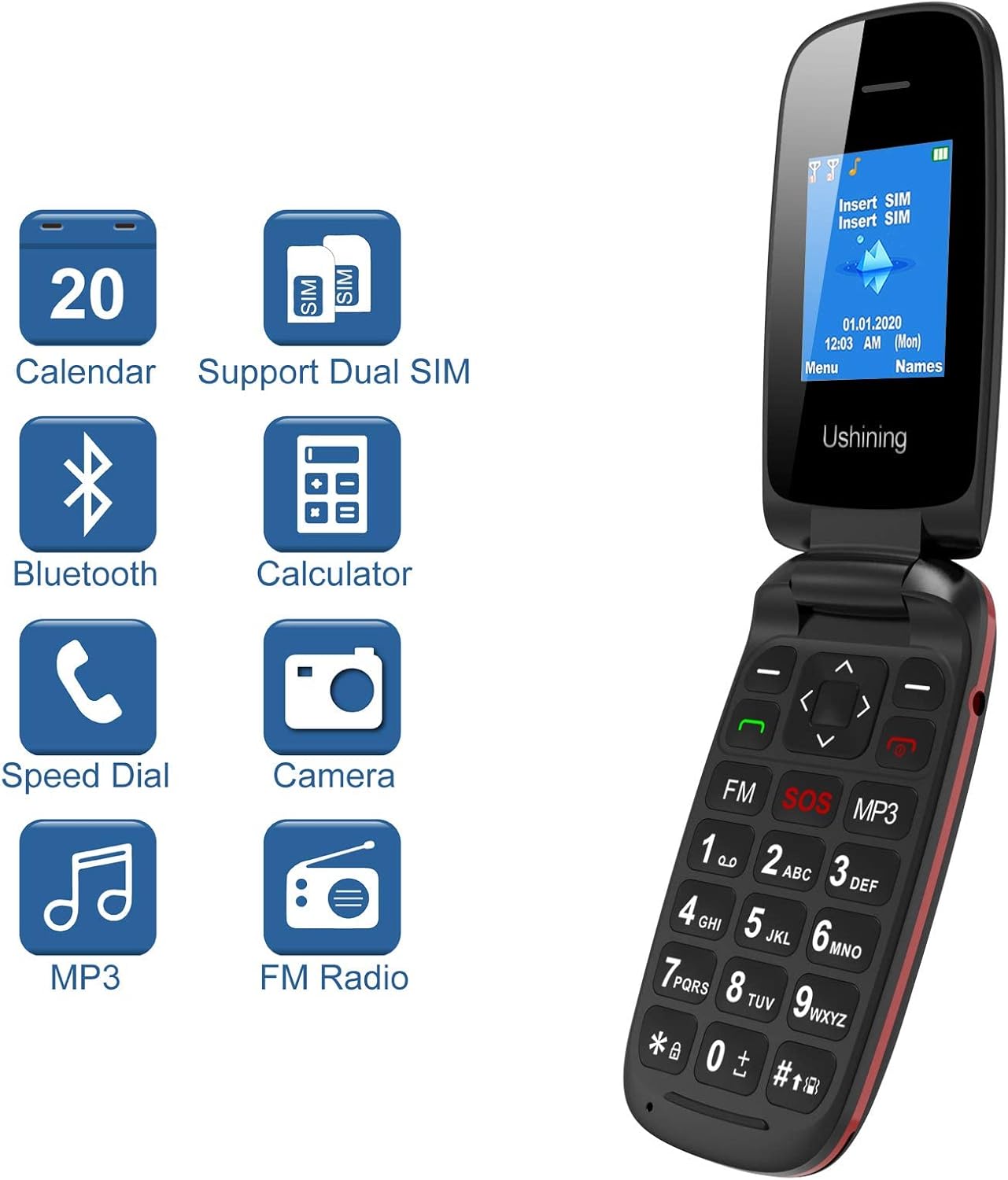
Image: The USHINING F200 display showing icons for Calendar, Dual SIM, Bluetooth, Calculator, Speed Dial, Camera, MP3, and FM Radio, indicating available features.
- Mp3 přehrávač: Access the MP3 player from the main menu to play audio filejsou uloženy na vaší paměťové kartě.
- FM rádio: Plug in the headset (which acts as an antenna) and access the FM Radio from the menu to listen to local stations.
- Fotoaparát: The phone includes a basic camera. Access it from the menu to take photos.
5.6. Nastavení
Customize your phone through the Nastavení menu.
- Jazyk: Select your preferred language (English, Spanish, French, Italian, German).
- Datum a čas: Nastavte aktuální datum a čas.
- Bluetooth: Enable Bluetooth to connect to compatible devices like headsets.
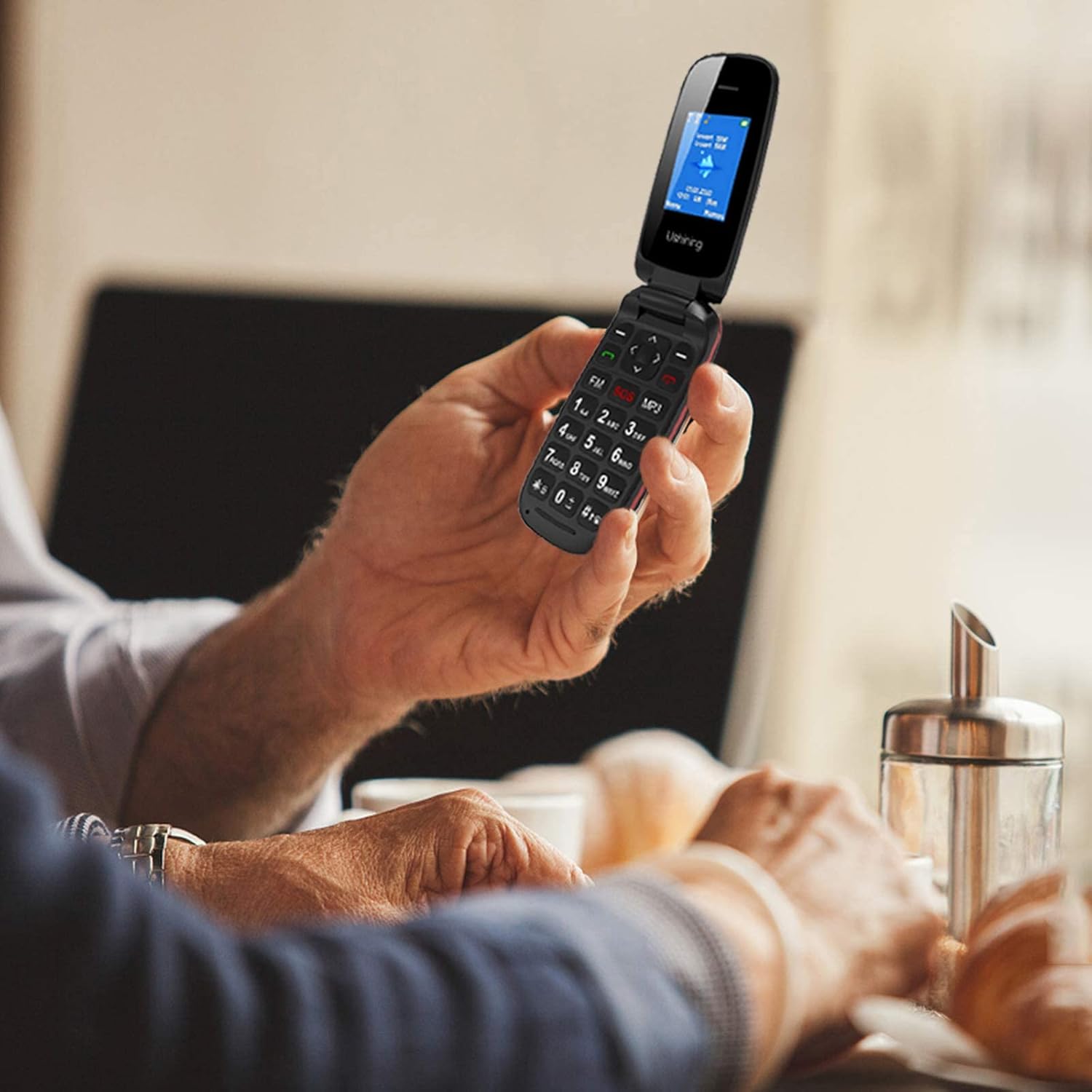
Image: A person holding the USHINING F200 flip phone, illustrating its comfortable grip and large buttons during use.
6. Údržba
- Čištění: K čištění vnější strany telefonu používejte měkký, suchý hadřík. Nepoužívejte tekuté čisticí prostředky.
- Péče o baterie: To prolong battery life, avoid exposing the phone to extreme temperatures. Do not allow the battery to fully discharge frequently.
- Skladování: Pokud telefon delší dobu nepoužíváte, skladujte jej na chladném a suchém místě.
7. Řešení problémů
| Problém | Možné řešení |
|---|---|
| Telefon se nezapne | Ujistěte se, že je baterie správně vložena a nabitá. Připojte nabíječku a zkuste to znovu. |
| Žádný síťový signál | Check if the SIM card is properly inserted. Ensure you are in an area with GSM network coverage. Contact your service provider if the issue persists. |
| Nelze uskutečňovat ani přijímat hovory | Verify network signal. Check if the SIM card is active. Ensure no call barring is enabled in settings. |
| Baterie se nenabíjí | Check the charger and charging cable for damage. Ensure the charging port is clean. Try a different power outlet. |
| Tlačítko SOS nefunguje | Ensure emergency contacts are correctly set up in SOS settings. Test the function in a non-emergency situation. |
8. Specifikace
| Funkce | Detail |
|---|---|
| Model | F200 |
| Značka | USHINING |
| Typ produktu | Flip Phone |
| Barva | Černý |
| Operační systém | KaiOS (Basic Feature Phone OS) |
| Velikost obrazovky | 1.77 palce |
| Síťová pásma | GSM Quad Band (850/900/1800/1900 MHz) |
| Podpora SIM | Duální SIM |
| Vnitřní paměť | 4MB RAM + 4MB ROM |
| Rozšiřitelné úložiště | Up to 32GB (MicroSD card not included) |
| Kapacita baterie | 800 mAh Lithium-ion |
| Doba hovoru | Až 240 minut |
| Pohotovostní doba | Až 160 hodin |
| Konektivita | USB, Bluetooth |
| Speciální funkce | SOS Button, Large Buttons, FM Radio, MP3 Player, Camera, Calendar, Alarm Clock, Calculator, Speed Dial |
| Jazyky | Spanish, English, French, Italian, German |
9. Záruka a podpora
USHINING provides two years of technical service and customer support for this product from the date of purchase. Please note that this warranty does not cover artificial damage.
For technical assistance or customer service inquiries, please contact your retailer or refer to the contact information provided with your purchase documentation.
Ask a question about this manual
Ask about setup, troubleshooting, compatibility, parts, safety, or missing instructions. Manuals+ will review the question and use this page’s manual context to help answer it.