
1. Úvod
Thank you for choosing the AUNA CDC 200 Portable DAB+/FM CD Player. This device combines the versatility of a portable CD player with the advanced capabilities of DAB+ and FM radio. Designed for on-the-go listening, it features a rechargeable battery, an anti-skip function, and supports various audio formats. Please read this manual carefully to ensure proper use and maintenance of your device.

Image 1.1: AUNA CDC 200 Portable DAB+/FM CD Player. This image shows the compact design of the device.
2. Vlastnosti produktu
- DAB+ and FM Radio Tuner: Získejte přístup k široké škále digitálních i analogových rozhlasových stanic.
- Přehrávání CD: Supports CD, CD-R, CD-RW, and MP3-CD formats.
- Přenosný design: Kompaktní a lehký pro snadnou přepravu.
- Dobíjecí baterie: Integrated 1000 mAh battery for extended mobile use.
- LC displej: Clear Liquid Crystal display for track information and radio station details.
- Anti-Skip Function: Ensures stable audio playback during movement.
- Zesílení basů: Enhances low-frequency audio for a richer sound experience.
- Micro USB port: Pro nabíjení zařízení.
- 3.5mm konektor pro sluchátka: Pro soukromý poslech.
3. Obsah balení
Zkontrolujte prosím balení, zda neobsahuje následující položky:
- AUNA CDC 200 Portable DAB+/FM CD Player
- Sluchátka do uší
- Micro USB nabíjecí kabel
- Uživatelská příručka (tento dokument)
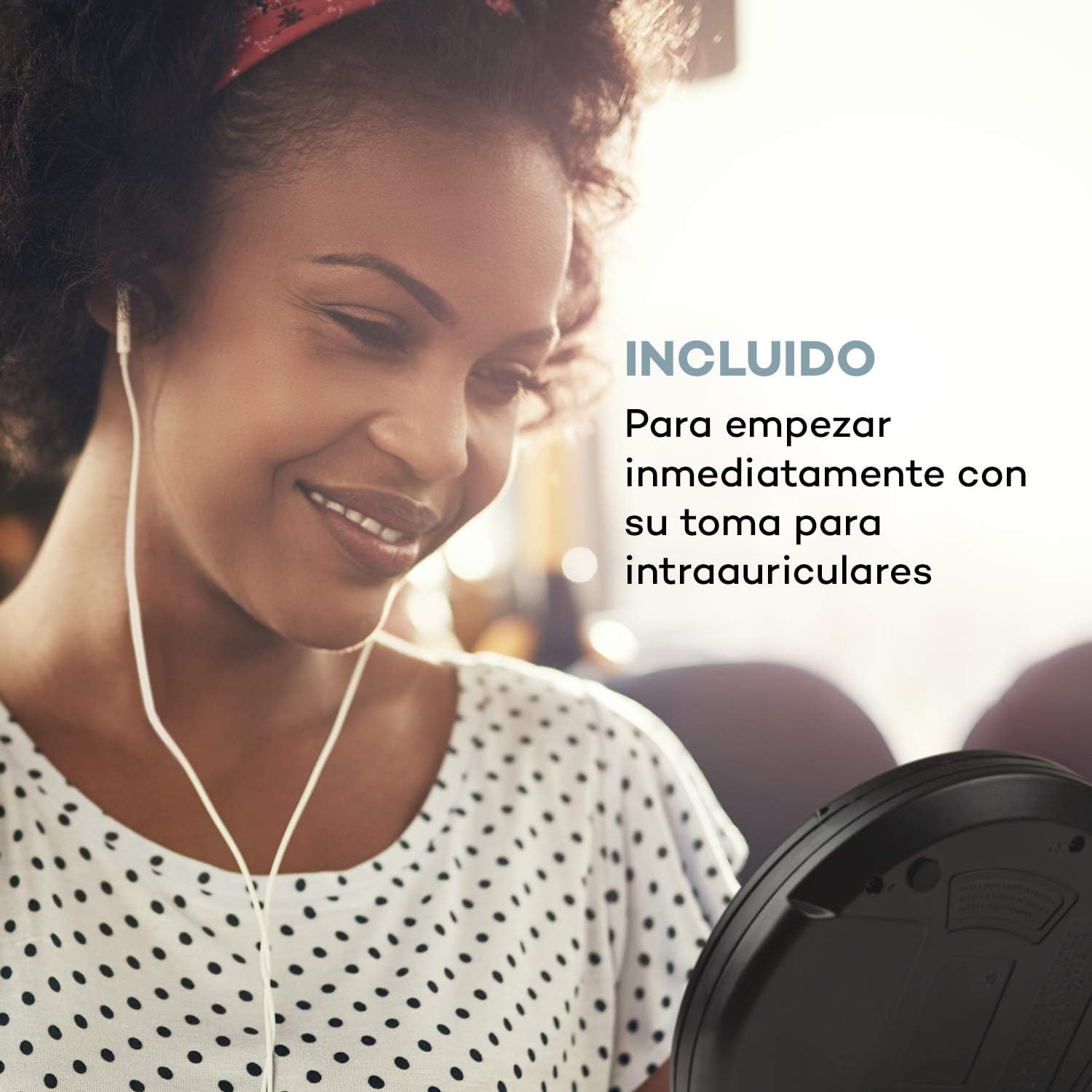
Image 3.1: The AUNA CDC 200 includes a pair of in-ear headphones for immediate use.
4. Ovládací prvky a připojení
Familiarize yourself with the buttons and ports on your AUNA CDC 200:
- Vypínač / vypínač: Zapne nebo vypne zařízení.
- Tlačítko Přehrát/Pozastavit (►/−): Spustí nebo pozastaví přehrávání CD.
- Tlačítko Stop (■): Zastaví přehrávání CD.
- Tlačítka Přeskočit/Hledat (◀◀ / ►►): Skips tracks or fast forwards/rewinds during CD playback. In radio mode, tunes to the next/previous station.
- Tlačítko MENU: Přístup k možnostem nabídky.
- P-MODE Button: Selects playback modes (e.g., repeat, random).
- Tlačítko SOURCE: Switches between CD and Radio modes.
- Tlačítko SCAN: Initiates station scanning in radio mode.
- Tlačítko INFO: Displays additional information (e.g., radio station details).
- Tlačítko ENTER: Potvrzuje výběry v nabídkách.
- TU+/TU- Buttons: Adjusts tuning in radio mode or navigates menu options.
- Micro USB port: Pro připojení nabíjecího kabelu.
- 3.5mm konektor pro sluchátka: Pro připojení sluchátek.

Obrázek 4.1: Konecview of the AUNA CDC 200's top panel with control buttons and LC display.
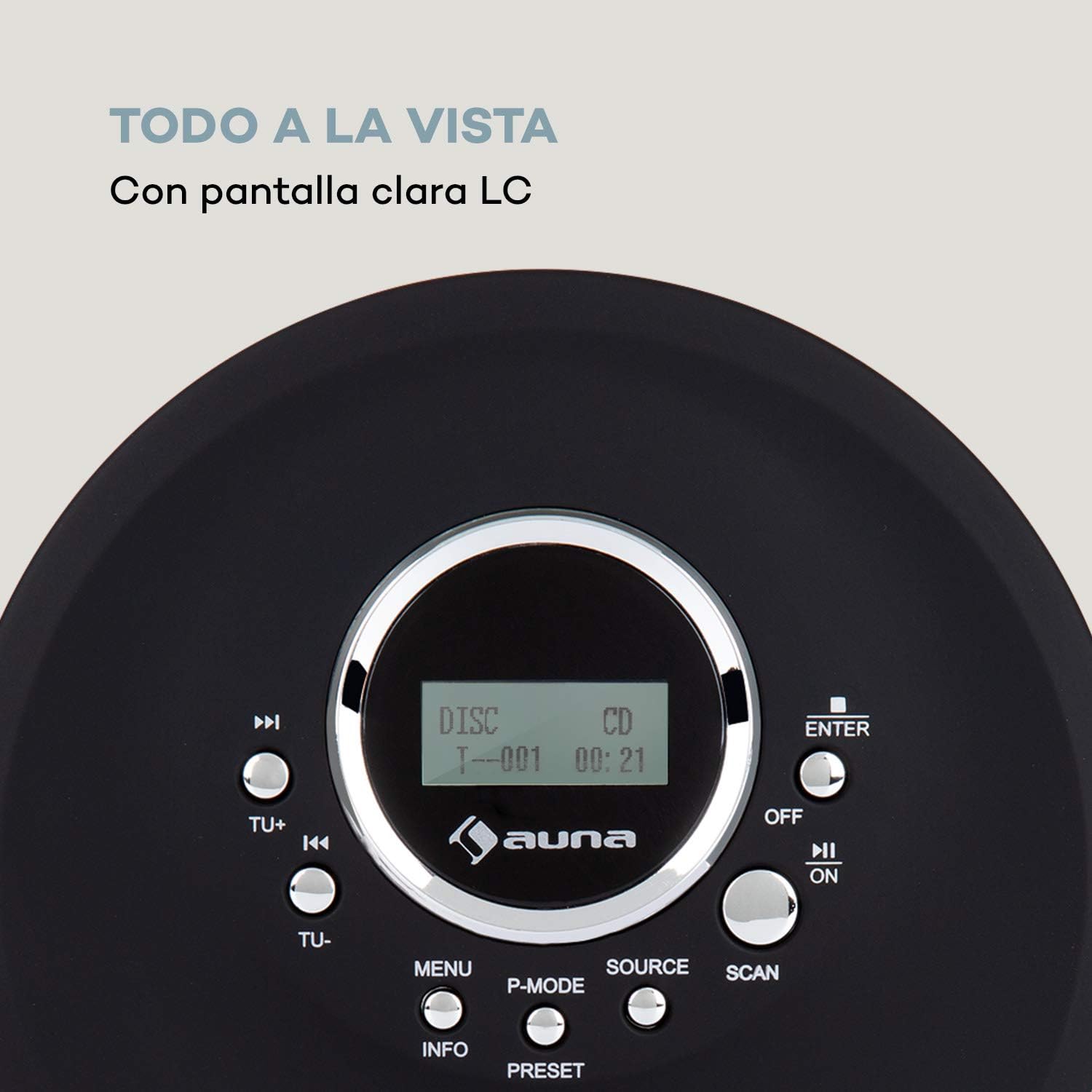
Image 4.2: The clear LC display shows track information and operating status.
5. Nastavení
5.1 Nabíjení baterie
Before first use, fully charge the integrated 1000 mAh battery. Connect the supplied Micro USB cable to the device's Micro USB port and the other end to a USB power source (e.g., a computer USB port, a USB wall adapter, or a power bank). The charging indicator will illuminate during charging and turn off when fully charged.
Image 5.1: The AUNA CDC 200 can be charged via Micro USB from various power sources.
5.2 Připojení sluchátek
Insert the 3.5mm jack of your headphones into the headphone port on the side of the device. Ensure the connection is secure for optimal audio output.
5.3 Vložení CD
- Posunutím spínače OPEN otevřete víko přihrádky na CD.
- Carefully place a CD (audio CD, CD-R, CD-RW, or MP3-CD) onto the spindle with the label side facing up.
- Gently press the CD until it clicks into place.
- Pevně zavřete víko přihrádky na CD, dokud nezaklapne.

Image 5.2: The CD compartment supports various disc formats including CD, CD-R, CD-RW, and MP3-CD.
6. Návod k obsluze
6.1 Zapnutí/vypnutí
Posuňte VYP/ZAP switch to the 'ON' position to power on the device. Slide it to 'OFF' to power off.
6.2 Přehrávání CD
- Ensure a CD is inserted and the device is powered on.
- Stiskněte tlačítko ZDROJ button to select CD mode. The display will show 'CD'.
- Stiskněte tlačítko Play/Pause (►/−) button to start playback. The track number and elapsed time will be displayed.
- Stiskněte Play/Pause (►/−) Dalším stisknutím pozastavíte přehrávání. Dalším stisknutím jej obnovíte.
- Stiskněte Skip/Search (►►) pro přechod na další skladbu. Stiskněte Skip/Search (◀◀) pro přechod na začátek aktuální nebo předchozí skladby.
- Stiskněte a podržte Skip/Search (►►) or (◀◀) to fast forward or rewind through the current track.
- Stiskněte tlačítko Zastavit (■) přehrávání zastavíte.
Anti-Skip Function
The AUNA CDC 200 features an integrated anti-skip function to prevent interruptions during playback, especially when the device is in motion. This function is automatically active during CD playback.
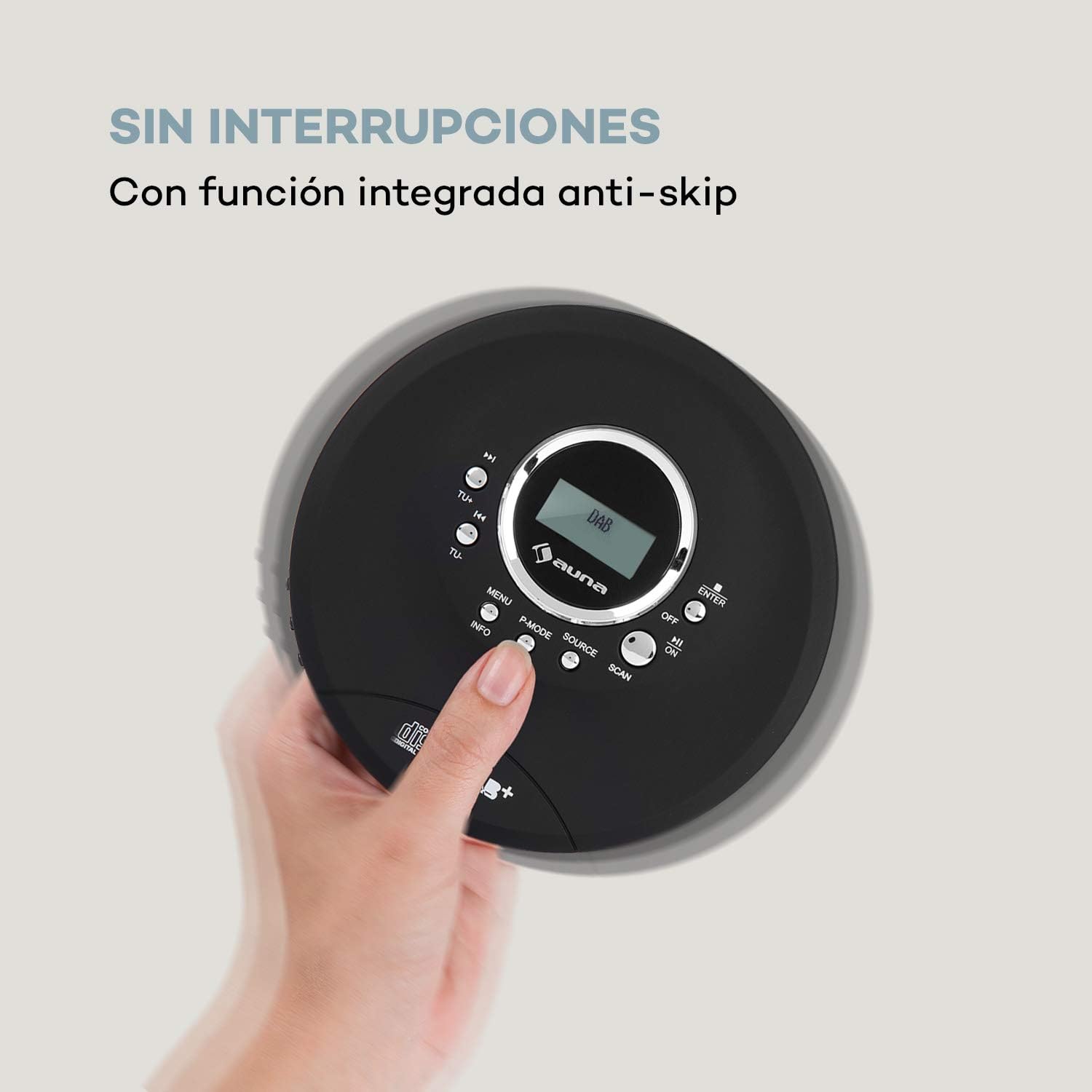
Image 6.1: The anti-skip function ensures uninterrupted audio playback.
Playback Modes (P-MODE)
Stiskněte tlačítko P-MODE button repeatedly to cycle through different playback modes such as Repeat One, Repeat All, Random, or Program Play (if available).
6.3 Ovládání rádia (DAB+/FM)
- Stiskněte tlačítko ZDROJ button to select Radio mode. The display will show 'DAB' or 'FM'.
- Automatické skenování: Stiskněte tlačítko SKENOVAT button to automatically search for available DAB+ or FM stations. The device will store found stations.
- Ruční ladění: Použijte TU+ or TU- tlačítka pro ruční ladění na konkrétní frekvenci.
- Výběr stanic: Po skenování použijte Skip/Search (◀◀ / ►►) buttons to navigate through the stored stations.
- Informační displej: Stiskněte tlačítko INFO tlačítko na view additional information about the current radio station (e.g., program type, signal strength).

Image 6.2: The AUNA CDC 200 features a DAB+ and FM radio tuner for diverse listening options.
6.4 Funkce zvýraznění basů
The AUNA CDC 200 includes a bass boost feature. To activate or deactivate it, refer to the device's menu options by pressing the MENU tlačítko a navigace pomocí TU+/TU- a ENTER.
7. Údržba
7.1 Čištění
- Vnější povrch zařízení otřete měkkým, suchým hadříkem.
- Nepoužívejte abrazivní čisticí prostředky, vosky ani rozpouštědla.
- To clean the CD lens, use a specialized CD lens cleaning kit. Do not touch the lens directly.
7.2 Péče o baterii
- Vyhněte se častému úplnému vybíjení baterie.
- Pokud zařízení nebudete delší dobu používat, pravidelně jej nabíjejte, aby se udržela baterie v dobrém stavu.
- Nevystavujte zařízení extrémním teplotám.
8. Řešení problémů
If you encounter issues with your AUNA CDC 200, refer to the following table:
| Problém | Možná příčina | Řešení |
|---|---|---|
| Zařízení se nezapne. | Battery is discharged. Power switch is OFF. | Charge the battery. Slide the power switch to ON. |
| Ze sluchátek není slyšet žádný zvuk. | Headphones not connected properly. Volume too low. Faulty headphones. | Ensure headphones are fully plugged in. Increase volume. Try different headphones. |
| CD přeskakuje nebo se nepřehrává. | CD is dirty or scratched. CD inserted incorrectly. Device is subject to strong vibrations. | Clean or replace the CD. Reinsert the CD correctly. Ensure the anti-skip function is active and minimize movement. |
| Špatný příjem rádia. | Slabý signál. Rušení. | Relocate the device to an area with better reception. Avoid sources of electronic interference. |
9. Specifikace
- Značka:
- AUNA
- Číslo modelu:
- CDC 200 (Manufacturer Reference: MG3-90400-jfhg)
- Compatible Audio Formats:
- CD, CD-R, CD-RW, MP3-CD
- Rádiový tuner:
- DAB+, FM
- Zdroj napájení:
- 1000 mAh Rechargeable Battery, Micro USB (Electric Cable)
- Konektivita:
- USB (pro nabíjení), 3.5mm konektor pro sluchátka
- Zobrazit:
- LC displej
- Kompatibilní zařízení:
- Sluchátka
- Styl:
- Přenosný
- Možnosti barev:
- Černá, červená
10. Bezpečnostní informace
- Nevystavujte zařízení dešti, vlhkosti ani extrémním teplotám.
- Zabraňte pádu zařízení nebo jeho vystavení silným nárazům.
- Nepokoušejte se zařízení rozebírat ani opravovat sami. Obraťte se na kvalifikovaný servisní personál.
- Udržujte zařízení mimo dosah silných magnetických polí.
- Zlikvidujte baterii a zařízení v souladu s místními předpisy.
11. Záruka a podpora
For warranty information and technical support, please refer to the documentation provided with your purchase or visit the official AUNA webUschovejte si doklad o koupi pro případné reklamace.