
Zeegma Robo Next
ZEEGMA Zonder Robo Next Robot Vacuum Cleaner User Manual
Model: Robo Next | Brand: Zeegma
1. Úvod
Thank you for choosing the ZEEGMA Zonder Robo Next Robot Vacuum Cleaner. This manual provides essential information for the safe and efficient operation, maintenance, and troubleshooting of your device. Please read this manual thoroughly before using the product and retain it for future reference.
The Zonder Robo Next is an advanced robotic cleaning device designed for various floor types, offering multiple cleaning modes and powerful suction. Its intelligent features ensure thorough cleaning while navigating your home safely.
2. Bezpečnostní informace
Abyste snížili riziko zranění nebo poškození, dodržujte následující bezpečnostní opatření:
- Ujistěte se, že je napájecí adaptér hlasitýtagje kompatibilní s vaší místní napájecí sítí.
- Nepoužívejte robota ve vlhkém prostředí ani v blízkosti vody.
- Udržujte robota mimo dosah otevřeného ohně, zdrojů tepla a hořlavých materiálů.
- Nedovolte dětem ani domácím zvířatům hrát si s robotem.
- Before operation, remove loose cables, small objects, and fragile items from the cleaning area.
- Nepoužívejte robota k vysávání velkých nečistot, ostrých předmětů nebo kapalin.
- Only use manufacturer-approved accessories and replacement parts.
- If the robot is damaged, do not attempt to repair it yourself. Contact customer support.
3. Obsah balení
Ověřte, zda jsou v balení přítomny všechny položky:
- Robotický vysavač
- Docking Station with Power Supply
- Hlavní kartáč
- 4 x Boční kartáče
- Microfiber Mop
- Dálkové ovládání
- HEPA filtr
- Uživatelská příručka (tento dokument)
4. Nastavení
4.1 Umístění nabíjecí stanice
Place the docking station against a wall in an open area, ensuring there are no obstacles within 1 meter (3 feet) to the sides and 2 meters (6 feet) in front of it. Connect the power supply to the docking station and plug it into a wall outlet. Ensure the station is always powered on.

Image: The robot vacuum automatically returns to its charging station. This image also highlights its smart device capabilities.
4.2 Počáteční nabíjení
Place the robot vacuum onto the charging station. Ensure the charging contacts on the robot align with those on the station. For first-time use, charge the robot for at least 6 hours to ensure the battery is fully conditioned. The battery indicator light will show charging status.

Image: The robot vacuum on a patterned rug, illustrating its 2600 mAh battery and strong suction power up to 2150 Pa.
4.3 Instalace bočních kartáčů
Turn the robot over. Align the side brushes with the corresponding slots on the bottom of the robot and press them down until they click into place. Ensure they are securely attached.
4.4 Connecting to the Smartphone App
Download the dedicated ZEEGMA app from your smartphone's app store. Follow the in-app instructions to connect your robot vacuum to your home Wi-Fi network. This will enable advanced control, scheduling, and monitoring features.

Image: The robot vacuum operating on a tiled floor, highlighting its low noise mode and dedicated app control.
5. Provoz
5.1 Zapnutí/vypnutí
Press and hold the power button on the robot or use the remote control/app to turn the robot on or off.
5.2 Režimy čištění
The Zonder Robo Next offers 6 distinct operating modes to suit various cleaning needs:
- Automatické čištění: Robot inteligentně naviguje a čistí celou přístupnou oblast.
- Bodové čištění: Zaměřuje se na konkrétní znečištěnou oblast a čistí ve spirálovitém vzoru.
- Čištění hran: Čistí podél stěn a hran nábytku.
- Mokré vytírání: Attaches the microfiber mop for wet cleaning.
- Suché zametání: Uses brushes to sweep debris.
- Vysávání: Engages the vacuum motor for dust and debris collection.

Image: The robot vacuum on a tiled floor, indicating its mop function capability.
5.3 Nastavení sacího výkonu
Choose from 3 suction power levels (1500 Pa, 1800 Pa, 2150 Pa) via the app or remote control to match the cleaning intensity required for different surfaces and dirt levels.
5.4 Plánování
Use the smartphone app to set cleaning schedules for specific times and days. The robot will automatically start cleaning according to your programmed schedule.

Image: The robot vacuum operating near a virtual wall strip, illustrating its scheduling function.
5.5 Integrace chytré domácnosti
The Zonder Robo Next is compatible with Amazon Alexa and Google Home. Follow the instructions in the respective smart home apps to connect your robot for voice control.
5.6 Navigace a vyhýbání se překážkám
Equipped with 15 anti-collision sensors, the robot navigates freely and safely, avoiding obstacles and drops. Its low profile (7.6 cm height) allows it to clean under most furniture.

Image: The robot vacuum cleaning under a sofa, demonstrating its compact height of 7.6 cm and its 15 anti-collision sensors.
6. Údržba
Pravidelná údržba zajišťuje optimální výkon a prodlužuje životnost vašeho robotického vysavače.
6.1 Vyprázdnění nádoby na prach
The robot features an 800 ml dust container. Empty it after each cleaning cycle or when the indicator light signals it is full. Open the top cover, remove the dust container, and dispose of the collected debris.
6.2 Čištění HEPA filtru
The washable HEPA filter captures up to 99.97% of allergens and fine particles. Remove the filter from the dust container and rinse it under running water. Allow it to air dry completely before reinserting. Replace the HEPA filter every 3-6 months, depending on usage.
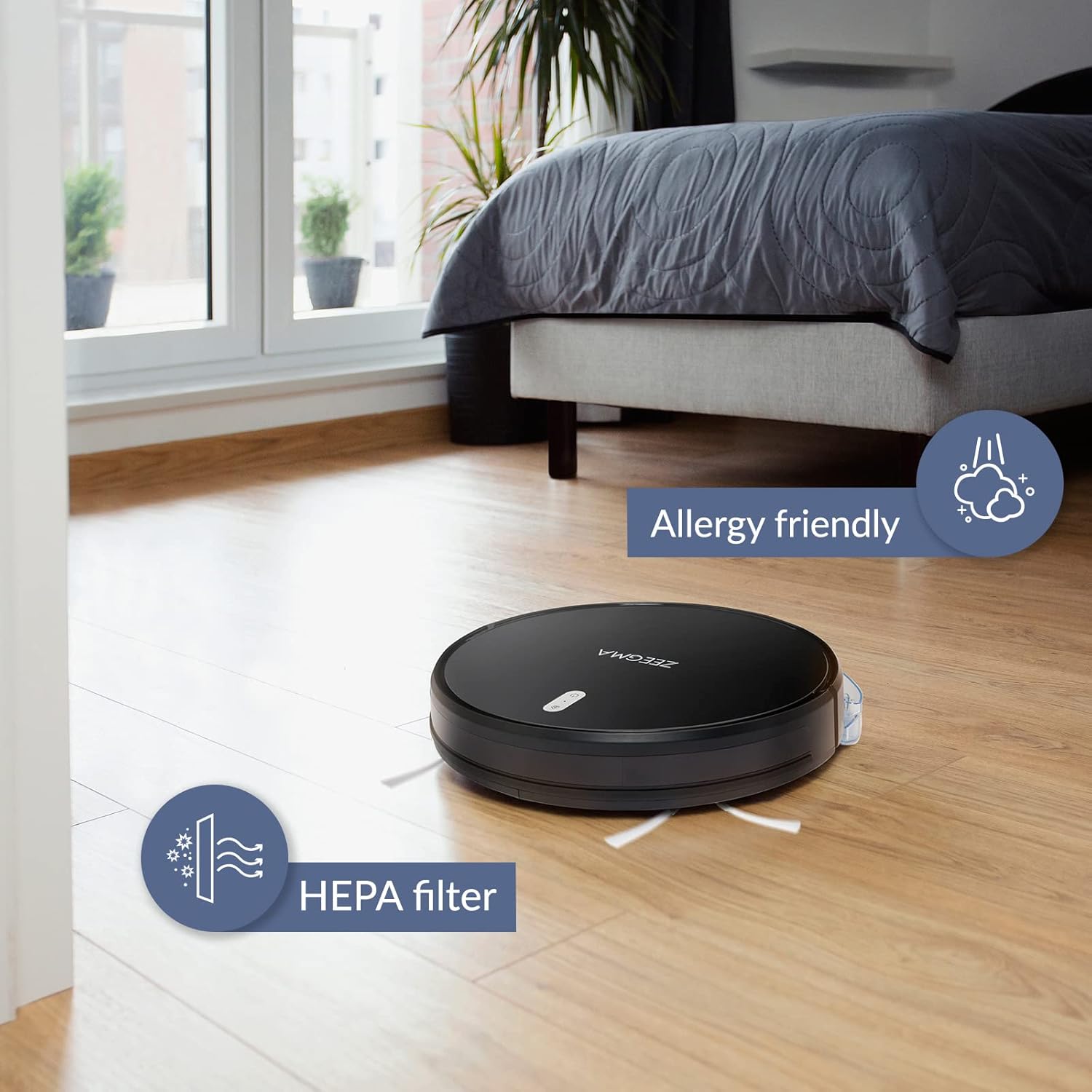
Image: The robot vacuum on a wooden floor, emphasizing its allergy-friendly design and HEPA filter system.
6.3 čisticí kartáčky
- Boční kartáče: Regularly check side brushes for tangled hair or debris. Remove and clean them. Replace if worn or damaged.
- Hlavní kartáč: Remove the main brush cover and lift out the brush. Use the cleaning tool (if provided) to remove hair and debris.
6.4 Čištění senzorů a nabíjecích kontaktů
Wipe the anti-collision sensors and charging contacts on both the robot and the docking station with a dry, soft cloth to ensure proper function.
6.5 Údržba mopové podložky
After wet mopping, remove the microfiber mop pad and wash it. Allow it to air dry completely before storing or reusing.
7. Řešení problémů
If you encounter issues with your ZEEGMA Zonder Robo Next, refer to the following common problems and solutions:
| Problém | Možná příčina | Řešení |
|---|---|---|
| Robot se nezapne. | Slabá baterie; tlačítko napájení nebylo správně stisknuto. | Charge the robot; press and hold the power button. |
| Robot se nenabíjí. | Charging contacts are dirty; docking station not powered. | Clean charging contacts; ensure docking station is plugged in. |
| Robot se často zasekává. | Příliš mnoho překážek; senzory jsou znečištěné. | Clear the cleaning area; clean the sensors. |
| Špatný čisticí výkon. | Dust container full; brushes tangled; filter clogged. | Empty dust container; clean brushes; clean/replace filter. |
| Problémy s připojením k aplikaci. | Incorrect Wi-Fi password; robot out of Wi-Fi range. | Verify Wi-Fi credentials; move robot closer to router; restart robot and router. |
If the problem persists, please contact Zeegma customer support.
8. Specifikace
| Funkce | Detail |
|---|---|
| Značka | Zeegma |
| Název modelu | Robo Next |
| Rozměry produktu (D x Š x V) | 32L x 32W x 7.6H cm |
| Hmotnost položky | 2.5 kg |
| Kapacita baterie | 2600 XNUMX mAh |
| Životnost baterie | Až 120 minut |
| Úklidová plocha za poplatek | Až 180 m² |
| Sací výkon | 1500 to 2150 Pa (3 modes) |
| Úroveň hluku | 50 dB (quiet operation) / 55 dB (general) |
| Kapacita nádoby na prach | 800 ml |
| Typ filtru | Omyvatelný HEPA filtr |
| Navigace | 15 anti-collision sensors |
| Typ ovládání | Wi-Fi, App (iOS), Voice (Amazon Alexa, Google Home), Remote Control |
| Speciální funkce | 6 operating modes (wet/dry wiping, sweeping, vacuuming), Automatic return to base, Scheduling function, Virtual wall compatibility (implied by image) |
9. Zákaznická podpora
For further assistance, technical support, or warranty information, please contact Zeegma customer service through their official webwebu nebo kontaktních údajů uvedených v nákupní dokumentaci.
Ask a question about this manual
Ask about setup, troubleshooting, compatibility, parts, safety, or missing instructions. Manuals+ will review the question and use this page’s manual context to help answer it.