
1. Konec produktuview
The YQSAVIOR 10.1" Android Tablet (Model ZB30) is designed for versatile use, offering a powerful octa-core processor, ample memory, and expandable storage. It features a vibrant IPS display, dual cameras, and robust connectivity options including 5G WiFi6 and Bluetooth 5.0, making it suitable for entertainment, browsing, and productivity tasks.

Figure 1: YQSAVIOR 10.1" Android Tablet (Model ZB30)
2. Co je v krabici
Upon unboxing your YQSAVIOR Tablet, please ensure all the following items are present:
- YQSAVIOR 10.1" Android Tablet (Model ZB30)
- Nabíjecí kabel USB typu C.
- Uživatelská příručka (tento dokument)
3. Nastavení
3.1 Počáteční nabíjení
Before first use, fully charge your tablet using the provided USB Type-C cable and a compatible power adapter (not included). The 6000mAh battery provides 8-10 hours of mixed use.
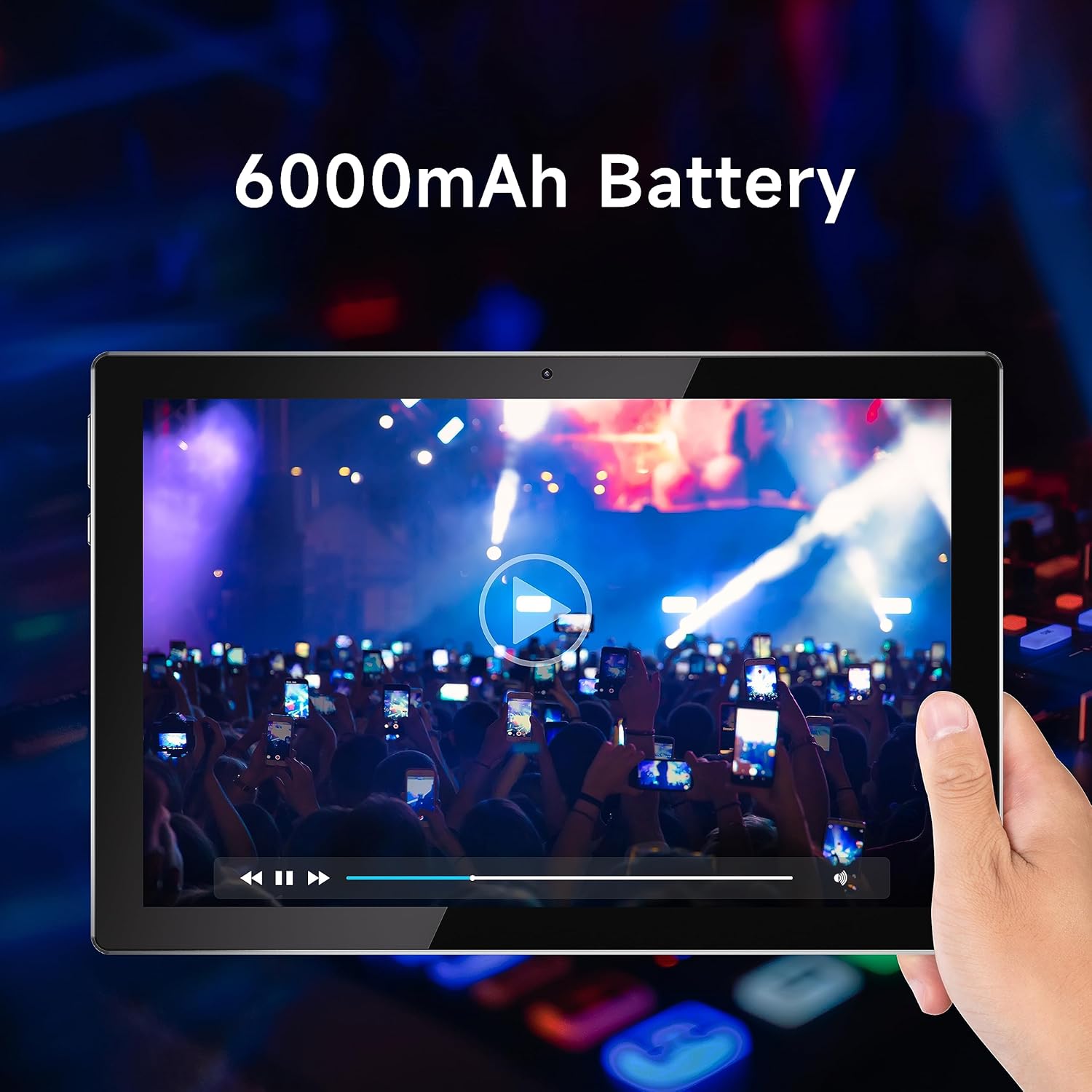
Figure 2: Tablet display emphasizing battery life.
3.2 Zapnutí/vypnutí
To power on, press and hold the power button located on the side of the tablet until the YQSAVIOR logo appears. To power off, press and hold the power button, then select "Power off" from the on-screen options.
3.3 Počáteční konfigurace
Follow the on-screen prompts to complete the initial setup. This includes selecting your language, connecting to a Wi-Fi network, and signing in with your Google account. A Google account is required to download applications from the Google Play Store.

Figure 3: Accessing Google Play Store for applications.
3.4 Rozšiřitelné úložiště
The tablet supports expandable storage up to 1TB via a microSD card (not included). Locate the microSD card slot on the side of the tablet and gently insert the card until it clicks into place. You may need to format the card through the tablet's settings before use.
4. Návod k obsluze
4.1 Navigace a rozhraní
The YQSAVIOR Tablet runs on the Android operating system. Navigate the interface using touch gestures: tap to select, swipe to scroll, pinch to zoom, and long-press for additional options. The home screen provides quick access to frequently used applications and widgets.
4.2 Připojení k Wi-Fi
Chcete-li se připojit k Wi-Fi, přejděte na Nastavení > Síť a internet > Wi-Fi. Turn Wi-Fi on and select your desired network from the list. Enter the password if prompted. The tablet supports 5G WiFi6 for high-speed and stable connections.
4.3 Připojení Bluetooth
To pair with Bluetooth devices, go to Nastavení > Připojená zařízení > Bluetooth. Turn Bluetooth on and select "Pair new device." Choose your device from the list and follow any on-screen instructions. Bluetooth 5.0 provides faster transfer speeds and communication distances.
4.4 Kvalita zobrazení
The tablet is equipped with a 10.1" IPS display with a resolution of 1280x800 pixels, offering vivid colors and wide viewing angles for an optimal viewing experience when watching movies or playing games.

Figure 4: Tablet display quality for media consumption.
4.5 Použití kamery
The tablet is equipped with a 2.0 MP front camera and an 8.0 MP rear camera. Open the Camera application to capture photos and videos. You can switch between front and rear cameras within the app interface.
4.6 Audio výstup
The tablet features dual speakers for enhanced audio experience. Adjust volume using the physical volume buttons on the side of the device or through the on-screen volume controls.
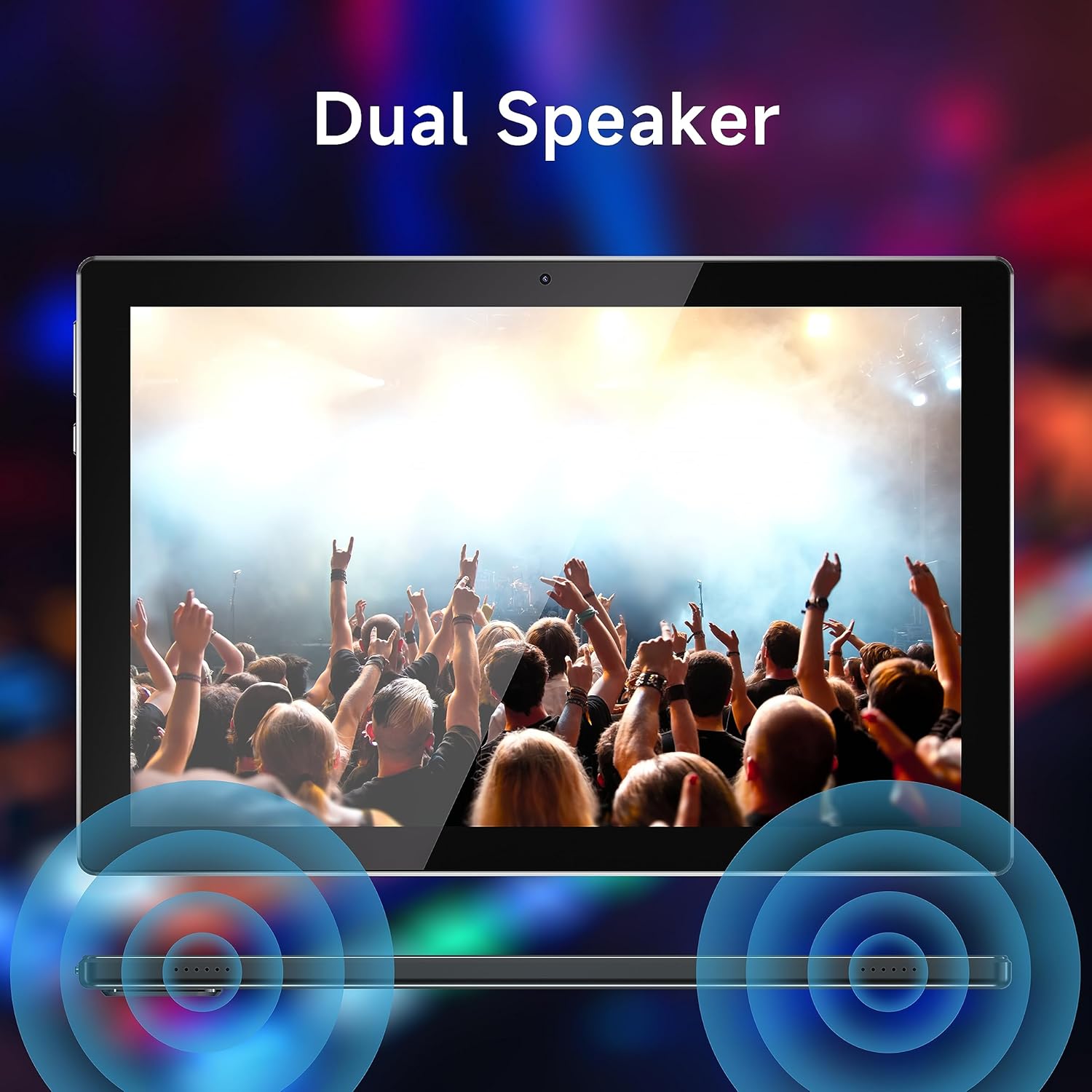
Figure 5: Dual speaker system for immersive sound.
5. Údržba
5.1 Péče o baterii
To maximize battery life, avoid extreme temperatures. Charge the tablet regularly and avoid completely draining the battery frequently.
5.2 Čištění
Use a soft, lint-free cloth to clean the screen and body of the tablet. Do not use abrasive cleaners or solvents, as these can damage the surfaces.
5.3 Aktualizace softwaru
Pravidelně kontrolujte aktualizace systému, abyste zajistili optimální výkon a zabezpečení. Přejděte na Nastavení > Systém > Aktualizace systému zkontrolovat a nainstalovat dostupné aktualizace.
5.4 Správa úložiště
Regularly manage your tablet's storage by deleting unnecessary files, odinstalování nepoužívaných aplikací a přesouvání velkých médií files to external storage (microSD card) if applicable. This helps maintain device speed and responsiveness.
6. Řešení problémů
| Problém | Možná příčina / řešení |
|---|---|
| Tablet se nezapne | Ujistěte se, že je baterie nabitá. Připojte tablet ke zdroji napájení a nechte jej nabíjet alespoň 30 minut, než se jej pokusíte znovu zapnout. |
| Pomalý výkon / Padání aplikací | Close unused applications. Clear app caches (Settings > Apps > [App Name] > Storage > Clear cache). Free up storage space. Restart the tablet. |
| Problémy s připojením Wi-Fi | Ensure Wi-Fi is enabled. Restart your Wi-Fi router. Forget the network and reconnect. Check if other devices can connect to the same network. |
| Dotykový displej nereaguje | Restart the tablet. If the issue persists, a factory reset might be necessary (backup data first). |
| Tablet stuck in Fastboot mode | This can occur due to software issues. Try holding the power button for an extended period (10-15 seconds) to force a restart. If it remains stuck, professional assistance or a factory reset may be required. |
| Pomalé nabíjení | Ensure you are using the original charging cable. Try a different power adapter. Avoid using the tablet while it is charging, as this can slow down the process. |
If problems persist after attempting these solutions, please contact YQSAVIOR customer support for further assistance.
7. Specifikace
| Funkce | Detail |
|---|---|
| Značka | YQSASVIOR |
| Název modelu | ZB30 |
| Operační systém | Android |
| Velikost obrazovky | 10.1 palce |
| Rozlišení obrazovky | 1280 x 800 pixelů (IPS) |
| Procesor | MTK Octa-core (2.2 GHz) |
| BERAN | 10GB (4GB+6GB Expand) LPDDR3_SDRAM |
| Interní úložiště | 64 GB Flash paměti |
| Rozšiřitelné úložiště | Až 1 TB (MicroSD) |
| Zadní kamera | 8.0 MP |
| Přední kamera | 2.0 MP |
| Kapacita baterie | 10 000 mAh (lithium-polymerová) |
| Průměrná životnost baterie | 10 hodiny |
| Bezdrátový typ | 802.11ac (5G WiFi6) |
| Bluetooth | Bluetooth 5.0 |
| Hmotnost položky | 1.65 libry |
| Rozměry produktu | 10 x 5 x 0.3 palce |
8. Záruka a podpora
Your YQSAVIOR Tablet is covered by a manufacturer's warranty. Please refer to the warranty information provided with your purchase for specific terms and conditions. For technical support, troubleshooting assistance beyond this manual, or warranty claims, please contact YQSAVIOR customer service.
Additionally, protection plans may be available for extended coverage. For details on purchasing a 2-Year Protection Plan, please refer to your retailer or product page.