
EKSA H12
Uživatelská příručka k drátové počítačové náhlavní soupravě EKSA H12 s 3.5mm konektorem
Model: H12
Značka: EKSA
1. Úvod
The EKSA H12 3.5mm Wired Computer Headset is designed for clear and comfortable communication across various platforms. Featuring an adjustable omni-directional microphone with noise-cancelling capabilities and custom-tuned 40mm speaker drivers, this headset is ideal for PC, laptop, office, call center, and online communication needs. Its lightweight design and soft ear pads ensure all-day comfort.
2. Konec produktuview
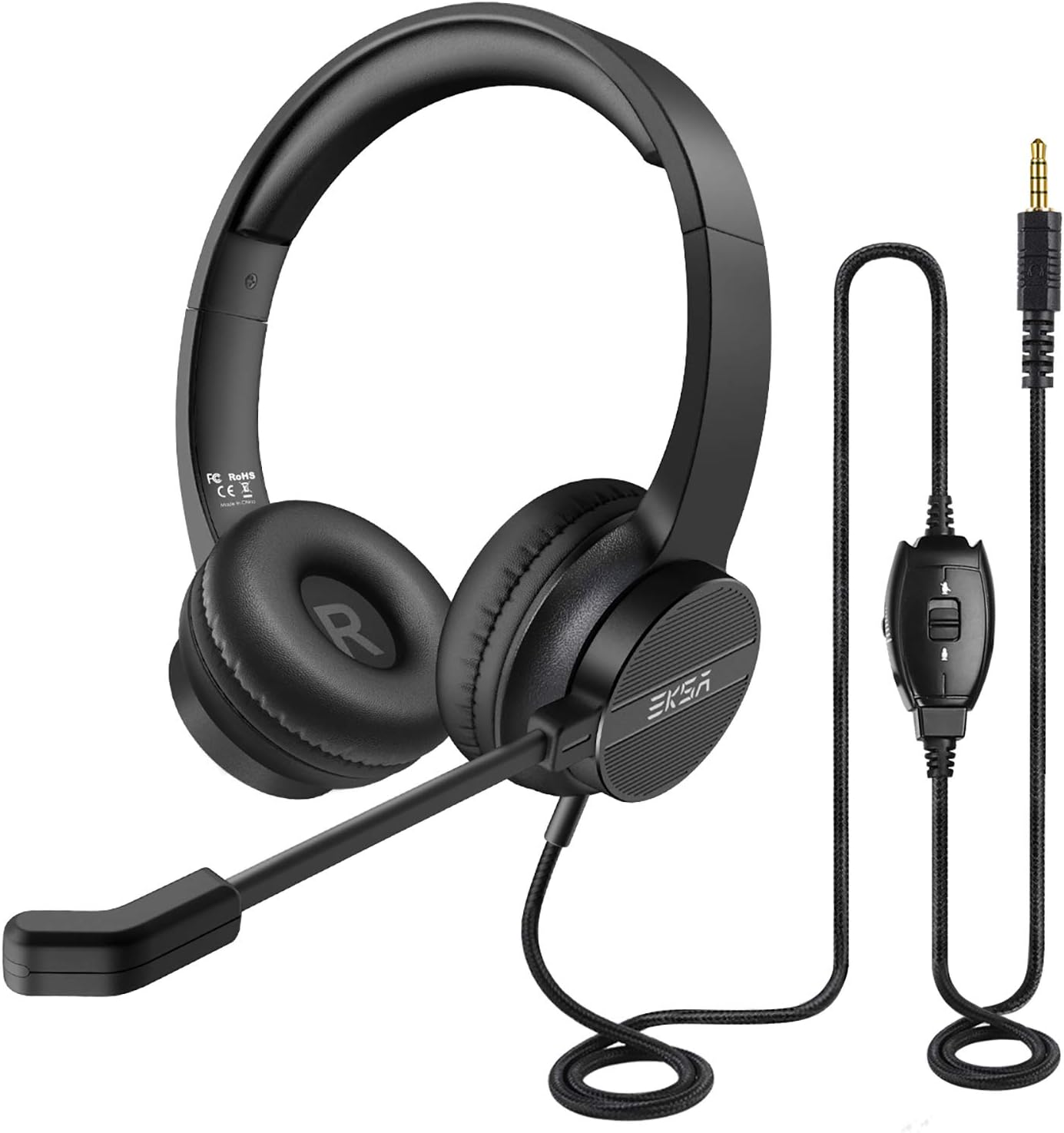
The EKSA H12 headset features a comfortable over-ear design, an adjustable boom microphone, and an in-line control unit for easy access to audio settings.
2.1 klíčové komponenty
- Nastavitelná čelenka: Padded for comfort and adjustable to fit various head sizes.
- Měkké náušníky: Made from artificial leatherette and soft protein memory foam for all-day comfort.
- Všesměrový mikrofon: Flexible and adjustable boom mic designed to pick up natural voice while reducing background noise.
- Řídicí jednotka Řady: Integrated controls for volume adjustment, microphone mute, and speaker mute.
- Jack 3.5 mm: Standard audio connector for wide compatibility.
- Y-Adapter: Included for devices requiring separate audio and microphone inputs.
2.2 Comfort and Durability
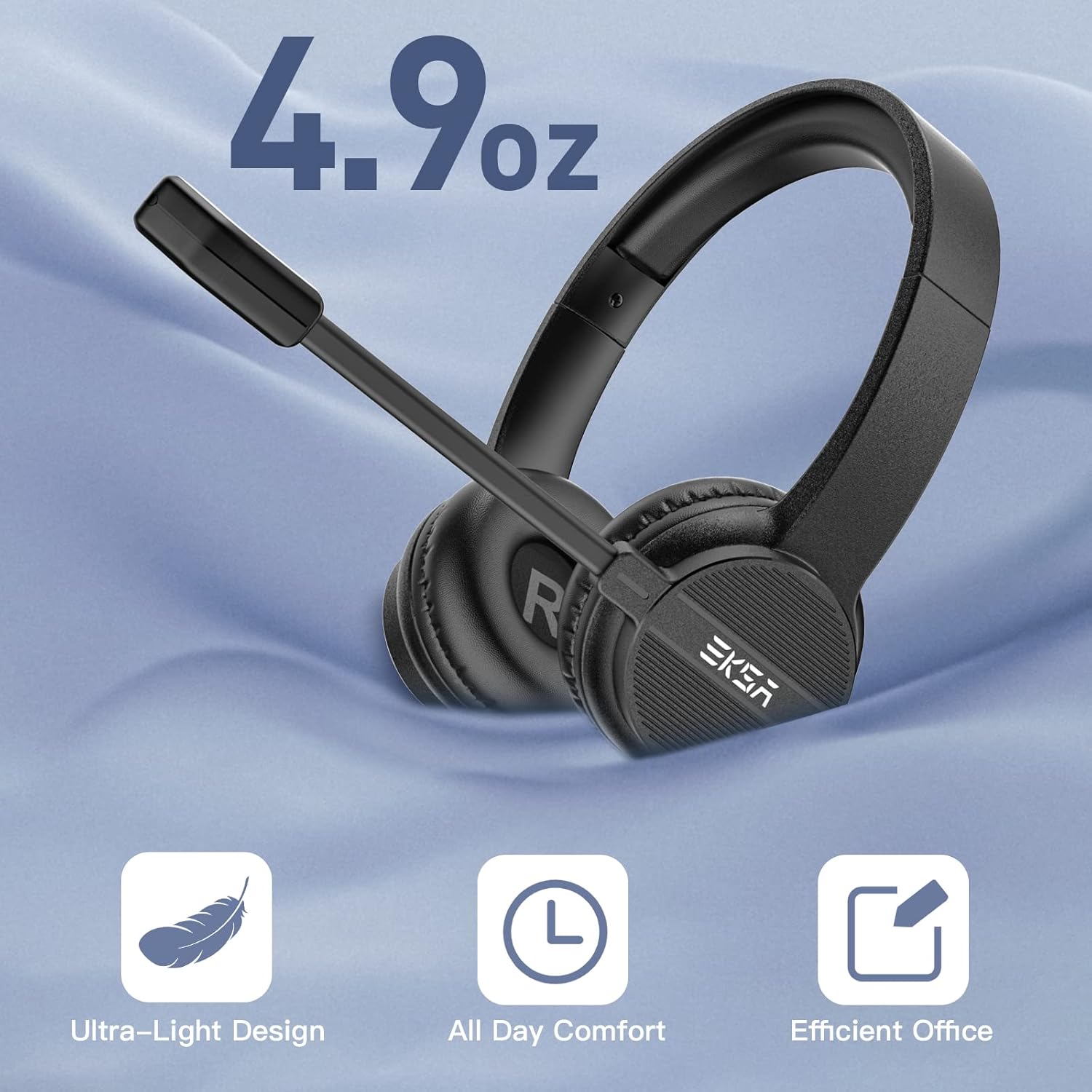
Weighing only 4.9 ounces, the EKSA H12 headset is designed for ultra-light comfort, featuring soft ear pads suitable for extended wear during work or online classes.
The EKSA H12 headset is engineered for extended use. Its ultra-lightweight design (approximately 4.9 oz / 0.24 kg) combined with artificial leatherette ear pads and soft protein memory foam earmuffs ensures lasting comfort. The adjustable padded headband accommodates most head sizes, making it suitable for telephone-intensive users.

The headset features soft ear cushions and a durable headband, tested for over 20,000 bends to ensure longevity.
2.3 Audio Quality and Noise Cancellation

The headset is equipped with custom-tuned 40mm speaker drivers that deliver clear stereo sound, enhancing both call quality and audio playback.

This image demonstrates the headset's ability to reduce background noise, showing a significant drop from 96dB (voice + noise) to 15dB (only voice), ensuring clear communication.
The adjustable omni-directional microphone is designed to pick up your voice clearly while actively reducing unwanted background noise, making it perfect for calls, conferences, and online courses. The 40mm speaker drivers provide crystal-clear audio for both listening and speaking.
2.4 Kompatibilita

The 3.5mm jack ensures wide compatibility with a range of devices including PCs, laptops, smartphones, tablets, MP3 players, and game controllers.
The EKSA H12 headset offers wide compatibility with its 3.5mm jack connection. It supports Mac OS X, Windows 2000/7/8/10/XP/Vista, Tablet PCs, Smartphones, desktop computers, and more. A dual 3.5mm Y-adapter is included for devices requiring separate audio and microphone inputs.
3. Nastavení
3.1 Připojení náhlavní soupravy
- Locate the 3.5mm audio jack on your device (PC, laptop, smartphone, tablet, etc.).
- Plug the 3.5mm connector from the headset directly into your device's audio jack.
- If your device has separate ports for microphone and audio, use the included dual 3.5mm Y-adapter. Plug the headset's 3.5mm connector into the Y-adapter, then plug the two Y-adapter connectors into the corresponding microphone and audio ports on your device.
- Adjust your device's audio settings to ensure the EKSA H12 is selected as the input and output device.
4. Návod k obsluze
4.1 Adjusting the Microphone
The omni-directional boom microphone can be twisted and positioned discretionarily to optimize voice pickup. Adjust it to a comfortable distance from your mouth for the best audio clarity.
4.2 Using the In-line Controls
The convenient in-line control unit allows for easy adjustment of volume, muting the microphone, and muting the speaker directly from the cable.
- Ovládání hlasitosti: Use the '+' and '-' buttons on the in-line control unit to increase or decrease the audio volume.
- Ztlumení mikrofonu: Press the microphone mute button to quickly mute or unmute your microphone.
- Ztlumení reproduktoru: Press the speaker mute button to quickly mute or unmute the headset's audio output.
5. Údržba
- Čištění: K čištění sluchátek s mikrofonem používejte měkký, suchý hadřík. Nepoužívejte agresivní chemikálie ani abrazivní materiály.
- Skladování: When not in use, store the headset in a clean, dry place, preferably in the included storage bag, to protect it from dust and damage.
- Péče o kabely: Vyhněte se ostrým ohybům nebo nadměrnému tahání za kabel, abyste předešli vnitřnímu poškození.
- Náušníky: The artificial leatherette ear pads can be gently wiped with a damp cloth if needed. Ensure they are completely dry before use.
6. Řešení problémů
| Problém | Možné řešení |
|---|---|
| Žádný zvuk z náhlavní soupravy | Check if the 3.5mm jack is fully inserted. Ensure the headset is selected as the default audio output device in your computer's sound settings. Check the volume levels on both the in-line control and your device. Ensure the speaker mute button is not active. |
| Mikrofon nefunguje | Ensure the microphone mute button on the in-line control is not active. Check if the headset is selected as the default input device in your computer's sound settings. Ensure the microphone is positioned correctly. If using the Y-adapter, ensure it is correctly connected to both mic and audio ports. |
| Špatná kvalita zvuku / Statický šum | Ensure the 3.5mm jack is clean and fully inserted. Try connecting the headset to a different port or device to rule out device-specific issues. Avoid placing the cable near sources of electromagnetic interference. |
| Sluchátka jsou nepohodlná | Adjust the headband for a better fit. Ensure ear pads are correctly positioned over your ears. Take short breaks during long usage periods. |
7. Specifikace
| Funkce | Detail |
|---|---|
| Název modelu | H12 |
| Technologie připojení | Drátové (3.5mm jack) |
| Jack pro sluchátka | Zásuvka 3.5 mm |
| Zahrnuté komponenty | Headset, Y-Adapter Cable |
| Materiál | Artificial Leatherette, Memory Foam, Padded Material |
| Kompatibilní zařízení | Mac OS X, Windows 2000/7/8/10/XP/Vista, Tablet PC, Smartphone, Desktop Computer, Game Controllers |
| Typ ovládání | In-line Call Control (Volume, Mic Mute, Speaker Mute) |
| Funkce kabelu | Stahovací |
| Hmotnost položky | 0.24 kilogramů (8.4 uncí) |
| Funkce pro potlačení hluku | Aktivní potlačení hluku (mikrofon) |
| Barva | Černý |
| Umístění uší | Na uchu |
| Typ zvukového ovladače | Dynamický měnič (40 mm) |
8. Oficiální produktová videa
Official product video demonstrating the EKSA 3.5mm headset's use for laptop work at home, highlighting its features and ease of use.
Oficiální video s produktemasing the general features and benefits of the EKSA headset with microphone.
9. Záruka a podpora
EKSA provides a 2-year after-sales service for this product. For any inquiries, technical support, or warranty claims, please contact EKSA customer service through their official website or the retailer where the product was purchased. Your satisfaction is our priority.
Ask a question about this manual
Ask about setup, troubleshooting, compatibility, parts, safety, or missing instructions. Manuals+ will review the question and use this page’s manual context to help answer it.