
AIKELA 205U
AIKELA Smart Watch Fitness Tracker (Model 205U) User Manual
Your comprehensive guide to setting up, operating, and maintaining your AIKELA Smart Watch.
1. Nastavení
1.1 Vybalení a úvodní kontrola
Carefully remove all components from the packaging. Verify that all items listed in the product box are present. Inspect the watch and accessories for any signs of damage.
1.2 Nabíjení zařízení
Before first use, fully charge your AIKELA Smart Watch. Connect the magnetic charging cable to the charging points on the back of the watch and plug the USB end into a power adapter (not included) or a computer's USB port. The watch display will indicate charging status. A full charge typically takes approximately 2 hours.

Image: The AIKELA Smart Watch connected to its magnetic charging cable, showing the charging process.
The watch offers an extended battery life, providing 8-10 days of typical usage and up to 30-40 days on standby, depending on feature usage.
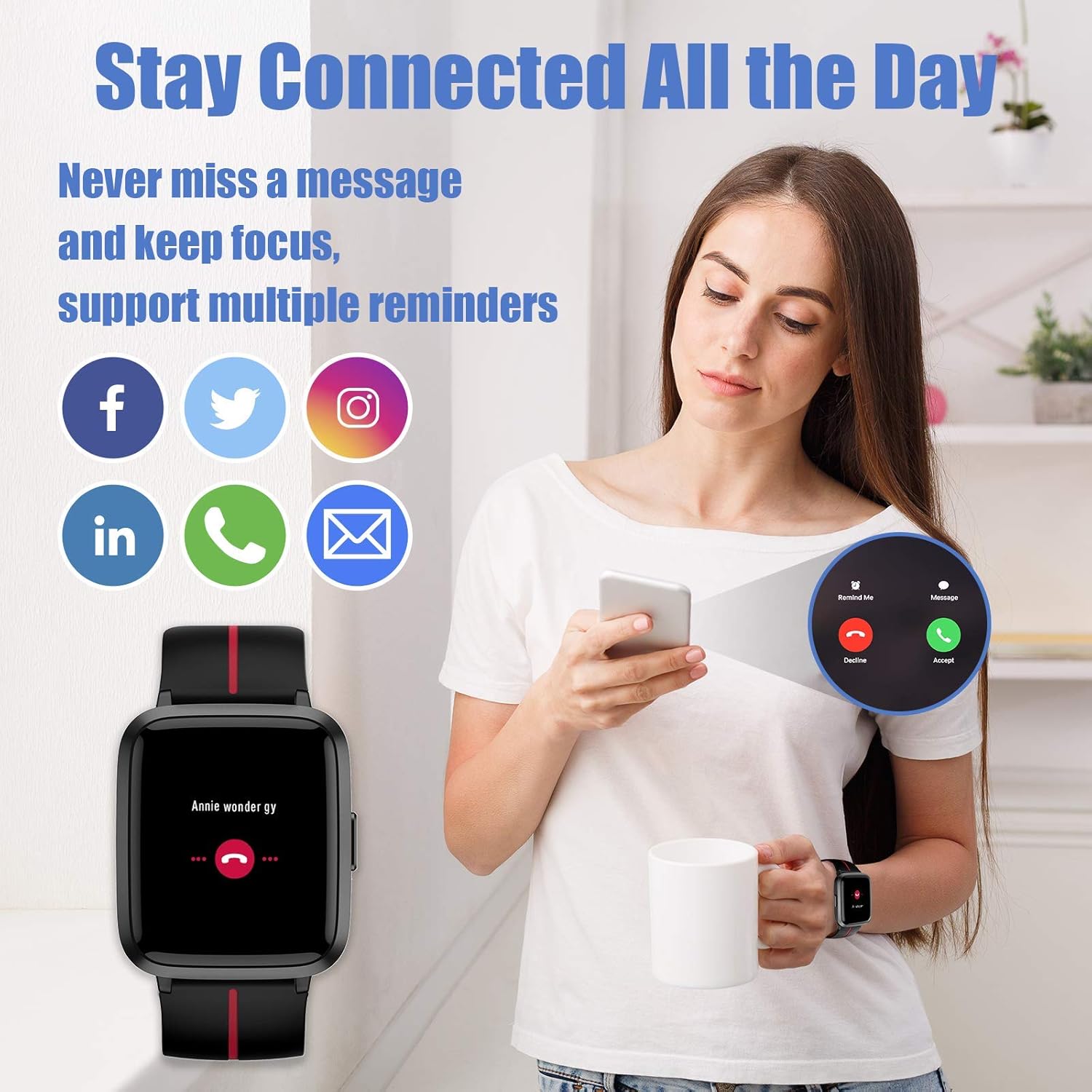
Image: The AIKELA Smart Watch screen showing battery percentage and estimated usage/standby times.
1.3 Instalace aplikace
Download and install the "VeryFitPro" app on your smartphone. This app is compatible with iOS 8.0 and above, and Android 4.4 and above. Hledat "VeryFitPro" in your device's app store.
1.4 Párování s chytrým telefonem
Open the VeryFitPro app and follow the on-screen instructions to pair your AIKELA Smart Watch via Bluetooth. Ensure Bluetooth is enabled on your smartphone and the watch is within range. The app will guide you through the connection process.
2. Ovládání chytrých hodinek
2.1 Základní navigace
The AIKELA Smart Watch features a 1.3-inch TFT-LCD color touchscreen for intuitive navigation. Swipe left, right, up, or down to access different functions and menus. Press the side button to return to the previous screen or the main watch face.
2.2 Zobrazení času a ciferníky
The main screen displays the time and date. You can customize the watch face through the VeryFitPro app to suit your preference.

Image: The AIKELA Smart Watch showing a digital watch face with blood oxygen monitoring data.
2.3 Activity Tracking (Pedometer, Distance, Calories)
The watch automatically tracks your daily steps, distance traveled, and calories burned. View your progress directly on the watch or in detail within the VeryFitPro app.
2.4 Monitorování srdeční frekvence
To measure your heart rate, navigate to the heart rate function on the watch. Ensure the watch is snug on your wrist. The watch will display your current heart rate in beats per minute (bpm).

Image: The AIKELA Smart Watch showing heart rate and blood pressure monitoring in progress.
2.5 Monitorování kyslíku v krvi
Access the blood oxygen function on your watch. Keep your arm still during the measurement for accurate results. The watch will display your SpO2 level.
2.6 Monitorování krevního tlaku
To measure blood pressure, select the blood pressure function. Remain still and relaxed. The watch will provide an estimated blood pressure reading.
2.7 Monitorování spánku
Wear the watch to bed, and it will automatically track your sleep patterns, including deep sleep, light sleep, and awake time. Review your sleep data in the VeryFitPro app for insights into your sleep quality.

Image: The AIKELA Smart Watch displaying sleep duration, alongside a smartphone app showing detailed sleep analysis.
2.8 sportovních režimů
The AIKELA Smart Watch supports 9 different sports modes, including walking, running, biking, spinning, treadmill, hiking, yoga, climbing, and general fitness. Select your desired activity to track specific metrics for that workout.

Image: The AIKELA Smart Watch screen showing icons for 9 different sports modes.
2.9 Oznámení
Once paired with your smartphone, the watch can receive notifications for calls, messages, and various social media apps. Manage notification settings through the VeryFitPro app.
2.10 Women's Health Mode
The watch includes a Women's Health mode to track menstrual cycles and provide relevant reminders. This feature can be configured and managed within the VeryFitPro app.
3. Údržba
3.1 Čištění
Pravidelně čistěte hodinky a řemínek měkkým, suchým hadříkem. V případě potřeby použijte lehceamp hadříkem s jemným mýdlem, poté opláchněte a důkladně osušte. Vyhněte se agresivním chemikáliím nebo abrazivním materiálům.
3.2 Voděodolnost
The AIKELA Smart Watch is 5ATM swimming waterproof, meaning it can withstand pressures equivalent to a depth of 50 meters. It is suitable for swimming and showering but not for diving or high-pressure water activities. Avoid operating the buttons underwater.
3.3 Péče o baterii
Chcete-li prodloužit životnost baterie, vyvarujte se častého úplného vybíjení hodinek. Nabíjejte je, když je baterie téměř vybitá. Pokud hodinky delší dobu nepoužíváte, skladujte je na chladném a suchém místě.
4. Řešení problémů
4.1 Zařízení se nezapíná
- Ujistěte se, že jsou hodinky plně nabité. Připojte je k nabíječce alespoň na 10 minut.
- Stiskněte a podržte boční tlačítko po dobu 5–10 sekund pro pokus o nucený restart.
4.2 Not Pairing with Smartphone
- Confirm Bluetooth is enabled on your smartphone.
- Ensure the watch is within close proximity to your phone.
- Restartujte smartphone i hodinky.
- Try unpairing and re-pairing the device through the VeryFitPro app.
4.3 Inaccurate Readings (Heart Rate, Blood Pressure, SpO2)
- Ujistěte se, že hodinky máte na zápěstí pevně připevněné, ne příliš těsné ani příliš volné.
- Během měření držte paži v klidu.
- Avoid taking measurements immediately after intense exercise or in extreme temperatures.
- Note that these readings are for reference only and should not be used for medical diagnosis.
4.4 Resetování zařízení
If you encounter persistent issues, you may need to reset your watch. This option is usually found in the watch's settings menu or the VeryFitPro app. A factory reset will erase all data on the watch and restore it to its original settings.
5. Specifikace
| Název modelu | 205U |
| Značka | AIKELA |
| Velikost obrazovky | 1.3 palce |
| Typ baterie | Lithium Polymer |
| Kapacita baterie | 210 miliamp hodiny |
| Konektivita | Bluetooth, GPS |
| Speciální funkce | Blood Pressure Monitor, GPS, Heart Rate Monitor, Notifications, Pedometer, Sleep Monitor, Time Display |
| Voděodolnost | 5ATM (Swimming Waterproof) |
| Hmotnost položky | 1.38 unce (39 gramů) |
| Kompatibilita operačního systému | Android (4.4+), iOS (8.0+) |
6. Záruka a podpora
For warranty information and customer support, please refer to the documentation included with your purchase or visit the official AIKELA webUschovejte si doklad o koupi pro případné reklamace.
Ask a question about this manual
Ask about setup, troubleshooting, compatibility, parts, safety, or missing instructions. Manuals+ will review the question and use this page’s manual context to help answer it.