
1. Úvod
This manual provides comprehensive instructions for the installation, use, and maintenance of your Xtrasaver replacement base stand legs. These legs are specifically designed for Vizio 40-inch Smart TV models V405-H19, V405-G9, and D40F-G9. Please read this manual thoroughly before proceeding with installation to ensure proper setup and safe operation.
2. Bezpečnostní informace
- Ensure the television is powered off and unplugged from the electrical outlet before beginning installation.
- Place the television face down on a soft, clean surface (e.g., a blanket or foam) to prevent screen damage during installation.
- Always handle the television and stand components with care to avoid injury or damage.
- Confirm that the installation surface is stable and level to prevent the television from tipping over.
- Uchovávejte malé součásti, jako jsou šrouby, mimo dosah dětí.
3. Obsah balení
Před zahájením instalace ověřte, zda jsou všechny komponenty přítomny:
- 2 x TV Stand Legs (Left and Right)
- 1 x Screw Set (4 screws)

Obrázek 3.1: Konecview of Xtrasaver replacement TV stand legs and included screws.
4. Nastavení a instalace
Follow these steps to correctly install the replacement TV stand legs:
- Připravte televizor: Lay your Vizio TV face down on a soft, flat surface to protect the screen. Ensure the TV is unplugged.
- Identify the Legs: The stand legs are marked 'REAR LEFT' and 'REAR RIGHT' to indicate their correct placement. Position each leg according to these labels on the back of your TV.
- Zarovnejte a zajistěte: Align the screw holes on each stand leg with the corresponding holes on the back of your Vizio TV. Insert the provided screws into the holes and tighten them securely with a screwdriver. Do not overtighten.
- Ověřte stabilitu: Once both legs are attached, carefully lift the TV and place it upright on a stable, level surface. Gently test the stability of the TV to ensure the legs are firmly secured and the TV does not wobble.
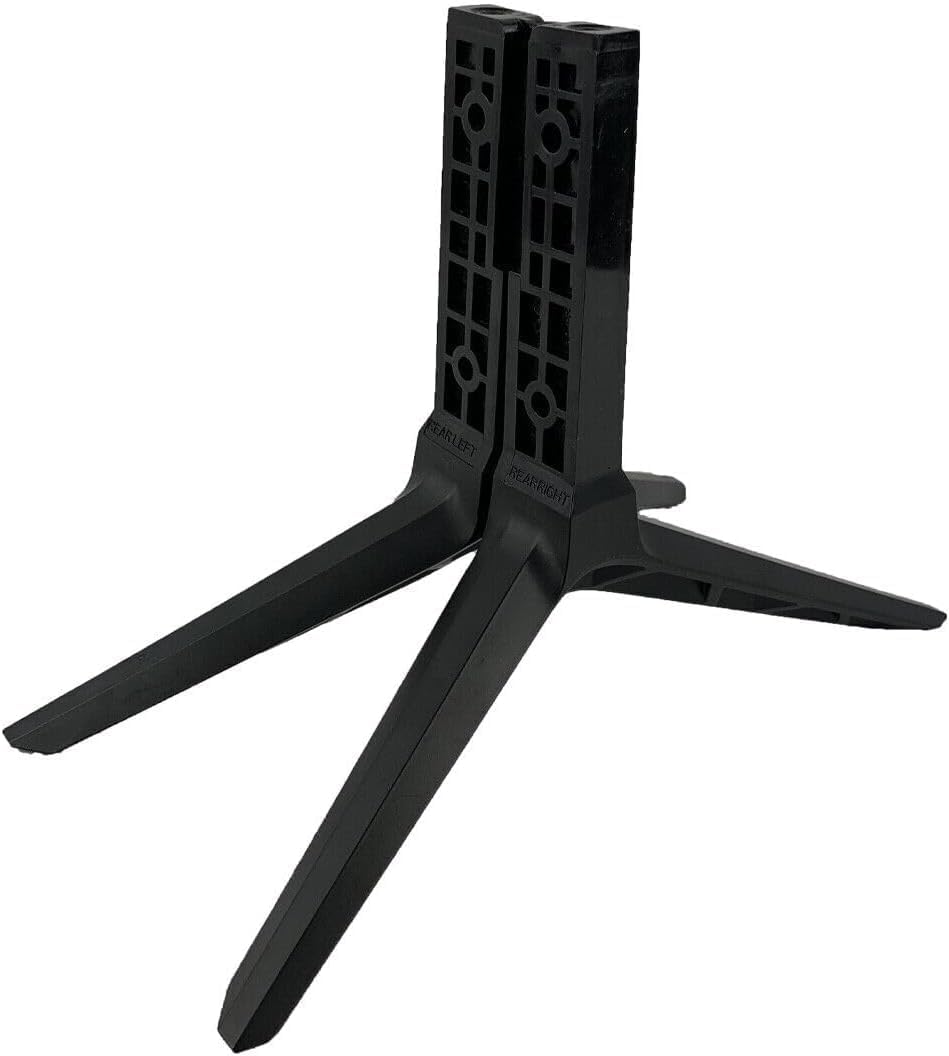
Obrázek 4.1: Detail view of a stand leg, indicating the 'REAR LEFT' marking for correct orientation.
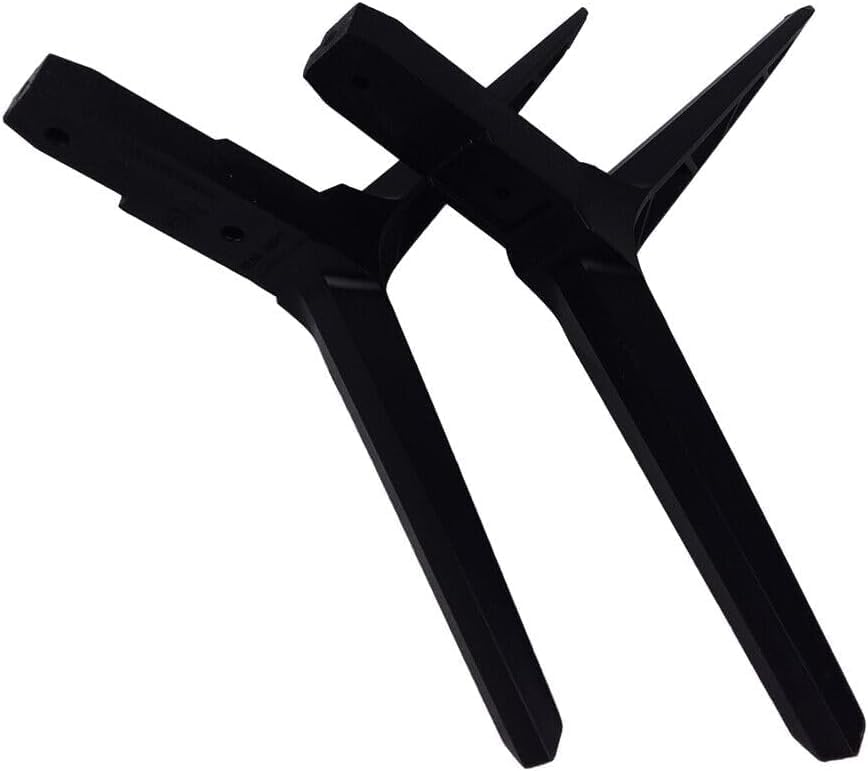
Image 4.2: The set of four screws included for attaching the stand legs.
Instalační video průvodce
Video 4.3: This video demonstrates the unboxing and installation process of the Xtrasaver replacement TV stand legs, showing how to attach them to a compatible Vizio TV using the provided screws.
5. Provoz
Once the stand legs are securely installed, your Vizio TV is ready for use. Ensure the TV is placed on a flat, stable surface that can support its weight. Avoid placing the TV near edges where it could be easily knocked over. The stand provides a fixed tabletop mount for your television.
6. Údržba
- Čištění: To clean the stand legs, use a soft, dry cloth. Avoid abrasive cleaners or solvents that could damage the material.
- Utažení šroubů: Periodically check the tightness of the screws connecting the legs to the TV. If any screws feel loose, gently tighten them to maintain stability.
- Podmínky prostředí: Avoid exposing the stand to extreme temperatures or direct sunlight for prolonged periods, as this may affect the material's integrity.
7. Řešení problémů
- TV is Unstable:
- Ujistěte se, že jsou všechny šrouby zcela utaženy.
- Verify that the TV model is compatible with these replacement legs.
- Confirm the TV is placed on a flat, stable, and level surface.
- Legs Do Not Fit:
- Double-check your Vizio TV model number against the compatible models listed in this manual (V405-H19, V405-G9, D40F-G9).
- Ensure the 'REAR LEFT' and 'REAR RIGHT' legs are correctly oriented.
8. Specifikace
| Funkce | Detail |
|---|---|
| Značka | Xtrasaver |
| Kompatibilní modely televizorů | Vizio V405-H19, V405-G9, D40F-G9 |
| Čísla dílů | 7H04B00015000, 7H04B00014000 |
| Materiál | Akrylonitrilbutadienstyren (ABS) |
| Barva | Černý |
| Hmotnost položky | 5 unce |
| Rozměry produktu | 4 x 2 x 2 palce |
| Typ montáže | Stolní držák |
| Typ pohybu | Opraveno |
9. Záruka a podpora
For information regarding product warranty, please refer to the documentation provided with your purchase or contact the seller directly. For any support inquiries or assistance with your Xtrasaver replacement TV stand legs, please reach out to Xtrasaver customer service.