
Gioteck SWIAGJC
Uživatelská příručka k drátovému ovladači Gioteck VX-4
Model: SWIAGJC
Značka: Gioteck
Zavedení
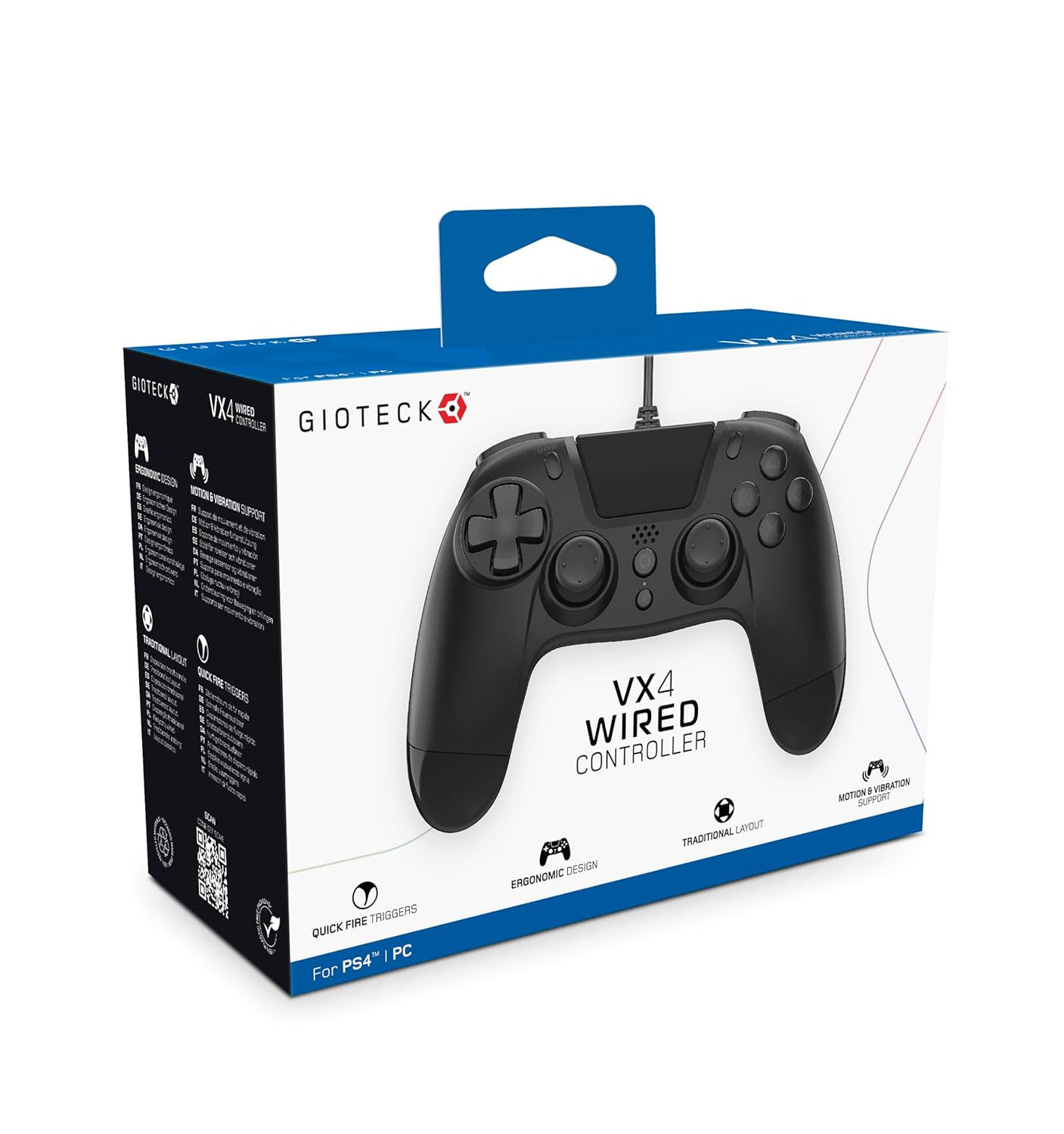
The Gioteck VX-4 Wired Controller is designed for PlayStation 4 and PC, offering a comfortable and responsive gaming experience. It features quick-fire triggers, a precision D-pad, and anti-slip rubber thumb sticks for enhanced performance, providing a next-level immersive gaming experience.
Klíčové vlastnosti:
- Quick Fire triggers
- Ergonomický design
- Traditional PlayStation layout
Obsah balení:
- Gioteck VX-4 Wired Controller
- Uživatelská příručka (tento dokument)
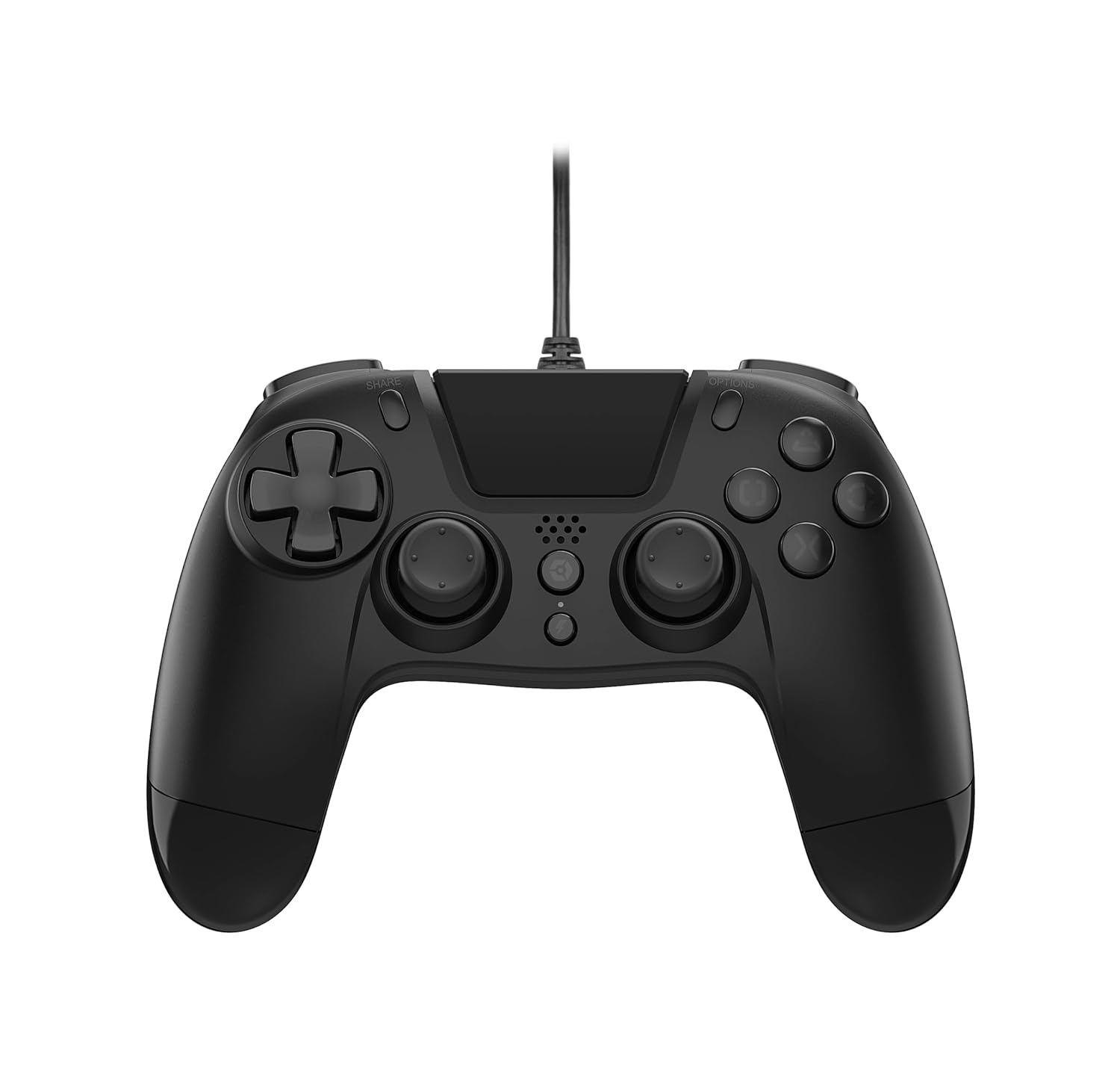
Konec produktuview:
Nastavení
Připojení k PlayStationu 4:
- Ujistěte se, že je vaše konzole PlayStation 4 zapnutá.
- Insert the USB connector of the VX-4 Wired Controller into an available USB port on your PlayStation 4 console.
- Ovladač by měl být automaticky rozpoznán a připraven k použití.
Připojení k PC:
- Ujistěte se, že je váš počítač zapnutý.
- Insert the USB connector of the VX-4 Wired Controller into an available USB port on your PC.
- The PC operating system should automatically install the necessary drivers. If prompted, allow the driver installation to complete.
- Ovladač bude připraven k použití s kompatibilními PC hrami.

Návod k obsluze
Rozložení tlačítek:
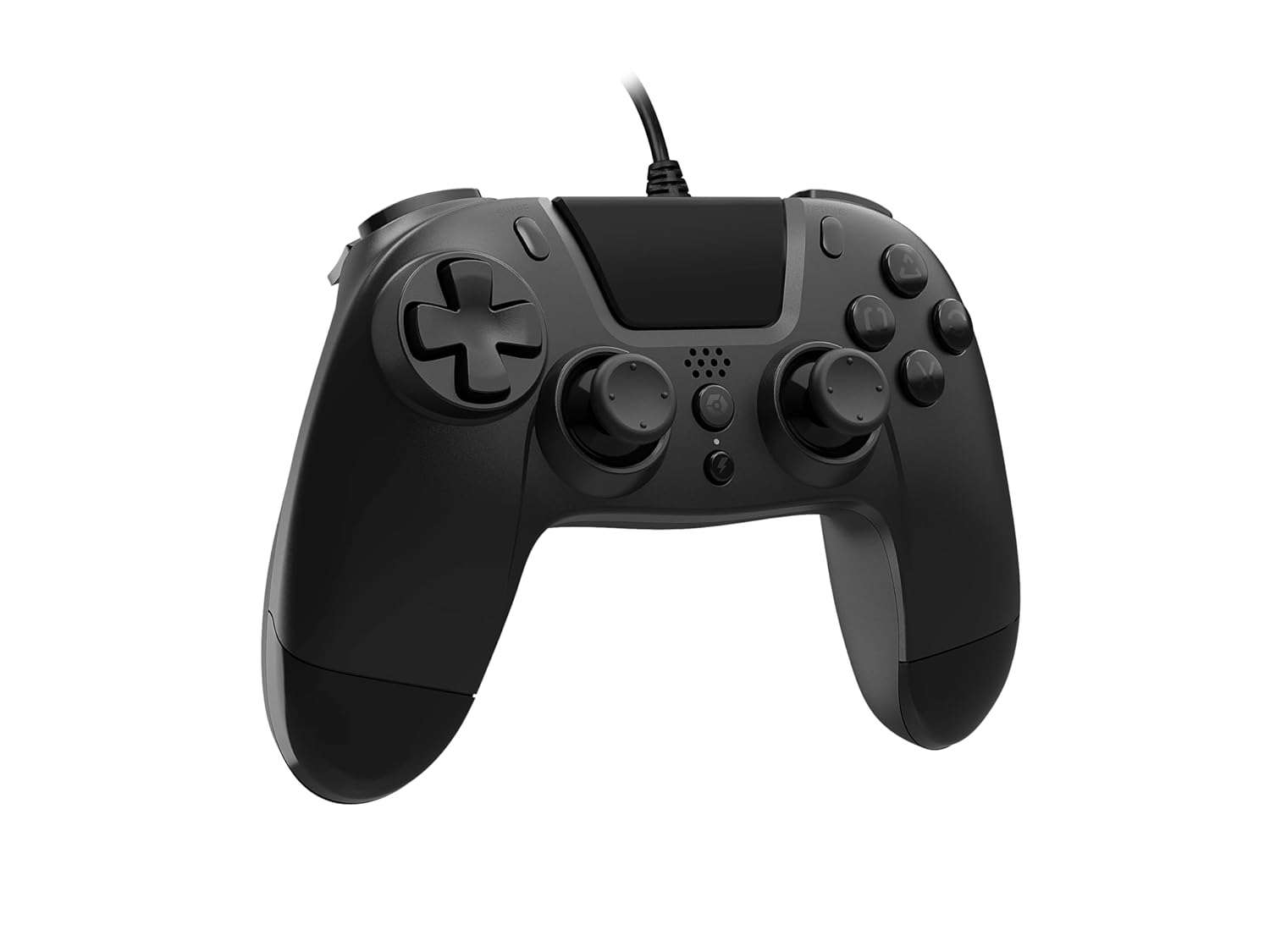
The VX-4 Wired Controller features a traditional PlayStation layout:
- Směrový ovladač (D-Pad): Pro přesné směrové zadávání.
- Levá analogová páčka: Primární řízení pohybu.
- Pravá analogová páčka: Ovládání kamery nebo zaměřování.
- Akční tlačítka (trojúhelník, kruh, kříž, čtverec): Context-sensitive actions in games.
- Tlačítko SDÍLET: Share gameplay moments (PS4 only).
- Tlačítko MOŽNOSTI: Access in-game menus or pause (PS4 only).
- Tlačítko PS: Access the PlayStation Home screen or power on/off the console (PS4 only).
- Tlačítka L1/R1: Shoulder buttons, typically for quick actions.
- Spouštěče L2/R2: Analogové spouštěče pro přesné ovládání, jako je zrychlení nebo střelba.
Použití ovladače:
Once connected, the controller functions similarly to a standard PlayStation 4 controller for compatible games. For PC, ensure the game supports XInput or DirectInput controllers for optimal performance.
Údržba
Čištění:
K čištění ovladače použijte měkký, suchý hadřík. V případě odolných nečistot použijte lehceamp cloth can be used, but ensure no moisture enters the controller's internal components. Do not use harsh chemicals or abrasive cleaners, as these may damage the finish or internal electronics.
Skladování:
Store the controller in a cool, dry place away from direct sunlight and extreme temperatures. Avoid placing heavy objects on the controller to prevent damage to the cable or buttons.
Péče o kabely:
Do not sharply bend, twist, or pull on the controller cable. Always grasp the plug, not the cable, when connecting or disconnecting it from your console or PC to prevent internal wire damage.
Odstraňování problémů
Ovladač nereaguje:
- Ujistěte se, že je kabel USB bezpečně zapojený do ovladače i konzole/počítače.
- Zkuste zapojit ovladač do jiného USB portu na konzoli/počítači.
- Restartujte konzoli nebo počítač.
- If on PC, check Device Manager to ensure the controller is recognized and drivers are installed correctly.
Tlačítka nebo páčky nefungují správně:
- Check for any physical obstructions or debris around the buttons or analog sticks.
- Ensure the controller is clean (refer to Maintenance section).
- Test the controller with another game or application to determine if the issue is specific to one program.
Vibrace nefungují:
- Ověřte, zda hra nebo aplikace, kterou hrajete, podporuje vibrační zpětnou vazbu.
- Zkontrolujte nastavení ve hře, zda jsou vibrace zapnuté.
Specifikace
| Funkce | Detail |
|---|---|
| Číslo modelu | SWIAGJC |
| Konektivita | Kabelové USB |
| Kompatibilita | PlayStation 4, PC |
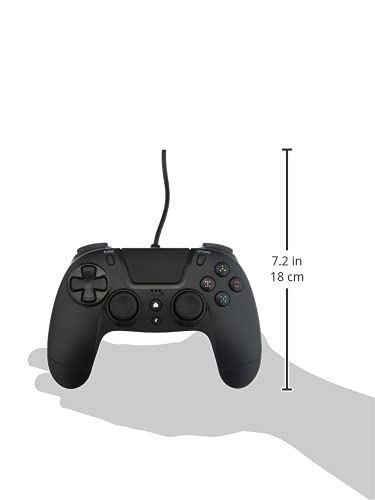
| Product Dimensions (Controller) | Approximately 7.2 inches (18 cm) in height |
| Hmotnost položky | 7.41 unce (210 gramů) |
| Výrobce | Gioteck |
Záruka a podpora
For warranty information and technical support regarding your Gioteck VX-4 Wired Controller, please refer to the official Gioteck webnebo se obraťte přímo na jejich zákaznický servis. Doporučuje se uschovat si doklad o koupi pro případné reklamace.
Manufacturer: Gioteck
Date First Available: September 10, 2020
Ask a question about this manual
Ask about setup, troubleshooting, compatibility, parts, safety, or missing instructions. Manuals+ will review the question and use this page’s manual context to help answer it.