
TYLT QIMEDBK-T
TYLT Medallion Portable Qi Wireless Charging Pad User Manual
Model: QIMEDBK-T
Zavedení
The TYLT Medallion is a portable Qi-certified wireless charging pad designed to provide convenient and efficient power to your compatible devices. This manual provides essential information for the safe and optimal use of your charging pad.
Bezpečnostní informace
- Nevystavujte zařízení extrémním teplotám, přímému slunečnímu záření ani vlhkosti.
- Zabraňte pádu zařízení nebo jeho vystavení silným nárazům.
- Do not disassemble, modify, or attempt to repair the device. This will void the warranty.
- Uchovávejte mimo dosah dětí.
- Během používání zajistěte řádné větrání, aby nedošlo k přehřátí.
- Use only the provided or certified compatible USB-C cable and power source.
Obsah balení
Ověřte, zda jsou v balení přítomny všechny položky:
- 1 x TYLT Medallion Qi-Certified Wireless Charging Pad
- 1 x 3.3 cm dlouhý kabel USB typu C
- 1 x Uživatelská příručka (tento dokument)

Obrázek: Spodní část view of the TYLT Medallion charging pad, showing the integrated USB-C cable and product information.
Nastavení
- Připojte nabíjecí podložku: Plug the integrated USB Type-C cable from the TYLT Medallion into a compatible power source. This can be a laptop's USB-C port, a power bank with a USB-C output, or a wall adapter (not included) with a USB-C port.
- Požadavky na zdroj energie: For optimal fast charging, use a power source capable of delivering 5V/2A or 9V/1.8A.
- Umístění: Place the charging pad on a flat, stable surface, such as a countertop, desk, or bedside table.
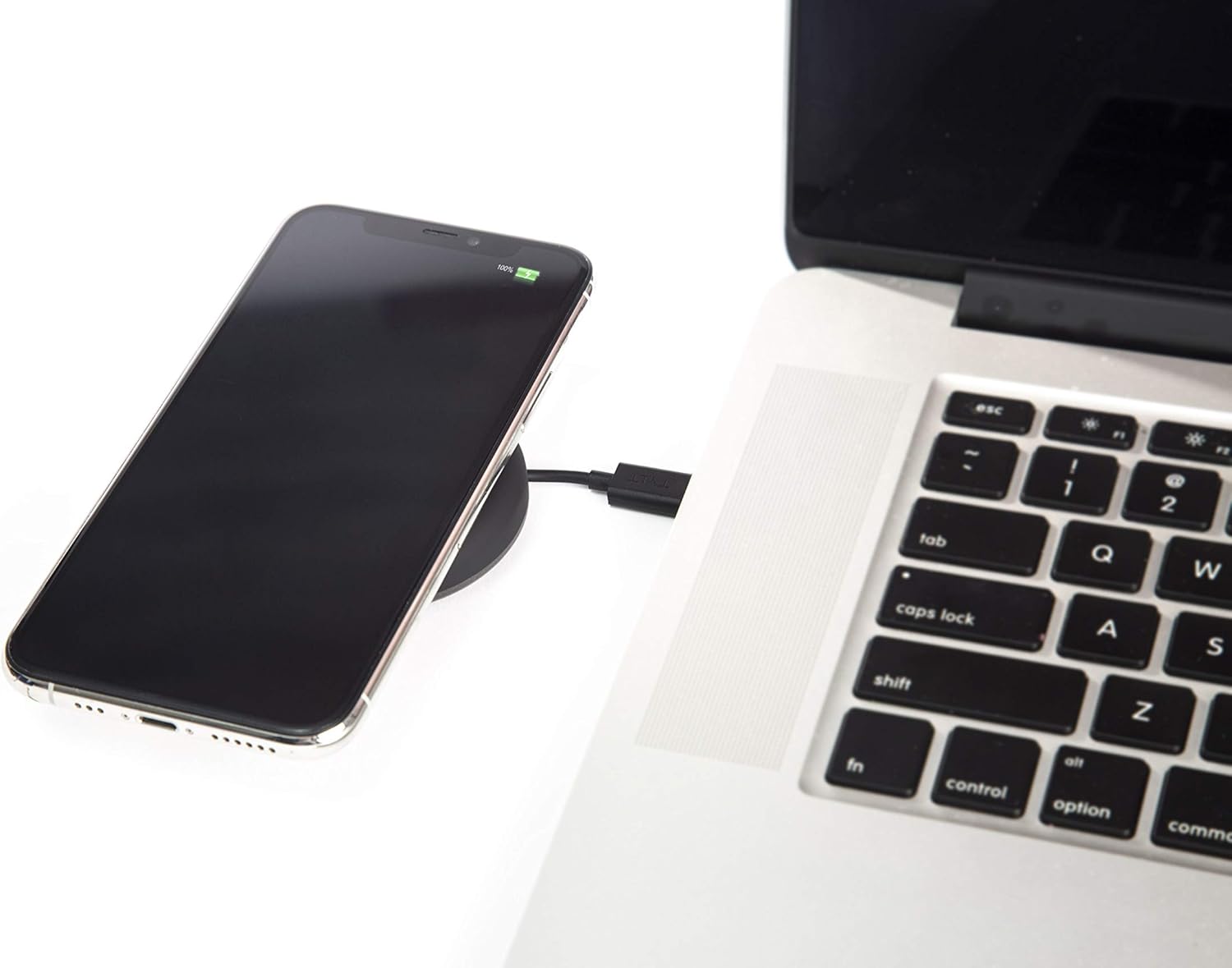
Image: A smartphone wirelessly charging on the TYLT Medallion, which is connected to a laptop via its USB-C cable.
Návod k obsluze
- Umístěte své zařízení: Position your Qi-enabled smartphone or wireless earbuds directly onto the center of the TYLT Medallion charging pad. The device grip ring helps secure your device.
- Indikace nabíjení: Your device's screen or indicator light will show that it is charging. The TYLT Medallion does not have its own charging indicator light.
- Optimální nabíjení: Ensure your device is centered on the pad for efficient charging. Charging can occur through most phone cases.
- Nabíjecí výstup:
- 10W output for compatible Samsung devices.
- 7.5W output for compatible Apple iPhones.
- 5W output for other Qi-enabled devices, including wireless earbuds.
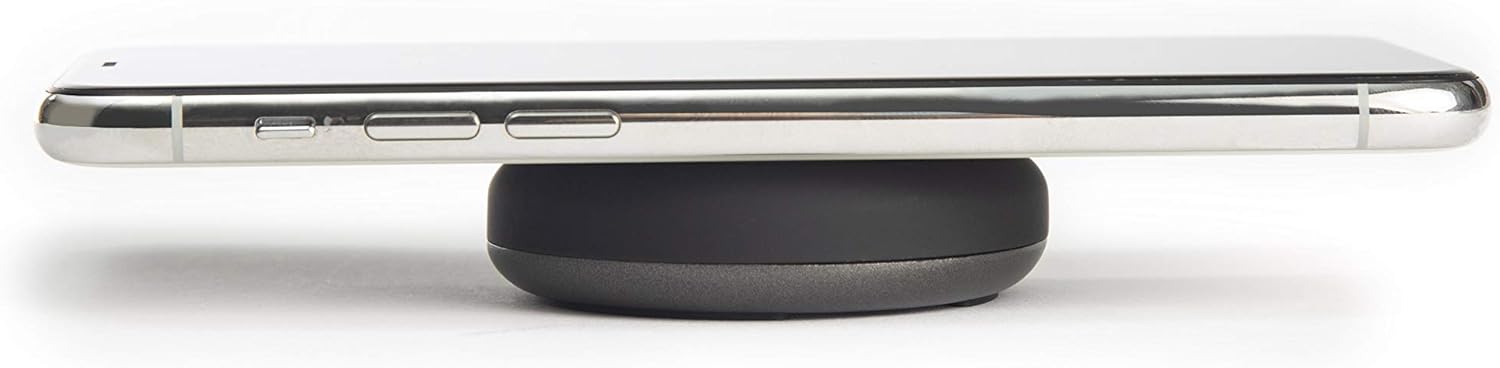
Image: A smartphone placed on the TYLT Medallion charging pad, demonstrating its low profile.
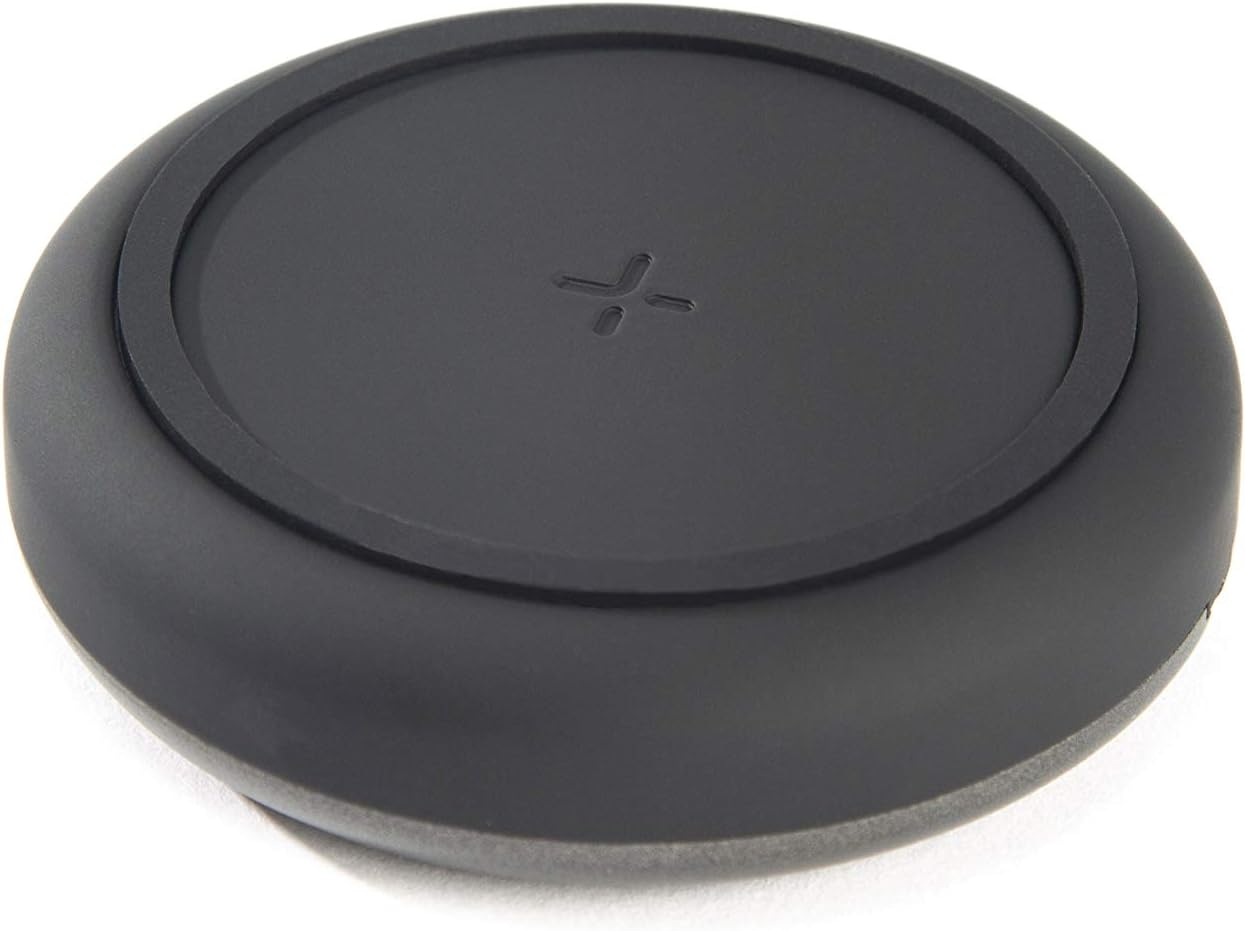
Obrázek: Nahoře view of the TYLT Medallion charging pad, highlighting its compact and minimalist design.
Údržba
- Čištění: Disconnect the charging pad from its power source before cleaning. Use a soft, dry cloth to wipe the surface. Do not use harsh chemicals or abrasive cleaners.
- Skladování: When not in use, store the charging pad in a cool, dry place away from direct sunlight.
Odstraňování problémů
| Problém | Možná příčina | Řešení |
|---|---|---|
| Zařízení se nenabíjí. |
|
|
| Pomalé nabíjení. |
|
|
| Charging pad or device gets warm. |
|
|
Specifikace
| Číslo modelu | QIMEDBK-T |
| Vstupní objemtage | 5V / 2A nebo 9V / 1.8A |
| Výstupní Wattage | 10W (max.) |
| Výstup Ampvymazat | 1A (max.) |
| Typ konektoru | USB Type-C (integrated) |
| Kompatibilita | Qi-enabled devices (Apple iPhone, Samsung Galaxy, Microsoft Lumia, Google Nexus, Nokia Lumia, Pixel, LG, wireless earbuds, etc.) |
| Rozměry produktu | 4 x 1.5 x 5 palce |
| Hmotnost položky | 2.39 unce |
| Speciální funkce | Fast Charging, Qi Certified, Built-in Temperature Control, Voltage Protection, Non-slip Device Grip Ring |
Informace o záruce
TYLT products are eligible for a 1-year Global Warranty program od data nákupu. Tato záruka se vztahuje na výrobní vady a vady zpracování při běžném používání. Nevztahuje se na škody způsobené nesprávným použitím, nehodami, neoprávněnými úpravami nebo běžným opotřebením.
Uschovejte si prosím doklad o koupi pro uplatnění záruky.
Podpora
For any concerns, technical assistance, or warranty inquiries, please do not hesitate to contact TYLT customer support.
Refer to the official TYLT website for contact details or visit their Amazon store: TYLT Amazon Store
Ask a question about this manual
Ask about setup, troubleshooting, compatibility, parts, safety, or missing instructions. Manuals+ will review the question and use this page’s manual context to help answer it.