
1. Konec produktuview
The FosPower Emergency Weather Radio Model A3 is a versatile device designed for emergency preparedness and outdoor activities. It features NOAA/AM/FM radio reception, a powerful 14800mWh (4000mAh) internal power bank, and multiple charging options including USB-C, solar, and hand crank. Additional functions include an SOS alarm, a bright flashlight, and a reading light.
Klíčové vlastnosti:
- 14800mWh (4000mAh) Power Bank: Provides extended radio operation and can charge external USB devices.
- Více zdrojů napájení: Rechargeable via USB-C, hand crank, and solar panel.
- SOS alarm: Aktivuje hlasitou sirénu a blikající světlo pro nouzovou signalizaci.
- Duální světelné zdroje: Includes a flashlight and a reading light with motion sensor functionality.
- NOAA Emergency Weather Broadcast Access: Receives local weather information and hazard alerts.
- AM/FM rádio: Full access to standard AM and FM radio broadcasts.

Figure 1: FosPower Emergency Weather Radio Model A3. This image displays the radio with its solar panel open, hand crank visible, flashlight illuminated, and a smartphone connected for charging.
2. Obsah balení a součásti
Obsah balení:
- FosPower Emergency Weather Radio (Model A3)
- Nabíjecí kabel USB-C
- Uživatelská příručka
Klíčové komponenty:
- Anténa: Rozšiřitelné pro lepší příjem rádia.
- Solární panel: For supplementary charging in sunlight.
- Ruční klika: Pro ruční výrobu energie.
- Svítilna: Integrovaný zdroj světla.
- Světlo na čtení: Panel light, often with motion sensor.
- SOS tlačítko: Aktivuje nouzový alarm.
- Knoflík hlasitosti: Controls audio output and powers the unit on/off.
- Knoflík ladění: Upravuje rádiovou frekvenci.
- Výběr pásma: Switches between AM, FM, and WB (Weather Band).
- Vstupní port USB-C: Pro nabíjení rádia.
- Výstupní port USB-A: Pro nabíjení externích zařízení.
- Sluchátkový jack: Pro soukromý poslech.
3. Počáteční nastavení
3.1 Nabíjení rádia
Before first use, it is recommended to fully charge the radio's internal 14800mWh (4000mAh) battery using the USB-C port.
- Nabíjení USB-C: Connect the provided USB-C cable to the radio's USB-C input port and the other end to a standard USB power adapter (not included) or a computer USB port. The charging indicator will illuminate.
- Nabíjení ruční klikou: Rotate the hand crank clockwise or counter-clockwise at a steady pace (approximately 130-150 RPM) for 3-5 minutes to generate sufficient power for initial operation or to extend battery life.
- Nabíjení solárního panelu: Place the radio with the solar panel facing direct sunlight. This method is primarily for maintaining battery charge or for emergency power generation, and is slower than USB-C charging.

Figure 2: Multiple Power Sources. This diagram highlights the USB, hand crank, and solar panel charging options for the radio.
4. Návod k obsluze
4.1 Zapnutí/vypnutí a ovládání hlasitosti
Chcete-li rádio zapnout, otočte Ovladač hlasitosti clockwise from the 'OFF' position. Continue rotating to increase the volume. To power off, rotate the Ovladač hlasitosti counter-clockwise until it clicks into the 'OFF' position.
4.2 Radio Tuning (AM/FM/NOAA)
- Prodloužit anténu: Pro optimální příjem plně vysuňte teleskopickou anténu.
- Vyberte pásmo: Použijte Volič pásma switch to choose between 'AM', 'FM', or 'WB' (Weather Band).
- Nalaďte si stanici: Otočte Ladicí knoflík to scan for desired radio stations or NOAA weather channels. The tuning indicator light will illuminate when a strong signal is detected.
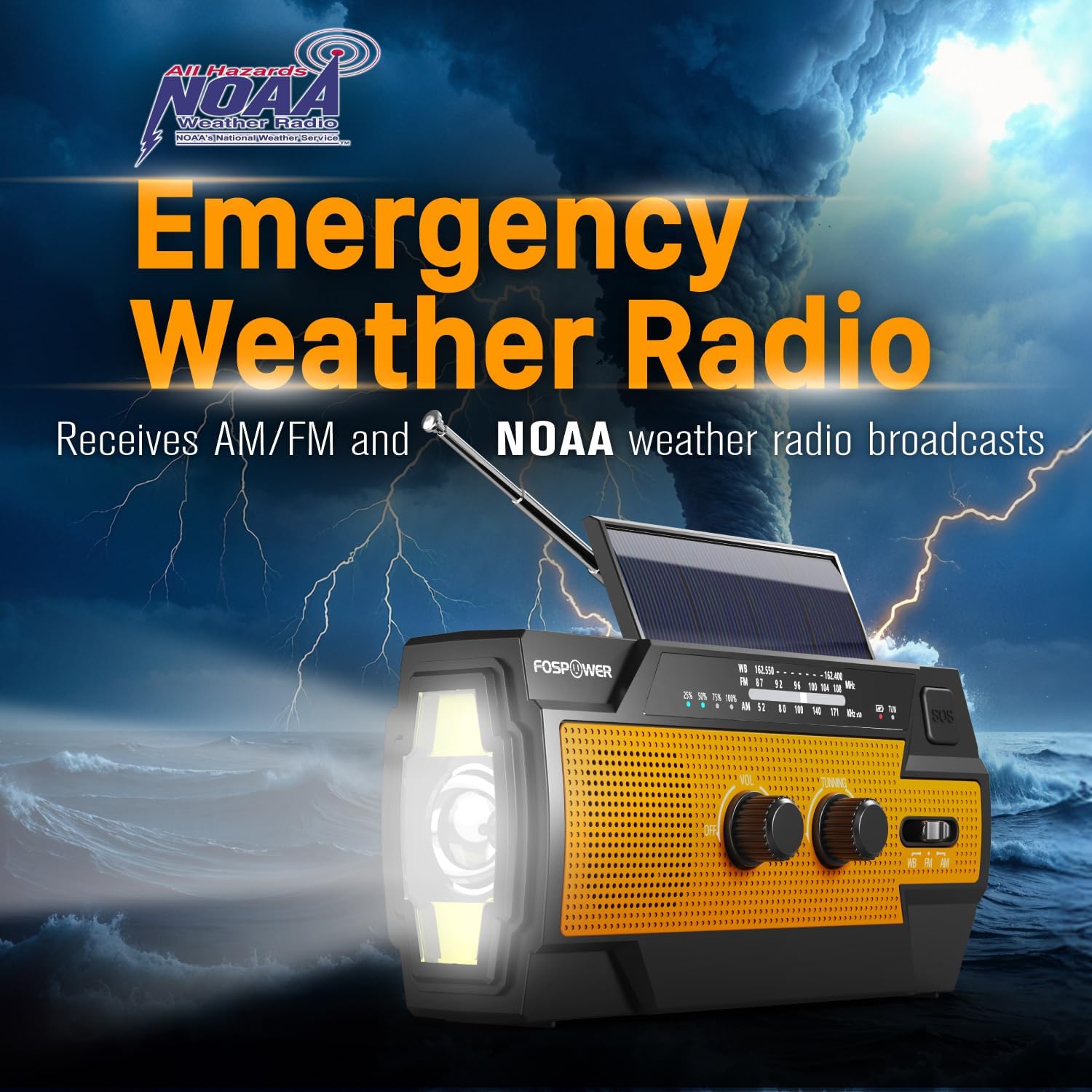
Figure 3: Emergency Weather Radio Function. This image shows the radio against a stormy background, emphasizing its ability to receive AM/FM and NOAA weather broadcasts.
4.3 Provoz svítilny
The integrated flashlight offers multiple modes:
- Stiskněte jednou tlačítko svítilny pro Plný režim (maximální jas).
- Stiskněte znovu pro Far Mode (focused beam).
- Stiskněte potřetí pro Široký režim (broader illumination).
- Press a fourth time to turn the flashlight off.

Figure 4: Flashlight Settings. This image illustrates the three distinct flashlight modes available on the radio.
4.4 Reading Light Operation
The reading light provides illumination for close-range tasks:
- Slide the reading light switch to the 'LIGHT' position for constant illumination.
- Slide the switch to the 'AUTO' position to activate the motion sensor. The light will turn on when motion is detected and turn off after approximately 30 seconds of no motion.

Figure 5: Reading Light Modes. This image shows the reading light in operation, highlighting its constant and motion-activated settings.
4.5 Funkce SOS alarmu
In an emergency, activate the SOS alarm to attract attention:
- Stiskněte a podržte Tlačítko SOS to activate a loud siren and a flashing light.
- Release the button to deactivate the alarm.
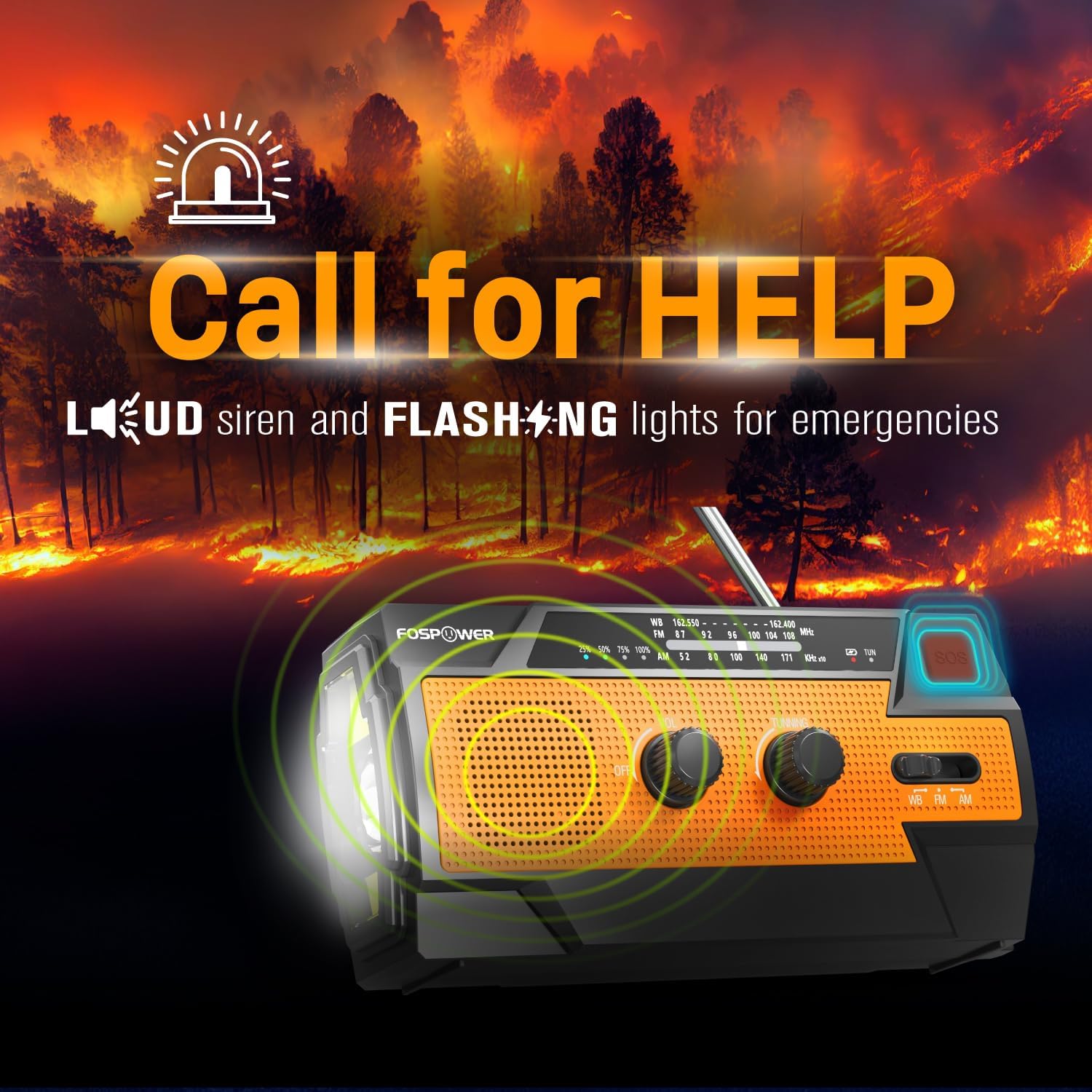
Figure 6: SOS Alarm Activation. This image depicts the radio emitting a loud siren and flashing lights, indicating the SOS function is active.
4.6 Použití jako powerbanky
The radio's internal battery can be used to charge external USB devices:
- Connect your smartphone, tablet, or other USB-powered device to the radio's Výstupní port USB-A pomocí nabíjecího kabelu vašeho zařízení.
- The radio will begin charging the connected device. Monitor the radio's battery indicator to ensure sufficient charge remains for its own operation.

Figure 7: Power Bank Function. This image shows the radio charging a smartphone on a wooden table outdoors, demonstrating its 14800mWh power bank capability.
5. Péče a údržba
- Čištění: Otřete rádio měkkým, damp tkanina. Nepoužívejte agresivní chemikálie nebo abrazivní čisticí prostředky.
- Skladování: Store the radio in a cool, dry place away from direct sunlight and extreme temperatures. For long-term storage, ensure the battery is partially charged (around 50%) and recharge every 3-6 months to prevent deep discharge.
- Voděodolnost: The radio is IPX3 water resistant, meaning it can withstand spraying water. Do not submerge the radio in water.

Figure 8: IPX3 Water Resistance. This image shows the radio in a light rain shower, illustrating its IPX3 water-resistant design suitable for harsh environments.
6. Řešení problémů
| Problém | Možná příčina | Řešení |
|---|---|---|
| Rádio se nezapíná. | Baterie je vybitá. | Charge the radio via USB-C, hand crank, or solar panel. |
| Špatný příjem rádia. | Anténa není vysunutá, slabý signál, rušení. | Fully extend the telescopic antenna. Move to an open area away from obstructions. Fine-tune the tuning knob. |
| Svítilna/lampička na čtení nefunguje. | Battery is low, incorrect mode selected. | Charge the radio. Ensure the correct light mode (Full, Far, Wide for flashlight; Light, Auto for reading light) is selected. |
| Externí zařízení se nenabíjí z rádia. | Radio battery is low, cable issue, device incompatibility. | Ensure the radio has sufficient charge. Check the USB cable connection. Try a different USB cable or device. |
| Hand crank is stiff or difficult to turn. | Possible obstruction or internal issue. | Ensure there are no physical obstructions. Turn the crank smoothly and avoid excessive force. If problem persists, contact customer support. |
| Solar charging is slow or ineffective. | Nedostatek slunečního světla, znečištěný solární panel. | Place the radio in direct, strong sunlight. Clean the solar panel surface with a soft cloth. Note that solar charging is supplementary. |
7. Specifikace produktu
| Funkce | Specifikace |
|---|---|
| Číslo modelu | FOSPWB-2402 |
| Rozměry produktu | 15.82 x 6.30 x 8.10 cm (D x Š x V) |
| Hmotnost položky | 1.06 libry (0.48 kg) |
| Zdroj napájení | Solar, Battery (14800mWh internal), Handcrank |
| Kapacita baterie | 14800mWh (4000mAh) |
| Podporovaná rádiová pásma | AM, FM, WB (Weather Band) |
| Technologie připojení | USB C (Input), USB A (Output) |
| Speciální funkce | Portable, Power Bank, SOS Alarm, Flashlight, Reading Light |
| Voděodolnost | IPX3 |

Figure 9: Product Dimensions. This diagram provides the exact measurements of the FosPower Emergency Weather Radio.
8. Záruka a zákaznická podpora
Omezená doživotní záruka
FosPower products are backed by a limited lifetime warranty. This warranty covers defects in materials and workmanship under normal use. Please refer to the official FosPower webÚplné záruční podmínky naleznete na webových stránkách nebo v dokumentaci k nákupu.
Zákaznická podpora
For any questions, technical assistance, or warranty claims, please contact FosPower's dedicated USA-based customer service team. Contact information can typically be found on the product packaging or the official FosPower webmísto.
Můžete také navštívit FosPower Store on Amazon pro více informací a aktualizace produktů.