
1. Úvod a konecview
The Lexar JumpDrive S80 USB 3.2 Gen 1 Flash Drive is designed for efficient and secure data storage and transfer. It offers high-speed performance, making it suitable for transferring large files such as 4K video clips quickly. This drive incorporates advanced security features to protect your data and is compatible with a wide range of devices.

Image 1.1: The Lexar JumpDrive S80 USB 3.2 Gen 1 Flash Drive, showcasinjeho kompaktní design.
2. Vlastnosti produktu
- Vysokorychlostní výkon: Utilizes USB 3.2 Gen 1 technology for fast content storage and transfer.
- Rychlosti čtení/zápisu: Up to 150MB/s read and 60MB/s write speeds, significantly faster than standard USB 2.0 drives.
- Pokročilé zabezpečení: Features 256-bit AES encryption software to protect files against corruption, loss, and deletion.
- Zatahovací design: A protective, retractable design safeguards the USB connector when not in use.
- Široká kompatibilita: Backward compatible with USB 3.1, USB 3.0, and USB 2.0 devices.
- Kapacity: Available in various capacities, including 256GB.
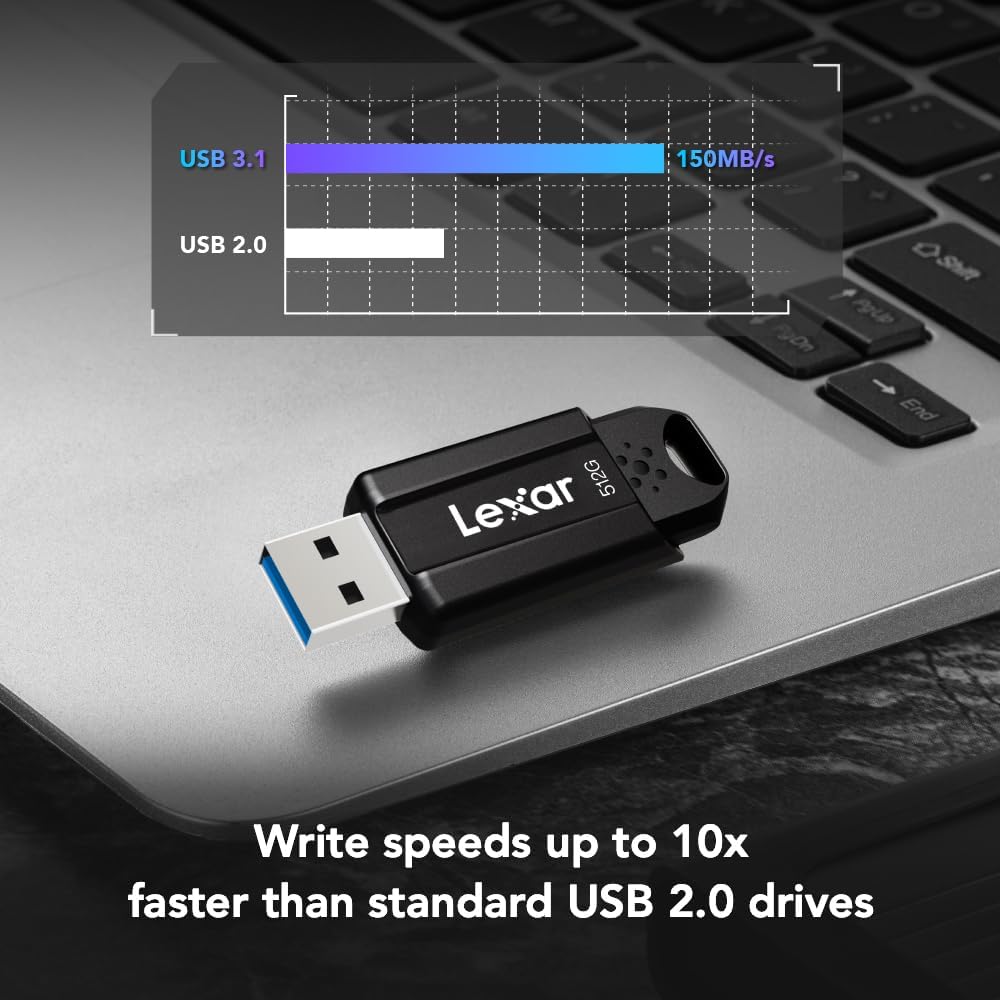
Image 2.1: Visual representation of the Lexar JumpDrive S80's faster write speeds compared to USB 2.0 drives.
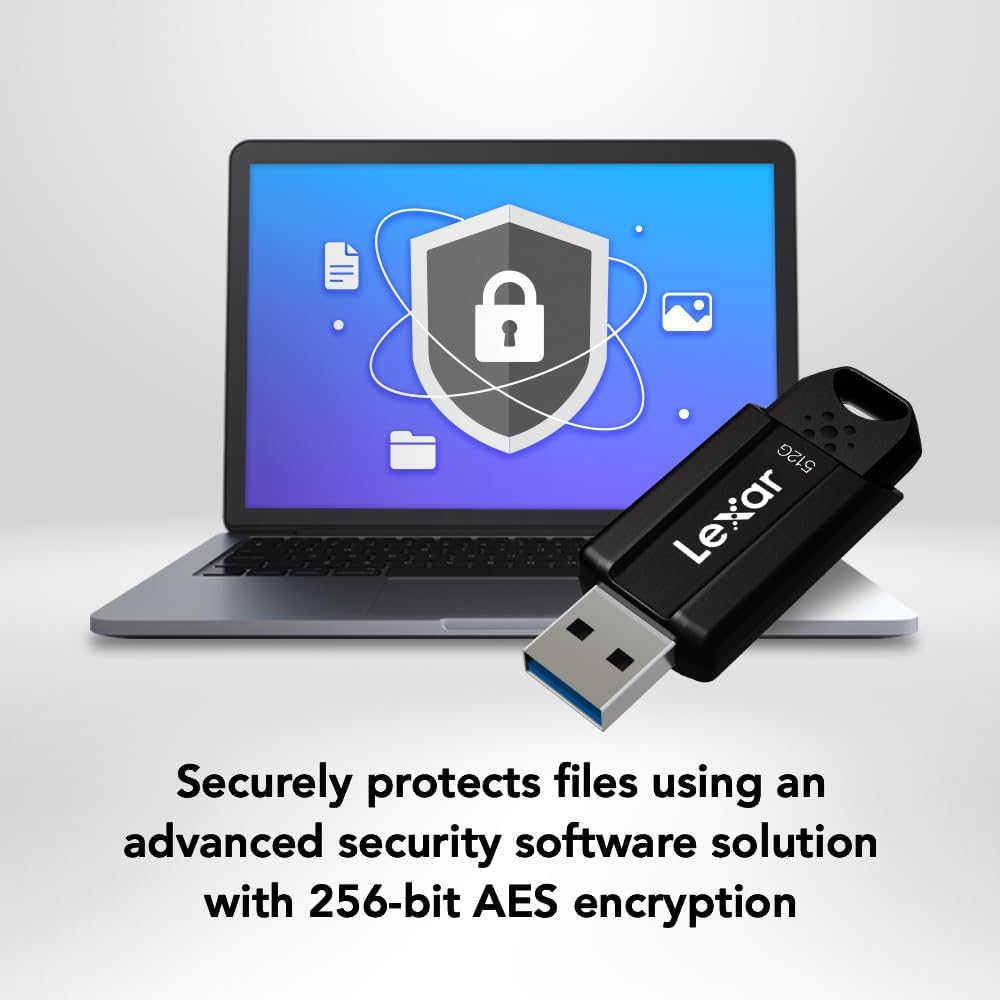
Image 2.2: The Lexar JumpDrive S80 connected to a laptop, illustrating its advanced security features with a shield icon.
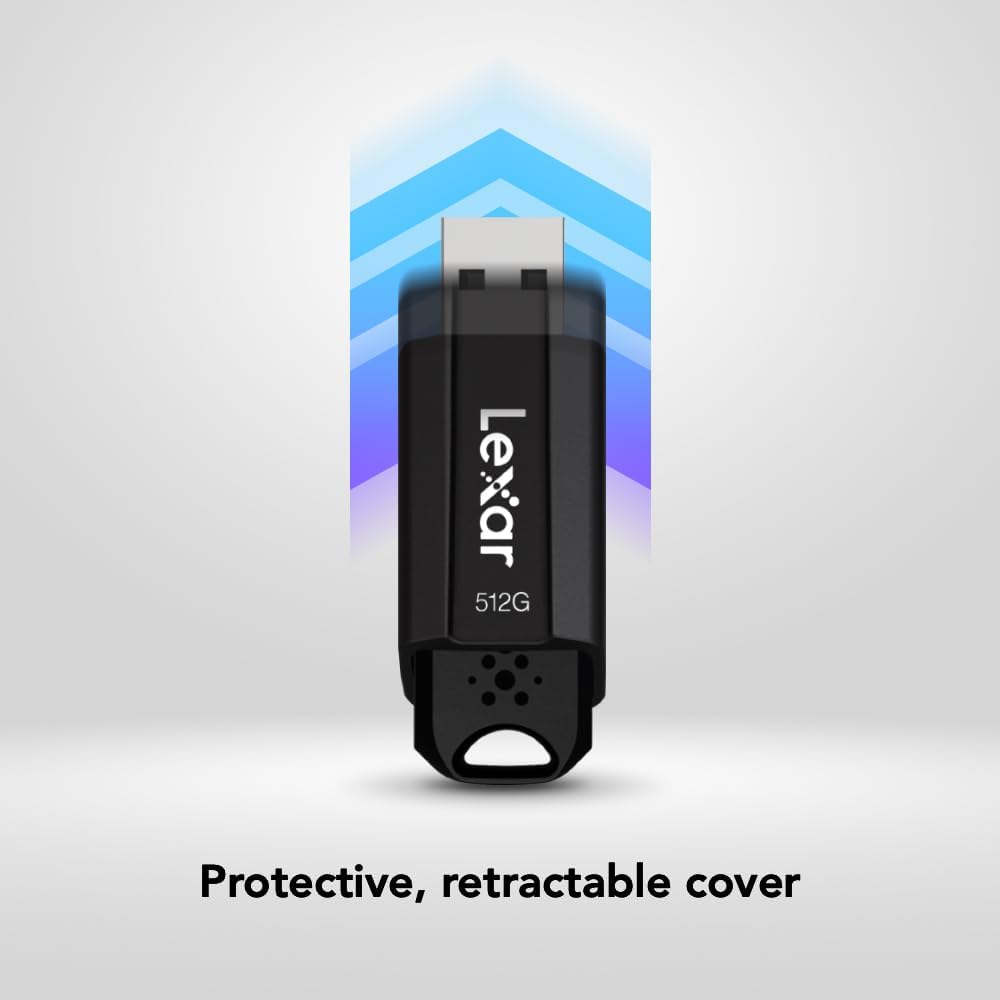
Image 2.3: A hand demonstrating the retractable design of the Lexar JumpDrive S80, protecting the USB connector.

Image 2.4: An array of Lexar JumpDrive S80 units, highlighting the availability of various storage capacities.
3. Nastavení
The Lexar JumpDrive S80 is a plug-and-play device, requiring no special drivers for most operating systems. Follow these steps to set up your drive:
- Vložte disk: Gently slide the USB connector out from its protective casing. Insert the drive into an available USB 3.2 Gen 1 (or compatible USB 3.0/2.0) port on your computer or device.
- Automatické rozpoznání: Your operating system (Windows, macOS, Linux) should automatically detect the drive and make it available for use.
- Přístup k disku: The drive will appear as a removable storage device in 'This PC' (Windows) or on your desktop/Finder (macOS).
4. Návod k obsluze
4.1. Přenos Files
- Otevřete disk: Double-click on the drive icon to open its contents.
- Kopie Files: Drag and drop files or folders from your computer to the drive, or copy and paste them.
- Sledovat průběh: A progress bar will indicate the transfer status. For large files, transfer speeds will be optimized by USB 3.2 Gen 1.
4.2. Using Security Software (Lexar DataShield)
The Lexar JumpDrive S80 includes advanced security software with 256-bit AES encryption to protect your sensitive files. This software allows you to create a password-protected safe area on your drive.
- Instalace softwaru: If not pre-installed, the security software can typically be found on the drive itself or downloaded from the Lexar support webwebu. Postupujte podle pokynů na obrazovce pro instalaci.
- Create a Safe: Launch the Lexar DataShield application. You will be prompted to create a secure partition (safe) and set a password.
- Obchod Files Securely: Drag and drop files into the secure partition. These files will be automatically encrypted.
- Přístup k zabezpečeným Files: To access encrypted files, launch the DataShield application and enter your password.
- Secure Deletion: Files deleted from the secure partition are securely erased and cannot be recovered.
4.3. Bezpečné odstranění
Always safely eject the drive before physically removing it to prevent data corruption.
- Windows: Right-click the drive icon in 'This PC' or the system tray and select 'Eject'.
- MacOS: Přetáhněte ikonu disku do koše nebo klikněte na tlačítko Vysunout vedle názvu disku ve Finderu.
5. Údržba
- Fyzická ochrana: Utilize the retractable design to protect the USB connector from dust and damage when not in use.
- Vyhněte se extrémním podmínkám: Do not expose the drive to extreme temperatures, moisture, or strong magnetic fields.
- Pravidelné zálohy: While the drive is reliable, it is always recommended to maintain backups of critical data on multiple storage devices.
- Udržujte v čistotě: If necessary, gently wipe the exterior of the drive with a soft, dry cloth.
6. Řešení problémů
6.1. Drive Not Recognized
- Zkontrolujte připojení: Ujistěte se, že je disk zcela zasunut do portu USB.
- Zkuste jiný port: Connect the drive to a different USB port on your computer.
- Restartujte počítač: Někdy může problémy s rozpoznáváním vyřešit jednoduchý restart.
- Zkontrolujte Správce zařízení (Windows) / Informace o systému (macOS): Verify if the drive is listed, even if not assigned a drive letter.
- Aktualizovat ovladače: Ujistěte se, že ovladače USB vašeho počítače jsou aktuální.
6.2. Pomalé přenosové rychlosti
- Use USB 3.2 Gen 1 Port: For optimal speeds, ensure the drive is connected to a USB 3.2 Gen 1 (or USB 3.0) port. These ports are often blue.
- Vyhněte se jiným zařízením USB: Během velkých přenosů odpojte ostatní vysokorychlostní USB zařízení.
- File Velikost a typ: Přenos mnoha malých filemůže být pomalejší než přenos jednoho velkého file stejné celkové velikosti.
- Fragmentace disku: On older systems, disk fragmentation can affect performance.
6.3. Cannot Access Secure Partition
- Potvrďte heslo: Ensure you are entering the correct password for the Lexar DataShield software.
- Instalace softwaru: Confirm the Lexar DataShield software is correctly installed and running.
7. Specifikace
| Funkce | Detail |
|---|---|
| Značka | Lexar |
| Název modelu | JumpDrive S80 USB 3.1 |
| Číslo modelu položky | LJDS080256G-BNBNU |
| Kapacita paměti | 256 GB |
| Rychlost čtení | Až 150 megabajtů za sekundu |
| Rychlost zápisu | Až 60 megabajtů za sekundu |
| Technologie připojení | USB |
| Hardwarové rozhraní | USB 3.1 typu A. |
| Speciální funkce | 256bitové šifrování AES |
| Barva | Černý |
| Rozměry produktu (DxŠxV) | 2.22 x 0.81 x 0.41 palce |
| Hmotnost položky | 0.32 unce |
| Výrobce | Lexar International |
| Datum první dostupnosti | 15. července 2020 |
8. Záruka a podpora
The Lexar JumpDrive S80 USB 3.2 Gen 1 Flash Drive comes with a tříletá omezená záruka. For detailed warranty information, technical support, or to download the latest security software, please visit the official Lexar webmísto.
Online zdroje: For additional support and FAQs, refer to the Lexar support page.
9. Produktové video
Video 9.1: An official product video from Lexar International showcasing the features and benefits of the Lexar JumpDrive S80. This video provides a visual overview of the drive's design, speed, and security capabilities.