
boAt Airdopes 441 Pro
boAt Airdopes 441 Pro Truly Wireless Earbuds
Uživatelská příručka
1. Úvod
The boAt Airdopes 441 Pro are True Wireless Stereo (TWS) earbuds designed for an immersive audio experience. Featuring advanced technology and a durable design, these earbuds are suitable for various activities, from daily commutes to intense workouts.
This manual provides detailed instructions on how to set up, operate, and maintain your Airdopes 441 Pro earbuds to ensure optimal performance and longevity.
2. Co je v krabici
- Sluchátka do uší BoAt Airdopes 441 Pro TWS
- Nabíjecí pouzdro
- Additional Earbuds (various sizes)
- Nabíjecí kabel typu C.
- Uživatelská příručka
- Záruční list

Image: The boAt Airdopes 441 Pro earbuds, charging case, extra ear tips, and Type-C charging cable are included in the package.
3. Konec produktuview
Klíčové vlastnosti
- IWP (Insta Wake N’ Pair) Technology: Automatic power-on and connection upon opening the charging case lid.
- Bluetooth v5.0: Ensures seamless and instant wireless connectivity.
- 6mm dynamické ovladače: Delivers immersive audio with signature boAt sound.
- IPX7 voděodolnost: Provides protection against sweat and splashes, ideal for workouts and outdoor use.
- Capacitive Touch Controls: Intuitive touch controls for managing music, calls, and voice assistant.
- Podpora hlasového asistenta: Access your device's voice assistant with a single touch.
- Stereo Calling: Enjoy clear and smooth conversations during calls.
- Funkce powerbanky: The 2600mAh charging case can also be used to charge other devices in emergencies.
- Dlouhé přehrávání: Up to 5 hours of playback per charge, with an additional 150 hours using the charging case.
Design a pohodlí
The Airdopes 441 Pro features a secure sports fit with premium grade silicone ear tips and ear wings, ensuring they stay comfortably in place during physical activities. The earbuds are crafted from durable plastic material and come in a stylish red and black color scheme.
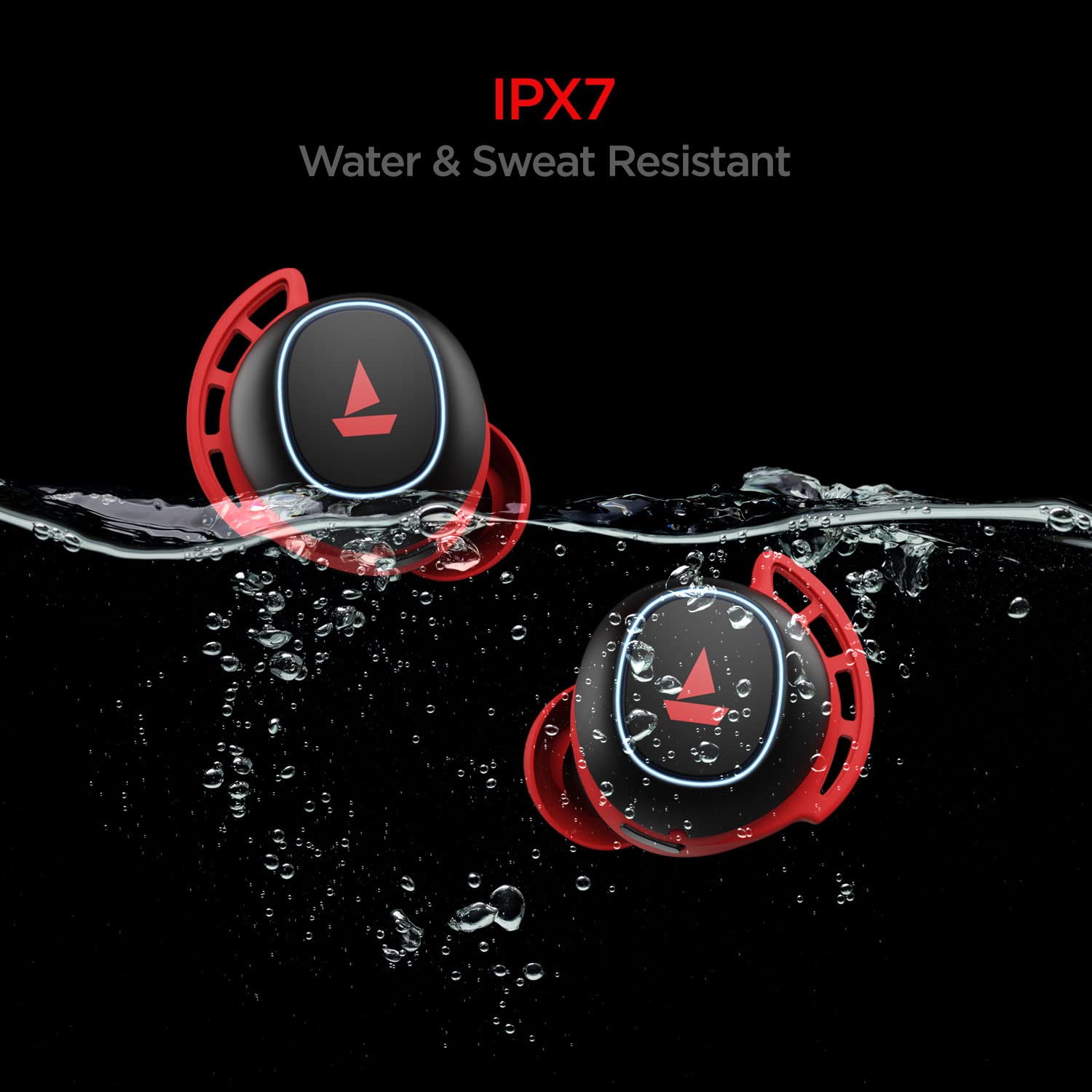
Image: The earbuds are IPX7 rated, making them resistant to water and sweat.

Image: The earbuds feature a premium grade silicone design for a secure and comfortable fit.
4. Nastavení a párování
First-Time Use & Power On
- Open the lid of the charging case. The earbuds will automatically power on and enter connection mode.
- Ensure Bluetooth is enabled on your phone/media device.
- Scan for available devices and select "Airdopes 441P" to pair.
Video: A visual guide demonstrating the initial power-on and pairing process for the boAt Airdopes 441 Pro earbuds.
Instant Wake N’ Pair (IWP)
After initial pairing, the IWP Technology allows the earbuds to automatically power on and connect to the previously paired device simply by opening the charging case lid.
Použití jednoho sluchátka (Mono režim)
Both earbuds can be used independently in mono mode. To use a single earbud, simply take one out of the charging case. It will automatically connect if previously paired. Alternatively, you can manually power on the desired earbud.
5. Návod k obsluze
Kapacitní dotykové ovládání
- Přehrát/pozastavit hudbu: Single tap the capacitive touch control on either earbud.
- Další skladba: Double tap the right earbud's capacitive touch control.
- Předchozí skladba: Double tap the left earbud's capacitive touch control.
- Přijmout/zavěsit hovor: Single tap the capacitive touch control on either earbud.
- Odmítnout hovor: Long touch the capacitive touch control on either earbud for 2 seconds.
- Aktivovat Voice Assistant: Long touch the capacitive touch control on either earbud for 2 seconds.
Video: This video demonstrates various touch controls for calls, music playback, and voice assistant activation.
Ruční vypnutí
To manually power off the earbuds, long touch the capacitive touch control (CTC) on either earbud for 5 seconds until the green indicator LED blinks before the earbuds turn off.
6. Nabíjení
Nabíjení sluchátek
Place both earbuds back inside the charging case in the correct orientation. A green LED will indicate that the earbuds are being charged. Once fully charged, the LED turns into a steady blue light.
Nabíjení pouzdra
To charge the case, plug one end of the Type-C cable into the case's charging port and connect the other end to a computer or a wall adapter. The charging time for the case is approximately 1.5 hours.
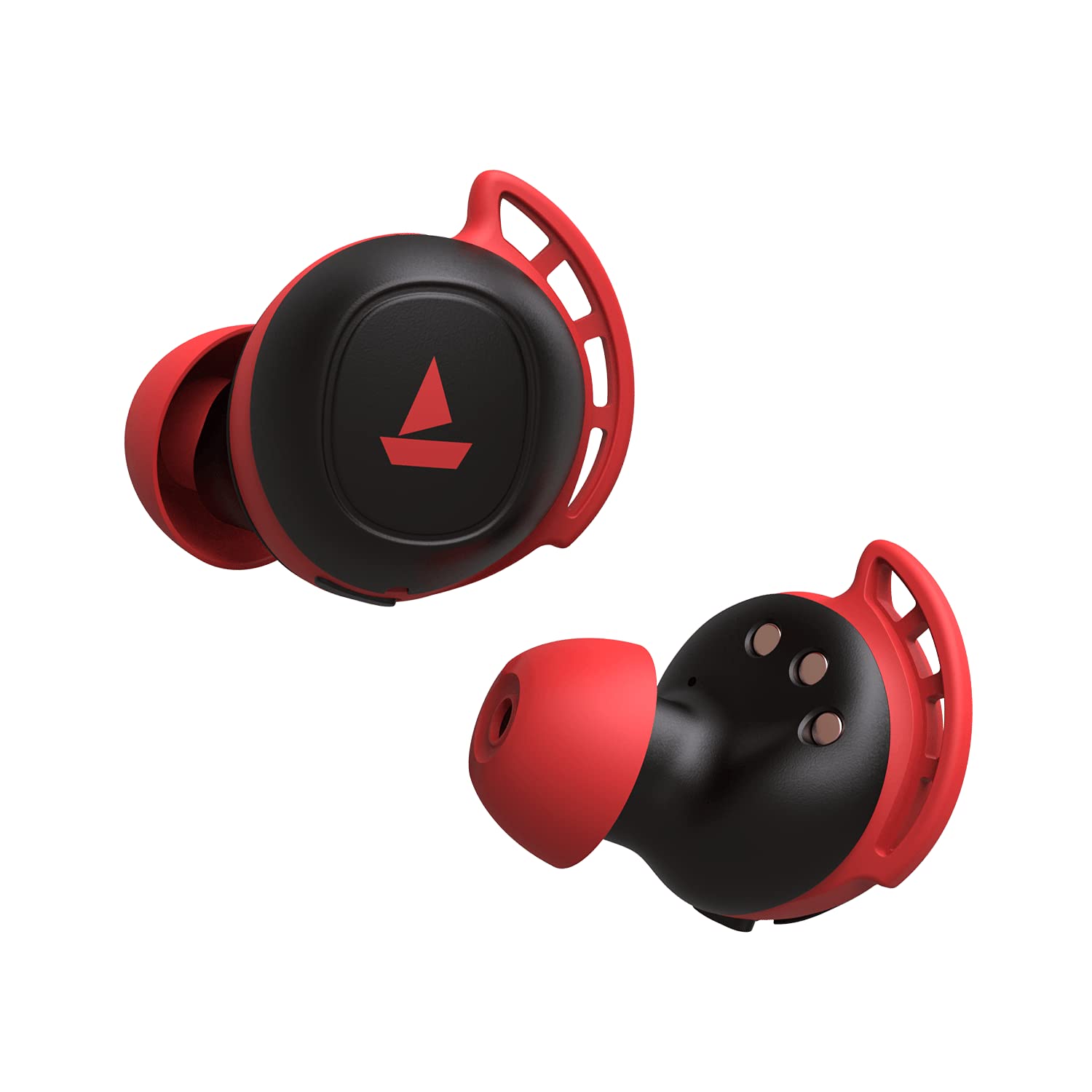
Image: The charging case with earbuds inside, indicating charging status.
7. Funkce powerbanky
The boAt Airdopes 441 Pro charging case features a 2600mAh battery, which can double as a power bank. In case of emergency, if your phone runs out of battery, you may utilize the charging case to provide a temporary charge to your device via its USB-A output port.
Image: The charging case can act as a power bank to charge other devices.
8. Údržba a péče
- Udržujte sluchátka a nabíjecí pouzdro čisté a suché.
- Nevystavujte zařízení extrémním teplotám.
- K čištění používejte měkký, suchý hadřík. Nepoužívejte agresivní chemikálie.
- Pokud se nepoužívá, skladujte na chladném a suchém místě.
- Ensure earbud tips fit snugly for optimal sound quality and comfort. Replace with additional ear tips if needed.
9. Řešení problémů
Žádný zvuk/Špatná kvalita zvuku
- Ensure earbuds are properly seated in your ears. Try different sized ear tips.
- Check if the earbuds are correctly paired with your device.
- Verify the volume level on both the earbuds and your connected device.
Problémy s připojením
- Ensure Bluetooth is enabled on your device and the earbuds are within the 10-meter operating range.
- Zkuste zrušit párování a znovu spárovat sluchátka se zařízením.
- Perform a factory reset if issues persist.
Obnovení továrního nastavení
Chcete-li provést obnovení továrního nastavení:
- Place both earbuds back into the charging case in the correct orientation.
- Triple tap the capacitive touch control on both earbuds.
- Once done, it is indicated by alternate green and blue LED flashes.
- Shut the lid of the charging case and then re-open it again. The earbuds will automatically restart, and the reset is complete.
Video: This video demonstrates the steps to perform a factory reset on the boAt Airdopes 441 Pro earbuds.
10. Specifikace
| Funkce | Specifikace |
|---|---|
| Název modelu | Airdopes 441 Pro |
| Technologie připojení | Bluetooth 5.0 |
| Technologie bezdrátové komunikace | Skutečně bezdrátové |
| Typ zvukového ovladače | Dynamický měnič (6 mm) |
| Kontrola hluku | Zvuková izolace |
| Úroveň odolnosti proti vodě | IPX7 (voděodolný) |
| Výdrž baterie (sluchátka) | 5 hodiny na jedno nabití |
| Celkový počet přehrání (s pouzdrem) | Až 150 hodin |
| Nabíjecí rozhraní | Typ-C |
| Doba nabíjení | 1.5 hodiny |
| Kontrolní metoda | Dotykové ovládání, hlasové ovládání |
| Maximální provozní vzdálenost | 10 metrů |
| Hmotnost položky | 190 gramů |
11. Záruka a podpora
The boAt Airdopes 441 Pro comes with a 1-letá záruka od data nákupu. Podrobné podmínky naleznete v přiložené záruční kartě.
For any support or service-related queries, please contact boAt customer service or visit their official webmísto.
Ask a question about this manual
Ask about setup, troubleshooting, compatibility, parts, safety, or missing instructions. Manuals+ will review the question and use this page’s manual context to help answer it.