
1. Úvod
This manual provides detailed instructions for the setup, operation, maintenance, and troubleshooting of your Jabra Elite Active 75t Truly Wireless Bluetooth Earbuds. Please read this manual carefully to ensure optimal performance and longevity of your device.
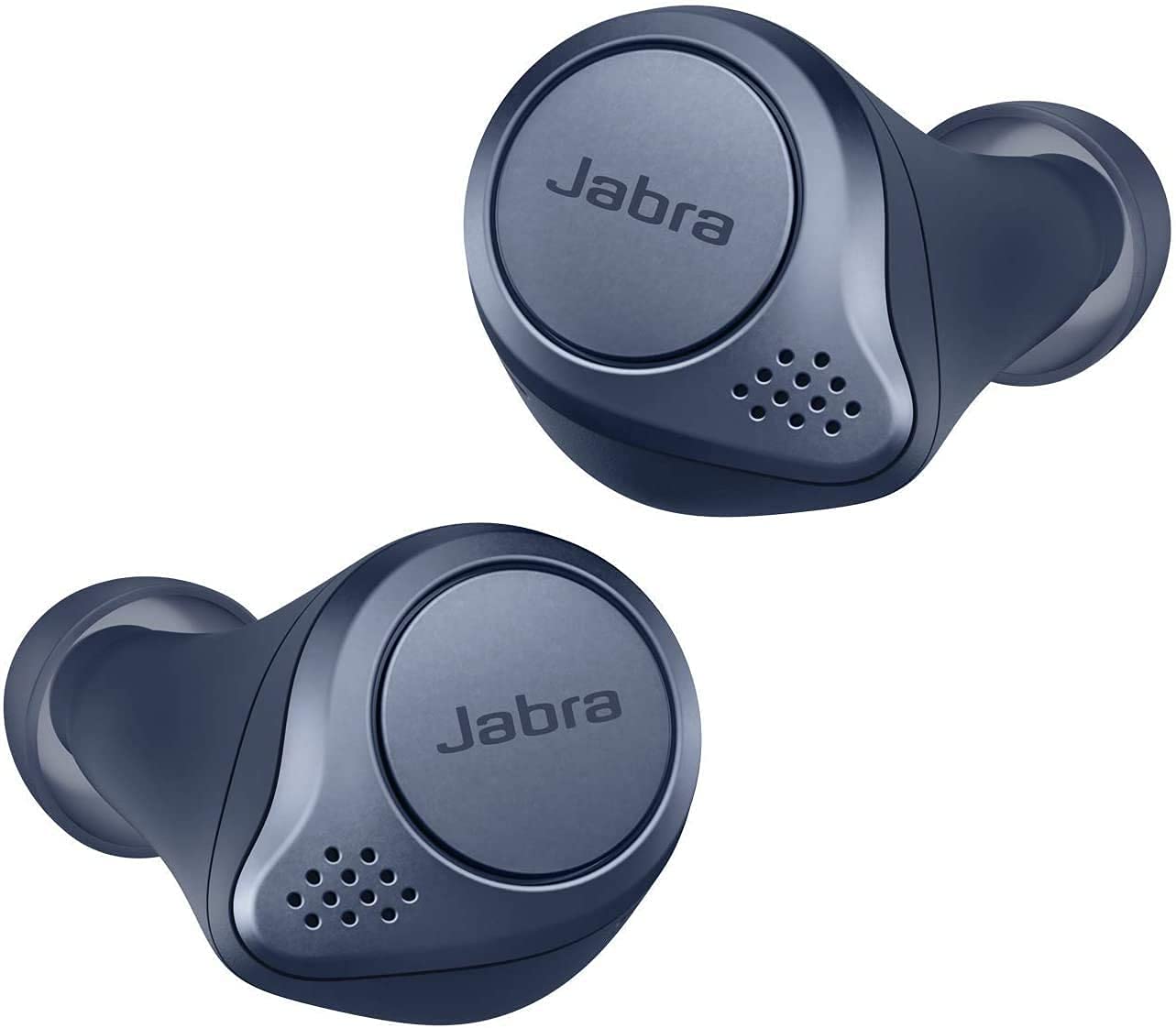
Image: Jabra Elite Active 75t earbuds in Navy Blue, shown with their charging case.
2. Nastavení
2.1 Co je v krabici
- Sluchátka Jabra Elite Active 75t
- Nabíjecí pouzdro
- Nabíjecí kabel USB-C
- 3 Sets of Silicon EarGels (S, M, L)
- Uživatelská příručka (tento dokument)
- Warranty and Warning Leaflets
2.2 Nabíjení sluchátek a pouzdra
Before first use, fully charge the earbuds and the charging case. Place the earbuds into the charging case. Connect the USB-C cable to the charging case and a power source. The LED indicator on the case will show charging status. The case supports wireless charging.

Image: Jabra Elite Active 75t earbuds placed inside their charging case, ready for charging.
2.3 První spárování
- Vyjměte sluchátka z nabíjecího pouzdra. Automaticky přejdou do režimu párování.
- On your smartphone or device, go to the Bluetooth settings.
- Select 'Jabra Elite Active 75t' from the list of available devices.
- Po spárování hlasový pokyn potvrdí připojení.
2.4 Aplikace Jabra Sound+
Download the Jabra Sound+ app from your device's app store. The app allows you to customize sound profiles, adjust Active Noise Cancellation (ANC) and HearThrough levels, update firmware, and access other features.

Image: The official Jabra Sound+ application icon.
2.5 EarGel Fit
Proper fit is crucial for optimal audio quality and Active Noise Cancellation. Experiment with the three sizes of Silicon EarGels provided to find the most secure and comfortable seal for your ears. A good fit ensures rich bass and effective noise isolation.

Image: Visual comparison demonstrating the secure and comfortable fit of Jabra Elite Active 75t earbuds in various ear shapes.
3. Návod k obsluze
3.1 Základní ovládací prvky
The Jabra Elite Active 75t features physical buttons on each earbud for control:
- Pravé sluchátko: Play/Pause music, Answer/End calls, Voice Assistant activation.
- Levé sluchátko: Toggle Active Noise Cancellation (ANC)/HearThrough, Skip tracks, Mute/Unmute during calls.
3.2 Aktivní potlačení hluku (ANC)
ANC reduces background noise, allowing for a more immersive audio experience. Activate or toggle ANC using the left earbud button or through the Jabra Sound+ app. An over-the-air firmware update is required for ANC functionality.

Image: A woman running outdoors, demonstrating the effectiveness of Active Noise Cancellation in filtering out background noise.
3.3 HearThrough Mode
HearThrough allows you to hear your surroundings without removing your earbuds. This feature is useful for situational awareness. Toggle HearThrough using the left earbud button or via the Jabra Sound+ app.
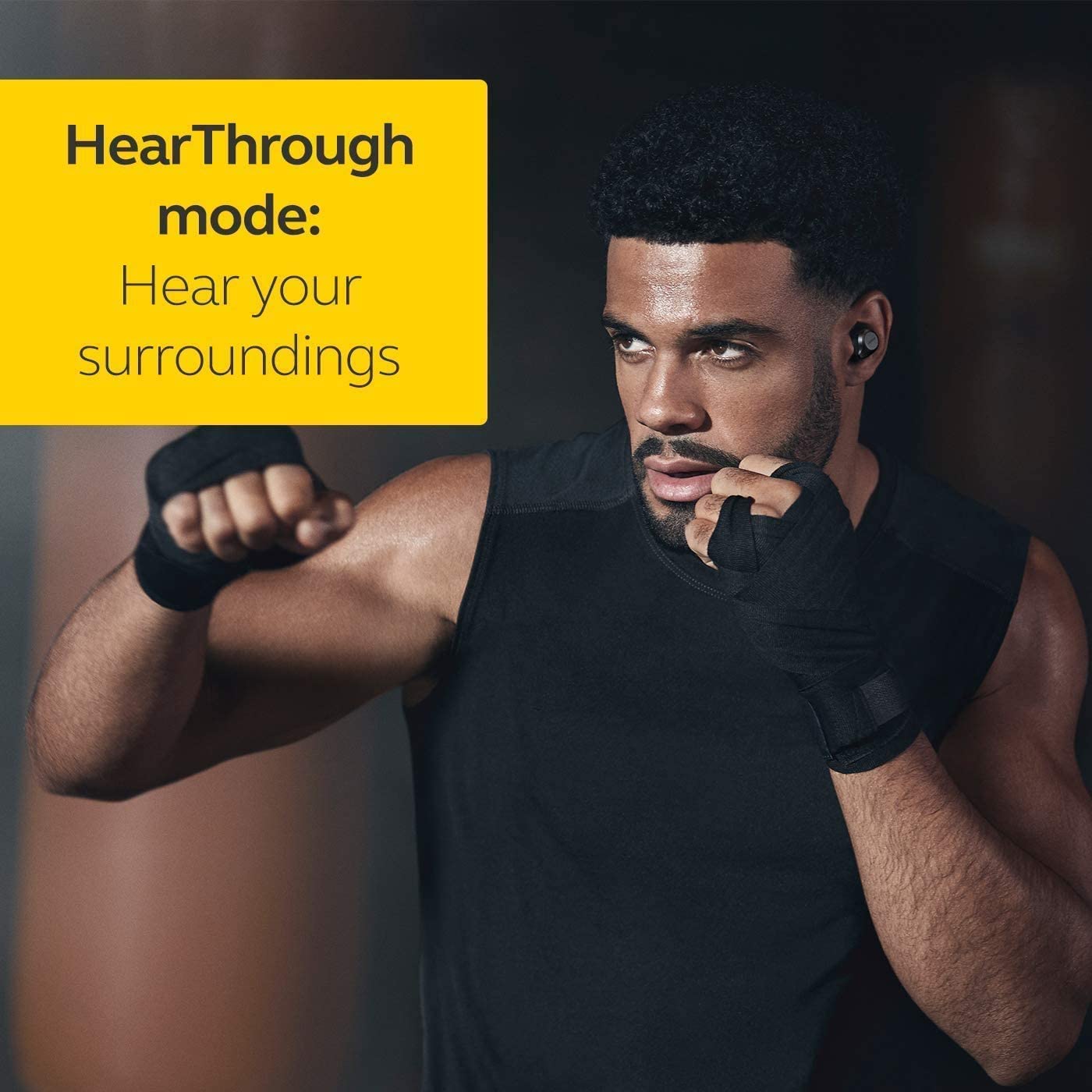
Image: A man in a gym, wearing the earbuds, illustrating the HearThrough mode which allows him to hear his surroundings.
3.4 MySound and MyControls
Personalize your audio experience with the Jabra Sound+ app:
- MySound: Individualize your sound based on your hearing profile for optimized music playback.
- MyControls: Program the earbud buttons to your specific needs and preferences.

Image: Screenshots from the Jabra Sound+ app demonstrating the MySound feature for personalized audio tuning.
3.5 Hlasový asistent
Access your smartphone's voice assistant (Alexa, Google Assistant, Siri) directly from the earbuds. This allows for hands-free control and information retrieval.

Image: A man using the earbuds to interact with a voice assistant, demonstrating direct access to smart features.
3.6 Správa hovorů
The earbuds feature advanced 4-microphone technology for clear calls, reducing unwanted background noise. Use the right earbud to answer or end calls.

Image: Jabra Elite Active 75t earbuds and their charging case, emphasizing the 4-microphone technology for superior call quality.
4. Údržba
4.1 Čištění
Regularly clean your earbuds and charging case to maintain hygiene and performance. Use a soft, dry, lint-free cloth. For the EarGels, remove them from the earbuds and wash with mild soap and water, then dry thoroughly before reattaching.
4.2 Voděodolnost
The Jabra Elite Active 75t earbuds are rated as waterproof. This means they are protected against sweat and light rain. However, they are not designed for submersion in water. Always ensure the charging port on the case is dry before charging.
5. Řešení problémů
5.1 Problémy s připojením
- Sluchátka se nespárují: Ensure both earbuds are removed from the case and are charged. Check your device's Bluetooth settings and try re-pairing.
- Audio drops/disconnections: Ensure your device is within range (up to 10 meters/33 feet). Avoid physical obstructions between the earbuds and your device. Try resetting the earbuds by placing them in the charging case for 10 seconds.
5.2 ANC Performance
If Active Noise Cancellation is not performing as expected, ensure the EarGels provide a tight seal in your ear canal. Adjust the ANC level in the Jabra Sound+ app. Ensure the latest firmware is installed via the app.
5.3 Fit and Comfort
If the earbuds feel uncomfortable or do not stay securely, try different sizes of EarGels. A proper fit is essential for both comfort and sound quality.
5.4 Problémy s nabíjením
If the earbuds or case are not charging, ensure the USB-C cable is securely connected to both the case and the power source. Verify the power source is active. Clean the charging contacts on both the earbuds and inside the case.
6. Specifikace
| Značka | Jabra |
| Název modelu | Elite Active 75t WLC |
| Číslo modelu | 75t Active |
| Barva | námořnictvo |
| Umístění uší | V uchu |
| Kontrola hluku | Aktivní potlačení hluku |
| Bezdrátová technologie | Bluetooth |
| Podporovány audio kodeky | SBC, AAC |
| Výdrž baterie (s pouzdrem) | Až 28 hodin |
| Úroveň odolnosti proti vodě | Vodotěsný |
| Typ ovládání | Hlasové ovládání, fyzická tlačítka |
| Kompatibilní zařízení | Android, Apple, Windows |
| Hmotnost položky | 261 Grams (packaging weight) |
7. Záruka a podpora
7.1 Informace o záruce
Your Jabra Elite Active 75t earbuds come with a 2-letá záruka from the date of purchase. Please retain your proof of purchase for warranty claims. The warranty covers manufacturing defects.
7.2 Zákaznická podpora
For technical assistance or warranty inquiries, please contact Jabra customer support:
- Bezplatné číslo: 8939544144 (Monday-Friday, 10 AM - 6 PM IST)
- ID e-mailu: support.in@jabra.com