
Zavedení
This manual provides essential information for the proper setup, operation, and maintenance of your Schubert Preludio 88-Key Digital Piano. Please read this manual thoroughly before using the instrument to ensure optimal performance and longevity. Keep this manual for future reference.
Bezpečnostní pokyny
- Ujistěte se, že je napájecí adaptér hlasitýtage odpovídá místnímu napájení.
- Do not expose the instrument to rain, moisture, or extreme temperatures.
- Neumísťujte přístroj do blízkosti zdrojů tepla nebo na přímé sluneční světlo.
- Neotevírejte casing; veškerý servis svěřte kvalifikovanému personálu.
- Uchovávejte mimo dosah malých dětí, abyste předešli nehodám.
- Během bouřek nebo pokud se zařízení delší dobu nepoužívá, odpojte napájení.
Nastavení
Vybalení a montáž
Carefully remove all components from the packaging. Ensure all items listed in the "Included in Delivery" section are present.
- Place the keyboard on a stable, flat surface or a compatible keyboard stand.
- Attach the music stand to the designated slot on the keyboard.
- Connect the sustain pedal to the "PEDAL" input on the rear panel of the keyboard.
- Connect the power adapter to the "DC 12V" input and then to a power outlet.

Obrázek 1: Dodávané příslušenství. The image displays the Schubert Preludio keyboard's accessories, including the music stand, sustain pedal, power adapter, and various USB cables for connectivity.

Obrázek 2: Možnosti připojení. This image shows the various input/output ports on the rear of the keyboard, including Audio In, Audio Out, USB, pedal input, and two 6.3mm headphone jacks.
Návod k obsluze
Zapnutí/vypnutí
Stiskněte tlačítko MOC tlačítko pro zapnutí nebo vypnutí klávesnice.
Ovládání hlasitosti
Upravte hlavní hlasitost pomocí HLAVNÍ HLASITOST knob. Individual volumes for Upper and Lower voices can be adjusted via the VOL+ a VOL- buttons in Function mode.
Selecting Voices (Sounds)
The Schubert Preludio offers 140 different voices. To select a voice:
- Stiskněte tlačítko HLAS tlačítko.
- Použijte numerickou klávesnici nebo +/- buttons to select the desired voice number. The selected voice number will be displayed on the LED screen.

Figure 3: Control Panel and Voice Selection. The image highlights the control panel with buttons for voice selection, layering, splitting, and reverb, along with categories like Piano, Organ, Guitar, and Strings.
Layer and Split Functions
- Vrstva: Stiskněte tlačítko VRSTVA button to combine two voices simultaneously. Select the second voice using the voice selection method.
- Rozdělit: Stiskněte tlačítko Split button to divide the keyboard into two sections, each with a different voice. The split point can be adjusted. This is useful for teaching or playing duets.
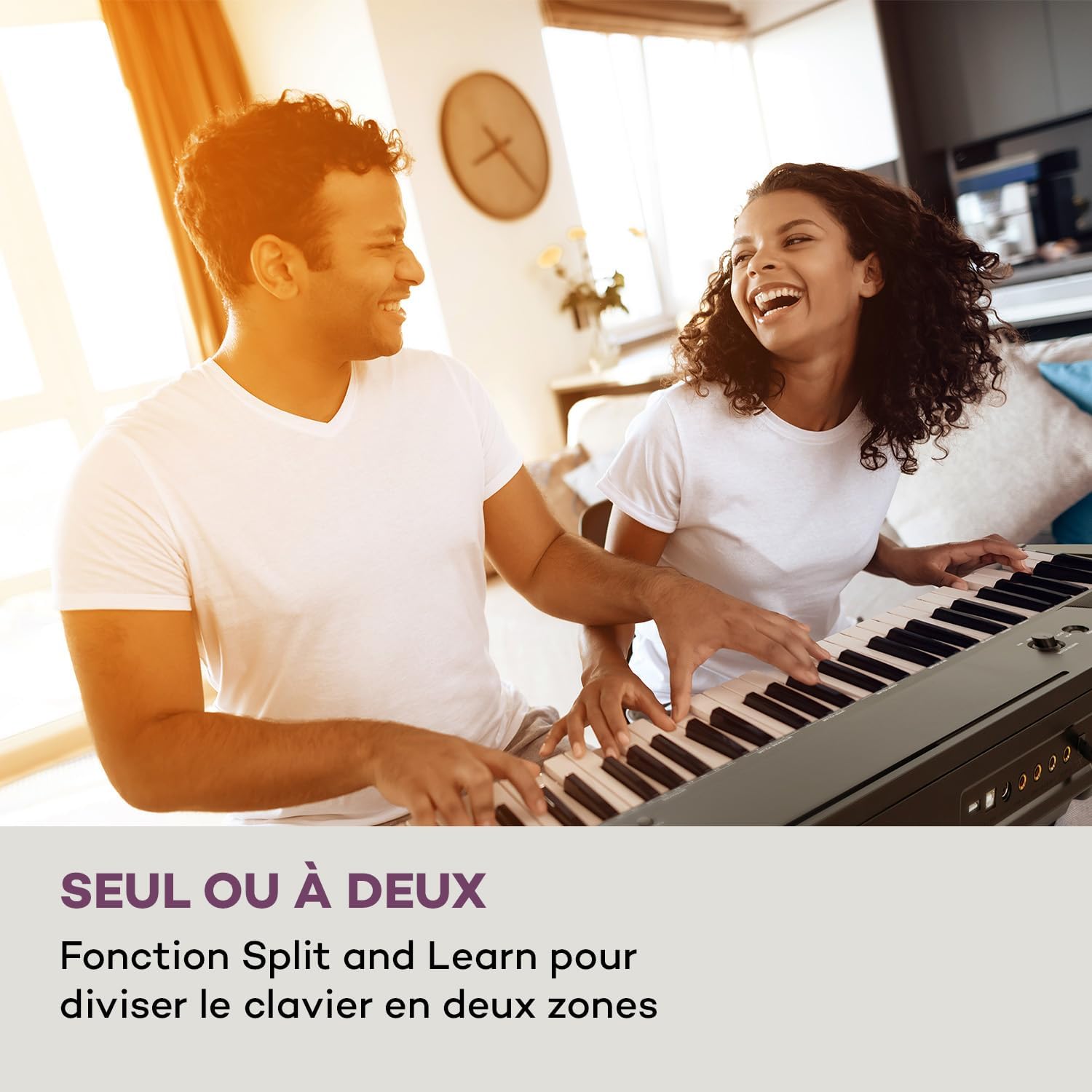
Figure 4: Split and Learn Function. This image shows two individuals playing the keyboard simultaneously, demonstrating the Split function which divides the keyboard into two playable zones.
Metronome and Tempo
Activate the metronome by pressing the METRO button. Adjust the tempo using the TEMPO tlačítka.
Nahrávání a přehrávání
The keyboard features a recording function:
- Stiskněte tlačítko ZÁZNAM tlačítko pro spuštění nahrávání vašeho vystoupení.
- Stiskněte HRÁT poslechnout si nahranou skladbu.
USB připojení
The integrated USB port allows for MP3 playback and MIDI connectivity:
- Přehrávání MP3: Vložte USB disk obsahující MP3 filedo portu USB. Použijte PÍSEŇ buttons to navigate and play tracks.
- USB-MIDI: Connect the keyboard to a computer using the provided USB-MIDI cable for use with educational and recording software.

Figure 5: Recording and USB Playback. The image depicts the keyboard's capability for recording performances and playing MP3 files via its integrated USB port, enhanced by its 5-watt RMS speakers.
Údržba
- Čištění: K čištění povrchu klávesnice používejte měkký, suchý hadřík. Nepoužívejte abrazivní čisticí prostředky ani rozpouštědla.
- Skladování: When not in use, store the keyboard in a dry, dust-free environment. If storing for a long period, disconnect the power adapter.
- Péče o klíče: Avoid excessive force on the keys. Clean keys gently with a slightly damp V případě potřeby osušte hadříkem a poté ihned osušte.
Odstraňování problémů
| Problém | Možná příčina | Řešení |
|---|---|---|
| Žádný zvuk | Napájení není připojeno, hlasitost je příliš nízká, připojena jsou sluchátka. | Check power connection, increase master volume, disconnect headphones. |
| Klávesy nereagují | Function mode active, internal error. | Exit Function mode, power cycle the instrument. |
| Sustain pedál nefunguje | Pedal not fully inserted, pedal polarity issue. | Ensure pedal is firmly connected. Some pedals require the keyboard to be powered on with the pedal already pressed to set polarity. |
| Problémy s přehráváním z USB | Nepodporováno file format, corrupted USB drive. | Zajistit fileJsou ve formátu MP3. Zkuste jiný USB disk nebo přeformátujte ten stávající. |
Specifikace
- Název modelu: Preludio
- Počet klíčů: 88
- Typ klíče: Full-size, touch-sensitive (3 levels)
- Zvuky (hlasy): 140
- Demo skladby: 16
- Funkce: Sustain, Vibrato, Transposition, Octave, Split, Layer, Metronome, Record, Playback, Learning Function
- Konektivita: 1 x 6.3 mm Audio In, 1 x 6.3 mm Audio Out, 2 x 6.3 mm Headphone Outputs, 1 x USB (Type A for MP3), 1 x USB-MIDI (Type B)
- Napájení: AC adapter (220-240 V~ | 50/60 Hz)
- Rozměry (D x V x H): Přibližně 130 x 29 x 35 cm (51.2 x 11.4 x 13.8 palce)
- Hmotnost: Přibl. 6.2 kg (13.7 lb)
- Materiál: Plast

Obrázek 6: Rozměry produktu. A visual representation of the keyboard's length, height, and depth measurements.
Záruka a podpora
For detailed warranty information and technical support, please refer to the warranty card included with your product or visit the official Schubert webUschovejte si doklad o koupi pro případné reklamace.
Produktová videa
Sustain Pedal Overview
This video provides a close-up view and demonstration of the M-Audio SP-2 sustain pedal, which is compatible with digital pianos like the Schubert Preludio. It shows how the pedal functions to extend notes, similar to an acoustic piano.
Keyboard Features Overview
This video offers a detailed close-up view of the digital piano, showcasing its keys, control panel, and various functions. It provides a visual guide to the instrument's design and user interface.