
VMAI HD-019
VMAI 36-Inch Soundbar User Manual
Model: HD-019
1. Úvod
Thank you for choosing the VMAI 36-Inch Soundbar. This soundbar is designed to significantly enhance your home entertainment experience by delivering crystal clear, powerful audio. With multiple connectivity options and a sleek design, it integrates seamlessly into any living space. Please read this manual thoroughly before use to ensure proper setup and operation.

Image: The VMAI 36-inch soundbar in black, accompanied by its remote control, showcasing jeho kompaktním a elegantním designem.
2. Obsah balení
Pečlivě zkontrolujte balíček, abyste se ujistili, že jsou všechny položky přítomny a v dobrém stavu:
- VMAI 36-Inch Soundbar
- Dálkové ovládání
- Napájecí adaptér
- Optický kabel
- Zvukový kabel RCA na 3.5 mm
- Kabel HDMI ARC
- Wall Mounting Kit (screws, wall anchors, mounting brackets)
- Uživatelská příručka
3. Vlastnosti produktu
- Křišťálově čistý zvuk: 60W sound output with less than 1% total harmonic distortion, providing rich and detailed audio for an immersive experience.
- Pokročilé Bluetooth 5.0: Ensures stable and fast wireless connectivity with low power consumption, allowing seamless streaming from your smart devices.
- Více možností připojení: Supports HDMI ARC, Optical, AUX input, and USB flash drive for versatile connection to various audio sources.
- Personalized Sound Settings: Adjust sound modes (Music, Movie, News, 3D) and fine-tune treble and bass levels using the included smart remote control.
- Flexibilní design montáže: Can be placed under your TV, on a cabinet, or easily mounted on the wall with the included premium mounting kit.
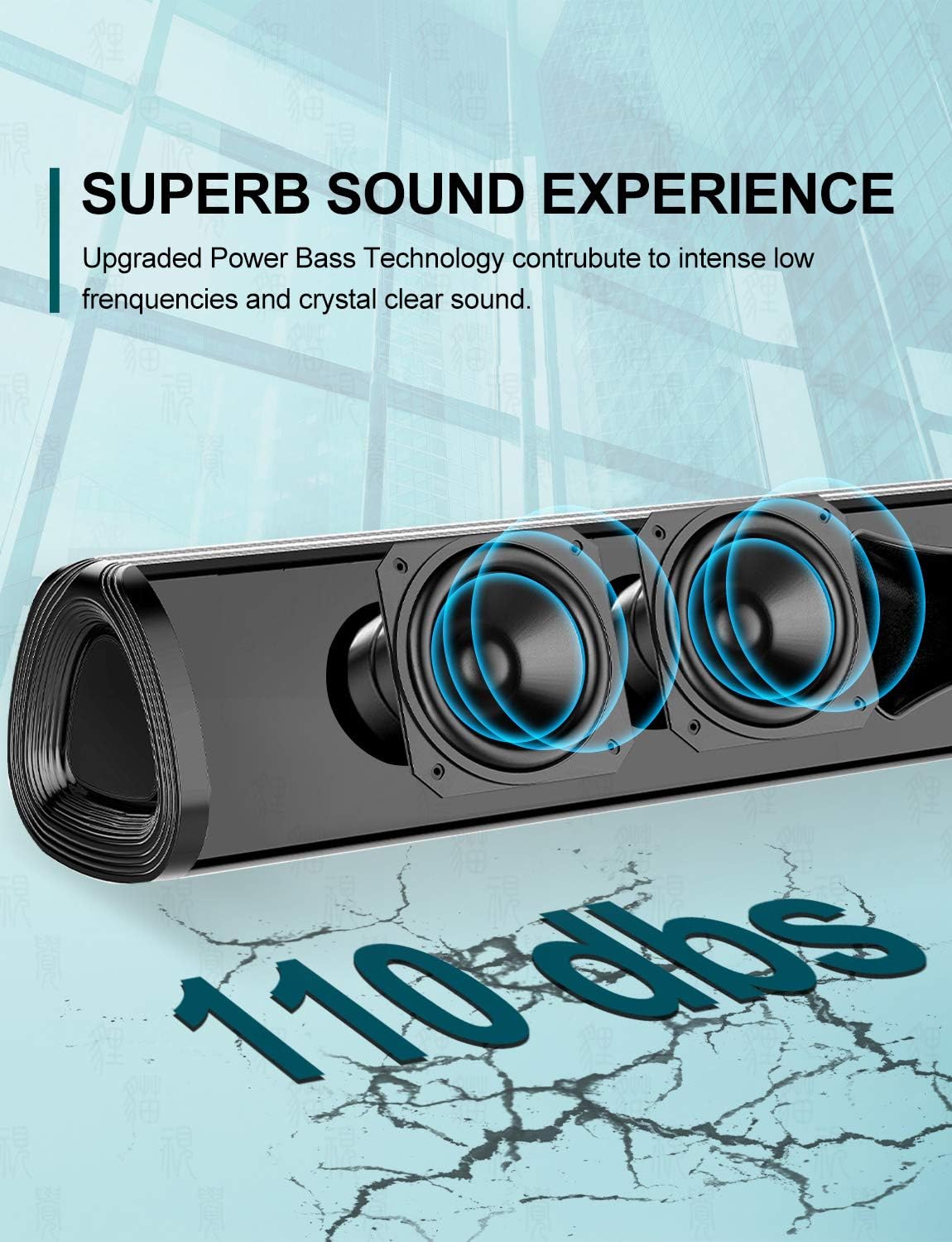
Obrázek: Detailní záběr view of the soundbar's internal speakers, illustrating the powerful sound output with a visual representation of 110 decibels.
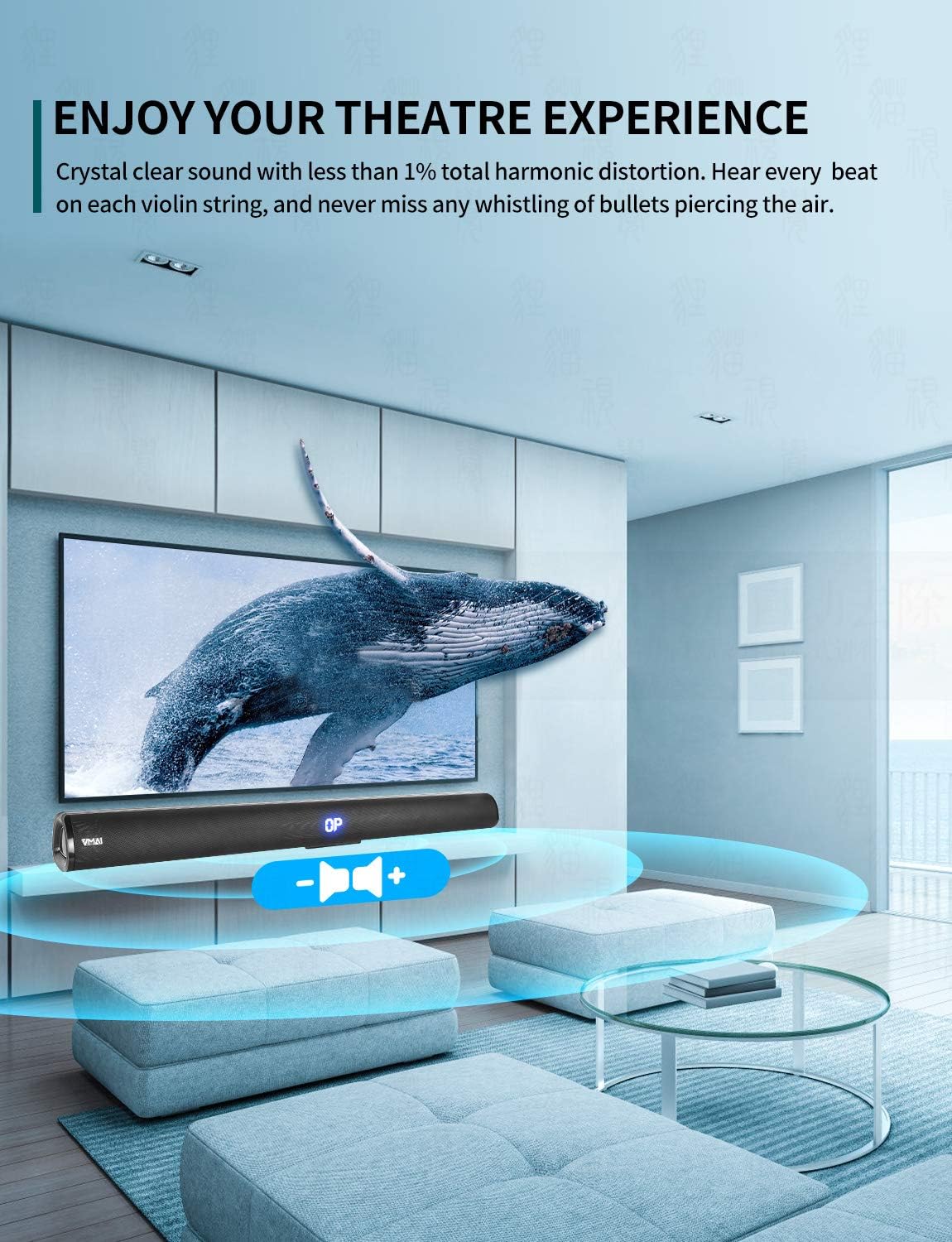
Image: A family enjoying a movie with the soundbar enhancing the audio experience, demonstrating its capability to create an immersive home theater environment.
4. Nastavení
4.1 Možnosti umístění
The VMAI Soundbar offers versatile placement to suit your home setup:
- Umístění na počítači: Place the soundbar on a flat, stable surface directly in front of your TV. Ensure there are no obstructions in front of the soundbar to allow for optimal sound projection.
- Montáž na stěnu: Use the included wall mounting kit to securely attach the soundbar to a wall below your TV. Refer to the detailed wall mounting instructions provided in the kit for proper installation.

Image: A visual guide demonstrating the two primary placement options for the soundbar: mounted on a wall below a television and placed on a desktop surface.
4.2 Připojení napájení
- Připojte napájecí adaptér k portu DC IN na zadní straně soundbaru.
- Zapojte druhý konec napájecího adaptéru do elektrické zásuvky.
- The soundbar will enter standby mode, indicated by an LED light.
4.3 Připojení k televizoru/zařízením
Choose the most suitable connection method for your device:

Image: The rear panel of the soundbar displaying its various input ports including HDMI ARC, Optical, AUX, and DC IN, along with the corresponding connection cables.
Připojení HDMI ARC (doporučeno)
- Connect one end of the HDMI cable (included) to the HDMI ARC port on the soundbar.
- Druhý konec připojte k portu HDMI ARC na televizoru.
- Ensure your TV's HDMI ARC function is enabled in its settings. This allows you to control the soundbar volume with your TV remote.
Optické připojení
- Connect one end of the Optical cable (included) to the OPTICAL port on the soundbar.
- Connect the other end to the Optical Digital Audio Out port on your TV or audio source.
- Ensure your TV's audio output is set to 'PCM' format, as some TVs may default to other formats incompatible with optical input.
Připojení AUX
- Connect one end of the RCA to 3.5mm audio cable (included) to the AUX port on the soundbar.
- Connect the RCA ends to the corresponding audio output ports (usually red and white) on your TV or audio source.
Bluetooth připojení
- Power on the soundbar and select 'Bluetooth' input mode using the remote or side buttons. The LED display will show 'BT'.
- Povolte Bluetooth na svém smartphonu nebo jiném zařízení.
- Hledat 'VMAI Soundbar' in the list of available devices and select it to pair.
- Po spárování soundbar signalizuje úspěšné připojení a můžete bezdrátově přehrávat zvuk.
USB (Flash Drive) Connection
- Vložte USB flash disk s audio soubory ve formátu MP3 filedo USB portu na soundbaru.
- The soundbar will automatically switch to USB mode and begin playing the audio files.
5. Návod k obsluze
5.1 Ovládací prvky
The soundbar can be controlled via the side panel buttons or the included remote control.

Obrázek: Podrobný view of the soundbar's remote control and its side panel buttons, highlighting the various controls for power, volume, and input selection.
Side Panel Buttons:
- Vypínač: Stisknutím zapnete/vypnete soundbar.
- Tlačítko pro výběr vstupu: Press to cycle through input modes (HDMI ARC, Optical, AUX, Bluetooth, USB).
- Tlačítka pro nastavení hlasitosti - / +: Stisknutím snížíte nebo zvýšíte hlasitost.
Funkce dálkového ovládání:
- Power (⏸): Zapíná/vypíná soundbar.
- Ztlumit (🔇): Vypne nebo vypne zvuk.
- Vstup: Cykluje mezi režimy vstupu.
- Hlasitost +/-: Upravuje hlavní hlasitost.
- Baskytara +/-: Nastavuje úroveň basů.
- Výšky +/-: Nastavuje úroveň výšek.
- Zvukové režimy:
- HUDBA: Optimalizováno pro přehrávání hudby.
- FILM: Vylepšeno pro filmový zvuk.
- ZPRÁVY: Clearer dialogue for news and talk shows.
- 3D: Creates a virtual surround sound effect.
- Bluetooth Pairing (PAIR): Zahájí režim párování Bluetooth.
- Playback Controls (for USB/Bluetooth): Přehrát/Pozastavit, Předchozí skladba, Další skladba.
6. Údržba
To ensure the longevity and optimal performance of your VMAI Soundbar, follow these maintenance guidelines:
- Čištění: Use a soft, dry cloth to wipe the surface of the soundbar. Do not use liquid cleaners, abrasive cleaners, or chemical sprays, as they may damage the finish or internal components.
- Větrání: Ujistěte se, že větrací otvory soundbaru nejsou zablokované, abyste zabránili přehřátí.
- Skladování: Pokud budete soundbar skladovat delší dobu, odpojte jej od napájení a uložte jej na chladném a suchém místě mimo dosah přímého slunečního záření a extrémních teplot.
- Vyhněte se vlhkosti: Keep the soundbar away from water and high humidity environments. It is not waterproof.
7. Řešení problémů
If you encounter any issues with your soundbar, please refer to the following common problems and solutions:
| Problém | Možná příčina | Řešení |
|---|---|---|
| Žádný zvuk ze soundbaru |
|
|
| Zkreslený nebo špatná kvalita zvuku |
|
|
| Dálkové ovládání nefunguje |
|
|
| Problémy s párováním pomocí rozhraní Bluetooth |
|
|
8. Specifikace
| Funkce | Detail |
|---|---|
| Název modelu | HD-019 |
| Typ reproduktoru | Soundbar |
| Speciální funkce | Wireless, Bluetooth, Ampdoživotní |
| Doporučená použití | Domácí kino |
| Kompatibilní zařízení | TV, Projector, Computer, Blu-ray player, Tablet, XBOX, PS5, Ampzvlhčovač, smartphone |
| Typ ovladače | Tlačítko, dálkové ovládání |
| Konfigurace prostorového zvuku | 2.0 kanál |
| Barva | Jet Black |
| Rozměry produktu (D x Š x V) | 7.8 cm x 90 cm x 7.6 cm |
| Hmotnost položky | 2 kg |
| Maximální dosah Bluetooth | 15 metrů |
| Maximální výstupní výkon reproduktoru | 60 wattů |
| Technologie připojení | Wired (HDMI ARC, Optical, AUX, USB), Bluetooth (Wireless) |
| Typ montáže | Nástěnný držák, Stolní |
9. Záruka a podpora
The VMAI 36-Inch Soundbar comes with a Záruka 12 měsíců od data nákupu. Tato záruka se vztahuje na výrobní vady a vady zpracování při běžném používání.
For technical support, warranty claims, or any questions regarding your product, please contact VMAI customer service through the retailer's platform or visit the official VMAI website for contact information. Please have your purchase receipt and product model number (HD-019) ready when contacting support.
Ask a question about this manual
Ask about setup, troubleshooting, compatibility, parts, safety, or missing instructions. Manuals+ will review the question and use this page’s manual context to help answer it.