
1. Úvod
This manual provides comprehensive instructions for the installation, operation, and maintenance of the Vaddio RoboSHOT IW Smart Glass PTZ Camera. Please read this manual thoroughly before using the product to ensure proper functionality and to prevent damage.
The RoboSHOT IW Smart Glass PTZ Camera is designed for professional video conferencing and surveillance applications, offering advanced PTZ capabilities with the unique feature of a smart glass panel for privacy and aesthetics.
2. Obsah balení
Ověřte, zda jsou v balení přítomny všechny položky:
- RoboSHOT IW Smart Glass PTZ Camera Unit
- Montážní materiál (šrouby, hmoždinky)
- Rychlý průvodce
- Tato uživatelská příručka
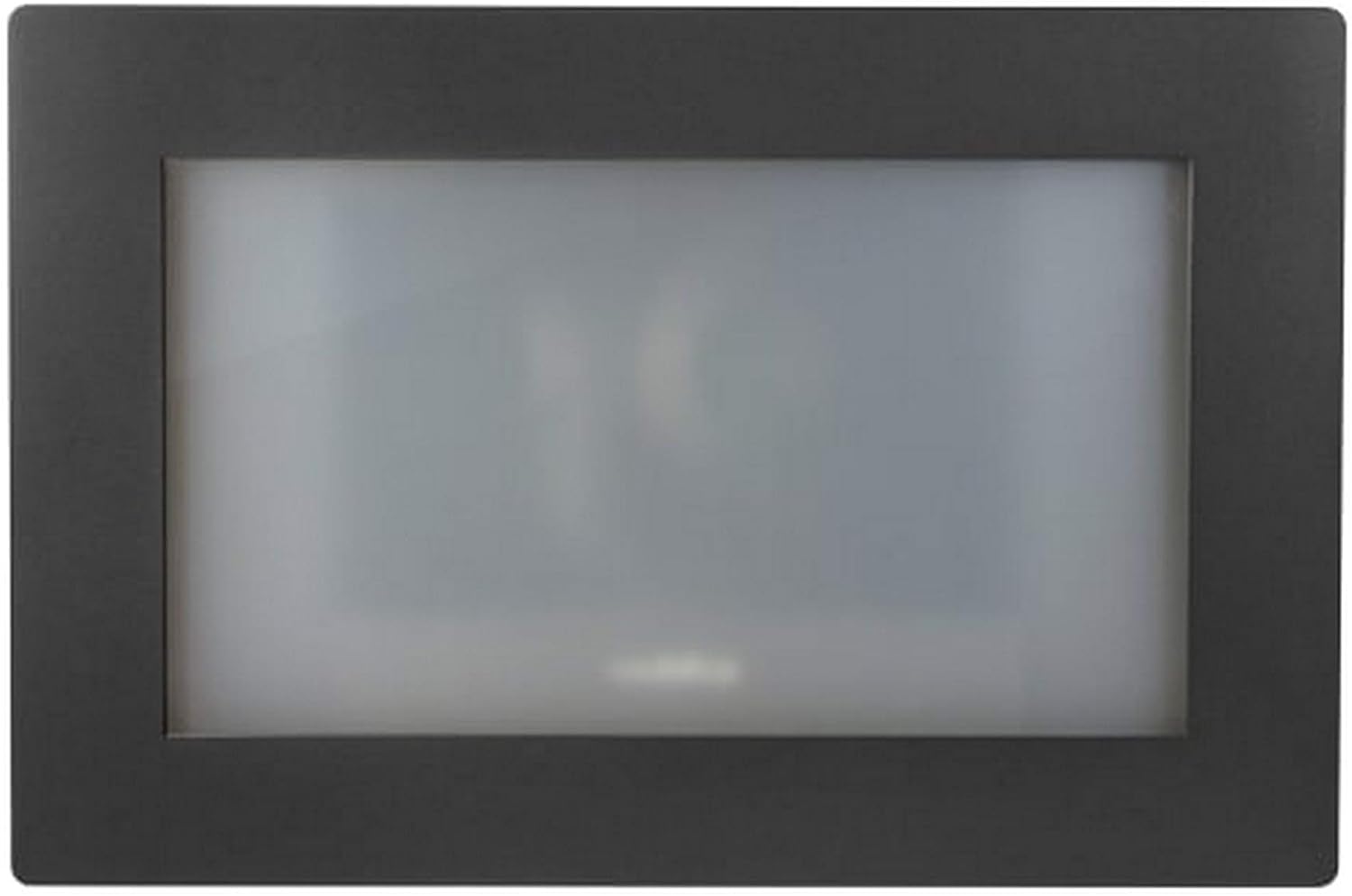
Obrázek 1: Přední strana view of the RoboSHOT IW Smart Glass PTZ Camera, showcasing its sleek black frame and the opaque smart glass panel.
3. Bezpečnostní informace
Vždy dodržujte následující bezpečnostní pokyny, abyste zajistili bezpečný provoz a zabránili poškození zařízení nebo zranění osob:
- Nevystavujte zařízení vlhkosti, dešti ani extrémním teplotám.
- Ensure proper ventilation around the camera to prevent overheating.
- Only use power sources and cables specified by Vaddio.
- Do not attempt to disassemble, modify, or repair the device. Refer all servicing to qualified service personnel.
- Uchovávejte fotoaparát mimo dosah silných magnetických polí.
4. Nastavení
4.1 Montáž fotoaparátu
The RoboSHOT IW Smart Glass PTZ Camera is designed for indoor wall mounting. Select a location that provides the desired field of view and is structurally sound to support the camera's weight.
- Carefully unpack the camera and inspect for any shipping damage.
- Using the provided mounting template (if applicable), mark the drilling points on the wall.
- Na vyznačených místech vyvrtejte vodicí otvory.
- Secure the camera's mounting plate or the camera directly to the wall using the supplied screws and anchors. Ensure it is level and firmly attached.
Obrázek 2: Zadní view of the RoboSHOT IW Smart Glass PTZ Camera, illustrating the HDBaseT port and other potential connections.
4.2 Připojení fotoaparátu
The camera utilizes HDBaseT for connectivity, allowing for flexible power and video transmission options.
- PoE+ Connection: For IP streaming and power, connect a standard Ethernet cable from a PoE+ enabled network switch or a Midspan Power Injector to the camera's HDBaseT port. This single cable provides both power and network data.
- HDBaseT Video Switch / OneLINK System: If using an HDBaseT video switch or a Vaddio OneLINK extension system for alternative video outputs (e.g., HD-SDI, HDMI, USB 3.0), connect the camera's HDBaseT port to the corresponding input on the switch or OneLINK receiver. Refer to the specific switch or OneLINK system's manual for detailed connection instructions.
- Ensure all cables are securely connected and routed to prevent strain or damage.
5. Návod k obsluze
5.1 Initial Power-On and Smart Glass Activation
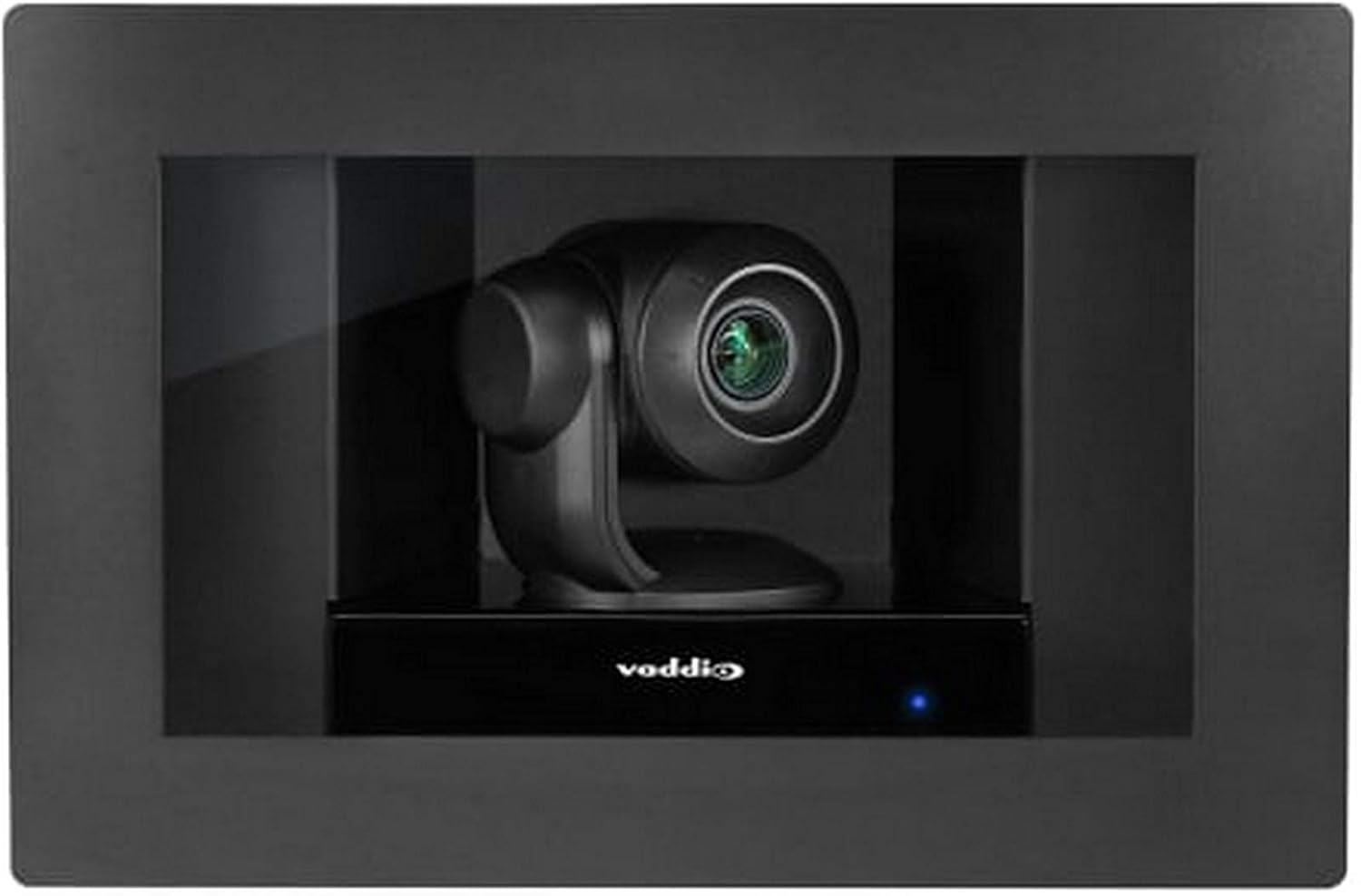
Once the camera receives power, it will initiate its startup sequence. The smart glass panel, which is opaque when off, will become transparent, revealing the PTZ camera lens.
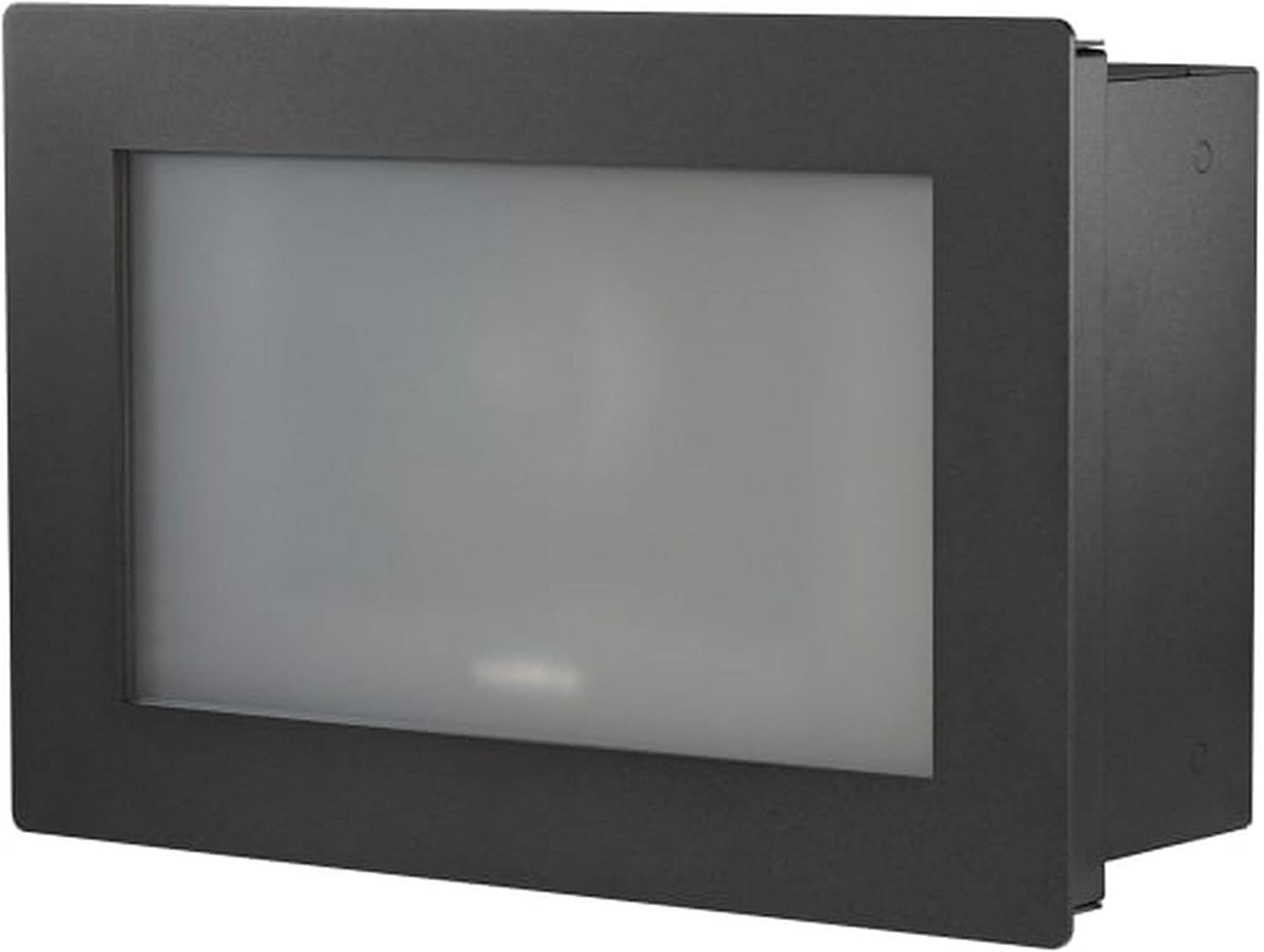
Figure 3: The RoboSHOT IW Smart Glass PTZ Camera with its smart glass panel activated, showcasing the integrated PTZ camera ready for operation.
5.2 Ovládání kamery
The camera supports control via Wi-Fi using a compatible controller (such as an Iris controller) or a remote control. It features full PTZ (Pan-Tilt-Zoom) functionality and optical zoom.
- Pan/Tilt: Use the directional controls on your chosen controller or software interface to adjust the camera's horizontal (pan) and vertical (tilt) orientation to frame your desired view.
- Lupa: Utilize the zoom controls to optically zoom in or out. The camera supports high-definition video capture at 1080p and 720p resolutions.
- Smart Glass Control: The smart glass panel can be toggled between opaque and transparent states, providing privacy when the camera is not actively in use. Refer to your control system's documentation for specific smart glass control commands.
5.3 Streamování a nahrávání videa
For IP streaming, the camera can be configured via its web interface or compatible control software. It supports MPEG-4 video capture format.
- Access the camera's IP address through your network to reach its web rozhraní.
- Log in to configure streaming parameters, including resolution, frame rates, and network settings.
- Integrate the camera with your preferred video management systems (VMS) or recording software for live monitoring and archival.
6. Údržba
Regular maintenance helps ensure the longevity and optimal performance of your RoboSHOT IW Smart Glass PTZ Camera.
- Čištění: Use a soft, dry, lint-free cloth to gently clean the exterior of the camera and the smart glass panel. Do not use abrasive cleaners, solvents, or harsh chemicals, as these can damage the finish or the smart glass.
- Aktualizace firmwaru: Periodically check the official Vaddio webweb (www.vaddio.com) for available firmware updates. Keeping the firmware up-to-date can provide performance enhancements, new features, and bug fixes. Follow the instructions provided with the firmware update carefully.
- Podmínky prostředí: Ensure the camera continues to operate within its specified temperature and humidity ranges to prevent internal damage.
7. Řešení problémů
| Problém | Možná příčina | Řešení |
|---|---|---|
| Žádné napájení / Fotoaparát se nezapíná | Loose power connection; PoE+ not active; faulty cable. | Check all cable connections. Verify PoE+ switch/injector is providing power. Try a different Ethernet cable. |
| Žádný video výstup | Incorrect HDBaseT connection; network configuration issue (for IP streaming); display problem. | Ensure HDBaseT cable is correctly connected. Verify network settings and IP address. Test with a different display or input. |
| Camera Not Responding to Controls | Controller not paired; Wi-Fi interference; camera frozen. | Ensure controller is properly paired and within range. Reduce Wi-Fi interference. Power cycle the camera. |
| Smart Glass Not Clearing / Remaining Opaque | Power issue; control signal issue; internal fault. | Verify stable power supply. Check control commands. If problem persists, contact Vaddio support. |
| Nízká kvalita videa | Insufficient lighting; incorrect resolution settings; dirty lens. | Ensure adequate lighting. Adjust resolution settings. Clean the camera lens and smart glass. |
8. Specifikace
| Funkce | Detail |
|---|---|
| Model | RoboSHOT IW Smart Glass PTZ Camera |
| Protokol připojení | Wi-Fi, Wired (HDBaseT) |
| Typ ovladače | Iris, Remote |
| Typ montáže | Držák na zeď |
| Rozlišení záznamu videa | 1080p, 720p |
| Barva | Černý |
| Technologie bezdrátové komunikace | Wi-Fi |
| Form Factor | Kupole |
| Materiál | Sklo |
| Hmotnost položky | 0.96 unce (přibližně 0.06 lb) |
| Technologie nízkého osvětlení | Noční barva |
| Typ zoomu | Optický zoom |
| Typ upozornění | Pouze pohyb |
| Formát záznamu videa | MPEG-4 |
| Technologie fotosenzoru | CMOS |
| Hodnocení mezinárodní ochrany | IP54, IP67 |
| Zdroj napájení | AC/DC, PoE+ |
| Vnitřní/venkovní použití | Krytý |
| Speciální funkce | PTZ Technology, Smart Glass |
| UPC | 840077504601 |
9. Záruka a podpora
Vaddio products are designed for reliability and performance. For specific warranty terms and conditions applicable to your RoboSHOT IW Smart Glass PTZ Camera, please refer to the official Vaddio webwebu nebo v záručním listu dodaném s vaším produktem.
For technical assistance, troubleshooting, or service inquiries, please contact Vaddio Customer Support. When contacting support, please have your product model number (RoboSHOT IW Smart Glass PTZ Camera) and serial number readily available.
- Vaddio Official Webmísto: www.vaddio.com
- Kontakt podpory: Visit the Vaddio website's support section for regional phone numbers, email contacts, and online resources.