
1. Úvod
This manual provides essential information for the installation, operation, and maintenance of your Intel Core i9-10900 Desktop Processor. The Intel Core i9-10900 is a 10th Generation processor designed for desktop systems, featuring 10 cores and 20 threads, with a base clock speed of 2.8 GHz and a maximum turbo frequency of up to 5.2 GHz. It is built on the LGA 1200 socket and is compatible with Intel 400 series chipset based motherboards.
Popis videa: An official Intel video showcasing the 10th Gen Intel Core Processor family, highlighting performance capabilities for gaming, content creation, and productivity. It illustrates the processors' balance of frequency, cores, and threads for real-world usage.
2. Klíčové vlastnosti
- 10 jader / 20 vláken: Provides robust multi-tasking and processing power.
- Typ patice LGA 1200: Ensures compatibility with specific motherboard chipsets.
- Up to 5.2 GHz: Achieves high clock speeds for demanding applications.
- Compatible with Intel 400 series chipset based motherboards: Specific motherboard requirement for operation.
- Intel Turbo Boost Max Technology 3.0 Support: Enhances performance by directing workloads to the fastest cores.
- Podpora paměti Intel Optane: Accelerates system responsiveness.
- Chladič součástí balení: Comes with a stock cooling solution for immediate use.
3. Pokyny k nastavení
3.1. Vybalení
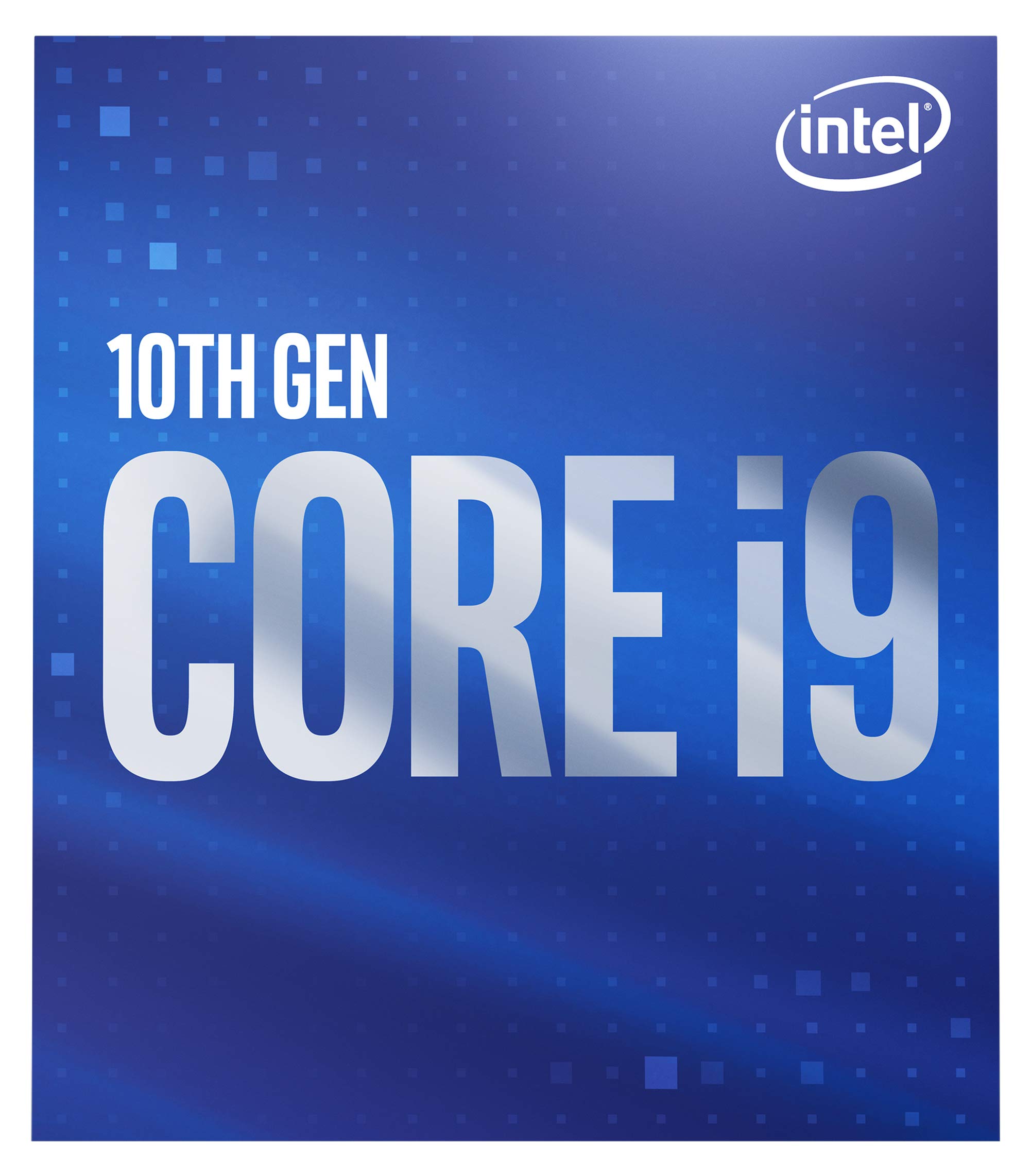
Carefully remove the processor and its included cooler from the packaging. Inspect all components for any visible damage before proceeding with installation. Retain the packaging for future reference or warranty claims.

Popis obrázku: The retail packaging for the 10th Gen Intel Core i9 processor, featuring the Intel logo and product branding.
3.2. Instalace procesoru
- Ensure your motherboard is powered off and disconnected from the power supply.
- Locate the LGA 1200 socket on your motherboard.
- Otevřete zajišťovací rameno patice procesoru a zvedněte nosnou desku.
- Align the triangular marker on the processor with the corresponding marker on the socket. Carefully place the processor into the socket without forcing it.
- Lower the load plate and secure it with the retention arm.
Popis obrázku: Detailní záběr view of the Intel Core i9-10900 desktop processor, showing the Intel logo and 'CORE i9 10TH GEN' branding on its integrated heat spreader.
3.3. Instalace chladiče
The Intel Core i9-10900 processor includes a stock cooler. Apply a thin, even layer of thermal paste to the top of the processor (if not pre-applied on the cooler). Position the cooler over the CPU, aligning the mounting pins or screws with the motherboard's holes. Secure the cooler according to its specific mounting mechanism, ensuring firm contact with the processor for optimal heat dissipation.
4. Provozní informace
4.1. Výkon nadview
The Intel Core i9-10900 processor offers high performance for a wide range of tasks, from demanding gaming and content creation to everyday productivity. Its 10 cores and 20 threads, combined with Intel Turbo Boost Max Technology 3.0, allow for efficient handling of multi-threaded applications and dynamic frequency scaling to achieve up to 5.2 GHz when needed.
4.2. Spotřeba energie
This processor has a Thermal Design Power (TDP) of 65W. Ensure your power supply unit (PSU) can adequately meet the power requirements of your entire system, including the processor, graphics card, and other components.
5. Údržba
5.1. Tepelný management
Maintaining optimal operating temperatures is crucial for processor longevity and performance. Regularly check that your CPU cooler is free of dust and debris. Ensure proper airflow within your computer case by keeping fan vents clear and managing cables effectively. Overheating can lead to system instability and reduced performance.
5.2. Čištění
Periodically clean the CPU cooler's heatsink fins and fan blades using compressed air. Always power down and unplug your computer before performing any cleaning. Avoid using liquid cleaners directly on components.
6. Řešení problémů
6.1. Běžné problémy
- Systém se nespustí: Verify all power connections, especially to the motherboard and CPU. Re-seat the processor and RAM modules. Check for proper CPU cooler installation.
- Přehřívání: Ensure the CPU cooler is correctly installed and making good contact with the CPU. Check fan operation and clean any dust from the heatsink. Monitor CPU temperatures using system monitoring software.
- Nestabilita/pády systému: This can be caused by various factors. Ensure your motherboard BIOS is updated to the latest version. Check RAM for errors. Verify that your power supply is sufficient and stable.
For persistent issues, consult your motherboard's manual for specific diagnostic codes or refer to Intel's official support resources.
7. Technické specifikace
| Specifikace | Hodnota |
|---|---|
| Značka | Intel |
| Výrobce CPU | Intel |
| Model CPU | Core i9 |
| Rychlost CPU | 2.8 GHz (základní) |
| Maximální frekvence Turbo | 5.2 GHz |
| Zásuvka CPU | LGA 1200 |
| Řada procesorů | Core i9 |
| Platforma | Windows 10 |
| Sekundární mezipaměť | 20 MB |
| Wattage (TDP) | 65 wattů |
| Velikost nainstalované mezipaměti | 20 MB |
| Processor Count (Cores) | 10 |
| Processor Number of Concurrent Threads | 20 |
| Číslo modelu | BX8070110900 |
| UPC | 735858448178 |
| Hmotnost položky | 3.5 uncí |
8. Záruka a podpora
The Intel Core i9-10900 Desktop Processor comes with a limited warranty. For boxed processors, the warranty is 3 years. For tray processors, the warranty is 1 year. Please retain your proof of purchase for warranty claims.
For detailed warranty information, technical support, and additional resources, please visit the official Intel support webmísto: Podpora Intel