
Zavedení
This manual provides essential instructions for the safe and efficient operation, maintenance, and troubleshooting of your Cafe CTS90DP4NW2 30-inch Professional Smart Built-In Convection Single Wall Oven. Please read all instructions carefully before using the appliance.

Obrázek: Přední strana view of the Cafe CTS90DP4NW2 30-inch Professional Smart Built-In Convection Single Wall Oven in Matte White, installed in a kitchen cabinet.
Bezpečnostní informace
Always follow basic safety precautions when using this appliance to reduce the risk of fire, electric shock, or injury to persons. Keep flammable materials away from the oven. Do not use water on grease fires. Never use the oven for storage. Refer to the full safety guidelines in the separate installation guide provided with your appliance.
Nastavení
1. Instalace
This oven must be properly installed and grounded by a qualified technician in accordance with the provided installation instructions. Ensure all packaging materials are removed from the oven cavity before initial use.
2. Initial Power-On and Wi-Fi Connection
Upon initial power-on, the oven's 7-inch full-color touch LCD screen will guide you through the setup process. To enable smart features and receive software updates, connect the oven to your home Wi-Fi network. Follow the on-screen prompts to complete the connection.

Image: Close-up of the oven's 7-inch full-color touch LCD screen showing various cooking options like Bake, Broil, Convection, Precision Cooking, and Air Fry.
Návod k obsluze
1. Basic Oven Functions
- Upéct: Select "Bake" on the touch screen, set the desired temperature and time, then press "Start".
- Grilovat: Select "Broil", choose the broil level (e.g., High, Low), and set the time.
- Proudění: Select "Convection" for even heat distribution. The oven may automatically adjust the temperature for convection cooking.
- Precizní vaření: Utilize pre-programmed settings for various dishes, accessible via the touch screen.
- Fry na vzduchu: This feature allows for air frying with specific settings for crispy results.
2. Rack Adjustment
The oven features multiple rack positions to accommodate different cooking needs. Racks are removable and can be repositioned by sliding them out and inserting them into the desired slots. Ensure racks are securely placed before cooking.
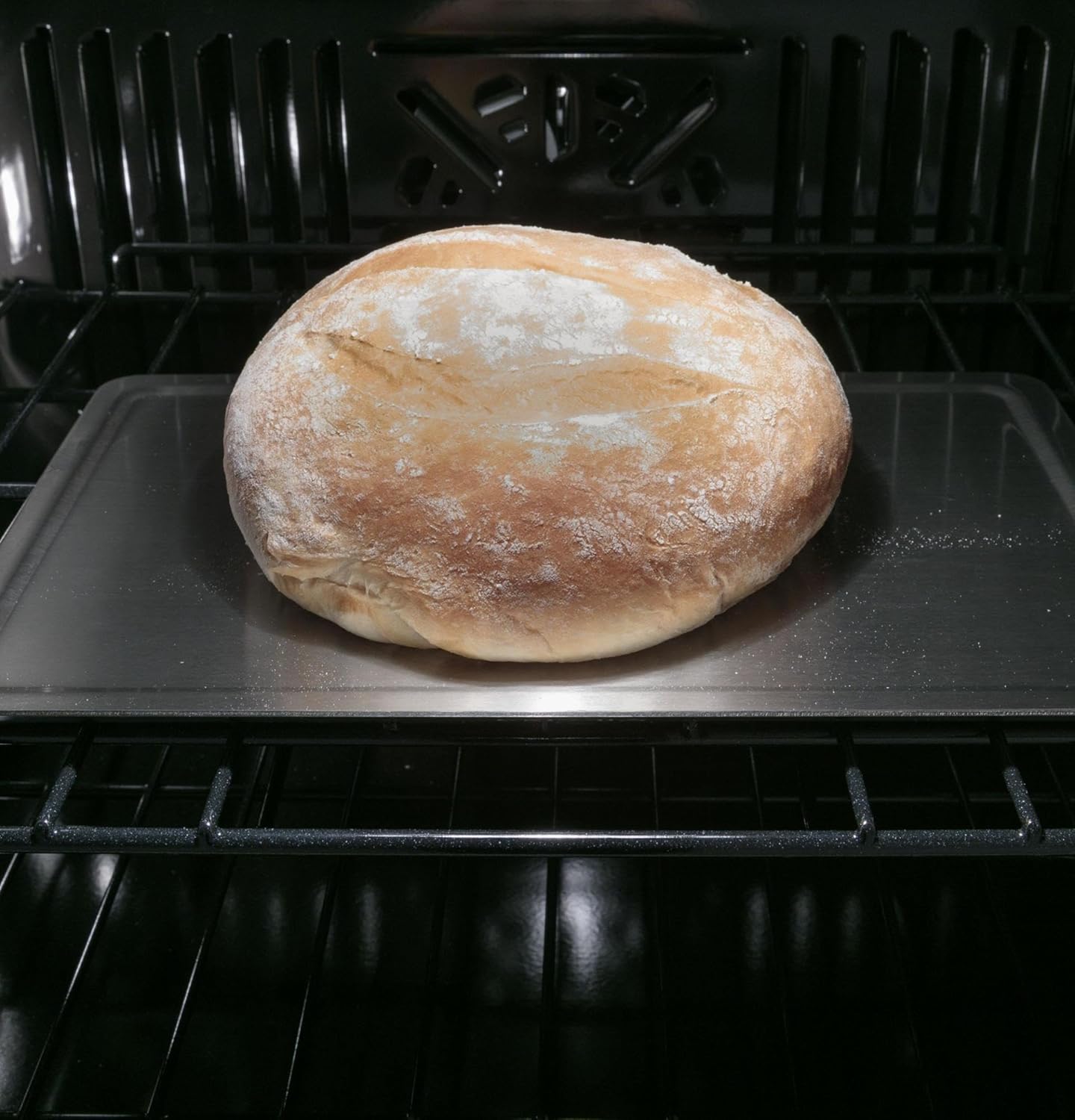
Obrázek: Interiér view of the oven showing a loaf of bread baking on an adjustable rack, demonstrating the oven's capacity.
Údržba
1. Self-Clean Feature
The oven is equipped with a self-clean function. To activate, ensure the oven is empty and the door is securely latched. Select the "Self-Clean" option from the touch screen and follow the prompts to choose the cleaning cycle duration. The oven will reach high temperatures to incinerate food residues, which can then be wiped away as ash once the oven has cooled.
2. Generální úklid
For light cleaning, wipe the interior and exterior surfaces with a soft cloth and mild detergent. Avoid abrasive cleaners or scouring pads that could damage the finish. Clean the oven door glass with a non-abrasive glass cleaner.
Odstraňování problémů
If your oven is not operating correctly, review the following common issues before contacting service.
- Trouba se nehřeje: Check if the oven is properly plugged in and the circuit breaker has not tripped. Ensure a cooking mode and temperature have been selected.
- Nerovnoměrné vaření: Verify that racks are positioned correctly and food is placed centrally. Avoid overcrowding the oven.
- Problémy s připojením Wi-Fi: Ensure your home Wi-Fi network is active and the oven is within range. Restart your router and the oven if necessary.
- Chybové kódy: If an error code appears on the display, consult the full troubleshooting section in the comprehensive user manual or contact customer support with the specific code.
Specifikace
| Funkce | Detail |
|---|---|
| Celková kapacita | 5.0 cu. ft. |
| Prvek grilování | Ano |
| Proudění | Ano |
| Režim sabatu | Ano |
| Sebečištění | Ano |
| Hloubka | 23-3/4 palce |
| Výška | 28-5/8 palce |
| Šířka | 29-3/4 palce |
| Hloubka výřezu | 23-1/2 palce |
| Výška výřezu | 27-5/16 palce |
| Šířka výřezu | 28-5/8 palce |
| Zobrazit | 7-inch Full Color Touch LCD Screen |
| Dodržování | Vyhovuje ADA |
Záruka a podpora
1. Záruka výrobce
This Cafe oven is covered under a 1-year manufacturer's parts and labor warranty. Please retain your proof of purchase for warranty claims. For full terms and conditions, refer to the warranty documentation included with your appliance.
2. Zákaznická podpora
For technical assistance, service scheduling, or to order replacement parts, please contact Cafe customer support. Contact information can be found on the manufacturer's webna webu nebo v dokumentaci k vašemu spotřebiči.