
1. Konec produktuview
The BoomPods BOOMBUDS XR are wireless in-ear earphones designed for active lifestyles. They feature Bluetooth 5.0 connectivity for stable audio transmission and an IPX7 waterproof rating, making them suitable for various environments including workouts and outdoor activities. The earbuds are engineered for a secure and comfortable fit, and offer customizable sound profiles.

Obrázek 1.1: BoomPods BOOMBUDS XR Earbuds and Charging Case. The image displays the black earbuds and their compact charging case, highlighting their sleek design.
2. Co je v krabici
Upon unboxing your BoomPods BOOMBUDS XR, verify that all the following components are included:
- BoomPods BOOMBUDS XR in-ear earphones (Left and Right)
- Nabíjecí pouzdro
- Micro USB nabíjecí kabel
- Spare ear cups (multiple sizes for optimal fit)
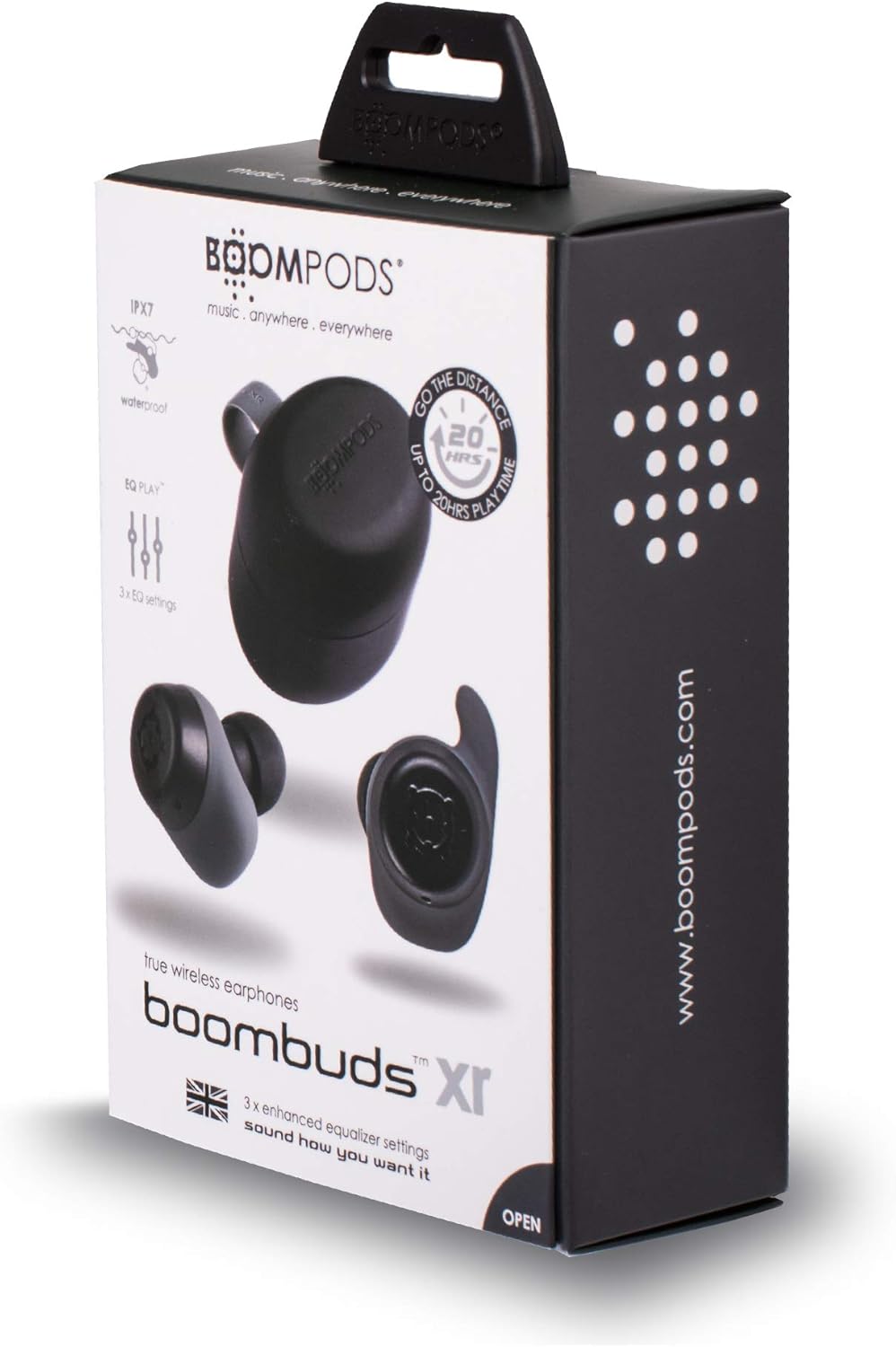
Obrázek 2.1: BoomPods BOOMBUDS XR Retail Packaging. The image shows the product box, indicating the contents and key features like IPX7 waterproof rating and EQ settings.
3. Průvodce nastavením
3.1. Nabíjení sluchátek a pouzdra
Before first use, fully charge the earbuds and the charging case. The charging case provides approximately 20 hours of additional playback time, while the earbuds offer up to 4.5 hours on a single charge. A full charge takes approximately 1.5 hours.
- Place the earbuds into their respective slots in the charging case. Ensure they are seated correctly for the charging contacts to align.
- Connect the Micro USB charging cable to the charging port on the case and plug the other end into a USB power source (e.g., wall adapter, computer USB port).
- Indicator lights on the case will show the charging status. Refer to the product's specific LED indicators for detailed information (not provided in source).
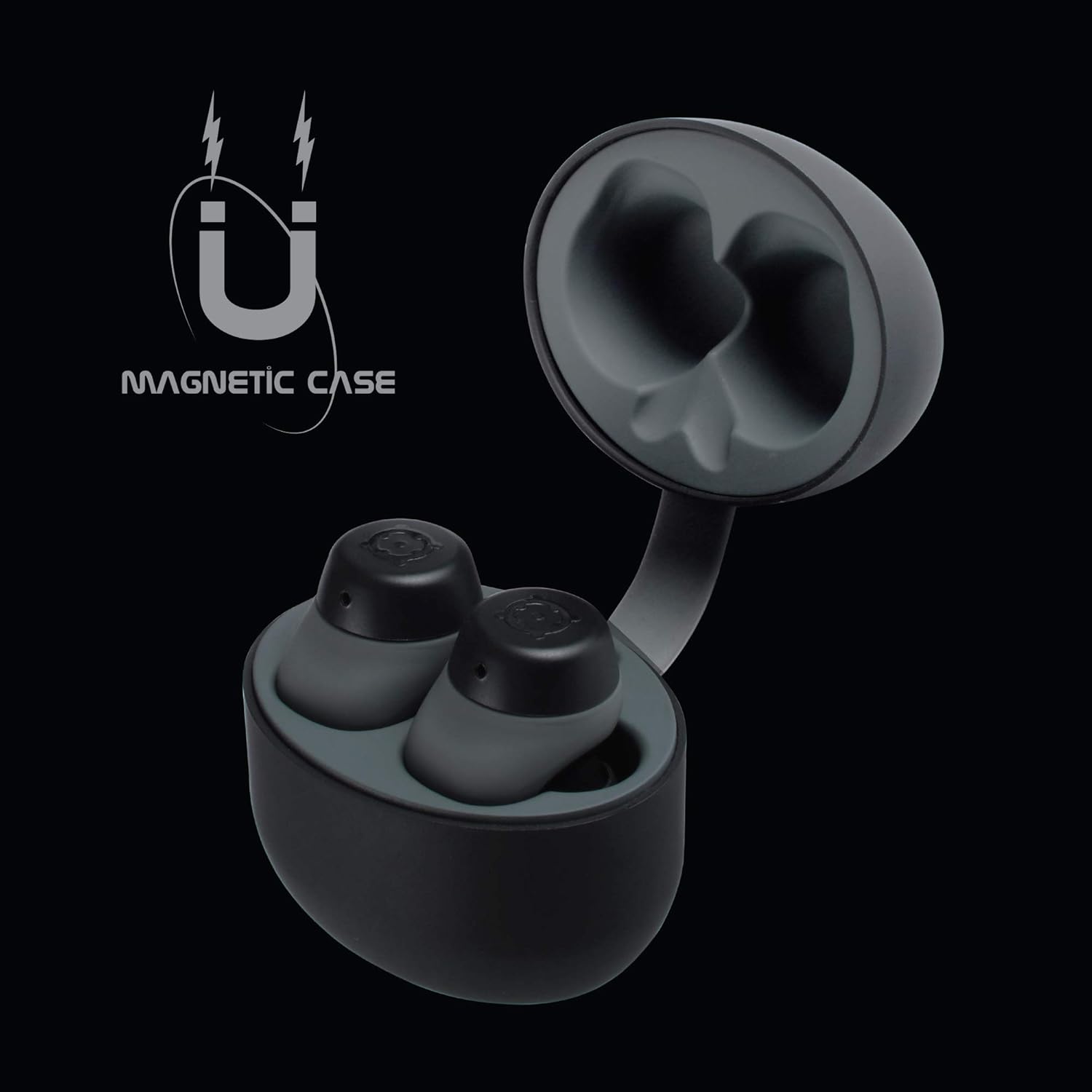
Obrázek 3.1: Charging Case with Earbuds. The image shows the open charging case with the earbuds placed inside, ready for charging.

Obrázek 3.2: Magnetic Case. This graphic illustrates the magnetic feature of the charging case, ensuring earbuds are securely held in place during charging and transport.
3.2. Spárování se zařízením
The BOOMBUDS XR utilize Bluetooth 5.0 for a quick and stable connection.
- Ujistěte se, že jsou sluchátka nabitá a vyjmutá z nabíjecího pouzdra. Měla by se automaticky přepnout do režimu párování.
- Na smartphonu nebo zařízení s podporou Bluetooth přejděte do nastavení Bluetooth.
- Hledat available devices and select "BOOMBUDS XR" from the list.
- Once connected, the earbuds will indicate successful pairing (e.g., an audio prompt or LED change).

Obrázek 3.3: Bluetooth 5.0 Connectivity. This graphic highlights the instant and secure connection provided by Bluetooth 5.0 technology.
3.3. Dosažení perfektního padnutí
A proper fit is crucial for both comfort and optimal sound quality, especially for bass response and noise isolation. The BOOMBUDS XR come with multiple sizes of ear cups to ensure a secure fit for various ear shapes.
- Experiment with the different sizes of ear cups provided.
- Gently insert the earbud into your ear canal and twist slightly to secure it. The ergonomic design (Ergofit) helps keep them in place during activity.
- Test the fit by moving your head and performing light activities. If the earbuds feel loose or the sound quality is poor, try a different size ear cup.
Obrázek 3.4: Ergofit Design. This graphic illustrates the ergonomic design of the earbuds, engineered for a secure and comfortable fit within the ear.
4. Návod k obsluze
4.1. Music and Call Controls
The BOOMBUDS XR feature integrated controls on the earbuds for managing audio playback and calls. These controls include volume adjustment, play/pause, and track skipping.
| Akce | Řízení |
|---|---|
| Přehrát/Pozastavit | Double-click the earbud button. |
| Další stopa | (Specific control not detailed in source, typically triple-click or long press) |
| Předchozí stopa | (Specific control not detailed in source) |
| Zvýšení hlasitosti | (Specific control not detailed in source, but volume control is present) |
| Snížit hlasitost | (Specific control not detailed in source, but volume control is present) |
| Přijmout/ukončit hovor | (Specific control not detailed in source) |
| Aktivace hlasového asistenta (Siri/Google Assistant) | (Specific control not detailed in source) |
| Vypnout | Hold button for five seconds. |
Note: For detailed control gestures, refer to the full user manual provided with your product.
4.2. EQ Play Settings
The BOOMBUDS XR allow you to customize your listening experience with three distinct equalizer (EQ) settings:
- Zesílení basů: Zvýrazní nízkofrekvenční zvuky pro silnější basy.
- Posílení hlasu: Optimizes mid-range frequencies to make vocals clearer and more prominent.
- BoomPods Studio: Poskytuje vyvážený zvuk profile, designed for general listening.
To switch between EQ settings, use the designated control on the earbuds (specific control not detailed in source).

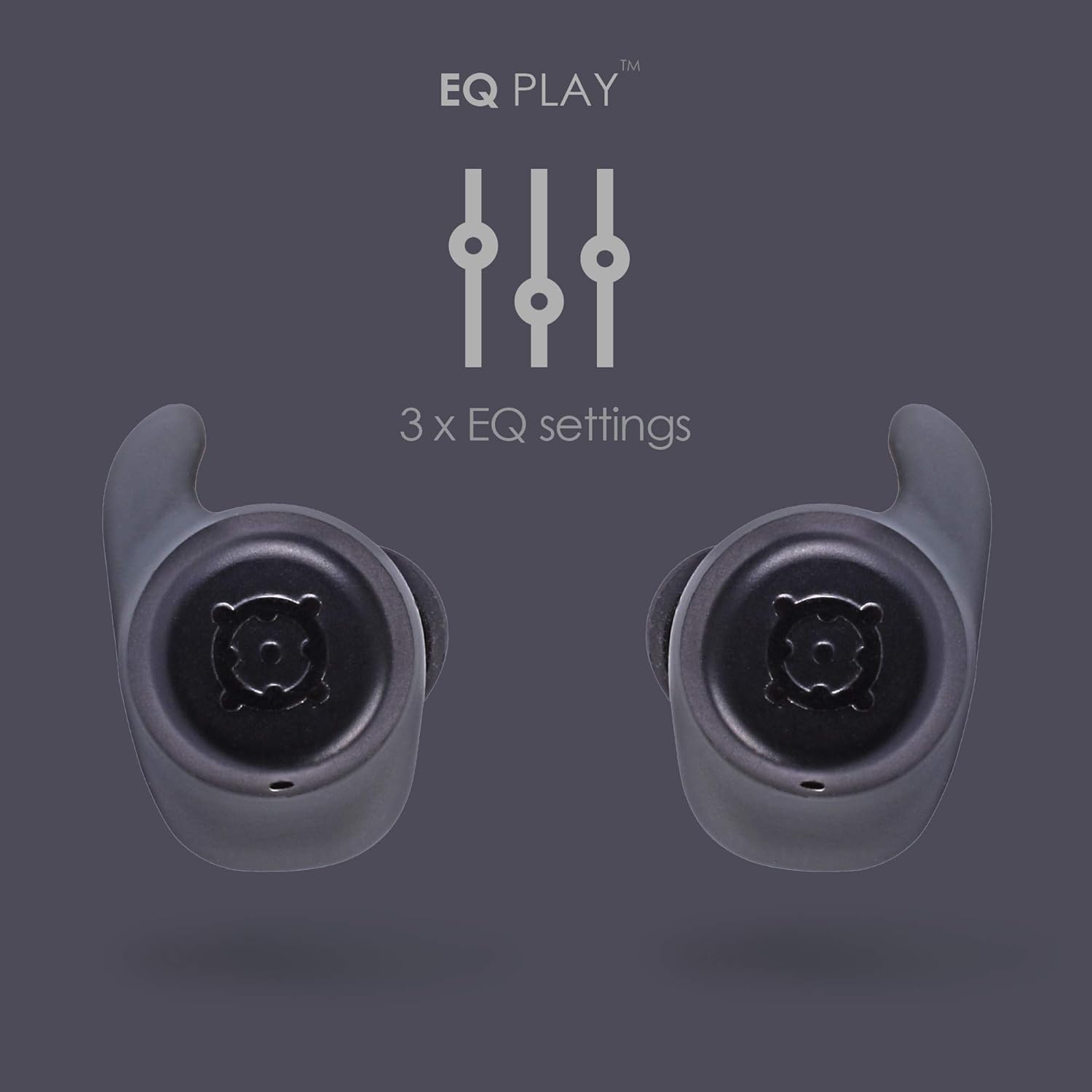
Obrázek 4.1: EQ Play Settings. This graphic illustrates the three available equalizer settings for customized audio output.
5. Péče a údržba
5.1. Waterproofing (IPX7 Rating)
The BOOMBUDS XR are rated IPX7 waterproof, meaning they can withstand immersion in water up to 1 meter for 30 minutes. This makes them resistant to sweat, rain, and splashes, and suitable for use in showers or by the pool.
Důležitá poznámka: While the earbuds are waterproof, Bluetooth technology has limitations when transmitting through water. Therefore, continuous audio streaming underwater is not recommended as the connection may be interrupted.

Obrázek 5.1: IPX7 Waterproofing in Use. The image shows a person showering while wearing the earbuds, demonstrating their water-resistant capabilities.
5.2. Čištění a skladování
- Pravidelně čistěte sluchátka a nabíjecí pouzdro měkkým, suchým hadříkem, který nepouští vlákna.
- Remove the ear cups and clean them separately with mild soap and water if necessary. Ensure they are completely dry before reattaching.
- Nepoužívejte abrazivní čisticí prostředky, rozpouštědla nebo aerosolové spreje.
- Když sluchátka nepoužíváte, uložte je do jejich nabíjecího pouzdra, abyste je ochránili a udrželi nabitá.
- Keep the charging contacts on both the earbuds and the case clean and free of debris to ensure proper charging.
6. Řešení problémů
If you encounter issues with your BoomPods BOOMBUDS XR, refer to the following common troubleshooting steps:
| Problém | Možná příčina / řešení |
|---|---|
| Sluchátka se nenabíjejí |
|
| Earbuds not pairing / connecting |
|
| Špatná kvalita zvuku / Nízká hlasitost |
|
| Microphone issues / Call quality poor |
|
| Vypadávání sluchátek |
|
7. Technické specifikace
| Funkce | Detail |
|---|---|
| Název modelu | BXRBLK |
| Technologie připojení | Bezdrátové připojení Bluetooth 5 |
| Technologie bezdrátové komunikace | Bluetooth |
| Materiál | Silikon |
| Specifické použití pro produkt | Sports and Exercise, Studio |
| Doba nabíjení | 1.5 hodiny |
| Kompatibilní zařízení | chytré telefony |
| Typ ovládání | Volume Control, Remote with Mic |
| Hmotnost položky | 48 gramů (1.69 unce) |
| Úroveň odolnosti proti vodě | IPX7 (voděodolný) |
| Frekvenční rozsah | 50Hz-15kHz |
| Výdrž baterie (sluchátka) | 4.5 hodiny |
| Výdrž baterie (s nabíjecím pouzdrem) | Up to 20 Hours additional playback |
| Verze Bluetooth | 5.0 |
| Speciální funkce | Microphone Included, Sweatproof, USB connectivity, Volume Control, Ergonomic Design, EQ Play (3 settings) |
| Rozměry produktu | 0.2 x 3.11 x 1.34 palce |
| Výrobce | Boompody |
| Barva | Černý |
| Umístění uší | V uchu |
| Form Factor | V uchu |
8. Záruka a podpora
8.1. Omezená záruka
The BoomPods BOOMBUDS XR are covered by a 2letá omezená záruka od data nákupu. Tato záruka se vztahuje na výrobní vady a vady zpracování při běžném používání. Nevztahuje se na škody způsobené nesprávným použitím, nehodami, neoprávněnými úpravami nebo běžným opotřebením.
For specific terms and conditions of the warranty, please refer to the warranty card included with your product or visit the official BoomPods webmísto.
8.2. Zákaznická podpora
For further assistance, technical support, or warranty claims, please contact BoomPods customer service through their official channels. You can typically find contact information on the product packaging, the official BoomPods website, or the brand store on Amazon.
Navštivte úředníka BoomPods Store on Amazon pro více informací o produktu a zdroje podpory.