
Zavedení
The Homcloud Mini 8S Wi-Fi Camera is designed to enhance your home security with smart, intuitive features. This camera allows you to monitor, program, and automate your home devices directly from your smartphone, providing control from anywhere. It integrates seamlessly into your smart home ecosystem, offering convenience and peace of mind.
Mezi klíčové vlastnosti patří:
- Full HD 1080p Video Recording
- Night Vision up to 10 meters
- Motion Detection with Live Notifications
- Two-Way Audio and Noise Reduction
- Možnosti SD karty a cloudového úložiště
- Wi-Fi připojení
- Compatibility with Homcloud App, Amazon Alexa, and Google Home

Image: The Homcloud Mini 8S Wi-Fi Camera on a desk, highlighting its key features such as HD Video, Night Vision, SD Card & Cloud storage, Motion Detection, and Live Notifications.
Komponenty produktu
The Homcloud Mini 8S Wi-Fi Camera package typically includes the following items:
- Homcloud Mini 8S Wi-Fi Camera
- Napájecí kabel USB
- Napájecí adaptér (může se lišit v závislosti na regionu)
- Montážní příslušenství (pro montáž na zeď)
- Uživatelská příručka (tento dokument)

Image: The Homcloud Mini 8S Wi-Fi Camera positioned on a desk, demonstrating its compact design and typical indoor placement.
Průvodce nastavením
Follow these steps to set up your Homcloud Mini 8S Wi-Fi Camera:
- Download the Homcloud App: Hledat "Homcloud" in the Apple App Store or Google Play Store, or scan the QR code below to download the official application.
- Vytvořit účet: Open the Homcloud app and register for a new account or log in if you already have one.
- Zapnutí fotoaparátu: Connect the camera to a power source using the provided USB cable and power adapter. Wait for the indicator light to flash, indicating it's ready for pairing.
- Přidat zařízení: In the Homcloud app, tap the "+" icon (usually in the top right corner) to add a new device. Select "Security Camera" or "Smart Camera" from the device list.
- Připojení k Wi-Fi: Follow the in-app instructions to connect the camera to your 2.4GHz Wi-Fi network. You may need to scan a QR code displayed on your phone screen with the camera lens.
- Umístění: Position the camera in your desired location. It supports standalone placement or wall mounting. Ensure it has a clear view oblasti, kterou chcete monitorovat.

Image: Multiple smartphones displaying the Homcloud application interface, along with the Homcloud logo and a QR code for easy app download. The QR code links to https://smartapp.tuya.com/homcloudsmart.
Návod k obsluze
Once your Homcloud Mini 8S Wi-Fi Camera is set up, you can control and monitor it using the Homcloud app:
- Žít View: Otevřete aplikaci a vyberte fotoaparát view live video feed in Full HD 1080p resolution.
- Obousměrný zvuk: Use the microphone and speaker icons in the app to communicate with people near the camera.
- Noční vidění: The camera automatically switches to night vision mode in low-light conditions, providing clear black and white video up to 10 meters.
- Detekce pohybu: Enable motion detection in the app settings to receive instant notifications on your smartphone when movement is detected. You can adjust sensitivity levels.
- Nahrávání a ukládání:
- SD karta: Insert a microSD card (not included) into the camera's slot for local video storage. The camera supports continuous recording or event-triggered recording.
- Cloudové úložiště: Subscribe to Homcloud's cloud storage service (if available) for secure off-site video backup.
- Integrace chytré domácnosti: Connect your Homcloud account with Amazon Alexa or Google Home to control the camera using voice commands (e.g., "Alexa, show me the living room camera").
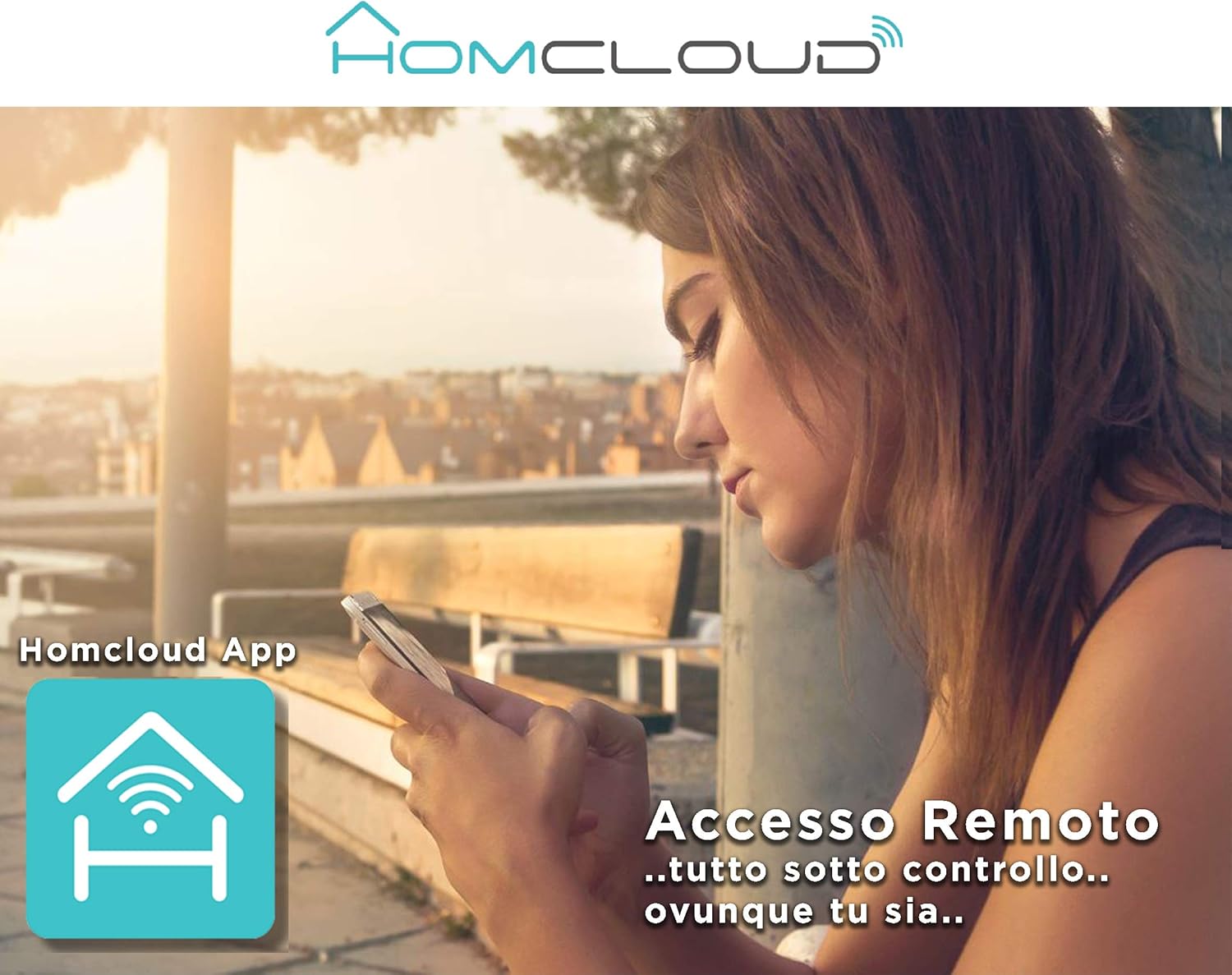
Image: A woman using her smartphone, illustrating the remote access capabilities of the Homcloud App to control and monitor the camera from any location.

Image: A family enjoying their smart home, demonstrating the integration of Homcloud solutions with Amazon Alexa and Google Assistant for convenient control.
Údržba
Správná údržba zajišťuje dlouhou životnost a optimální výkon vašeho fotoaparátu:
- Čištění: Jemně otřete objektiv a tělo fotoaparátu měkkým, suchým hadříkem. Nepoužívejte agresivní chemikálie ani abrazivní materiály, které by mohly poškrábat objektiv nebo poškodit fotoaparát.asing.
- Aktualizace firmwaru: Regularly check the Homcloud app for available firmware updates. Keeping your camera's firmware up-to-date ensures you have the latest features, security patches, and performance improvements.
- Napájení: Use only the original power adapter and cable provided with the camera. Ensure the power connection is secure and free from damage.
- Prostředí: The camera is designed for indoor use. Avoid exposing it to extreme temperatures, direct sunlight, high humidity, or water. While it is listed as "waterproof" in some specifications, this typically refers to splash resistance and not full submersion or outdoor exposure.
Odstraňování problémů
If you encounter issues with your Homcloud Mini 8S Wi-Fi Camera, refer to the following common solutions:
- Fotoaparát offline:
- Check if the camera is powered on and the power cable is securely connected.
- Ensure your Wi-Fi router is working and the internet connection is stable.
- Restartujte kameru odpojením a opětovným zapojením.
- Verify that the camera is within range of your Wi-Fi router.
- If the issue persists, try re-pairing the camera with the Homcloud app.
- Špatná kvalita videa:
- Očistěte čočku fotoaparátu měkkým hadříkem.
- Ensure adequate lighting in the monitored area, especially for color video.
- Zkontrolujte sílu signálu Wi-Fi; slabý signál může ovlivnit kvalitu streamování.
- Detekce pohybu nefunguje:
- Verify that motion detection is enabled in the Homcloud app settings for your camera.
- Upravte citlivost detekce pohybu.
- Ujistěte se, že v záběru kamery nejsou žádné překážky. view.
- Nelze se připojit k aplikaci:
- Make sure your smartphone is connected to a 2.4GHz Wi-Fi network during the pairing process.
- Confirm that you are entering the correct Wi-Fi password.
- Reset the camera (refer to the app or product for specific reset instructions, usually a small button) and try the pairing process again.
Specifikace
| Funkce | Detail |
|---|---|
| Značka | Homcloud |
| Číslo modelu | TY-WCM8S |
| Rozlišení záznamu videa | 1080p Full HD |
| Efektivní rozlišení videa | 1080 |
| Snímková frekvence | 25 snímků za sekundu |
| Technologie bezdrátové komunikace | Wi-Fi |
| Protokol připojení | Wi-Fi |
| Viewúhel | 100 stupňů |
| Rozsah nočního vidění | 10 metrů |
| Speciální funkce | Two-Way Audio, Noise Reduction, HD Resolution, Night Vision |
| Doporučené použití | Vnitřní bezpečnost |
| Vnitřní/venkovní použití | Krytý |
| Kompatibilní zařízení | Homcloud App, Amazon Alexa, Android, Google Home, Smart Life, iOS |
| Zdroj napájení | Elektrický kabel |
| svtage | 5 voltů |
| Spotřeba energie | 2.5 wattů |
| Materiál | Plast |
| Rozměry (D x Š x V) | 8 x 5 x 9 cm |
| Hmotnost | 350 gramů |
| Typ montáže | Držák na zeď |
| Úroveň odolnosti proti vodě | Waterproof (Note: Typically splash resistant for indoor use) |
Záruka a podpora
For warranty information, please refer to the documentation provided at the time of purchase or visit the official Homcloud website. If you require technical assistance or have questions not covered in this manual, please contact Homcloud customer support through their official channels.
You can find more information and support resources on the Homcloud website or through the Homcloud application.