
1. Úvod
This manual provides instructions for the setup, operation, and basic maintenance of your Easytry123 replacement remote control. This remote is designed to be compatible with specific Mitsubishi air conditioner models, including MSH-07RV, MSH-09RV, MS-09TW, MS-12TN, MS-15TN, MSY-GC71VA, MSY-GC25VA, MSY-GC35VA, and MSZ-GC71VA.
Please note that while this remote is a functional replacement, some advanced or specific functions of your original air conditioner remote may not be supported. Refer to your air conditioner's original manual for detailed information on its specific features.
2. Nastavení
2.1 Instalace baterie
Dálkový ovladač vyžaduje k provozu dvě (2) baterie typu AAA. Baterie nejsou součástí dálkového ovladače.
- Najděte kryt prostoru pro baterie na zadní straně dálkového ovladače.
- Posuňte kryt dolů nebo stiskněte západku (pokud je k dispozici) a otevřete přihrádku.
- Vložte dvě baterie typu AAA a ujistěte se, že kladný (+) a záporný (-) pól správně shodují s označením uvnitř přihrádky.
- Zasuňte kryt přihrádky na baterie zpět na místo, dokud bezpečně nezacvakne.
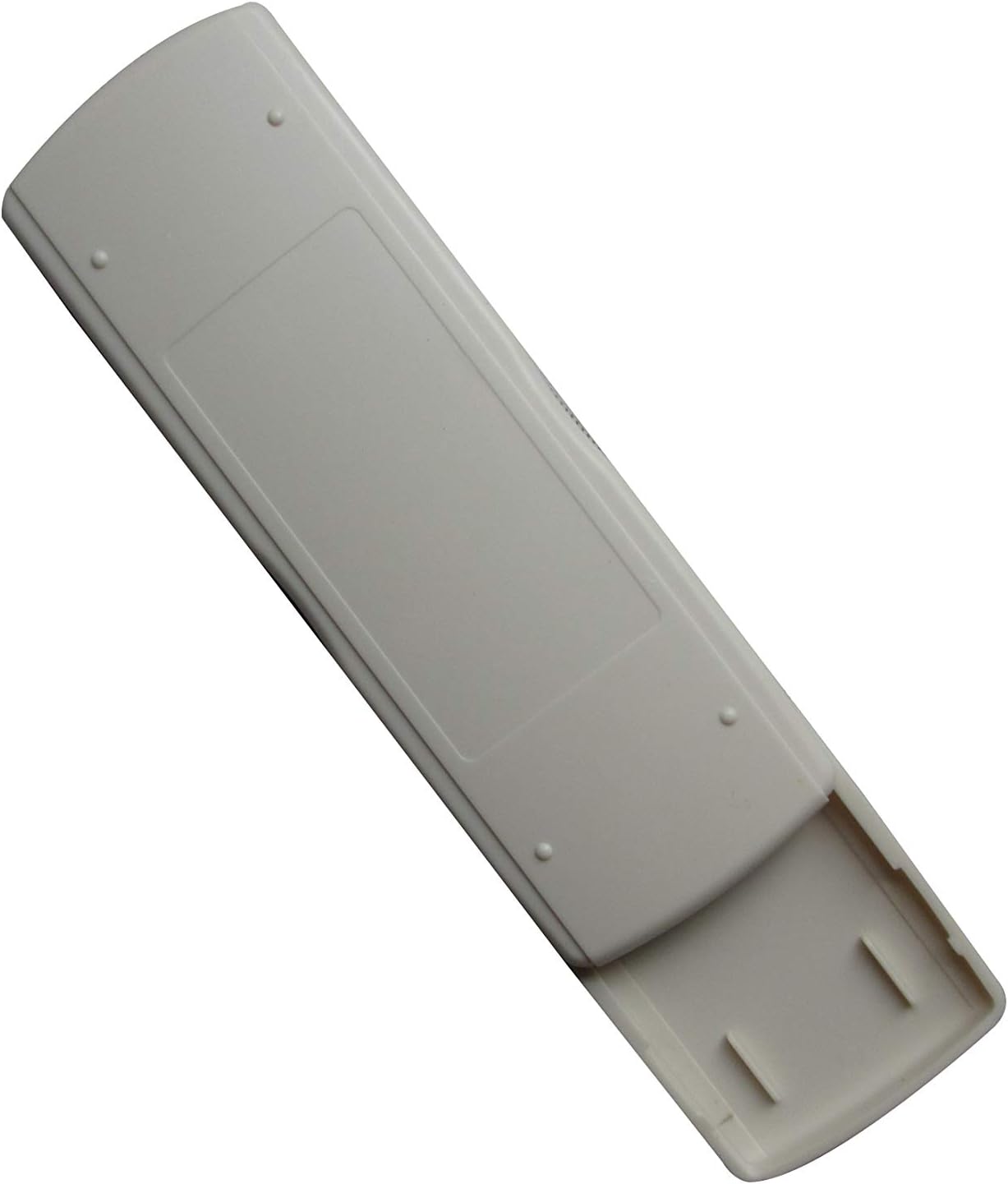
Image: Back of the remote control with the battery compartment. This view illustrates where to insert the AAA batteries.
2.2 První použití
After installing the batteries, the remote control is generally ready for immediate use. No complex pairing or programming is typically required. Point the remote control towards your Mitsubishi air conditioner unit and press the ON/OFF button to test functionality.
3. Návod k obsluze
This section describes the primary functions of the remote control buttons.

Obrázek: Přední strana view of the remote control. This image displays the layout of the buttons and the LCD screen.
- Tlačítko ON/OFF (): Press this button to turn the air conditioner unit ON or OFF.
- TEMP Buttons (▲ / ▼): Use these buttons to increase or decrease the desired temperature setting.
- Tlačítko MODE (MODE): Press this button to cycle through the available operating modes of your air conditioner (e.g., Cool, Heat, Fan, Dry, Auto). The active mode will typically be displayed on the remote's LCD screen.
- Další tlačítka: Depending on the specific model of the remote, there may be additional buttons for fan speed, swing, timer, etc. Refer to the remote's display and your air conditioner's manual for their specific functions.
4. Údržba
4.1 Výměna baterie
Replace batteries when the remote control's range decreases, or if the display becomes dim or unresponsive. Always replace both AAA batteries at the same time with new ones. Do not mix old and new batteries, or different types of batteries.
4.2 Čištění
To clean the remote control, wipe it gently with a soft, dry cloth. Do not use liquid cleaners, abrasive pads, or chemical solvents, as these can damage the remote's surface or internal components.
4.3 Skladování
Pokud dálkový ovladač nebudete delší dobu používat, vyjměte baterie, abyste zabránili jejich vytečení a možnému poškození zařízení.
5. Řešení problémů
Pokud máte problémy s dálkovým ovladačem, podívejte se na následující běžné problémy a jejich řešení:
- Remote is unresponsive or has limited range:
- Zkontrolujte, zda jsou baterie vloženy správně se správnou polaritou.
- Vyměňte baterie za nové baterie typu AAA.
- Ensure there are no obstructions between the remote control and the air conditioner unit's infrared receiver.
- Confirm you are within the effective operating range of the air conditioner's receiver.
- Některé funkce nefungují:
- As a replacement remote, some advanced or specific functions present on your original air conditioner remote may not be fully supported. This is a common characteristic of universal or replacement remotes.
- Verify that the function you are trying to use is available on your specific air conditioner model.
- Air conditioner does not respond to any commands:
- Ensure the air conditioner unit is powered on and receiving electricity.
- Try manually operating the air conditioner from its control panel to confirm it is functioning.
6. Specifikace
| Značka | Easytry123 |
| Kompatibilní zařízení | Mitsubishi Air Conditioners (MSH-07RV, MSH-09RV, MS-09TW, MS-12TN, MS-15TN, MSY-GC71VA, MSY-GC25VA, MSY-GC35VA, MSZ-GC71VA) |
| Technologie připojení | Infračervený |
| Typ ovladače | Ovládání tlačítkem |
| Zdroj napájení | 2 x AAA baterie (nejsou součástí balení) |
| Speciální funkce | Ergonomický design |
7. Záruka a podpora
Information regarding product warranty is not provided in this manual. For warranty details, technical support, or further assistance, please contact the seller or manufacturer directly through your purchase platform.