
CHACON 54672
CHACON Set of 3 Mini Waterproof Remote Control Sockets - Model 54672 User Manual
Komplexní pokyny pro nastavení, provoz a údržbu.
1. Úvod
This manual provides detailed instructions for the CHACON Set of 3 Mini Waterproof Remote Control Sockets, Model 54672. This product allows you to remotely control your outdoor electrical devices, such as lighting or garden equipment, with ease and convenience. Please read this manual thoroughly before installation and use to ensure safe and optimal performance.

Image 1.1: The CHACON Set of 3 Mini Waterproof Remote Control Sockets with its accompanying remote control.
2. Vlastnosti produktu
The CHACON Mini Waterproof Remote Control Sockets offer a range of features designed for outdoor convenience and reliability:
- Obsluha dálkového ovládání: Effortlessly manage your outdoor lighting or other electrical appliances from a distance.
- Radio Frequency (RF) Technology: Operates on a 433.92 MHz frequency for reliable wireless communication.
- Prodloužená přenosová vzdálenost: Enjoy a transmission range of up to 30 meters in open areas.
- Odolnost proti povětrnostním vlivům IP44: Designed to withstand outdoor conditions, protected against solid objects larger than 1mm and splashing water from any direction.
- Simple On/Off Functionality: Provides straightforward control for connected devices.
- Vysoký výkon: Each socket supports devices up to 3000 Watts.
3. Obsah balení
Prosím, ověřte, zda jsou v balení přítomny všechny položky:
- 3 x CHACON Mini Waterproof Remote Control Sockets
- 1 x dálkové ovládání (s 1 lithium-iontovou baterií součástí balení)
- 1 x Uživatelská příručka (tento dokument)
4. Bezpečnostní informace
WARNING: Risk of electric shock. Read all safety warnings and instructions.
- Ensure the product is installed and used in accordance with local electrical codes and regulations.
- Do not immerse the sockets or remote control in water. The IP44 rating protects against splashing water, not submersion.
- Do not open or attempt to repair the devices. Refer all servicing to qualified personnel.
- Keep children away from electrical outlets and remote controls.
- Do not overload the sockets. The maximum power capacity is 3000 Watts.
- Ensure the plug of the connected appliance is fully inserted into the socket.
- Před čištěním nebo prováděním jakékoli údržby odpojte napájení.
5. Nastavení
5.1. Instalace baterie dálkového ovládání
The remote control comes with a pre-installed Lithium-ion battery. If replacement is needed:
- Najděte přihrádku na baterie na zadní straně dálkového ovladače.
- Otevřete kryt přihrádky.
- Insert a new Lithium-ion battery, ensuring correct polarity (+/-).
- Bezpečně zavřete kryt bateriového prostoru.
5.2. Socket Placement
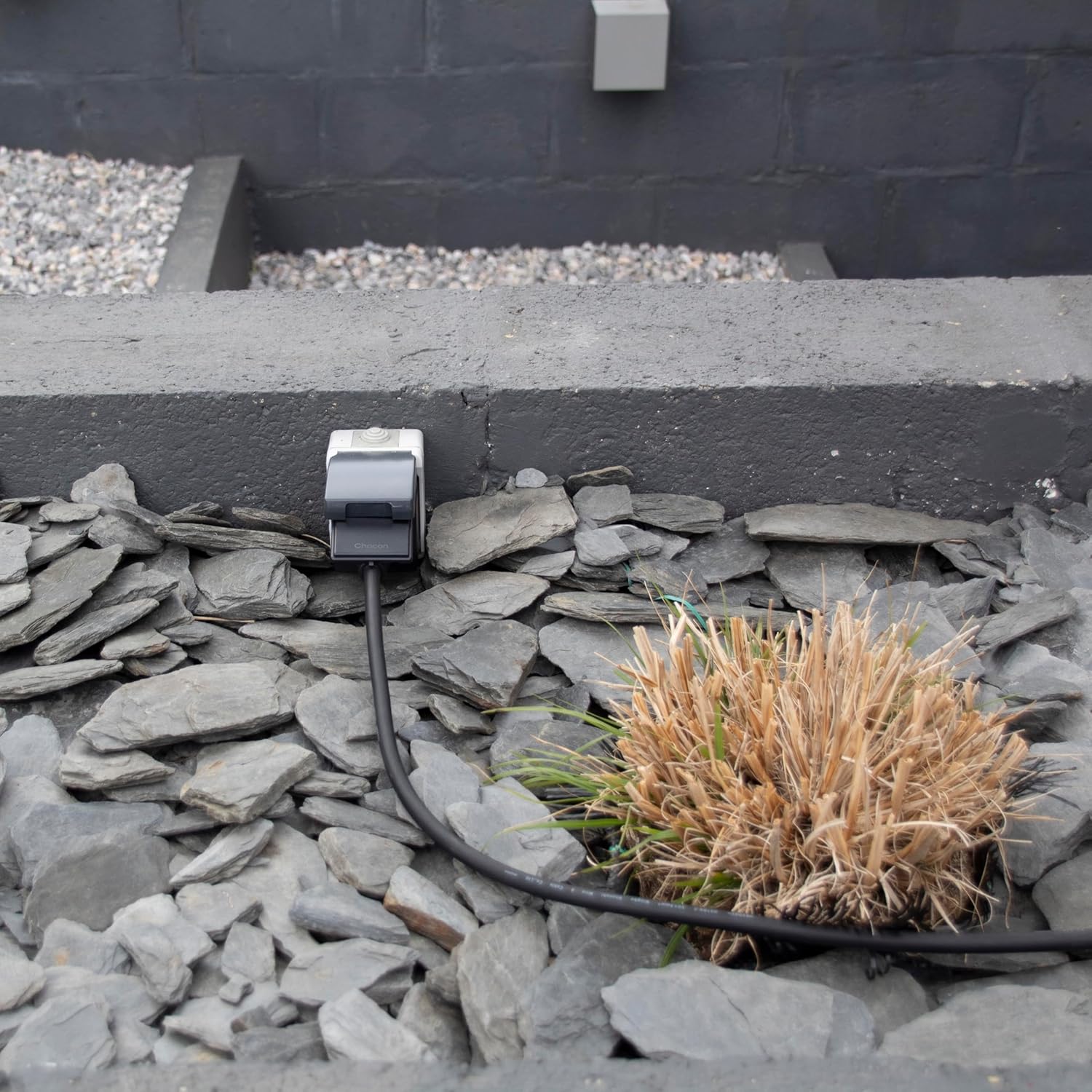
Place the waterproof sockets in desired outdoor locations, ensuring they are protected from direct heavy rain or submersion. The IP44 rating makes them suitable for general outdoor use where splashing water may occur. Ensure the sockets are within the 30-meter range of the remote control for optimal performance.

Obrázek 5.2.1: Bývalýample of a CHACON waterproof socket installed in an outdoor environment, blending with landscaping.
5.3. Pairing Sockets with Remote Control
The sockets are typically pre-paired with the remote control. If re-pairing is necessary or if you wish to change the assigned channels:
- Plug the socket into a wall outlet. The indicator light on the socket may flash.
- Within 5 seconds of plugging in, press and hold the desired "ON" button (e.g., 1 ON, 2 ON, 3 ON) on the remote control for approximately 3 seconds.
- The indicator light on the socket should stop flashing and remain solid, or click, indicating successful pairing.
- Repeat this process for each socket and desired remote channel.

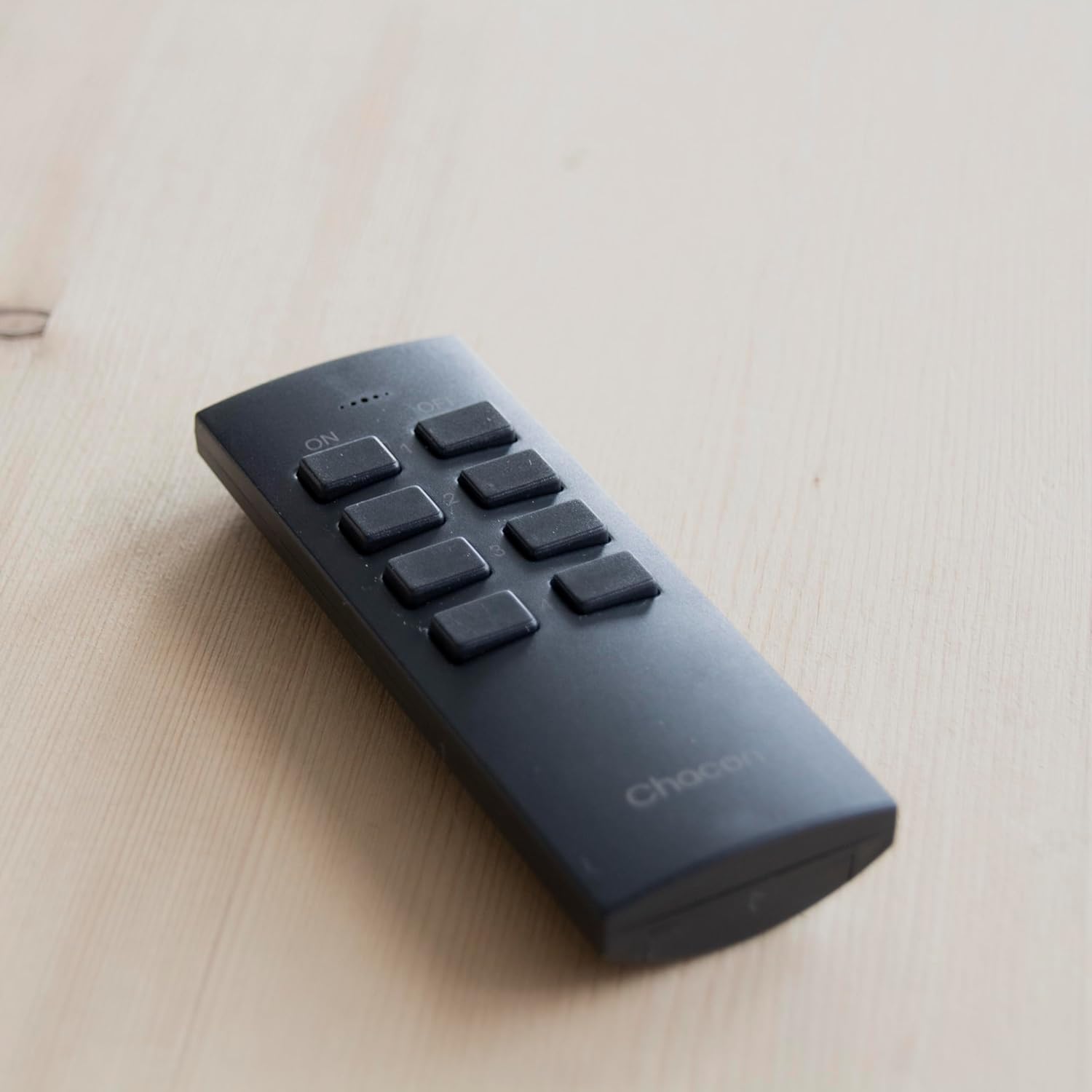
Obrázek 5.3.1: Různé views of the CHACON Mini Waterproof Remote Control Socket, showing its design and plug type.
6. Návod k obsluze
Once the sockets are paired, operating them is straightforward:
- Plug the appliance you wish to control into one of the CHACON remote control sockets.
- Ensure the appliance's own power switch is in the "ON" position.
- To turn on a specific socket, press the corresponding "ON" button (e.g., "1 ON") on the remote control.
- To turn off a specific socket, press the corresponding "OFF" button (e.g., "1 OFF") on the remote control.
- To turn all connected sockets ON, press the "ALL ON" button.
- To turn all connected sockets OFF, press the "ALL OFF" button.
The remote control allows you to manage up to three individual sockets, plus a master control for all three.
7. Údržba
- Čištění: Disconnect the sockets from power before cleaning. Use a soft, dry cloth to wipe the surfaces. Do not use abrasive cleaners or solvents.
- Výměna baterie: Replace the remote control battery when its range decreases or it stops responding. Use only the specified Lithium-ion battery type.
- Skladování: If storing the product for an extended period, remove the battery from the remote control. Store in a cool, dry place.
8. Řešení problémů
| Problém | Možná příčina | Řešení |
|---|---|---|
| Socket does not respond to remote. |
|
|
| Snížený dosah dálkového ovládání. |
|
|
| Socket not powering on. |
|
|
9. Specifikace
| Číslo modelu | 54672 |
| Značka | CHACON |
| Rozměry (D x Š x V) | 18 x 7 x 10.5 cm (approximate, for the set) |
| Hmotnost | 340 grams (approximate, for the set) |
| Materiál | Plast |
| Barva | Černý |
| svtage | 3 Volts (Remote Control), 230V AC (Sockets, typical for Type C plug) |
| Maximální zatížení | 3000 wattů |
| Rádiová frekvence | 433.92 MHz |
| Přenosová vzdálenost | Až 30 metrů (otevřené pole) |
| Hodnocení IP | IP44 (Protected against solid objects over 1mm and splashing water) |
| Typ zástrčky | Type C – 2 pins (European plug) |
| Baterie (dálkový) | 1 x lithium-iontové (součástí balení) |
| Země původu | Čína |
10. Záruka a podpora
CHACON products are designed for reliability and performance. For warranty information, technical support, or service inquiries, please refer to the contact details provided on the product packaging or visit the official CHACON webwebu. Uschovejte si účtenku jako doklad o koupi.
Ask a question about this manual
Ask about setup, troubleshooting, compatibility, parts, safety, or missing instructions. Manuals+ will review the question and use this page’s manual context to help answer it.