
Zavedení
Thank you for choosing Blukar K9203 In-Ear Headphones. This manual provides essential information for the proper setup, operation, and maintenance of your headphones. Please read it carefully before use.

Image: Diagram illustrating the internal components of the Blukar K9203 in-ear headphones, highlighting dynamic audio quality. A frequency response graph is also shown below the headphone diagram.
Nastavení
1. Výběr správných ušních nástavců
The Blukar K9203 headphones come with four sizes of soft silicone ear tips (XS, S, M, L) to ensure a comfortable and stable fit. Choosing the correct size is crucial for optimal sound quality and noise isolation.
- Test different sizes: Try each ear tip size to find the one that creates a snug seal in your ear canal without causing discomfort.
- Správné přizpůsobení: A good fit will block out external noise and enhance bass response.

Image: A visual guide showing the four different sizes of silicone ear tips (XS, S, M, L) included with the Blukar K9203 headphones. A person is shown wearing the headphones, demonstrating proper fit.
2. Připojení k vašemu zařízení
The Blukar K9203 headphones feature a standard 3.5mm audio jack for wide compatibility.
- Locate the audio port: Identify the 3.5mm headphone jack on your smartphone, tablet, laptop, or other audio device.
- Insert the jack: Firmly insert the 3.5mm audio jack of the headphones into your device's audio port until it clicks into place.
- Kompatibilita: These headphones are compatible with most devices equipped with a 3.5mm headphone jack.
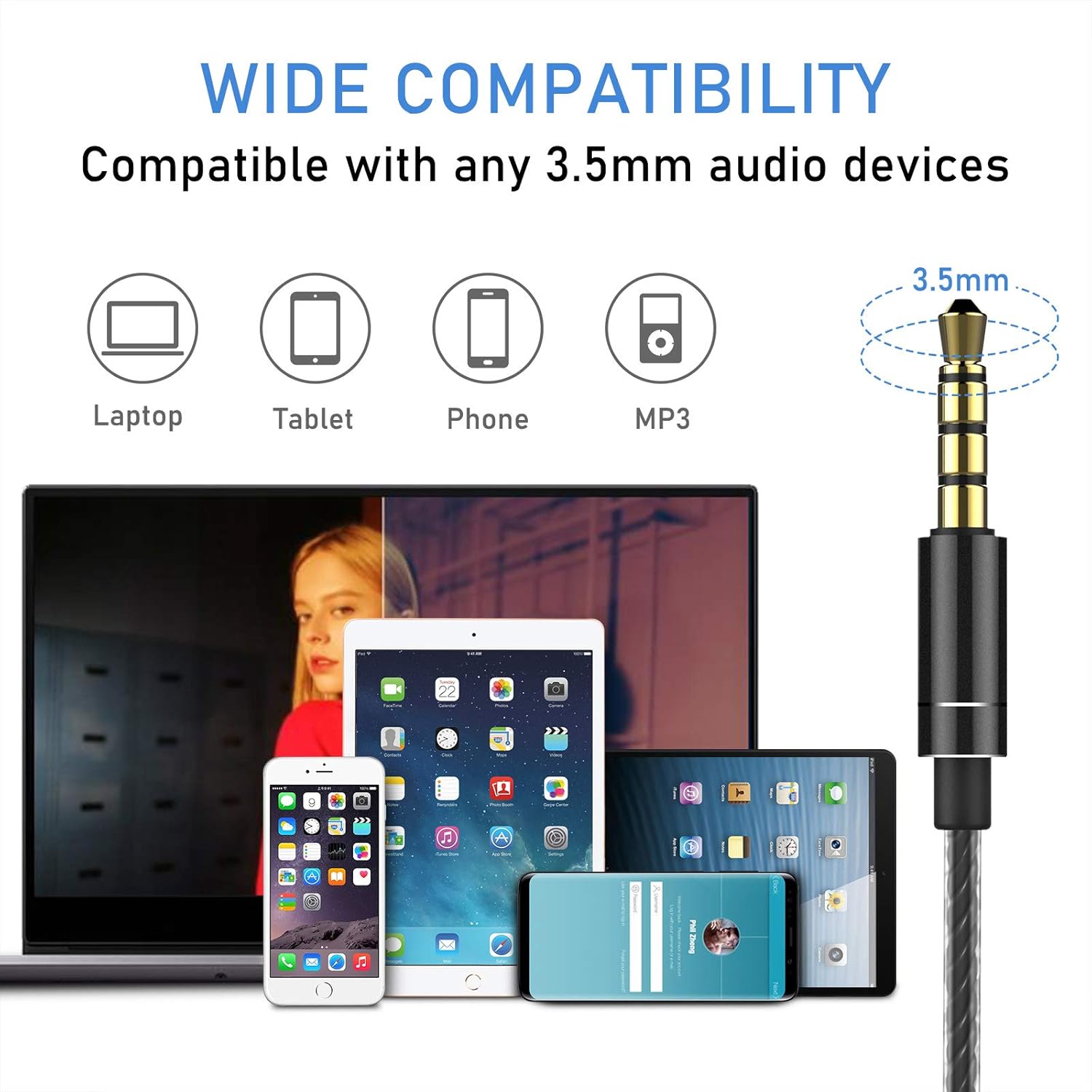
Image: An illustration demonstrating the wide compatibility of the Blukar K9203 headphones' 3.5mm jack with various devices, including laptops, tablets, smartphones, and MP3 players.
Návod k obsluze
The Blukar K9203 headphones feature an in-line remote control with a built-in microphone for convenient audio and call management.
Funkce dálkového ovládání:
| Akce | Funkce |
|---|---|
| Zvýšení hlasitosti (+) | Zvyšte hlasitost |
| Snížit hlasitost (-) | Snížit hlasitost |
| Press once (Center Button) | Přehrát/Pozastavit hudbu; Přijmout/Ukončit hovor |
| Double click (Center Button) | Další píseň |
| Triple click (Center Button) | Předchozí skladba |
| Long press (Center Button) | Odmítnout příchozí hovor |

Obrázek: Podrobný view of the in-line remote control on the Blukar K9203 headphones, illustrating the functions of each button for music playback and call management.
Použití mikrofonu:
The integrated HD microphone allows for clear conversations during calls. Ensure the microphone is positioned appropriately for optimal voice pickup.

Image: Individuals using the Blukar K9203 headphones in different environments, highlighting the noise-isolating capabilities for an immersive audio experience.
Údržba
Proper care will extend the lifespan of your Blukar K9203 headphones.
- Čištění: Regularly clean the ear tips with a soft, dry cloth. For deeper cleaning, remove the ear tips and wash them with mild soap and water, ensuring they are completely dry before reattaching.
- Péče o kabely: Avoid sharp bends, twists, or excessive pulling on the cable. Store the headphones neatly to prevent tangling. The durable metal and plastic material of the cable is designed to resist wear, but proper handling is still recommended.
- Skladování: When not in use, store the headphones in a clean, dry place, preferably in a protective pouch to prevent dust accumulation and physical damage.
- Vyhněte se vlhkosti: While the headphones have some water resistance, avoid prolonged exposure to water or high humidity. Do not submerge them in liquid.
Odstraňování problémů
If you encounter issues with your Blukar K9203 headphones, refer to the following common solutions:
Žádný zvuk nebo nízká hlasitost:
- Zkontrolujte připojení: Ujistěte se, že je 3.5mm jack zcela zasunut do audio portu vašeho zařízení.
- Úrovně hlasitosti: Verify that the volume on both your device and the headphone's in-line remote is turned up.
- Zdroj zvuku: Confirm that the audio is playing correctly from your device's selected output.
- Test s jiným zařízením: Connect the headphones to a different device to determine if the issue is with the headphones or the original device.
Poor Sound Quality (Distortion, Muffled Sound):
- Uchycení ušních koncovek: Ensure you are using the correct size ear tips for a proper seal. An improper fit can significantly affect sound quality, especially bass.
- Clean Ear Tips/Grilles: Check if the ear tips or headphone grilles are obstructed by earwax or debris. Clean them carefully.
- Kvalita zdroje zvuku: Low-quality audio files or streaming can result in poor sound. Try playing a high-quality audio file.
Mikrofon nefunguje:
- Kompatibilita zařízení: Ensure your device supports external microphones via the 3.5mm jack.
- Oprávnění aplikace: Check microphone permissions in the settings of the app you are using (e.g., calling app, voice recorder).
- Testovací mikrofon: Use a voice recording app on your device to test if the microphone is picking up sound.
Specifikace
| Funkce | Detail |
|---|---|
| Značka | Blukar |
| Číslo modelu | K9203 |
| Technologie připojení | Drátové (3.5mm jack) |
| Umístění uší | In-Ear |
| Form Factor | In-Ear |
| Kontrola hluku | Zvuková izolace |
| Mikrofon | Integrovaný |
| Typ ovládání | Volume Control, Button Push |
| Frekvenční rozsah | 20 Hz - 20,000 XNUMX Hz |
| Typ zvukového ovladače | Dynamický |
| Materiál | Silicone, Plastic, Metal |
| Vlastnosti kabelu | Durable, 120 cm length |
| Úroveň odolnosti proti vodě | Waterproof (Implies resistance, not submersible) |
| Kompatibilní zařízení | Phones, Mobile Phones, Laptops, Tablets |
| Zahrnuté komponenty | Cable, Ear Tips (XS/S/M/L) |
| Barva | Šedá |
| GTIN (UPC) | 631060836911 |
Informace o záruce
Blukar products are designed and manufactured to the highest quality standards. For specific warranty details, please refer to the warranty card included with your purchase or contact Blukar customer support. Typically, a standard manufacturer's warranty covers defects in materials and workmanship under normal use.
Zákaznická podpora
If you have any questions, require technical assistance, or need further support regarding your Blukar K9203 In-Ear Headphones, please contact Blukar customer service through the retailer where you purchased the product or visit the official Blukar webstránky pro kontaktní informace.
For online support, you may visit the Blukar store page: Blukar Store