
1. Úvod
The TELLUR Basic Wireless Mini Mouse (Model TLL491001) is a compact and lightweight peripheral designed for convenience and portability. Featuring a reliable 2.4GHz wireless connection with a 10-meter range and adjustable DPI settings, this mouse offers a comfortable and efficient user experience for various computing tasks. Its plug-and-play functionality ensures easy setup and immediate use.
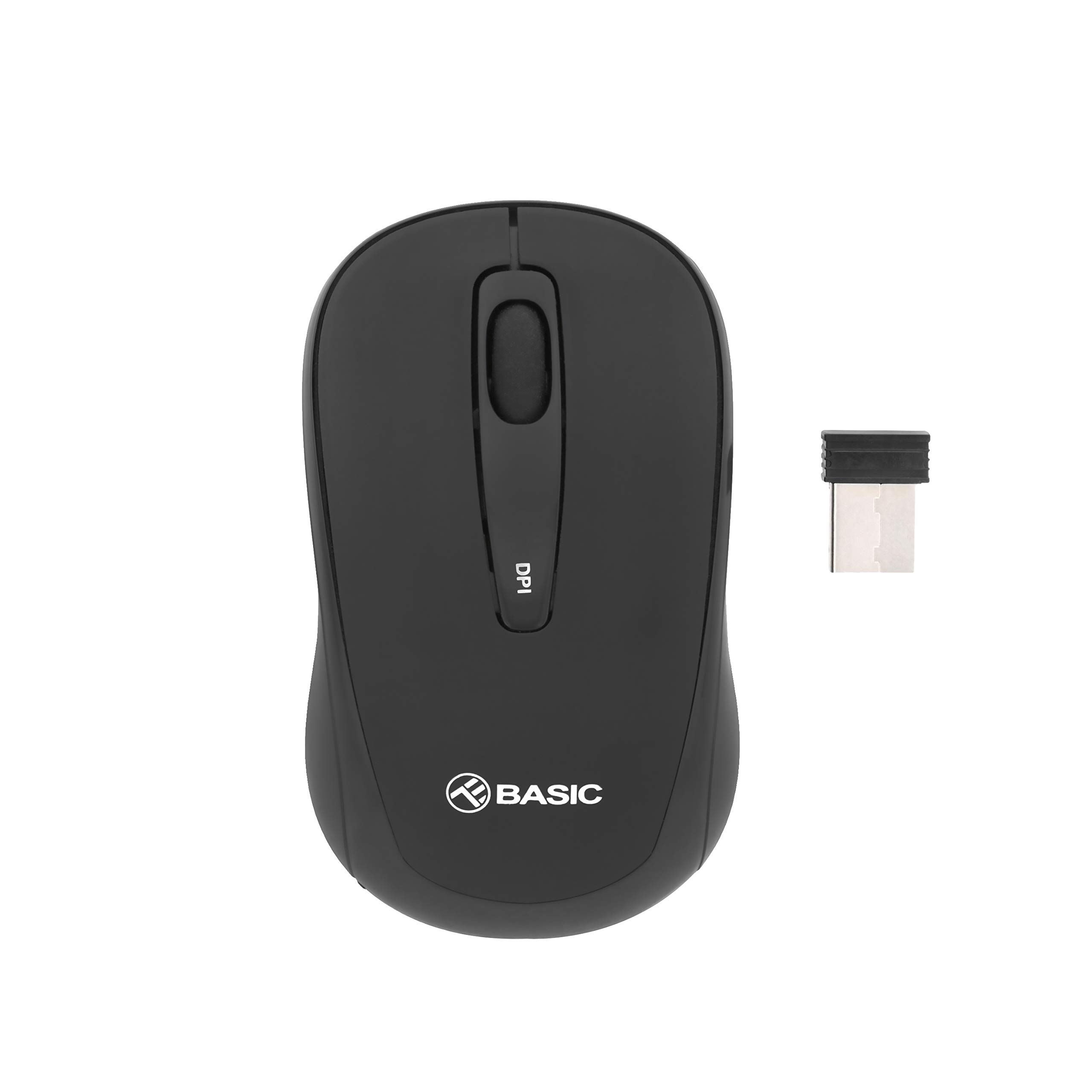
Obrázek 1.1: Nahoře view of the TELLUR Basic Wireless Mini Mouse.
2. Obsah balení
Prosím, ověřte, zda jsou v balení přítomny všechny položky:
- TELLUR Basic Wireless Mini Mouse
- USB Receiver (typically stored inside the mouse's battery compartment)
3. Pokyny k nastavení
Follow these steps to set up your TELLUR Basic Wireless Mini Mouse:
- Vložte baterie: Open the battery compartment cover, usually located on the underside of the mouse. Insert two (2) AAA batteries, ensuring correct polarity (+/-). Close the battery compartment cover.
- Vyhledejte USB přijímač: The small USB receiver is typically stored within the battery compartment or a dedicated slot on the mouse for safekeeping during transport. Remove it carefully.
- Připojení USB přijímače: Zapojte USB přijímač do volného USB portu v počítači. Operační systém by měl automaticky detekovat a nainstalovat potřebné ovladače.
- Zapnutí myši: Locate the power switch on the underside of the mouse and slide it to the 'ON' position. The mouse should now be ready for use.

Obrázek 3.1: Úhlové view of the mouse, showing its compact design.
4. Návod k obsluze
The TELLUR Basic Wireless Mini Mouse offers standard mouse functionalities and an adjustable DPI setting:
- Levé tlačítko: Primární funkce kliknutí.
- Pravé tlačítko: Secondary click function, typically for context menus.
- Rolovací kolečko: Procházejte dokumenty nahoru nebo dolů a web pages. Can also be pressed for a middle-click function.
- Tlačítko pro nastavení DPI: Located on the top of the mouse, this button allows you to cycle through different sensitivity levels (800, 1200, and 1600 DPI). Press the button to change the cursor speed to suit your preference or task.

Obrázek 4.1: Nahoře view highlighting the DPI adjustment button.
5. Údržba
Abyste zajistili dlouhou životnost a optimální výkon myši, dodržujte tyto pokyny pro údržbu:
- Čištění: Use a soft, dry cloth to clean the mouse's surface. For stubborn dirt, slightly dampOtřete hadřík vodou nebo jemným čisticím roztokem. Nepoužívejte agresivní chemikálie ani abrazivní materiály.
- Čištění senzoru: Occasionally, gently wipe the optical sensor on the underside of the mouse with a cotton swab to remove dust or debris that may affect tracking performance.
- Výměna baterie: When the mouse's performance becomes erratic or stops responding, it is likely time to replace the AAA batteries. Always replace both batteries at the same time.
- Skladování: When not in use for extended periods, turn off the mouse to conserve battery life. Store the USB receiver inside the mouse to prevent loss.
6. Řešení problémů
If you encounter issues with your TELLUR Basic Wireless Mini Mouse, refer to the following table for common problems and solutions:
| Problém | Řešení |
|---|---|
| Myš nereaguje. |
|
| Pohyb kurzoru je nepravidelný nebo trhaný. |
|
| Wireless connection is unstable or has limited range. |
|
7. Specifikace
| Funkce | Detail |
|---|---|
| Značka | TELLUR |
| Název modelu | Tellur Basic Wireless Mini Mouse |
| Číslo modelu položky | 491001 TLL |
| Barva | Černý |
| Technologie připojení | Bezdrátový (USB přijímač) |
| Technologie detekce pohybu | Optický |
| Rozlišení DPI | 800 / 1200 / 1600 (nastavitelné) |
| Počet tlačítek | 3 |
| Orientace rukou | Obouruký |
| Bezdrátové Dosah | Až 10 metrů |
| Jsou vyžadovány baterie | 2 x AAA baterie |
| Hmotnost položky | 30 gramů |
| Speciální funkce | USB receiver included (inside or with mouse) |
8. Záruka a podpora
For warranty information or technical support, please refer to the documentation provided with your purchase or visit the official TELLUR webUschovejte si doklad o koupi pro případ reklamace.