
1. Úvod a konecview
Thank you for choosing the Defender Computer Gaming Mouse. This wired optical mouse is designed for PC and laptop gamers, featuring a 7-color RGB backlight, a high-definition 1200 DPI sensor, and an ergonomic, ambidextrous design for comfortable use during extended periods. This manual provides essential information for setup, operation, maintenance, and troubleshooting to ensure optimal performance of your device.

Obrázek 1: Přední strana view of the Defender Computer Gaming Mouse, showcasing its ergonomic shape and blue LED lighting.
2. Pokyny k nastavení
The Defender Gaming Mouse is a plug-and-play device, requiring no additional software or drivers for basic functionality. It connects via a standard USB port.
- Rozbalte myš: Opatrně vyjměte myš z obalu.
- Připojení k počítači: Locate an available USB port on your PC or laptop. Insert the USB connector of the mouse firmly into the USB port.
- Detekce systému: Your operating system (Microsoft Windows 2000/XP/Vista/7/8/10 or Mac OS X10) will automatically detect and install the necessary drivers. This process may take a few moments.
- Připraven k použití: Once detected, the mouse's 7-color RGB backlight will illuminate, indicating it is ready for use.
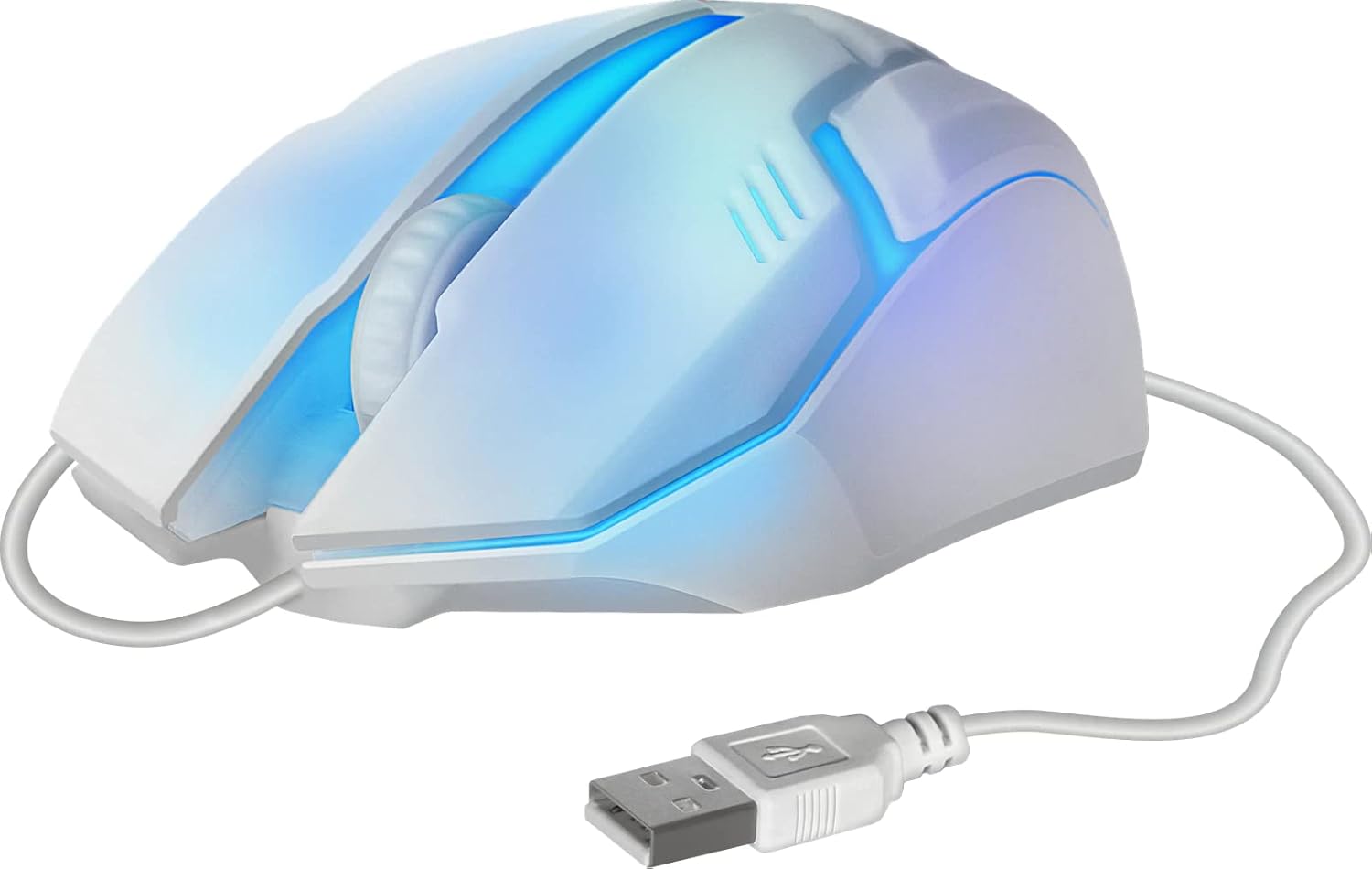
Obrázek 2: Strana view of the mouse showing the integrated USB cable for connection to a computer.
3. Návod k obsluze
The Defender Gaming Mouse features three buttons and a scroll wheel for intuitive control.
- Levé tlačítko myši: Používá se k výběru položek, otevírání files, and primary actions.
- Kliknutí pravým tlačítkem: Používá se pro přístup k kontextovým nabídkám a sekundárním akcím.
- Rolovací kolečko: Allows for smooth vertical scrolling through documents and web pages. The ribbed design provides enhanced grip. Pressing the scroll wheel typically acts as a middle-click button.
- 7barevné RGB podsvícení: The mouse features an automatic color-changing backlight that cycles through 7 vibrant colors, enhancing your gaming setup. This feature is integrated and does not require manual adjustment.
- High Definition 1200 DPI Optical Sensor: Provides precise and smooth cursor movement. The optical sensor is surface-independent, meaning it can be used effectively on various surfaces without a mouse pad.

Obrázek 3: Strana view illustrating the ergonomic design and green LED lighting of the mouse.
4. Údržba
Proper care will extend the life of your Defender Gaming Mouse.
- Čištění: Použijte měkký, suchý nebo mírně damp cloth to wipe the surface of the mouse. Avoid using harsh chemicals, abrasive cleaners, or excessive moisture.
- Optický senzor: Udržujte optický senzor na spodní straně myši čistý a bez prachu nebo nečistot, abyste zajistili přesné sledování.
- Péče o kabely: Avoid bending, twisting, or pulling the USB cable excessively. Store the cable neatly when not in use to prevent damage.
- Skladování: Myš skladujte v čistém a suchém prostředí mimo dosah extrémních teplot.
5. Řešení problémů
If you encounter issues with your Defender Gaming Mouse, try the following solutions:
- Myš nereaguje:
- Ujistěte se, že je kabel USB bezpečně připojen k portu USB počítače.
- Zkuste zapojit myš do jiného USB portu na počítači.
- Restartujte počítač.
- Nepravidelný pohyb kurzoru:
- Vyčistěte optický senzor na spodní straně myši.
- Ensure the surface you are using the mouse on is clean and uniform.
- Backlight Not Illuminating or Changing Colors:
- Verify the mouse is properly connected to a powered USB port.
- The 7-color RGB backlight is designed to cycle automatically. If it remains static on one color or does not light up, try reconnecting the mouse or restarting your computer.
6. Specifikace
| Funkce | Popis |
|---|---|
| Značka | Obránce |
| Číslo modelu | 4714033525619 |
| Barva | Multicoloured (with 7-color RGB backlight) |
| Technologie připojení | USB, kabelové |
| Technologie detekce pohybu | Optický |
| DPI | 1200 DPI |
| Speciální funkce | Ergonomic Design, Ambidextrous, 7-Color Backlight |
| Množství tlačítek | 3 (Levé, Pravé, Kolečko pro rolování/Kliknutí prostředním tlačítkem) |
| Orientace rukou | Obouruký |
| Kompatibilní zařízení | PC, notebook, tablet |
| Operační systém | Windows 2000/XP/Vista/7/8/10, Mac OS X10 |
| Zdroj napájení | Elektrický s kabelem (napájený z USB) |
7. Informace o záruce
The Defender Computer Gaming Mouse is covered by a manufacturer's warranty. Please refer to the product packaging or the official Defender website for specific warranty terms, conditions, and duration. Retain your proof of purchase for warranty claims.
8. Zákaznická podpora
For technical assistance, troubleshooting beyond this manual, or warranty inquiries, please contact Defender customer support. Contact information can typically be found on the product packaging, the official Defender webwebu nebo prostřednictvím svého prodejce.