
Zavedení
The NEDIS ACAM41BK Action Camera is designed to capture high-quality video and photos in various environments. Featuring 4K Ultra HD video recording and 16-megapixel still image capture, this versatile camera is equipped with Wi-Fi connectivity for convenient control and content transfer. Its robust design, including a waterproof housing, makes it suitable for outdoor and underwater activities.
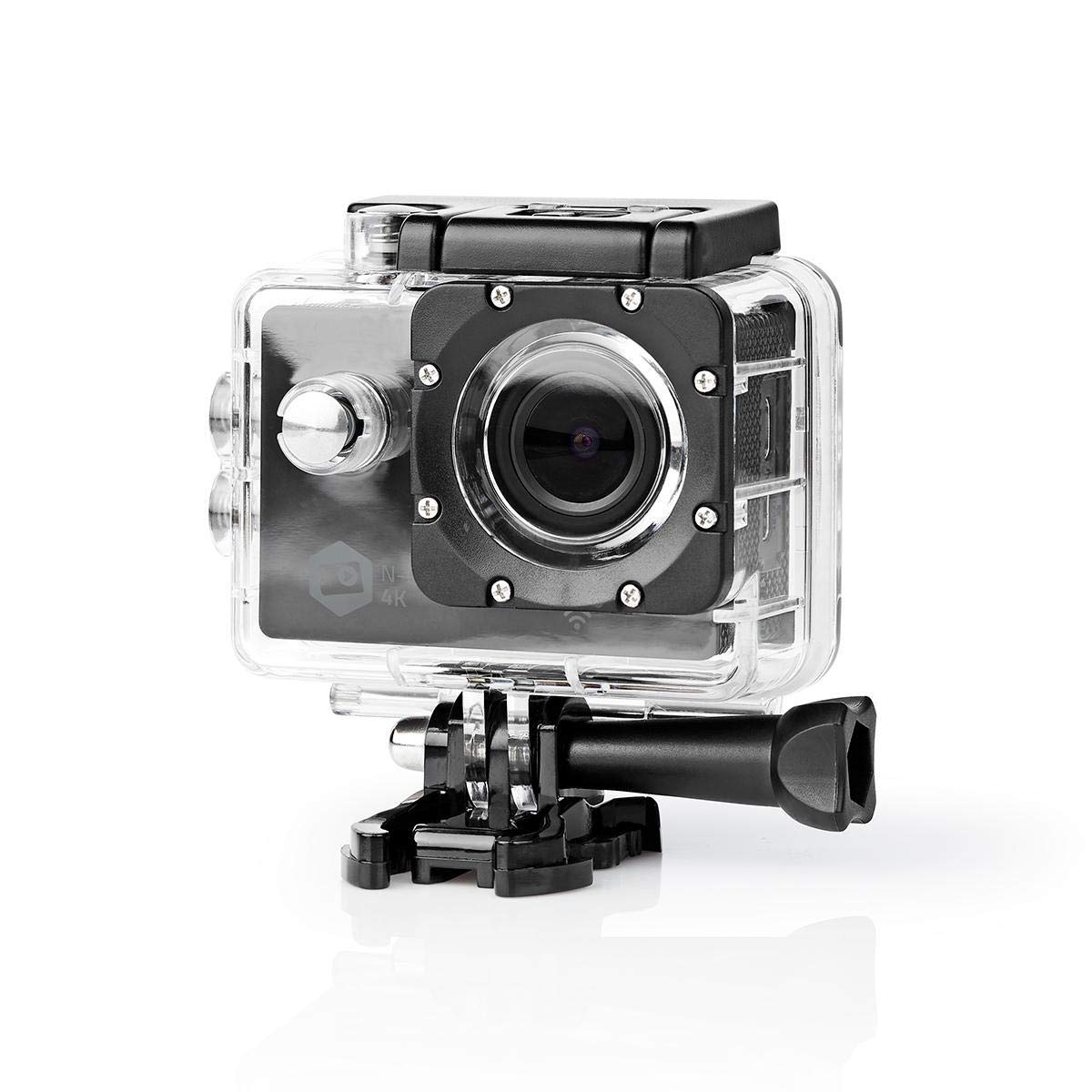
Image: The NEDIS ACAM41BK Action Camera, enclosed in its waterproof case, positioned against a backdrop of snowy mountains with a snowboarder in action. This illustrates the camera's intended use for extreme sports and outdoor adventures.
Bezpečnostní informace
- Nevystavujte fotoaparát extrémním teplotám ani přímému slunečnímu záření po delší dobu.
- Keep the device away from water and moisture unless it is securely enclosed in its waterproof housing.
- Use only original or certified accessories to avoid damage and ensure proper functionality.
- Nepokoušejte se fotoaparát rozebírat ani upravovat, mohlo by dojít ke ztrátě záruky a poškození.
- Baterie a elektronické součástky zlikvidujte zodpovědně v souladu s místními předpisy.
Obsah balení
Ověřte, zda jsou v balení přítomny všechny níže uvedené položky:
- NEDIS ACAM41BK Action Camera
- Vodotěsné pouzdro
- Open Frame Housing
- Mounting Accessories (various clips, mounts, and straps)
- Baterie (Lithium-Ion)
- USB nabíjecí kabel

Obrázek: Pohled shora dolů view of all included accessories for the NEDIS ACAM41BK Action Camera, neatly arranged on a white background. This includes the camera, waterproof case, various mounts, straps, and cables.
Konec produktuview
Seznamte se s komponenty a ovládacími prvky fotoaparátu.
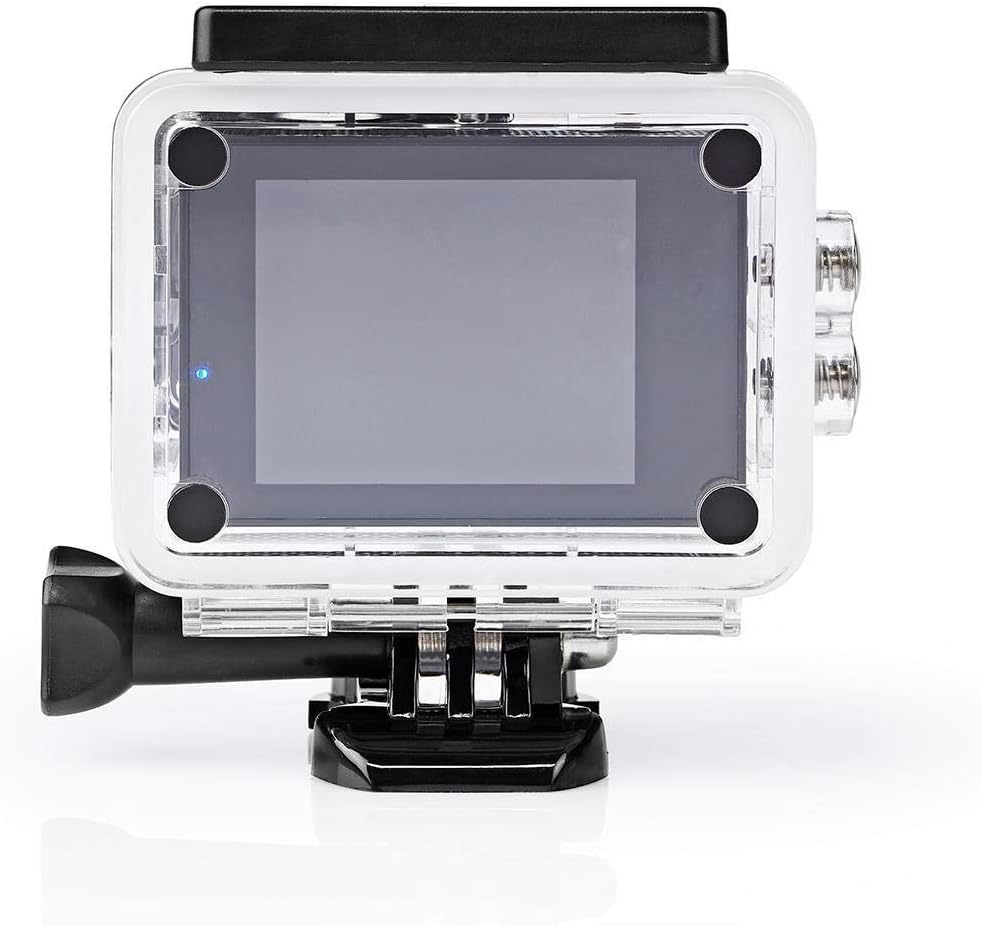
Image: The NEDIS ACAM41BK Action Camera shown without its waterproof housing, displaying the lens, power/mode button, and side ports for MicroSD, USB, and HDMI.
- Čočka: Zachycuje video a fotografie.
- Tlačítko napájení / režimu: Press to power on/off, short press to switch modes.
- Tlačítko spouště/OK: Stisknutím spustíte/zastavíte nahrávání nebo pořídíte fotografii.
- 2palcový TFT displej: Zobrazuje se živě view, menu, and playback.
- Mikrofon: Nahrává zvuk.
- Slot pro microSD kartu: Pro vložení paměťové karty.
- USB port: Pro nabíjení a přenos dat.
- Port HDMI: Pro připojení k externímu displeji.
Nastavení
1. Instalace a nabíjení baterie
- Otevřete kryt přihrádky na baterie na spodní straně fotoaparátu.
- Insert the Lithium-ion battery, ensuring the correct polarity.
- Bezpečně zavřete kryt bateriového prostoru.
- Connect the camera to a USB power source using the provided USB cable to fully charge the battery before first use. The charging indicator will show the charging status.
2. Vložení karty MicroSD
The camera supports MicroSD cards up to 64GB (Class 4 or UHS-I recommended).
- Vyhledejte slot pro kartu MicroSD na boku fotoaparátu.
- Vložte kartu MicroSD zlatými kontakty směrem k zadní straně fotoaparátu, dokud nezacvakne.
- Chcete-li kartu vyjmout, jemně ji zatlačte, dokud nevyskočí.
3. Použití vodotěsného pouzdra
The waterproof housing protects the camera from water, dust, and impacts.

Image: The NEDIS ACAM41BK Action Camera is shown inside its transparent waterproof housing, highlighting the secure closure and button access through the case.
- Před vložením fotoaparátu do pouzdra se ujistěte, že je čistý a suchý.
- Open the latch on the top of the waterproof housing and carefully insert the camera.
- Pevně zavřete západku, abyste zajistili vodotěsné utěsnění.
- Before using in water, perform a leak test with the housing empty.
4. Připevnění montážního příslušenství
Use the various mounting accessories to attach the camera to helmets, handlebars, or other surfaces.
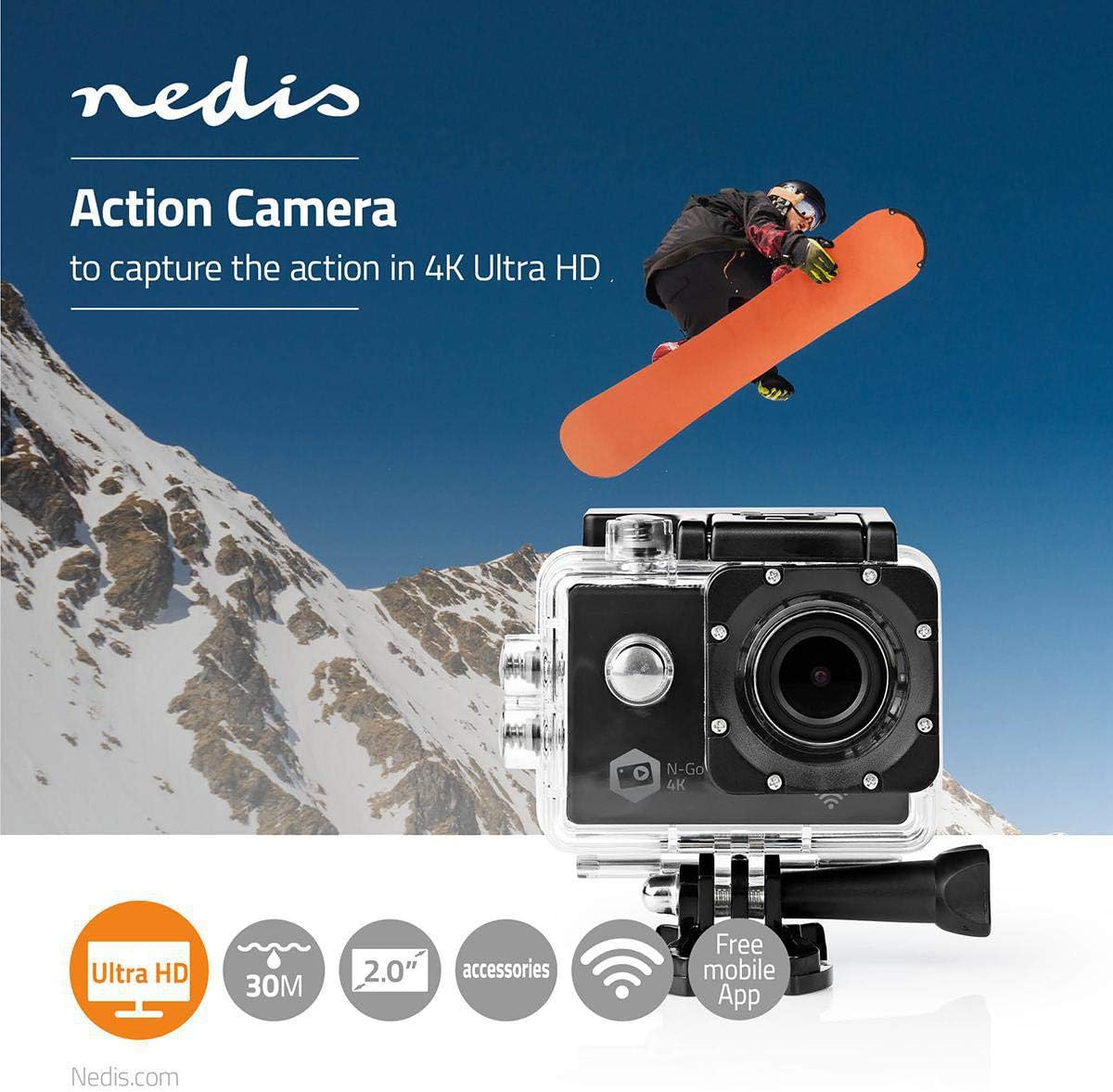
Image: The NEDIS ACAM41BK Action Camera, housed in its waterproof case, is shown securely attached to a mounting bracket, demonstrating how accessories connect to the camera.
- Select the appropriate mount for your activity.
- Attach the camera (either in its waterproof or open frame housing) to the chosen mount using the provided screws and adapters.
- Před použitím se ujistěte, že jsou všechny spoje těsné a bezpečné.
Obsluha fotoaparátu
1. Zapnutí/vypnutí
- Zapnutí: Stiskněte a několik sekund podržte tlačítko Napájení/Režim, dokud se obrazovka nezapne.
- Vypnutí: Znovu stiskněte a podržte tlačítko Napájení/Režim, dokud se obrazovka nevypne.
2. Výběr režimu
Short press the Power/Mode button to cycle through the available modes:
- Režim nahrávání videa: Označeno ikonou videokamery.
- Režim fotografie: Označeno ikonou fotoaparátu.
- Režim přehrávání: Indicated by a play icon, for reviewing captured content.
- Režim nastavení: Indicated by a gear icon, for adjusting camera parameters.
3. Nahrávání videí a pořizování fotografií
- In Video Recording Mode: Press the Shutter/OK button once to start recording. The recording indicator will flash. Press the Shutter/OK button again to stop recording.
- V režimu fotografie: Press the Shutter/OK button once to take a photo.
4. Wi-Fi připojení
The camera features WLAN (Wi-Fi) connectivity for remote control via a smartphone or tablet.
- Ensure Wi-Fi is enabled in the camera's settings.
- On your smartphone or tablet, search for available Wi-Fi networks and connect to the camera's network (SSID will be displayed on the camera screen).
- Download and install the dedicated NEDIS action camera app (if available) from your device's app store.
- Otevřete aplikaci pro ovládání kamery, view živé footage a převod files.
Údržba
Čištění fotoaparátu
- K čištění těla fotoaparátu použijte měkký hadřík, který nepouští vlákna.
- Na čočky použijte speciální hadřík a roztok na čištění čoček, abyste zabránili poškrábání.
- Ensure the camera and waterproof housing are dry before storage.
Skladování
- Fotoaparát skladujte na chladném a suchém místě mimo dosah přímého slunečního záření.
- Nebudete-li fotoaparát delší dobu používat, vyjměte baterii.
Odstraňování problémů
| Problém | Možné řešení |
|---|---|
| Fotoaparát se nezapne. | Ujistěte se, že je baterie plně nabitá a správně vložená. |
| Nelze nahrávat video ani fotografovat. | Check if a MicroSD card is inserted and has sufficient free space. Format the card if necessary (this will erase all data). |
| Špatná kvalita videa/fotek. | Ensure the lens is clean. Check resolution settings in the camera menu. Ensure adequate lighting. |
| Problémy s připojením k Wi-Fi. | Ensure Wi-Fi is enabled on the camera and your smart device. Restart both devices. Check the camera's Wi-Fi password if applicable. |
| Fotoaparát se zasekne nebo přestane reagovat. | Vyjměte a znovu vložte baterii pro provedení tvrdého resetu. |
Specifikace
| Funkce | Detail |
|---|---|
| Číslo modelu | ACAM41BK |
| Rozlišení videa | 4K Ultra HD |
| Rozlišení fotografie | 16 megapixelů |
| Zobrazit | 2palcový TFT displej |
| Úhel objektivu | 140 Degrees (Fixed 160° mentioned in feature bullets, using 140° from spec table for consistency) |
| Skladování | MicroSD up to 64GB (Class 4 / UHS-I) |
| Konektivita | Wi-Fi (802.11a/b/g/n/ac), HDMI, USB |
| Voděodolnost | Waterproof (with housing) |
| Typ baterie | Lithium-iontová |
| Průměrná životnost baterie | 90 minut |
| Rozměry (D x Š x V) | 6 x 3 x 4 cm |
| Hmotnost | 356 gramů |
| Podporovaný formát zvuku | AAC nebo MP3 |
| Podporovaný formát videa | MP4 |
| Podporovaný formát obrázku | JPEG |
Záruka a podpora
For warranty information, please refer to the documentation provided at the time of purchase. If you encounter any issues or require technical assistance, please contact NEDIS customer support through their official webna webu nebo u prodejce, kde byl produkt zakoupen.