
1. Konec produktuview
The Lezyne KTV Drive Headlight and KTV Pro Smart Taillight Set is designed to provide illumination and enhance visibility for cyclists. This set incorporates Smart Connect wireless technology, enabling customization and control through the Lezyne LED Ally phone application.

Image 1.1: Lezyne KTV Drive Headlight and KTV Pro Smart Taillight Set.
Klíčové vlastnosti:
- Front Light Output: Až 220 světla
- Rear Light Output: Až 10 světla
- Životnost baterie: Až 20 hodin (v závislosti na režimu)
- Nabíjení: USB dobíjecí
- Konektivita: Smart Connect wireless technology for app control
- Voděodolnost: Stupeň krytí IPX7
- Montáž: Handlebar mount for front, seatpost mount for rear
2. Co je v krabici
The Lezyne KTV Drive Headlight and KTV Pro Smart Taillight Set typically includes the following components:
- Lezyne KTV Drive Headlight (Front)
- Lezyne KTV Pro Smart Taillight (Rear)
- Integrated USB charging cables
- Mounting straps/bands
3. Nastavení
3.1 Montáž světel
The lights are designed for easy installation using integrated rubber straps.
- Přední světlo: Secure the KTV Drive Headlight to your bicycle's handlebar. Wrap the rubber strap around the handlebar and hook it onto the light body. Ensure the light is facing forward and is securely positioned.
- Zadní světlo: Attach the KTV Pro Smart Taillight to your bicycle's seatpost. Wrap the rubber strap around the seatpost and hook it onto the light body. Ensure the light is facing rearward and is securely positioned.

Image 3.1: KTV Drive Headlight mounted on a bicycle handlebar.
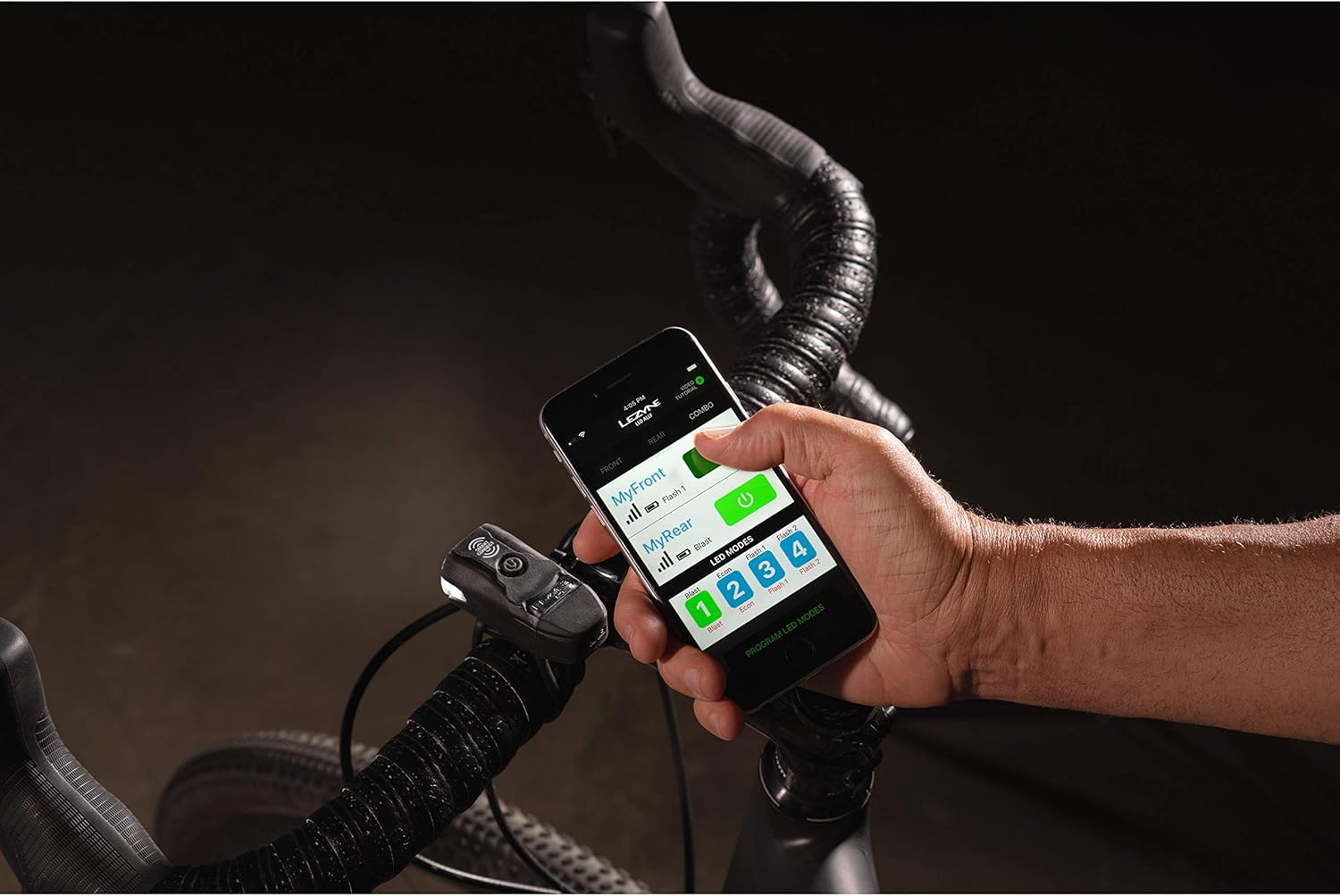
Image 3.2: KTV Pro Smart Taillight mounted on a bicycle seatpost.
3.2 Charging the Lights
Both the KTV Drive Headlight and KTV Pro Smart Taillight feature integrated USB charging. To charge:
- Locate the USB port on each light. This is typically protected by a rubber cover.
- Plug the integrated USB connector directly into a powered USB port (e.g., computer, wall adapter).
- Kontrolka bude zobrazovat stav nabíjení (např. svítí červeně pro nabíjení, svítí zeleně pro plné nabití).
- Plné nabití obvykle trvá přibližně 2–3 hodiny.
3.3 Connecting with the Lezyne LED Ally App
The Smart Connect feature allows you to customize and control your lights wirelessly via the Lezyne LED Ally app.
- Download the Lezyne LED Ally app from your device's app store.
- Ujistěte se, že je na vašem smartphonu povoleno Bluetooth.
- Turn on both the KTV Drive Headlight and KTV Pro Smart Taillight.
- Open the LED Ally app and follow the on-screen instructions to pair your lights. The app will guide you through linking the front and rear lights.
- Once connected, you can customize light modes, check battery levels, and control both lights simultaneously.
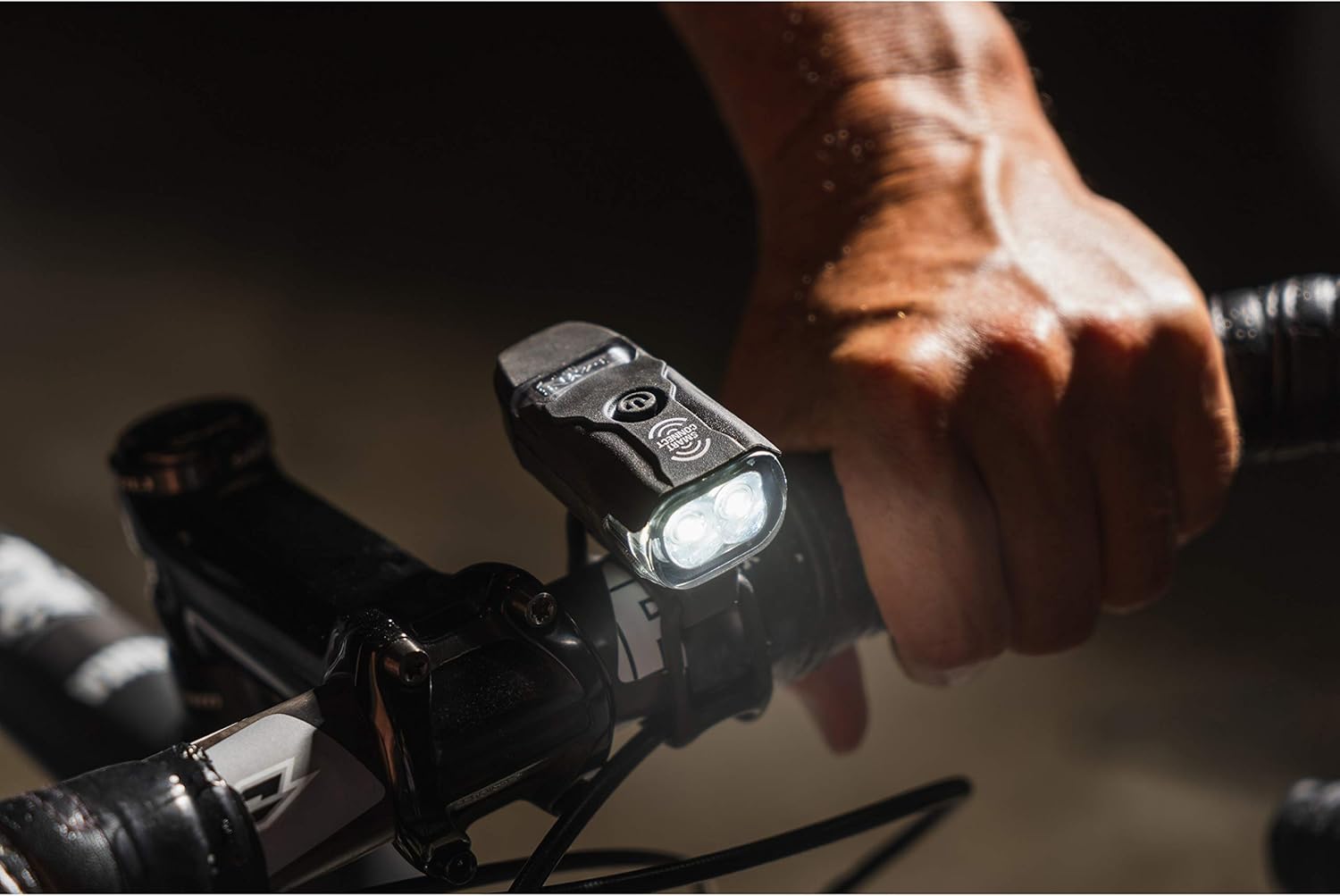
Image 3.3: Controlling lights via the Lezyne LED Ally app.
Video 3.1: Demonstration of Lezyne Smart Connect functionality and app control.
4. Provoz
4.1 Zapnutí/vypnutí
To power on or off either light, press and hold the power button for approximately 2 seconds. The lights will illuminate or turn off accordingly.
4.2 Změna režimů
Once powered on, a quick press of the power button will cycle through the available light modes (e.g., Flash, Pulse, Solid). Due to Smart Connect technology, changing the mode on the front light will automatically synchronize the mode on the rear light if they are linked via the app.

Image 4.1: KTV Pro Smart Taillight providing rear visibility.
4.3 Indikátor baterie
The power button also functions as a battery indicator. A green light indicates a high charge, yellow indicates a medium charge, and red indicates a low charge. Recharge the lights when the indicator turns red.
Video 4.1: KTV Pro Bike Light Set demonstration of light modes and operation.
5. Údržba
5.1 Nabíjení
To maintain optimal battery performance, charge the lights regularly, especially after long rides or when the battery indicator shows a low charge.
5.2 Čištění
Clean the light bodies and lenses with a soft, damp cloth. Avoid using abrasive cleaners or solvents, as these can damage the finish or lens. Ensure the USB port cover is securely closed after charging to maintain water resistance.
5.3 Skladování
When storing the lights for extended periods, ensure they are fully charged and store them in a cool, dry place. Periodically charge them every few months to prevent deep discharge.
6. Řešení problémů
6.1 Světlo se nerozsvítí
- Ensure the light is fully charged. Connect it to a USB power source and check the charging indicator.
- Press and hold the power button for 2 seconds to ensure it's not just a quick press.
6.2 Lights Not Connecting to App
- Ověřte, že je na vašem smartphonu povoleno Bluetooth.
- Ensure both lights are powered on.
- Close and reopen the Lezyne LED Ally app.
- If issues persist, try unpairing and re-pairing the lights within the app settings.
6.3 Krátká výdrž baterie
- Ensure the lights are fully charged before use.
- High-lumen modes consume battery faster. Consider using lower-lumen or flash modes for extended runtime.
- Výkon baterie se může časem zhoršovat v důsledku opakovaných nabíjecích cyklů.
7. Specifikace
| Specifikace | Detail |
|---|---|
| Značka | LEZYNĚ |
| Číslo modelu | 1-LED-13P-V104 |
| Barva | Černý |
| Materiál | Polyester |
| Zdroj napájení | Napájení z baterie |
| Úroveň odolnosti proti vodě | Vodotěsný (IPX7) |
| Typ montáže | Uchycení na řídítka (přední), uchycení na sedlovku (zadní) |
| Light Output (Front Max) | 220 XNUMX lumenů |
| Light Output (Rear Max) | 10 XNUMX lumenů |
| Rozměry produktu | 9 cm D x 7 cm Š x 3 cm V |
8. Záruka a podpora
8.1 Informace o záruce
This product is covered by a Limited Warranty. For specific details regarding warranty coverage, duration, and terms, please refer to the warranty documentation included with your purchase or visit the official Lezyne webmísto.
8.2 Zákaznická podpora
For technical assistance, troubleshooting, or warranty claims, please contact Lezyne customer support through their official website or the contact information provided in your product packaging. Keep your proof of purchase for warranty service.