
Sceptre C248B-144RN
Sceptre 24-Inch C248B-144RN Curved Gaming Monitor Instruction Manual
Model: C248B-144RN
1. Konec produktuview
The Sceptre C248B-144RN is a 24-inch Full HD curved monitor designed for gaming. It features a 165Hz refresh rate and supports AMD FreeSync for smooth visuals. This monitor includes DisplayPort, HDMI, and Audio Out Jack connectivity. Its curved display offers an immersive viewing experience, and it incorporates features like Anti-Flicker and specialized game modes (FPS/RTS).
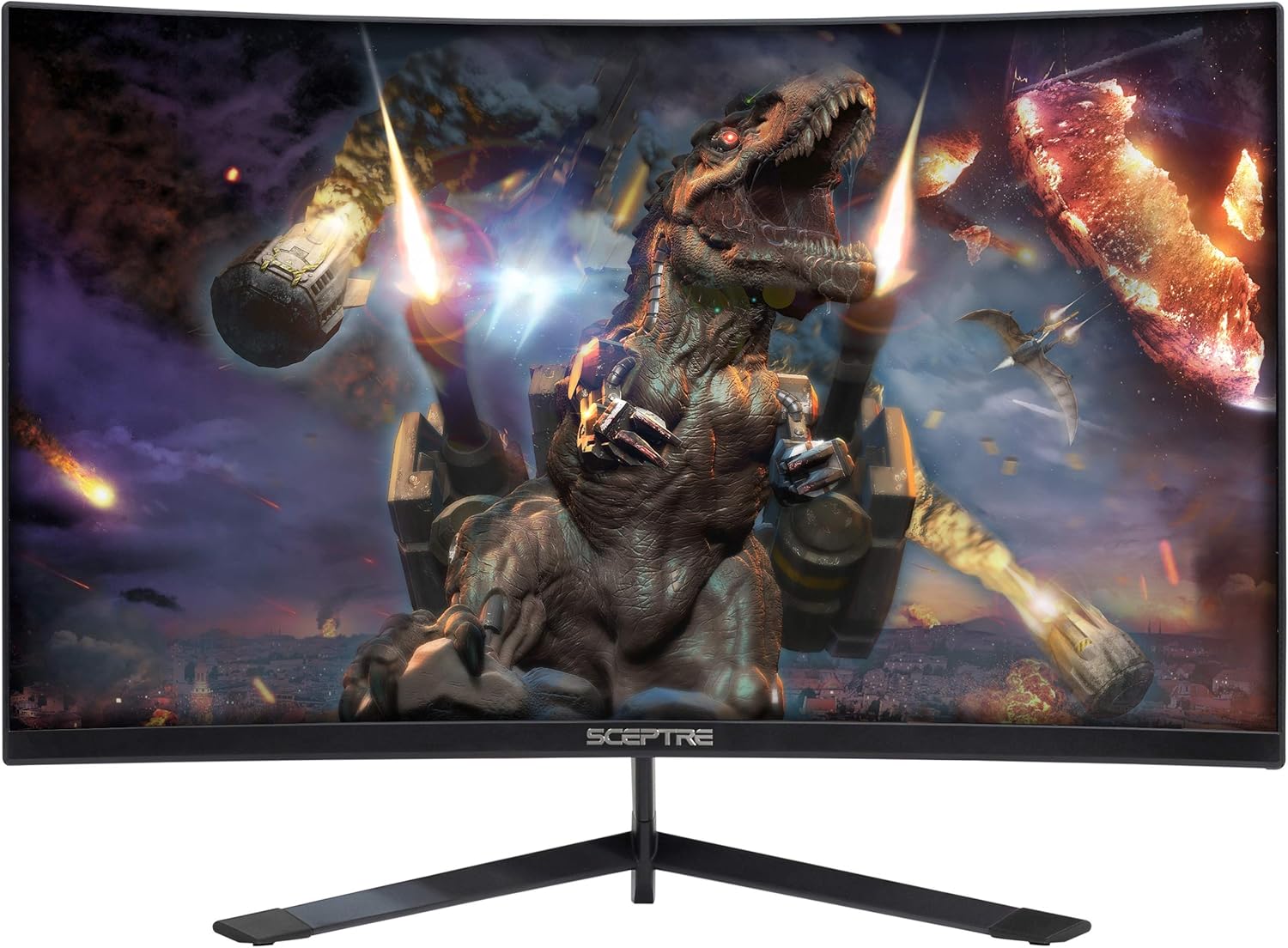
Obrázek 1: Přední strana view of the Sceptre C248B-144RN Curved Gaming Monitor.
2. Pokyny k nastavení
2.1. Sestavení monitoru
Carefully remove the monitor and its components from the packaging. Follow these steps to assemble the stand:
- Připevněte krk stojanu k panelu monitoru.
- Připevněte základnu stojanu k krku stojanu pomocí dodaných šroubů.
- Sestavený monitor umístěte na stabilní, rovný povrch.

Figure 2: Sceptre C248B-144RN monitor with its stand assembled.
2.2. Připojení k zařízení
The monitor supports DisplayPort and HDMI connections. Ensure your device is powered off before connecting cables.
- DisplayPort: Connect one end of a DisplayPort cable to your computer's graphics card and the other end to the DisplayPort input on the monitor.
- HDMI: Connect one end of an HDMI cable to your computer's graphics card or other HDMI-enabled device and the other end to an HDMI input on the monitor. The monitor has 1 HDMI 2.0 port (up to 165Hz) and 2 HDMI 1.4 ports (up to 144Hz).
- Audio výstup: For external audio, connect speakers or headphones to the Audio Out Jack.

Obrázek 3: Zadní view of the monitor displaying the various input ports including DisplayPort and HDMI.
2.3. Připojení napájení
Connect the power adapter to the monitor's DC IN port, then plug the power cable into a wall outlet.
2.4. VESA Wall Mount (Optional)
The monitor is VESA compatible, allowing for wall mounting. Ensure you use a VESA-compliant mount and follow its instructions for safe installation. The VESA pattern allows for flexible placement.
3. Návod k obsluze
3.1. Zapnutí/vypnutí
Press the power button located on the monitor to turn it on or off. The power indicator light will change color to indicate its status (e.g., blue for on, red for standby).
3.2. Nabídka na obrazovce (OSD).
Use the buttons on the back or bottom of the monitor to navigate the OSD menu. The OSD allows you to adjust various settings:
- Nastavení obrazu: Adjust brightness, contrast, sharpness, and other visual parameters.
- Nastavení barev: Upravte teplotu barev, gamu a jednotlivé hodnoty RGB.
- Nastavení systému: Access options like FreeSync, Overdrive, Sleep Mode, Language, OSD Position, OSD Timer, Volume, and Reset.

Obrázek 4: Strana view of the monitor highlighting the location of the OSD control buttons.
3.3. Herní funkce
- AMD FreeSync: This technology synchronizes the monitor's refresh rate with your GPU's frame rate to eliminate screen tearing and stuttering. Enable FreeSync in the OSD menu and ensure it's enabled in your graphics card settings.

Figure 5: Visual comparison demonstrating the effect of AMD FreeSync on screen tearing.
- FPS/RTS Game Modes: The monitor includes pre-set display settings optimized for First Person Shooter (FPS) and Real-Time Strategy (RTS) games. These modes enhance visibility and response for specific game genres.
- Anti-Flicker: This feature reduces screen flickering, providing a more comfortable viewing experience and reducing eye strain during extended use.
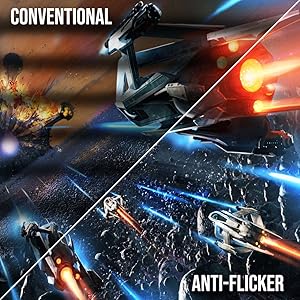
Figure 6: Illustration of the Anti-Flicker technology reducing visual artifacts.
- Filtr modrého světla: Reduces blue light emissions to minimize eye strain, especially during nighttime use.

Figure 7: Demonstration of the Blue Light Filter feature for reduced eye strain.
3.4. Curved Display
The 1500R curved screen provides an immersive viewing experience, wrapping images around your field of vision for enhanced depth and engagement.

Obrázek 8: Shora dolů view illustrating the 1500R curvature of the monitor.
3.5. Oficiální video produktu
Video 1: Oficiální produkt u konceview video for the Sceptre 24-inch Curved Gaming LED Monitor, showcasinjeho vlastnosti a design.
4. Údržba
Pro zajištění dlouhé životnosti a optimálního výkonu monitoru dodržujte tyto pokyny pro údržbu:
- Čištění obrazovky: Jemně otřete obrazovku měkkým hadříkem, který nepouští vlákna. V případě odolných skvrn lehceampOtřete hadřík vodou nebo čisticím roztokem určeným pro obrazovky. Vyhněte se agresivním chemikáliím nebo abrazivním materiálům.
- Čištění Casing: K čištění monitoru používejte měkký, suchý hadřík casing.
- Větrání: Abyste zabránili přehřátí, ujistěte se, že ventilační otvory monitoru nejsou zablokované.
- Skladování: Pokud monitor delší dobu nepoužíváte, skladujte jej na chladném a suchém místě, ideálně v originálním obalu.
5. Řešení problémů
If you encounter issues with your Sceptre C248B-144RN monitor, refer to the following common problems and solutions:
| Problém | Možná příčina | Řešení |
|---|---|---|
| Na obrazovce není žádný obraz | Power cable disconnected, video cable loose, incorrect input source. | Check power connections. Ensure video cables (DisplayPort/HDMI) are securely connected. Select the correct input source via the OSD menu. |
| Obraz je rozmazaný nebo zkreslený | Nesprávné rozlišení, vadný videokabel, problém s ovladačem grafické karty. | Nastavte rozlišení displeje na 1920x1080. Zkuste jiný videokabel. Aktualizujte ovladače grafické karty. |
| Blikání obrazovky | Refresh rate mismatch, FreeSync not enabled, external interference. | Ensure refresh rate is set to 165Hz (or 144Hz for HDMI 1.4). Verify FreeSync is enabled in OSD and GPU settings. Check for nearby electronic devices causing interference. |
| Žádný zvuk | Volume muted, incorrect audio output selected, faulty audio cable. | Check monitor volume in OSD. Ensure correct audio output is selected on your computer. Verify external speakers/headphones are connected correctly. |
| Vertical or horizontal lines on screen | Faulty video cable, graphics card issue, panel defect. | Try a different video cable. Test the monitor with another device. If the problem persists, contact customer support. |
5.1. Přamples of Display Issues (User-Submitted Videos)
The following videos, submitted by users, illustrate common display problems. These are examples of issues and not official troubleshooting guides.
Video 2: This user-submitted video shows a monitor with a damaged screen, potentially due to physical impact.
Video 3: This user-submitted video demonstrates a monitor displaying a red line across the screen, which could indicate a panel defect or a faulty connection.
Video 4: This user-submitted video shows a monitor with a black screen despite being powered on, potentially indicating a signal input problem or internal display issue.
6. Specifikace produktu
| Funkce | Detail |
|---|---|
| Značka | Žezlo |
| Číslo modelu | C248B-144RN |
| Velikost obrazovky | 24 palce |
| Rezoluce | FHD 1080p (1920 x 1080 pixelů) |
| Obnovovací frekvence | 165 Hz |
| Doba odezvy | 3 milisekund |
| Poměr stran | 16:9 |
| Zakřivení | 1500R |
| Typ zobrazení | LED |
| Kontrastní poměr | 1,000,000:1 |
| Jas | 250 cd/m² |
| Viewúhel | 178 stupňů |
| Konektivita | 1x DisplayPort, 1x HDMI 2.0, 2x HDMI 1.4, Audio Out Jack |
| Adaptivní synchronizace | AMD FreeSync |
| Typ montáže | VESA Wall Mountable |
| Další funkce | Blue Light Filter, Built-In Speakers, Curved, Flicker-Free, Frameless, Tilt Adjustment |
| Rozměry položky (ŠxVxH) | 21.61 cm x 16.06 cm x 6.55 cm (se stojanem) |
| Hmotnost položky | 6.3 libry |
| Spotřeba energie | 30 wattů |
7. Informace o záruce
The Sceptre C248B-144RN monitor comes with a limited 1-year warranty. This warranty covers manufacturing defects and malfunctions under normal use. Please retain your proof of purchase for warranty claims. For full details on warranty terms and conditions, refer to the official Sceptre webwebu nebo kontaktujte zákaznickou podporu.
8. Zákaznická podpora
For technical assistance, troubleshooting beyond this manual, or warranty inquiries, please contact Sceptre customer support:
- Webmísto: Visit the official Sceptre webweb s častými dotazy, ovladači ke stažení a zdroji podpory.
- Kontaktní údaje: Refer to the contact section on the Sceptre webweb s telefonními čísly nebo e-mailovou podporou.
When contacting support, please have your monitor model number (C248B-144RN) and serial number ready.
Ask a question about this manual
Ask about setup, troubleshooting, compatibility, parts, safety, or missing instructions. Manuals+ will review the question and use this page’s manual context to help answer it.