
1. Úvod
Welcome to the user manual for your Genius Manticore Gaming Keyboard. This guide provides essential information for setting up, operating, maintaining, and troubleshooting your new gaming keyboard. Please read these instructions carefully to ensure optimal performance and longevity of your device.
2. Konec produktuview
The Genius Manticore Gaming Keyboard is designed for an enhanced gaming experience, featuring a durable build and responsive keys. It connects via USB and is compatible with a wide range of devices. The keyboard includes 104 keys with a standard QWERTY layout, complemented by additional gaming-specific features.
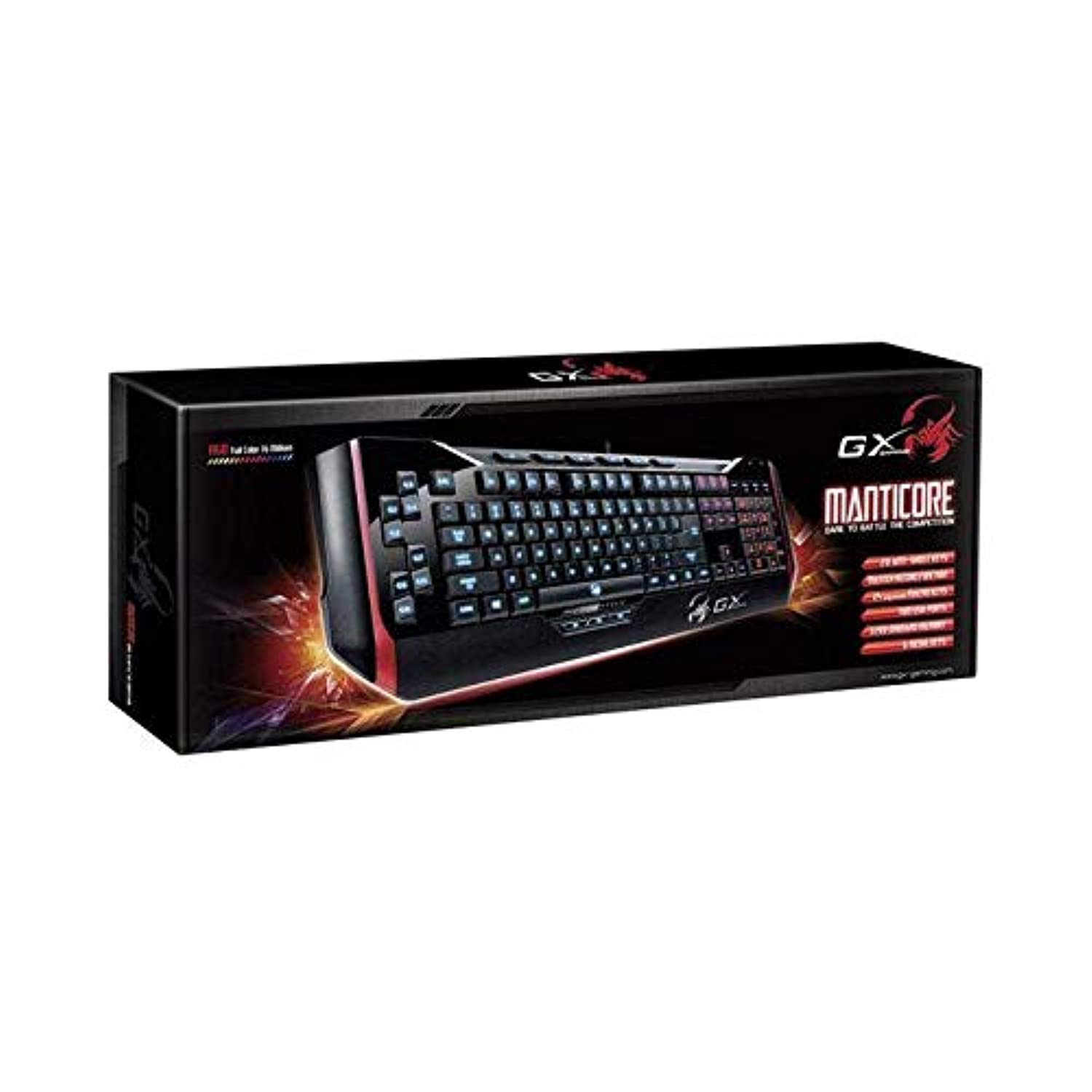
Obrázek 1: Genius Manticore Gaming Keyboard. This image displays the Genius Manticore Gaming Keyboard, featuring a black body with red accents on the sides. The keys are illuminated, indicating its gaming functionality. The keyboard has a standard QWERTY layout with additional keys on the left side, likely for macros, and a numeric keypad on the right.
3. Nastavení
- Rozbalte klávesnici: Carefully remove the Genius Manticore Gaming Keyboard from its packaging. Ensure all components are present.
- Připojte se k vašemu zařízení: Locate an available USB port on your computer or compatible device. Insert the USB connector of the keyboard firmly into the USB port.
- Instalace ovladače (pokud je to nutné): For most modern operating systems, the keyboard will be recognized automatically, and standard drivers will be installed. If prompted, follow the on-screen instructions to complete any driver installation.
- Test funkčnosti: Open a text editor or a web prohlížeč a otestujte klávesy, abyste se ujistili, že reagují správně.
4. Návod k obsluze
The Genius Manticore Gaming Keyboard offers a standard QWERTY layout for general typing and dedicated features for gaming.
- Standard Key Functions: All standard alphanumeric, symbol, and function keys operate as expected on a typical QWERTY keyboard.
- Herní vlastnosti: The keyboard is designed for gaming. Specific gaming features, such as customizable backlighting or programmable macro keys (if available on your model), can typically be configured through dedicated software provided by Genius or through specific key combinations. Refer to the Genius website for any available software downloads or advanced feature guides.
- Zdroj napájení: The keyboard is powered directly via the USB connection to your device. No external power supply or batteries are required.
5. Údržba
Správná údržba zajistí dlouhou životnost a výkon vaší klávesnice.
- Čištění: K otření povrchu klávesnice použijte měkký, suchý hadřík. Prach a nečistoty mezi klávesami otírejte stlačeným vzduchem. Nepoužívejte agresivní chemikálie ani abrazivní materiály.
- Expozice tekutin: This keyboard is není voděodolný. Avoid spilling liquids on the keyboard, as this can cause permanent damage. If liquid exposure occurs, immediately disconnect the keyboard from your device and allow it to dry completely before attempting to use it again.
- Skladování: Pokud klávesnici nepoužíváte, skladujte ji v čistém a suchém prostředí mimo dosah extrémních teplot a přímého slunečního záření.
6. Řešení problémů
Pokud máte problémy s klávesnicí, vyzkoušejte následující řešení:
- Klávesnice nereaguje:
- Ujistěte se, že je kabel USB bezpečně připojen k klávesnici i k počítači.
- Zkuste připojit klávesnici k jinému USB portu na počítači.
- Otestujte klávesnici na jiném počítači, abyste zjistili, zda je problém v klávesnici nebo v původním počítači.
- Restartujte počítač.
- Nefunkční konkrétní klávesy:
- Check for any physical obstructions under the non-functional keys.
- Vyčistěte klávesnici podle pokynů v části Údržba.
- Ensure no software conflicts are present (e.g., macro software interfering with standard key functions).
- Problémy s podsvícením:
- If your model features adjustable backlighting, ensure it is not turned off or set to the lowest brightness level. Consult the Genius website for specific key combinations to control backlighting.
If these steps do not resolve the issue, please contact Genius customer support for further assistance.
7. Specifikace
| Funkce | Detail |
|---|---|
| Název značky | Génius |
| Číslo modelu | GE31310058108 |
| Kompatibilní zařízení | Vše |
| Technologie připojení | USB |
| Popis klávesnice | Hraní |
| Speciální funkce | Hraní |
| Barva | Multi-color (Black and Red) |
| Styl | Moderní |
| Materiál | Více materiálů |
| Téma | Hry |
| Zdroj napájení | USB napájení |
| Počet klíčů | 104 |
| Rozložení klávesnice | QWERTY klavesnice |
| Orientace rukou | Obouruký |
| Množství tlačítek | 104 |
| Úroveň odolnosti proti vodě | Není odolný vůči vodě |
| Výrobce | Génius |
| ASIN | B07MQMXJS9 |
8. Záruka a podpora
Your Genius Manticore Gaming Keyboard is covered by a standard manufacturer's warranty. For detailed information regarding warranty terms, registration, or to access technical support, please visit the official Genius webnebo kontaktujte jejich zákaznický servis. Uschovejte si účtenku jako doklad o koupi.
Pro další pomoc můžete navštívit Genius Official Webmísto.