
Zavedení
Thank you for choosing Padmate Pamu Scroll True Wireless Headphones. These earbuds are designed for sport and daily use, featuring IPX6 water resistance, noise cancelling capabilities, and graphene-enhanced drivers for superior sound quality. This manual provides detailed instructions to help you get the most out of your new headphones.
Před použitím produktu si pečlivě přečtěte tento návod a uschovejte jej pro budoucí použití.
Obsah balení
- Pamu Scroll True Wireless Earbuds (Left and Right)
- Nabíjecí pouzdro
- USB nabíjecí kabel
- Různé velikosti náušníků (S/M/L)
- Uživatelská příručka
Konec produktuview

Image: The Pamu Scroll True Wireless Earbuds resting in their unique scroll-design charging case. The earbuds are white with rose gold accents, and the case is white with a rose gold base and a pink suede-like cover.
The Pamu Scroll headphones feature an ergonomic design for a comfortable and secure fit, suitable for various ear sizes. They are equipped with 6mm graphene-enhanced drivers for high-quality audio and support voice assistant integration for smart control.

Image: A diagram illustrating the internal structure of the 6mm graphene-enhanced driver, showing sound waves emanating from the driver. This technology delivers excellent sound quality.
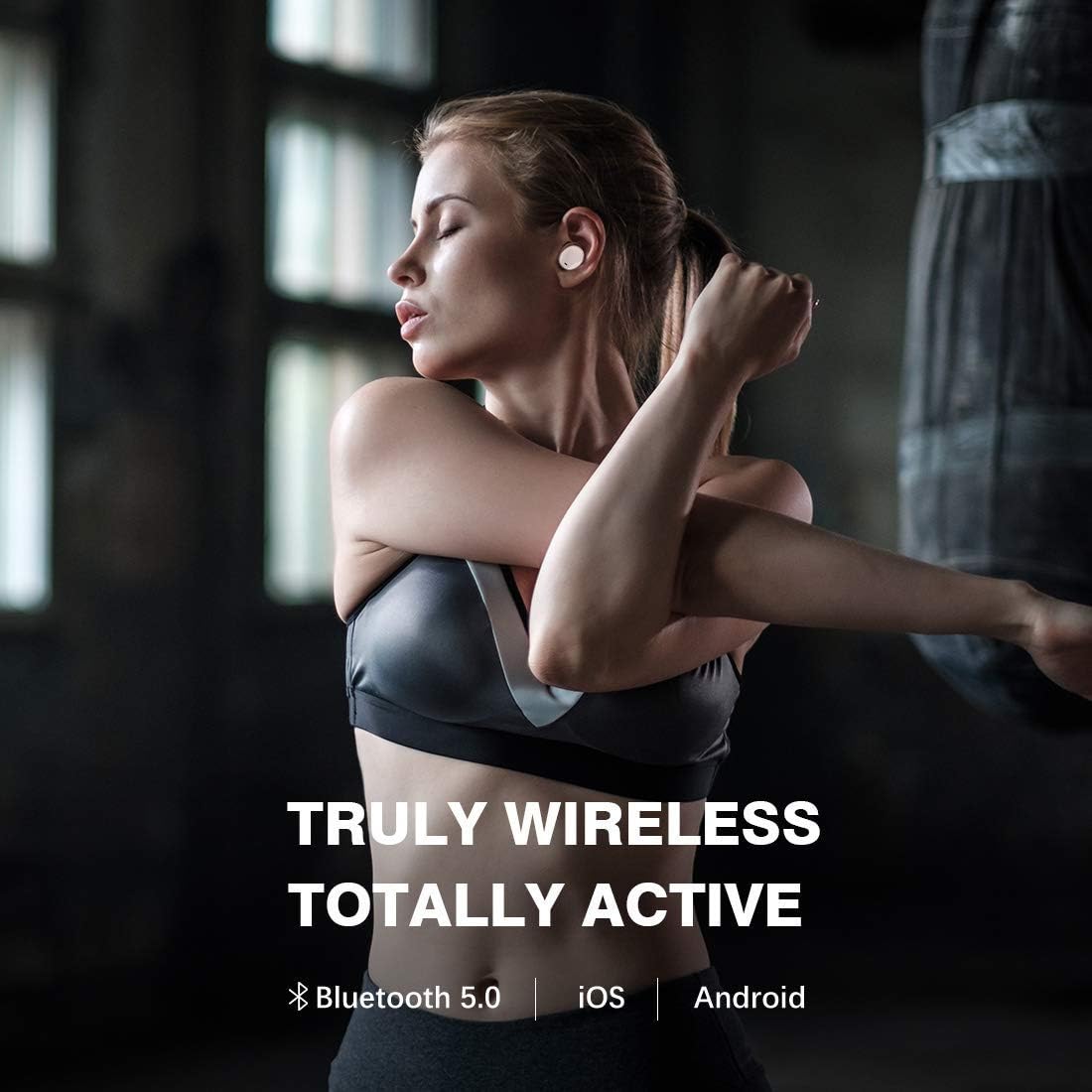
Image: A close-up of a person's ear with the Pamu Scroll earbud comfortably fitted. An inset circle shows a detailed view of the earbud's ergonomic shape, indicating its suitability for almost all ear sizes (S/M/L).
Nastavení
1. Nabíjení sluchátek a pouzdra
Before first use, fully charge both the earbuds and the charging case. Connect the USB charging cable to the charging case and a power source. The indicator lights on the case will show charging status.
- Insert earbuds into the charging case. Ensure they are properly seated to initiate charging.
- A full charge provides approximately 3.5 hours of playtime for the earbuds, with the charging case providing an additional 7 hours, totaling 10.5 hours of listening time.

Image: A person relaxing outdoors while wearing the Pamu Scroll earbuds, with text overlay indicating "USE ALL DAY WHATEVER YOUR LISTENING NEEDS" and a graphic showing "3.5hr + 7.0hr = 10.5hr" battery life, representing earbud playtime plus case charges.
2. Párování s vaším zařízením
- Ujistěte se, že jsou sluchátka nabitá.
- Otevřete nabíjecí pouzdro. Sluchátka se automaticky přepnou do režimu párování.
- Na svém zařízení (chytrém telefonu, tabletu atd.) přejděte do nastavení Bluetooth a zapněte Bluetooth.
- Hledat "Pamu Scroll" in the list of available devices and select it to connect.
- Once connected, you will hear a confirmation tone, and the indicator lights on the earbuds will change.
The Pamu Scroll headphones support Bluetooth 5.0 and are compatible with both iOS and Android devices.

Image: A woman stretching, wearing the Pamu Scroll earbuds, with text overlay "TRULY WIRELESS TOTALLY ACTIVE" and icons for Bluetooth 5.0, iOS, and Android, highlighting the wireless connectivity and compatibility.
Návod k obsluze
Dotykové ovládání
The Pamu Scroll earbuds feature intuitive touch controls on each earbud. Refer to the table below for common functions:
| Akce | Funkce |
|---|---|
| Jedno klepnutí (vlevo/vpravo) | Přehrát/Pozastavit hudbu, Přijmout/Ukončit hovor |
| Dvojité klepnutí (vpravo) | Další stopa |
| Dvojité klepnutí (vlevo) | Předchozí stopa |
| Dlouhé stisknutí (vlevo/vpravo) | Aktivujte hlasového asistenta |
| Trojité klepnutí (vlevo/vpravo) | Toggle Noise Cancelling (if applicable) |
Hlasový asistent
The Pamu Scroll headphones allow you to easily access your device's voice assistant (Siri, Google Assistant, etc.) with a simple touch command. This enables hands-free control for navigation, calls, and information retrieval.
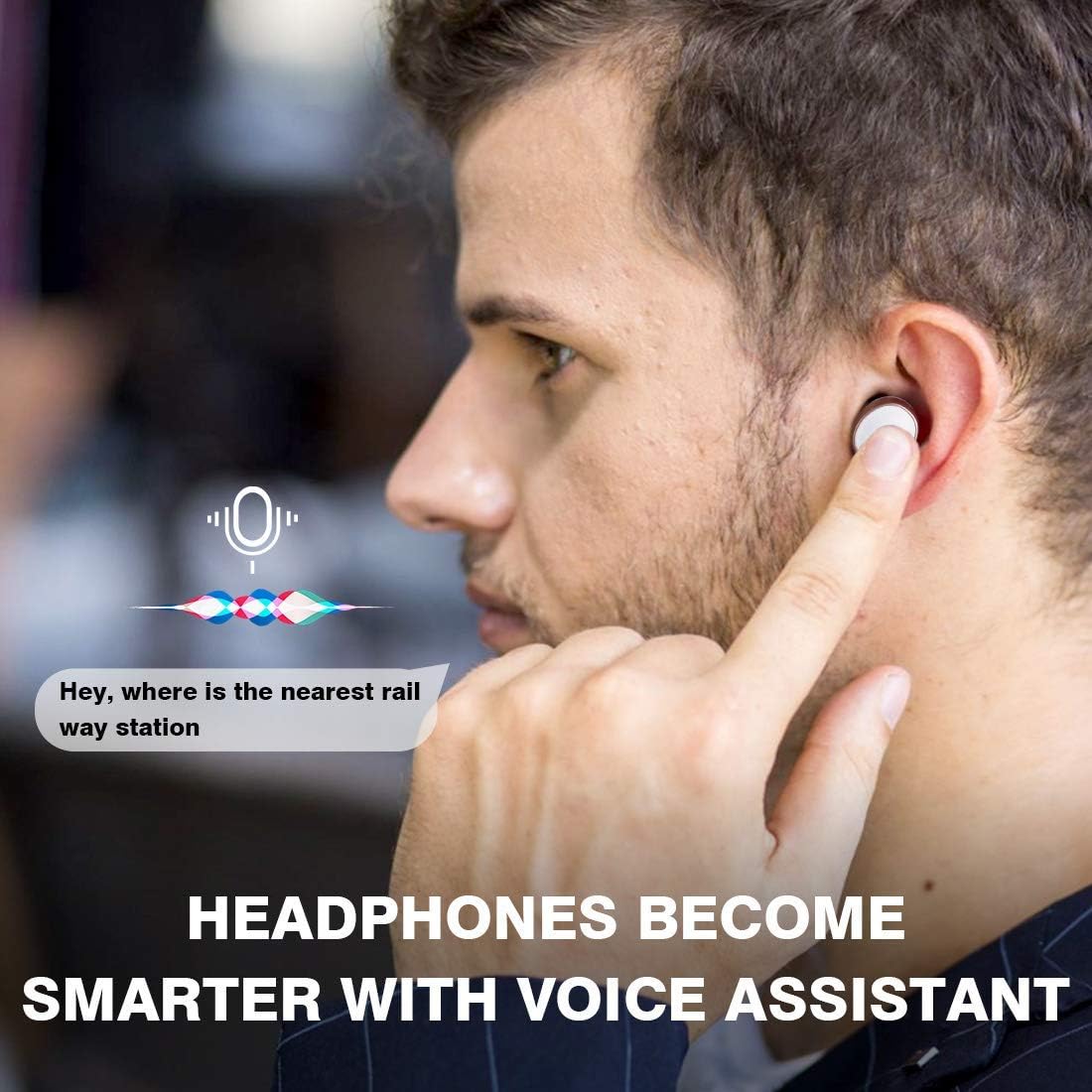
Image: A man touching his earbud, with a speech bubble graphic indicating voice assistant interaction, asking "Hey, where is the nearest rail way station". Text overlay states "HEADPHONES BECOME SMARTER WITH VOICE ASSISTANT".
IPX6 Water & Sweat Resistance
The Pamu Scroll headphones are rated IPX6, meaning they are resistant to powerful water jets. This makes them ideal for workouts and outdoor activities, protecting them from sweat and rain. Poznámka: Nabíjecí pouzdro není voděodolné.

Image: A woman sweating after a workout, wearing the Pamu Scroll earbuds, with text overlay "IPX 6 WATER & SWEAT RESISTANT", demonstrating the product's durability during physical activity.

Image: A woman boxing, wearing the Pamu Scroll earbuds, with text overlay "YOU MOVE YOUR HEADPHONES DON'T", illustrating the secure and stable fit of the earbuds during intense physical activity.
Údržba
Čištění
- Pravidelně čistěte sluchátka a nabíjecí pouzdro měkkým, suchým hadříkem, který nepouští vlákna.
- Nepoužívejte abrazivní čisticí prostředky, alkohol ani chemická rozpouštědla.
- Jemně odstraňte ušní maz nebo nečistoty z koncovek sluchátek a mřížky reproduktoru pomocí malého měkkého kartáčku nebo vatového tamponu.
Skladování
- Pokud sluchátka nepoužíváte, uložte je do nabíjecího pouzdra, aby byla chráněna a zůstávala nabitá.
- Přístroj skladujte na chladném a suchém místě, mimo dosah extrémních teplot a přímého slunečního záření.
Odstraňování problémů
| Problém | Možné řešení |
|---|---|
| Sluchátka se nenabíjejí |
|
| Zvuk přehrává pouze jedno sluchátko |
|
| Sluchátka se nespárují se zařízením |
|
| Špatná kvalita zvuku |
|
Specifikace
- Značka: Padmate
- Číslo modelu: T3
- Technologie připojení: Bezdrátové připojení (Bluetooth 5.0)
- Tvarový faktor sluchátek: V uchu
- Kontrola hluku: Aktivní potlačení hluku
- Hodnocení voděodolnosti: IPX6 (pouze sluchátka)
- Velikost ovladače: 6mm Graphene-Enhanced Driver
- Typ baterie: Lithium-iontová (vyžaduje 3)
- Doba přehrávání sluchátek: Přibližně 3.5 hodiny
- Celková doba hraní s nabíjecím pouzdrem: Přibližně 10.5 hodiny
- Rozměry balení: 12.5 x 12.1 x 5.7 cm
- Hmotnost položky: 233 g
- Barva: Růžový
Záruka a podpora
Informace o záruce
This product comes with a standard manufacturer's warranty. For specific warranty terms and conditions, please refer to the warranty card included in your product packaging or contact Padmate customer support.
Možnosti prodloužené záruky mohou být k dispozici od externích poskytovatelů. NapříkladampSpolečnost Salama Care nabízí na tento produkt prodlouženou záruku v délce 1 roku a 2 let.
Zákaznická podpora
For technical assistance, troubleshooting, or general inquiries, please visit the official Padmate webnebo kontaktujte jejich oddělení zákaznických služeb. Kontaktní informace obvykle naleznete na obalu produktu nebo na jejich oficiálních stránkách webmísto.
Please note: Always refer to the most current information provided by the manufacturer for the latest support details.


